

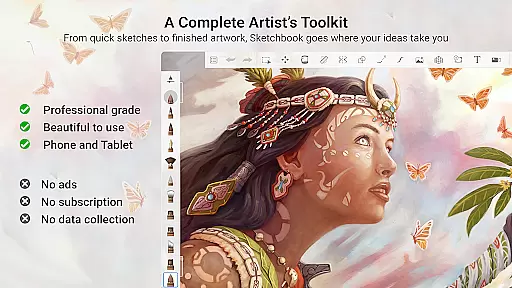
Sketchbook is a premier digital art studio designed for artists and creatives who need a versatile platform to bring their ideas to life. This app offers professional-grade sketching, painting, and drawing tools that cater to both beginners and experienced artists. With its elegant interface and customizable toolset, Sketchbook provides an immersive environment free of distractions.
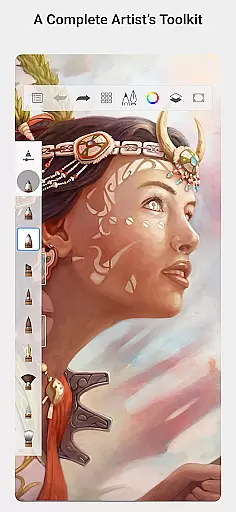
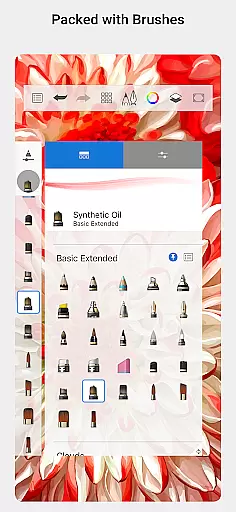
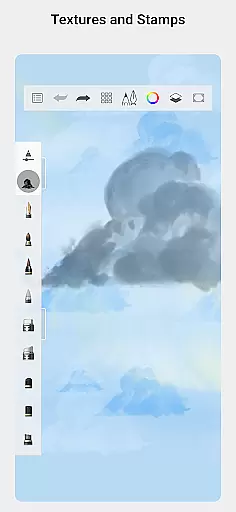
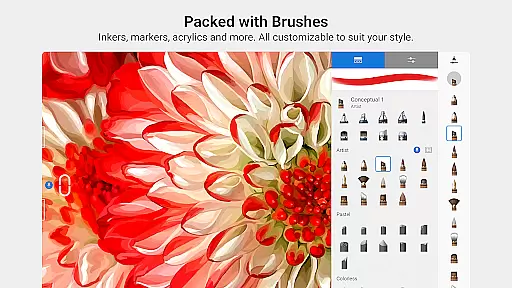
The app includes a full range of brush types such as pencils, markers, airbrushes, and smear tools that mimic physical counterparts. Artists can explore layers with blend modes, utilize guides and rulers for precision, and customize brushes to achieve the desired effects. Whether you're sketching quick concepts or creating fully finished artwork, Sketchbook adapts to your creative process.
Perfect for digital artists who want to focus on their craft without interruptions, Sketchbook is available on multiple platforms, making it easy to capture and express ideas wherever inspiration strikes.
Sketchbook stands out with its comprehensive set of features tailored for digital artists. The app boasts a wide array of brush types including pencils, markers, and airbrushes, each designed to replicate the experience of traditional tools. These brushes are highly customizable, allowing users to adjust settings to match their unique style and technique.
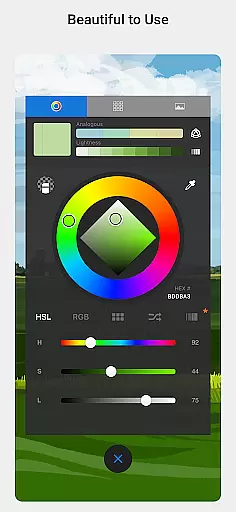
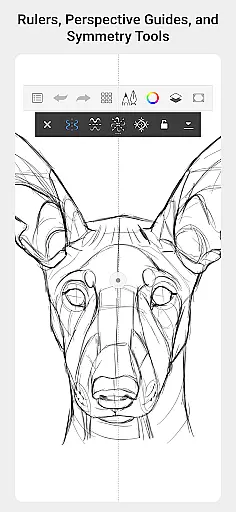
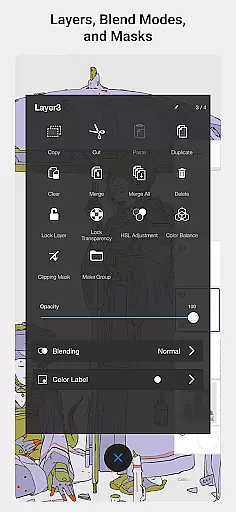
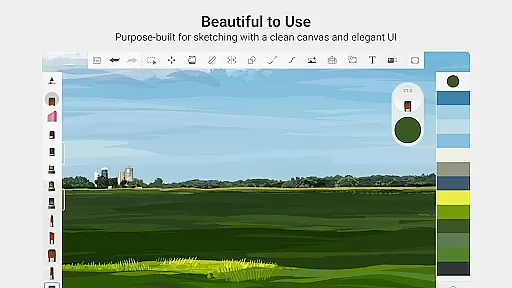
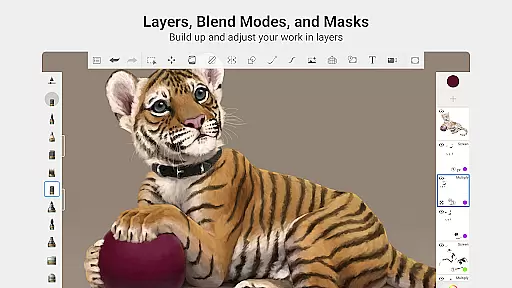
In addition to its impressive brush library, Sketchbook supports advanced functionalities like layers with blend modes, which provide flexibility in building up drawings and exploring color combinations. Precision tools such as guides, rulers, and stroke options ensure accuracy when needed. The app's interface is purpose-built for sketching, offering a clean and unobtrusive workspace that lets artists concentrate on their creations.
With its award-winning design and professional-grade feature set, Sketchbook delivers a natural drawing experience that helps artists capture their ideas effortlessly.
Sketchbook offers a comprehensive suite of creative tools that cater to both amateur and professional artists. The app provides a full range of brush types including pencils, markers, airbrushes, and smear tools, each designed to mimic their physical counterparts. This diversity allows users to experiment with different styles and techniques, from quick sketches to fully finished artwork.
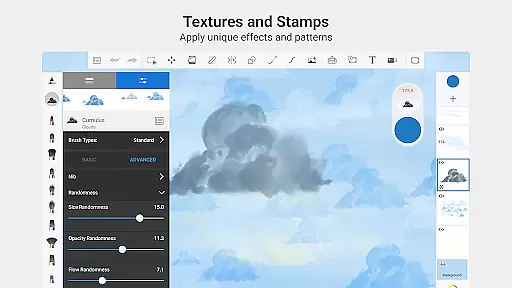
One of the standout features is the highly customizable nature of the brushes. Users can adjust various parameters to create a personalized drawing experience tailored to their specific needs. Whether you're looking for precision or a more natural, hand-drawn feel, Sketchbook's tools adapt to your requirements, making it an ideal choice for illustrators who demand flexibility and control in their work.
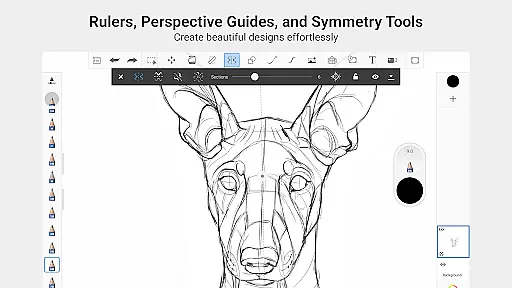
In addition to the brushes, Sketchbook also includes guides, rulers, and stroke tools that support accuracy in drawing. These features are particularly beneficial when working on detailed illustrations where exactness is crucial. The ability to use layers with a full complement of blend modes further enhances the creative process, allowing artists to build up and explore drawings and colors without limitations.
Sketchbook excels in providing canvas and format flexibility, ensuring that artists can work in the most comfortable and productive way possible. The app supports a variety of canvas sizes and formats, enabling users to choose the perfect setup for their projects. Whether you're sketching on a small notepad or creating a large-scale digital painting, Sketchbook adapts to your needs seamlessly.
The interface is purpose-built for sketching, offering a clean and unobtrusive workspace that lets you focus on your art. This minimalist design eliminates distractions, allowing for an immersive drawing experience. Furthermore, the app's customizable settings enable users to tailor the canvas view to their preference, whether they need a grid overlay or a specific aspect ratio for their artwork.
Another advantage of Sketchbook's format flexibility is its compatibility with various file types. Artists can import and export their work in multiple formats, facilitating collaboration and sharing across different platforms. This versatility ensures that no matter where your creativity takes you, Sketchbook provides the necessary tools to capture and express your ideas effectively.
User-friendly interface
Highly customizable brushes
Professional-grade tools
Clean and distraction-free workspace
Versatile for all skill levels
Limited advanced text tools
No built-in tutorials for beginners
Some features may overwhelm new users
Occasional performance lags on older devices
Premium version comes at a cost

Pose and morph realistic male and female models! 3D poser app
 3.00
3.00
Make your phone cooler and have a fantastic experience
4.80
Novices can also easily complete diamond painting masters
4.70
OneUI 8.5 icons ✨ Smooth, modern & based on the latest Play Store design ??
4.10
Unleash the artist in you with our AR drawing and tracing tool for photo drawing
4.10
An intuitive, high-performance painting app that lets you focus on creating
4.40
Multiplayer Drawing game, Coloring, Painting・Sketch, Handwriting・Paint, draw
4.30
Unleash your inner artist! Sketchar: AR Drawing for Limitless Creativity
4.40
All-in-One art, logo & collage maker. Design photos and edit video backgrounds
4.80
See Color, Paint Color
4.90
Photo stitcher for automatically screenshot stitching into a long screenshot
4.70
Draw Trace image sketch by, AR art projector app, Easy to trace any image.
4.50
Photo blender app to create overlay photos & double exposure.
4.40
Remove Background, Magic Eraser, Photo Enhancer, Story Templates, Collage Maker
4.30
Bring One UI 8.5 Icons to life -elegant dark icons with a modern, premium touch.
4.30
Art of Combination Wear OS Watch faces (for Wear OS 5+ devices)
3.90
Powerful home decoration & house design that allows you to design dream home.
3.80
Sketch, trace and master AR drawing with awesome anime art!
3.30
Retouch photos. Create or edit images. Endless capabilities.
2.70

User Reviews