

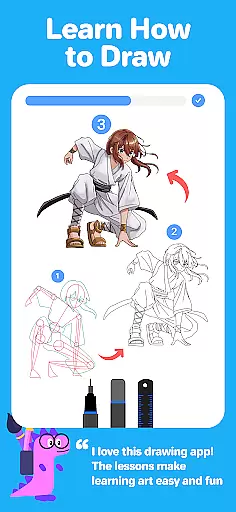
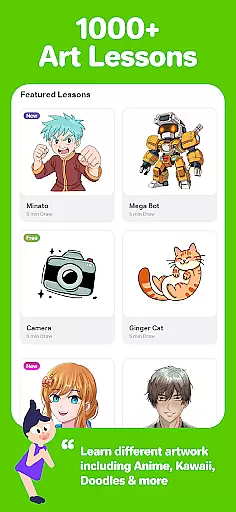
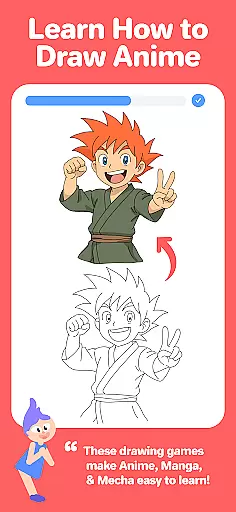
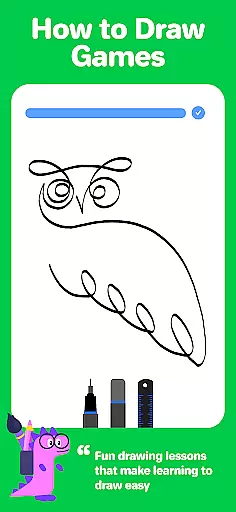
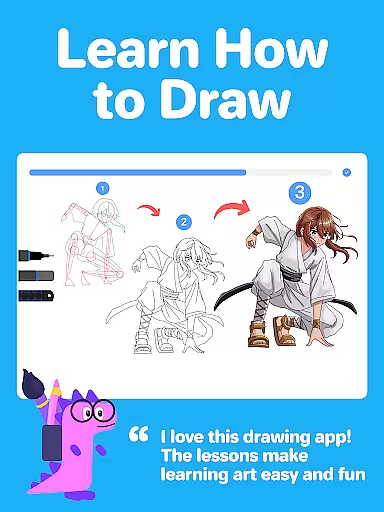
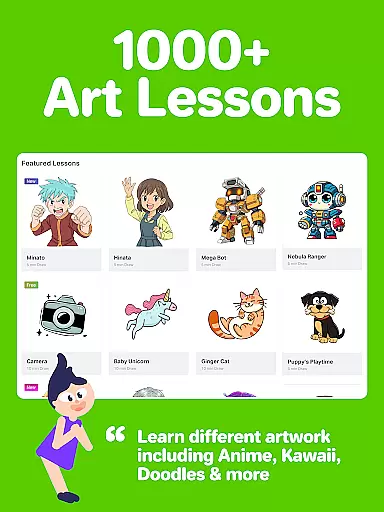
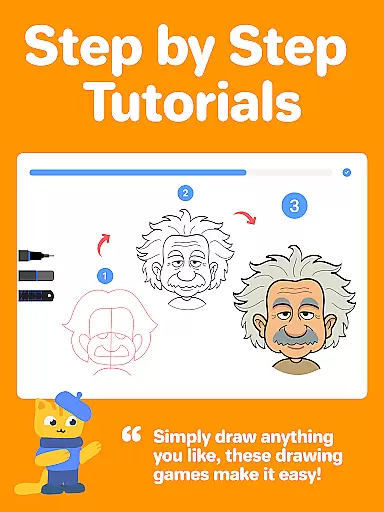
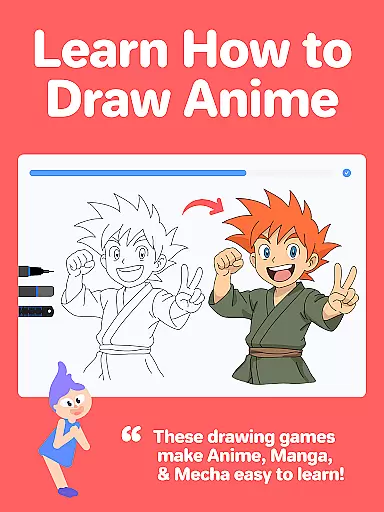
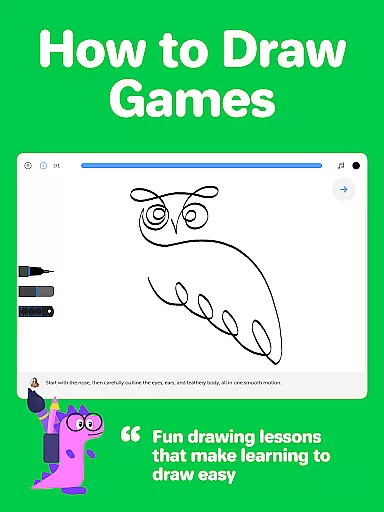
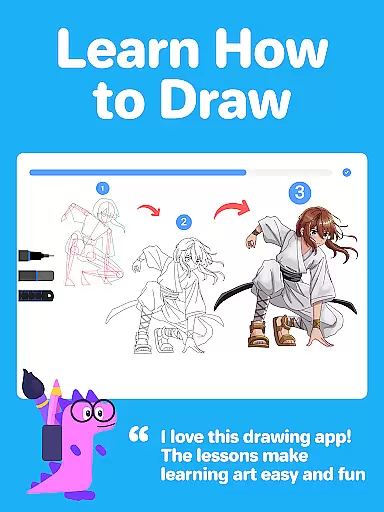
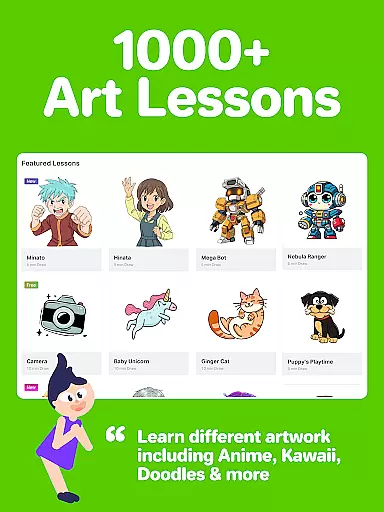
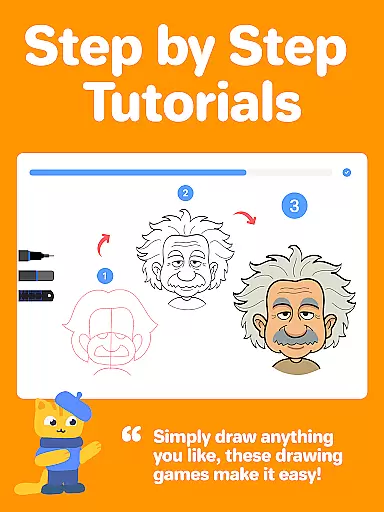
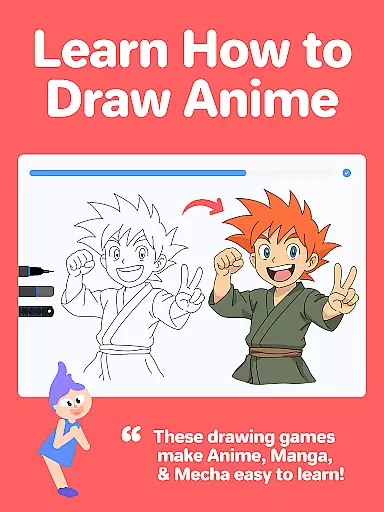
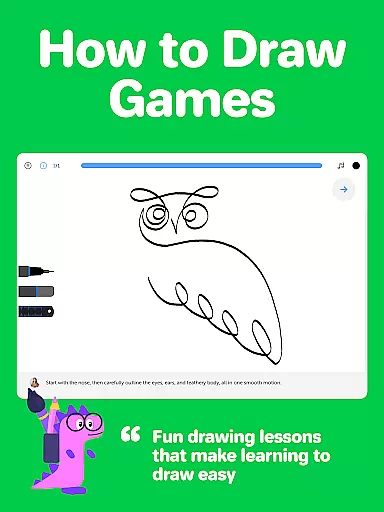
Drawing Desk is a premier digital art application designed for both beginners and advanced artists. With over 70 million users globally, this app offers an extensive suite of drawing and painting tools including pencils, crayons, watercolor brushes, and more. It stands out with its structured learning paths, featuring over 1,000 step-by-step drawing lessons covering various styles such as Anime, Manga, and Kawaii.
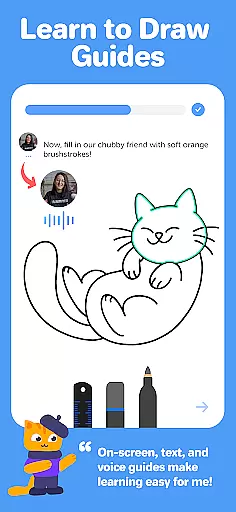
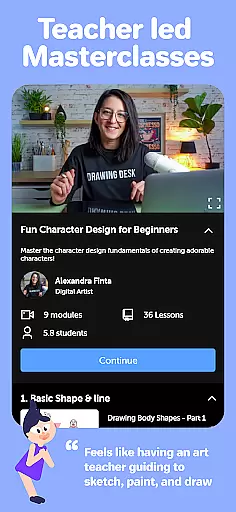
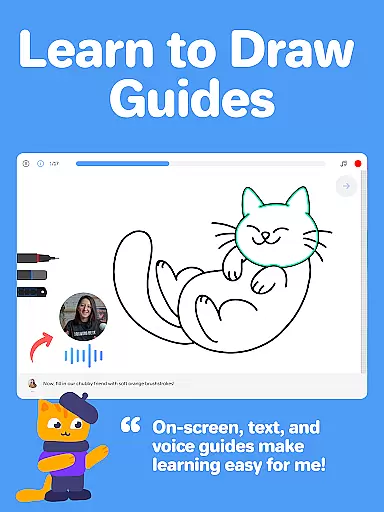
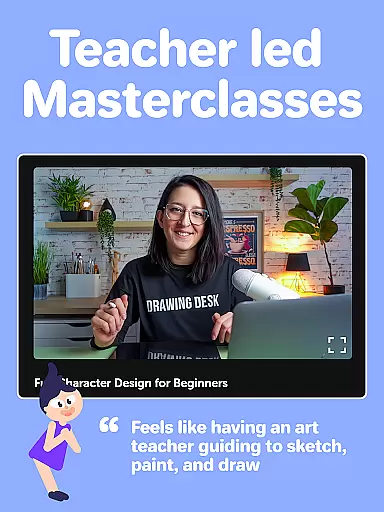
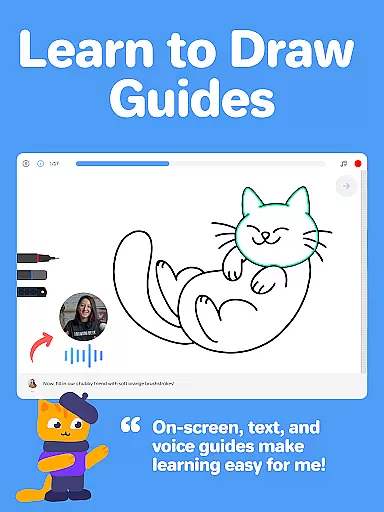
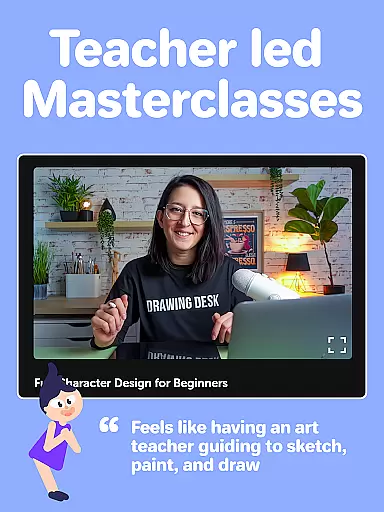
The app also provides Masterclasses conducted by professional artists, offering detailed video explanations, on-screen guides, and voice instructions. Users can enjoy unlimited layers, quick shapes, symmetry tools, and AI-powered features like Sketch to Art and Auto Colorize, making it one of the best platforms for honing artistic skills.
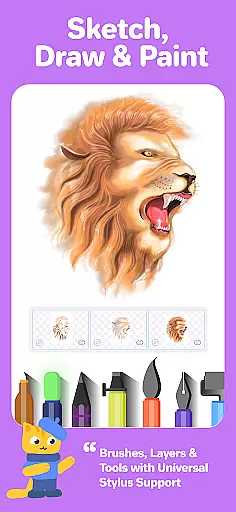
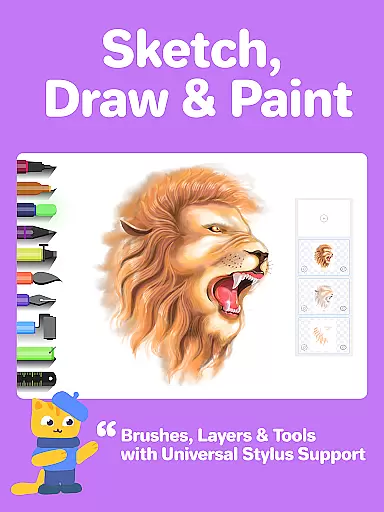
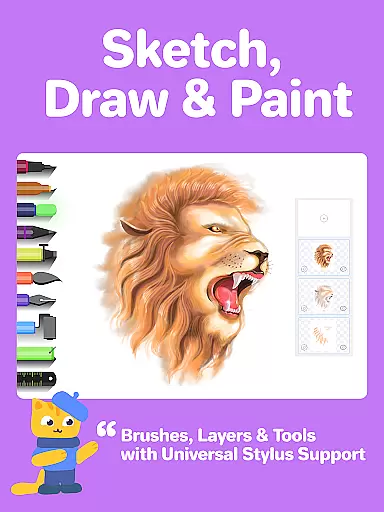
Drawing Desk boasts a rich set of features tailored for artists of all levels. The app includes 25+ sketch tools such as pens, pencils, and watercolor brushes, alongside advanced options like smudge tools, fill buckets with 125+ textures, and color palettes with gradients. Its unique AI-powered tools allow users to transform sketches into art, auto-colorize drawings in seconds, and remove backgrounds or objects from images.
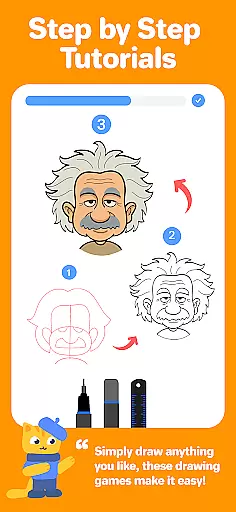
Additionally, Drawing Desk offers Masterclasses where professional artists guide users through the entire process of creating digital art. These classes include step-by-step instructions, text and voice guidance, and curated lesson plans based on user goals. The app supports various canvas sizes, unlimited layers, and instant shapes, providing a comprehensive toolkit for digital art creation.
Creative tools are the backbone of any art and design application, providing users with the necessary instruments to bring their visions to life. Drawing Desk stands out by offering an extensive suite of over 25 sketch tools including options like pen, pencil, crayon, neon, watercolor brush, ink, smudge, eraser, and fill bucket. This vast selection ensures that artists of all levels can find the perfect tool for their needs.
In addition to traditional drawing implements, Drawing Desk also provides innovative features such as Quick Shapes, a symmetry tool, and more than 200 instant shapes to aid in creating precise artwork. The inclusion of color palettes, gradients, and a fill bucket with 125+ textures further expands the creative possibilities available within the app.
For those looking to advance their skills or explore new techniques, Drawing Desk offers Masterclasses conducted by professional artists. These classes include video lessons, step-by-step guides, and text & voice instructions, covering everything from basic drawing principles to advanced digital art tips and tricks.
The value proposition for users is immense; they gain access to a comprehensive digital studio that supports unlimited layers and various canvas sizes (in the Pad app), empowering them to create professional-grade illustrations without needing physical materials. With these robust features at their fingertips, creators can focus on honing their craft and expressing themselves freely through digital media.
Flexibility in canvas size and format options is crucial for artists who wish to work on projects of varying dimensions and resolutions. Drawing Desk addresses this need by allowing users to draw and paint in multiple canvas sizes, particularly within its Pad app version. This adaptability caters to different project requirements, whether it's crafting detailed illustrations or expansive designs.
Beyond just canvas sizing, Drawing Desk enhances user experience with AI-powered creative drawing tools. Features such as Sketch to Art AI, Text to Art AI, Auto Colorize, background removal, and object elimination provide unparalleled versatility when manipulating images and drawings. Such functionalities enable artists to experiment with styles and formats that were previously challenging or time-consuming to achieve manually.
Moreover, the app's support for unlimited layers adds another layer of depth to its format flexibility. Artists can build complex compositions piece by piece, knowing they have the freedom to adjust individual elements without affecting the whole picture. This non-destructive editing approach mirrors professional workflows found in high-end desktop applications but optimized for mobile use.
Ultimately, Drawing Desk empowers creators not only through its diverse set of artistic tools but also via its adaptable framework. Users benefit from having complete control over their workspace setup, ensuring that no matter what kind of project they embark uponu2014from quick sketches to intricate masterpiecesu2014they have the right environment tailored to their specific needs.
User-friendly interface
Extensive drawing tools
AI-powered features
Step-by-step lessons
Professional Masterclasses
Some features may require purchase
Advanced tools can be complex
Occasional performance issues
Limited offline functionality
Subscription model

The ultimate tool for creating animations
 4.60
4.60
Stylish letters, Stylish Keyboard, Symbols, Emojis, Cool nickname
4.40
Digital Drawing: Draw & Paint
4.10
Text to Image, Image to Video & AI Chat
4.20
Paint with oils and sketch with natural tools on a realistic virtual canvas.
3.80
Turn your drawings into flipbook-style animations with simple creative tools
4.60
Art of Combination Wear OS Watch faces (for Wear OS 5+ devices)
3.90
Everything you need to create hand drawn animation, anywhere you go!
4.40
Multiplayer Drawing game, Coloring, Painting・Sketch, Handwriting・Paint, draw
4.30
Photo editor for art, avatars, filters & fun transformations.
4.60
Draw beautiful mandala's very easily
4.60
Draw anime & manga drawing, art with templates to create stunning picture!
4.50
Draw Trace image sketch by, AR art projector app, Easy to trace any image.
4.50
Photo blender app to create overlay photos & double exposure.
4.40
Just trace a projected picture on paper and color! Draw & Paint with AR drawing
4.40
Remove Background, Magic Eraser, Photo Enhancer, Story Templates, Collage Maker
4.30
Sketch, plan, take notes and illustrate on an infinite canvas.
4.20
Create trending AI photos & videos with powerful effects and 3D styles.
3.20
Android 14 style widgets and wallpapers app.
4.4


User Reviews