

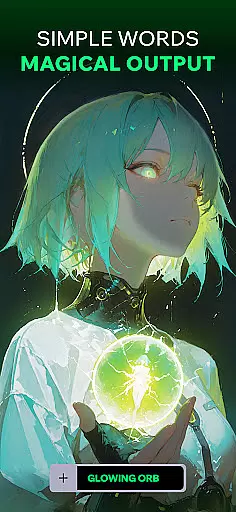
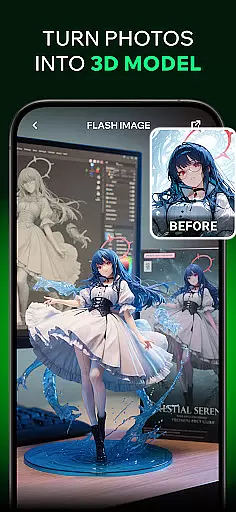
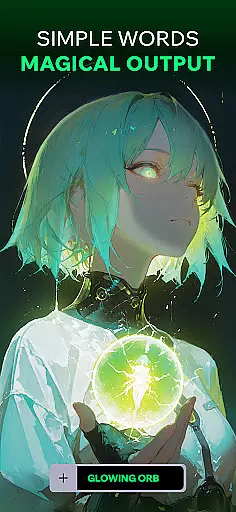
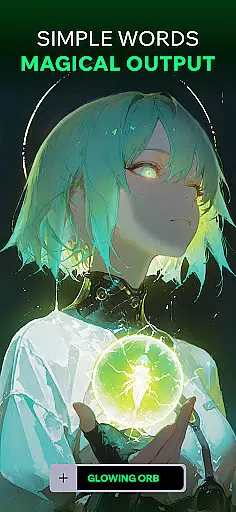
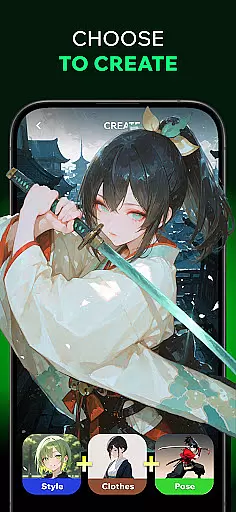
Spellai is an innovative app in the Art & Design category that allows users to effortlessly transform text into captivating photos and drawings through advanced AI technology. The app's core functionality lies in its ability to generate stunning visuals from simple text inputs, making it accessible for users of all skill levels.
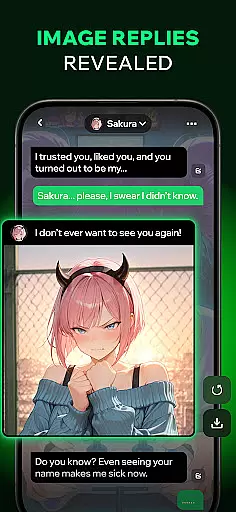
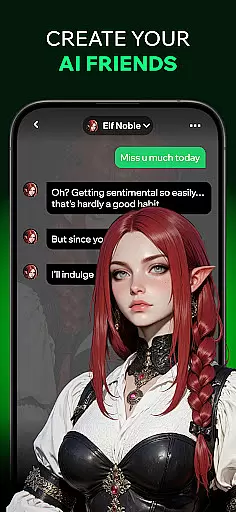
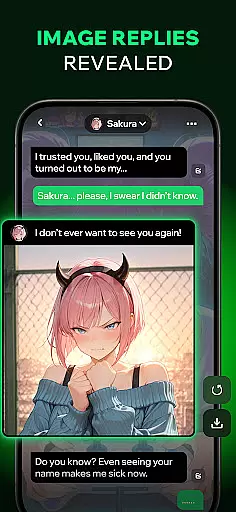
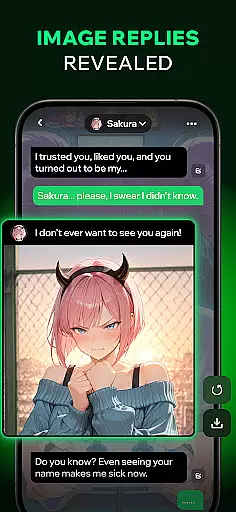
One of Spellai's standout features is its AI Chat capability, which enables users to create images during conversations with AI friends. Whether you're describing a scene, character, or mood, the app instantly turns your words into high-quality images. Additionally, the app offers tools like Text to AI Art, AI-powered video creation, and a collaborative editing feature called Nano Banana developed with Google DeepMind.
This app is ideal for designers, content creators, and anyone looking to explore creative possibilities using AI. By combining powerful image generation with conversational interaction, Spellai empowers users to unleash their creativity while simplifying complex design processes.
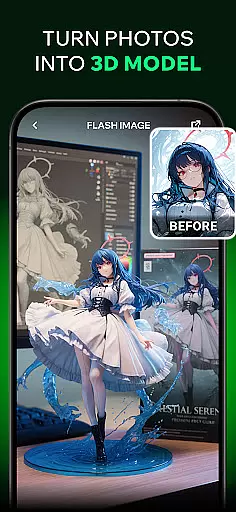
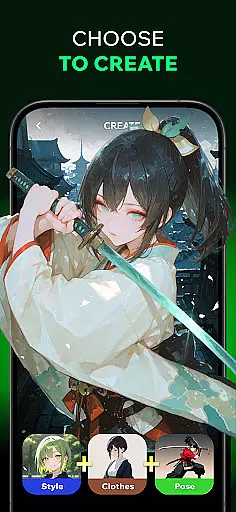
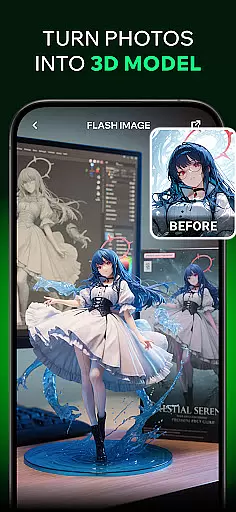
Spellai stands out with its diverse range of creative features tailored for both casual users and professionals. Its Text to AI Art function allows users to quickly generate unique visuals, including anime-inspired drawings and lifelike photos, without requiring any prior design experience. This democratizes art creation, enabling anyone to produce professional-grade work.
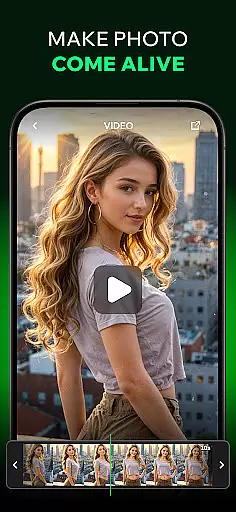
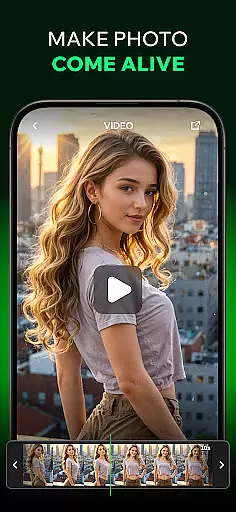
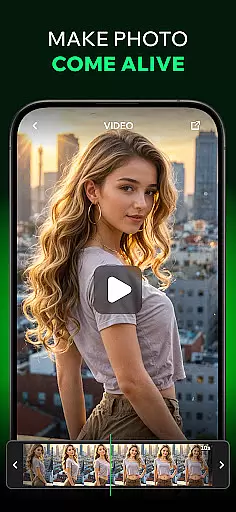
The app also includes the Nano Banana editing tool, developed in collaboration with Google DeepMind. Powered by Gemini 2.5 Flash Image technology, this feature supports multimodal understanding and conversational interactions, allowing users to edit images seamlessly through chat-based commands. Another notable feature is the ability to turn static images into dynamic videos, adding motion to stills based on user input.
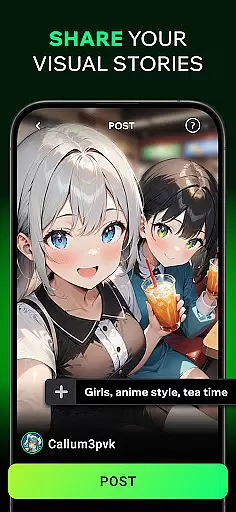
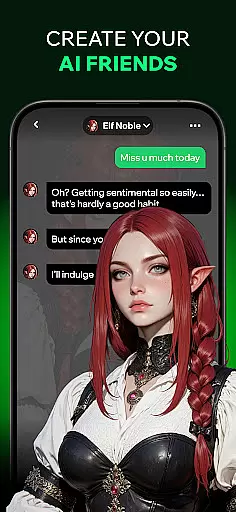
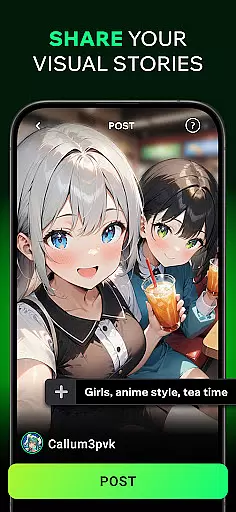
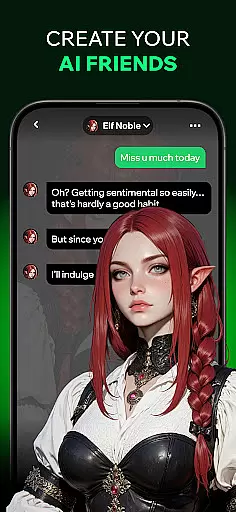
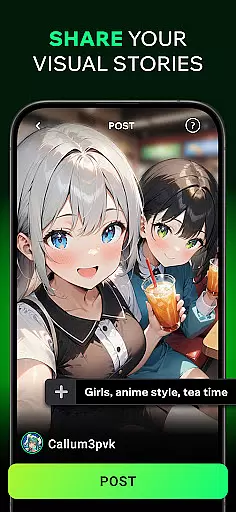
Additionally, Spellai fosters community engagement through its sharing platform where users can post creations, receive feedback, and connect with fellow artists. With customizable AI chat characters and pre-made prompts, the app ensures an immersive and personalized creative experience, setting a new standard in AI-driven design tools.
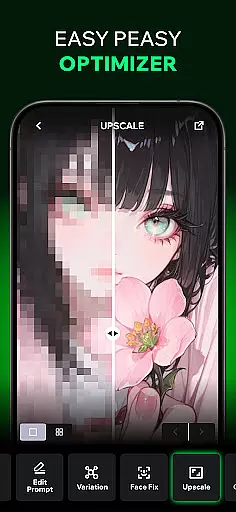
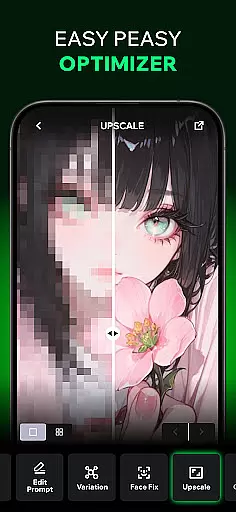
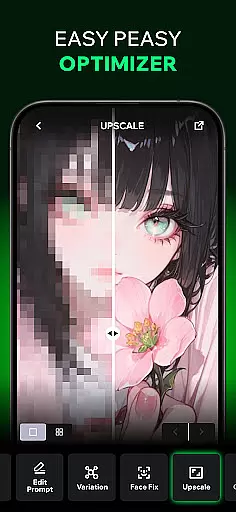
In the realm of digital artistry, having a comprehensive suite of creative tools is essential. Spellai rises to the occasion by offering an extensive array of features that cater to both novice and professional artists alike. The app includes an advanced AI editor capable of transforming simple text into unique artworks, ranging from anime-inspired drawings to lifelike photographs.
Moreover, Spellai's collaboration with Google DeepMind has resulted in the Nano Banana tool, which leverages multimodal understanding and conversational interaction to facilitate unprecedented creation and control. This positions Spellai at the forefront of AI imaging technology, making it an indispensable asset for designers, content creators, and developers looking to enhance their workflow.
The inclusion of video creation capabilities further underscores Spellai's commitment to providing complete creative solutions. By allowing users to turn images into videos effortlessly, the app ensures that every aspect of multimedia production is covered. These robust functionalities empower users to bring their visions to life without requiring prior experience or specialized skills.
Flexibility in canvas and format options is crucial for unleashing creativity without constraints. Spellai understands this need and offers unparalleled adaptability in its platform. Users can customize avatars and create images that fit various dimensions and styles, ensuring that each piece of art is tailored to individual preferences and project requirements.
Additionally, the app supports diverse image outputs, including dreamy illustrations, vibrant portraits, and custom wallpapers. This versatility allows creators to experiment with different visual expressions and share their work across multiple platforms seamlessly. Whether you're designing for social media or personal use, Spellai provides the tools necessary to achieve your desired aesthetic.
Furthermore, community sharing features enable users to post their creations, receive feedback, and engage with fellow text-to-image enthusiasts. This collaborative environment fosters inspiration and growth, encouraging artists to push boundaries and explore new possibilities within their craft. With Spellai, the potential for innovation knows no bounds.
User-friendly interface
Advanced AI capabilities
Versatile image creation
Real-time chat integration
Community-driven platform
Limited free features
Subscription costs
Occasional bugs
High system requirements
Learning curve for beginners


Transform photos into amazing monochrome dither art with professional algorithms
 4.3
4.3
Art of Combination Wear OS Watch faces (for Wear OS 5+ devices)
3.00
Art of Combination Wear OS Watch faces
4.1
Sketch, plan, take notes and illustrate on an infinite canvas.
4.20
Easy 3D drawing design maker & creator. Model designing, Sculpting. Create&paint
4.00
Draw anime & manga drawing, art with templates to create stunning picture!
4.50
Get an overview over all your embroidery threads, projects and more.
4.60
Video AI: Revolutionize Your Content Creation with Advanced Video Generation
4.50
Draw, fidget, and spin glow art! Relax and express your creativity with a finger
4.60
Image resizer to resize, crop, rotate, flip, change dpi photo or picture in bulk
4.60
Painting, drawing, & sketching
4.50
Create neon drawing with magic doodle and fun doodle art effects!
4.50
Stylish letters, Stylish Keyboard, Symbols, Emojis, Cool nickname
4.40
Digital Drawing: Draw & Paint
4.10
OneUI 8.5 icons ✨ Smooth, modern & based on the latest Play Store design ??
4.10
Unleash the artist in you with our AR drawing and tracing tool for photo drawing
4.10
Apply cartoon, caricature, and portrait effects to make your photos stand out!
3.60
Art of Combination Wear OS Watch faces
4.5
Art of Combination Wear OS Watch Faces
4.2


User Reviews