

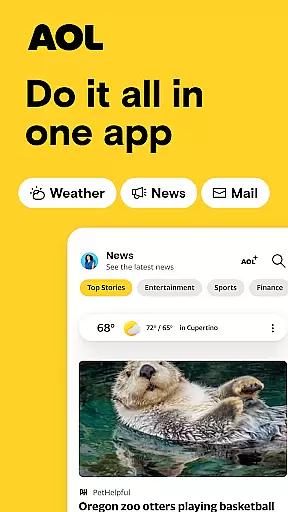
The AOL App is a comprehensive productivity tool that combines essential services like email, news, and weather into one seamless platform. Designed for users seeking an all-in-one solution, this app offers lightning-fast email access, breaking news from trusted sources, and real-time weather updates. With its intuitive interface, the AOL App rivals other popular platforms such as Yahoo Mail, Outlook, and Gmail while providing unique features tailored to enhance your digital life.
One of the standout aspects of the AOL App is its ability to keep users informed and organized. From its massive 1 TB email storage to advanced email management tools, the app ensures you stay on top of your communication without worrying about storage limits. Additionally, the app's news aggregation feature provides diverse perspectives from top outlets like CNN, BBC, and Reuters, ensuring you're always in the know. Whether you're managing emails, reading news, or checking weather forecasts, the AOL App delivers a superior experience that streamlines your daily tasks.
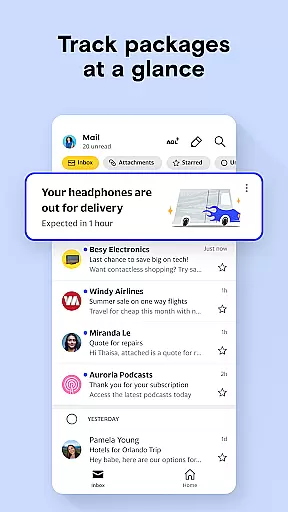
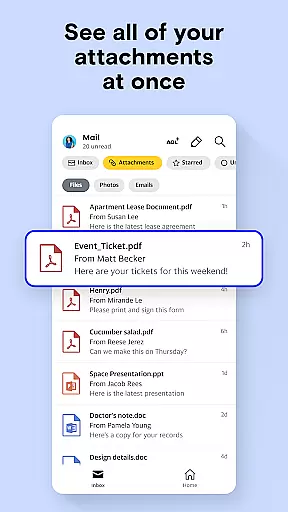
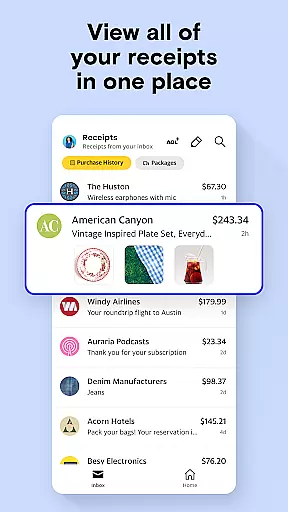
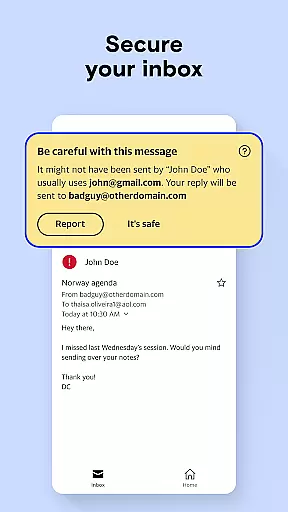
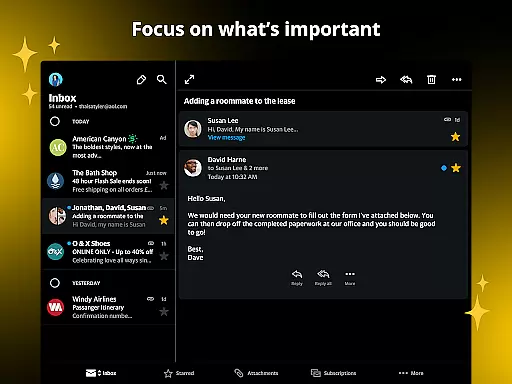
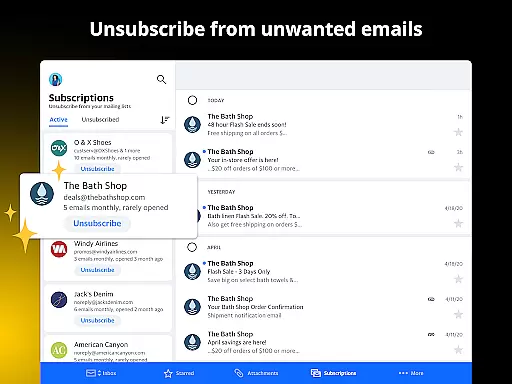
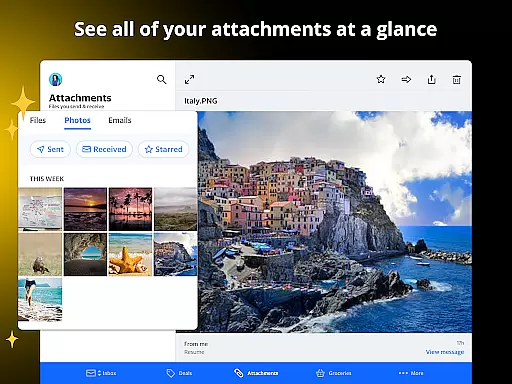
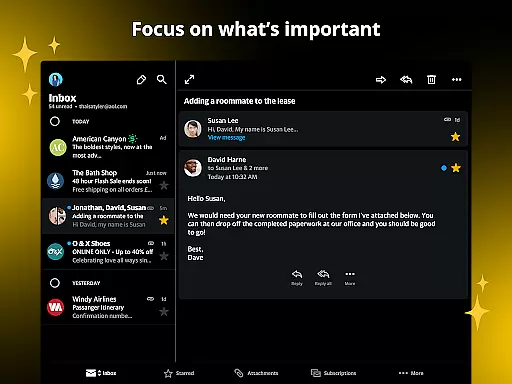
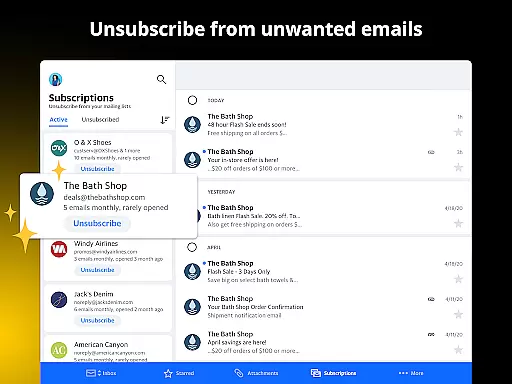
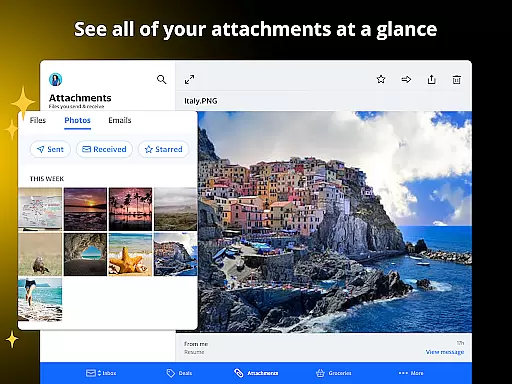
The AOL App boasts a variety of features designed to maximize productivity and convenience. Its email service includes smart tools like attachment previews, auto-sorting for coupons and gift cards, and easy unsubscribe options, making email management effortless. The app also offers a generous 1 TB of storage, allowing users to save all their emails and attachments securely without running out of space.
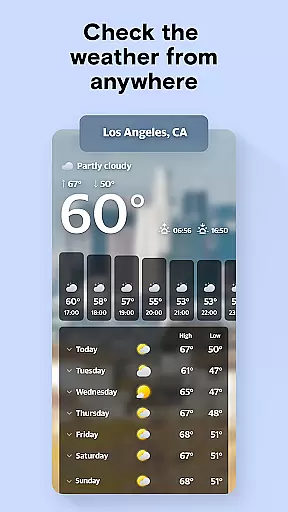
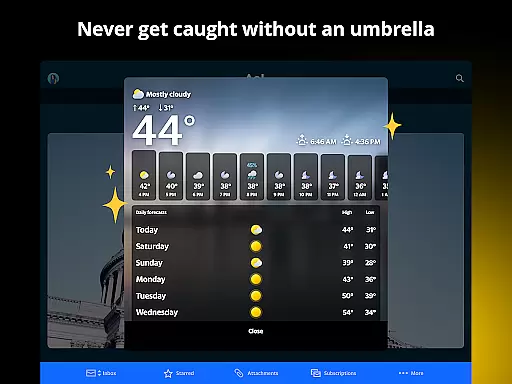
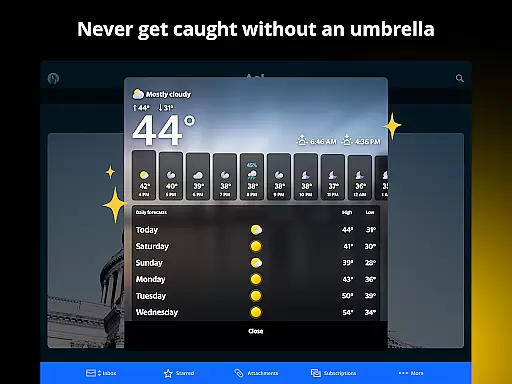
Beyond email, the AOL App excels in delivering a rich news experience. Users can explore breaking news and in-depth articles across multiple categories such as politics, finance, sports, and entertainment. Stories are sourced from reputable outlets like NBC News, Fox News, and USA Today, offering diverse viewpoints. For added convenience, the app lets users save articles for later reading and customize weather notifications for local and global forecasts. These features collectively create a versatile tool that simplifies both communication and information consumption.
Task management is a critical component of productivity applications, enabling users to organize and prioritize their daily activities effectively. The AOL app excels in this area by providing an all-in-one platform for managing emails, news updates, and personal organization tools.
The application's email functionality offers smart features that simplify task management. Users can preview attachments without opening emails, auto-sort promotional content like gift cards and coupons, and organize their inbox with intuitive shortcuts. These capabilities ensure that important tasks are easily accessible and less urgent items are neatly categorized.
Beyond email, the AOL app provides weather updates and news aggregation, which are essential for planning and staying informed. With customizable notifications for real-time weather alerts and a diverse selection of news sources, users can efficiently manage their schedule and stay updated on relevant information.
By integrating these features into a single, user-friendly interface, the AOL app streamlines core task management. This comprehensive approach allows users to handle communications, gather information, and organize their digital life effortlessly, making it an invaluable tool for enhancing personal productivity.
In today's interconnected world, reliable cross-device synchronization is crucial for maintaining productivity across multiple platforms. The AOL app addresses this need by offering seamless integration between various devices, ensuring that users can access their information anytime, anywhere.
With 1 TB of email storage, the AOL app provides ample space to keep all correspondence, attachments, and important documents securely stored in the cloud. This generous storage capacity guarantees that users never have to delete valuable information due to space constraints, and can retrieve their data from any device with internet access.
The application's synchronization extends beyond just email. Saved articles, weather updates, and organizational tools like coupon trackers and gift card managers are also synced across devices. This means that whether you're on your phone, tablet, or computer, your saved content and organizational tools remain consistent and up-to-date.
This reliable cross-device experience ensures that users can transition smoothly between different devices without losing track of their tasks or information. By maintaining synchronization integrity, the AOL app enables users to stay productive and organized regardless of which device they choose to use, creating a truly integrated digital ecosystem.
User-friendly interface
Massive email storage
Diverse news sources
Advanced email tools
Real-time weather updates
Limited offline functionality
Occasional sync issues
Ads in free version
Complex setup for some
Heavy on system resources




Client for Nextcloud Deck
 4.60
4.60
Planet Free VPN - The best Fast Unlimited and Secure VPN Without Logs
4.50
Device's storage information in a simple and clear graphical form (infographics)
4.10
IP Camera Viewer - Android TV : RTSP Surveillance camera viewer for Android TV
4.5
Easiest event planning, volunteer signups & parent teacher conference scheduling
2.20
The AI assistant that thinks with you - write, code, and solve complex tasks
4.60
Experience and share your SolidWorks designs on your Android® phone and tablet.
2.50
Seamlessly read, manage, and organize all your PDF files solution in one place
4.40
Set up, print, and get support—in one place
4.20
Android Wallet Password Manager
4.80
Functional QR scanner and barcode reader that requires little storage space.
4.60
Send files, sync SMS, notifications & clipboard across devices via local network
4.40 4.20
4.20
Total remote control for your Android device, PC and cloud services (IFTTT)!
4.20
Pwnagotchi companion app
4.20
Font maker keyboard with your own handwriting
4.10
Cloud storage, automatic phone backup, and more.
4.10
All in one sketching tool. Technical and General drawing. Online Maps support.
3.70
ID.me Authenticator is a simple and free Two Factor Authentication solution
3.50


User Reviews