

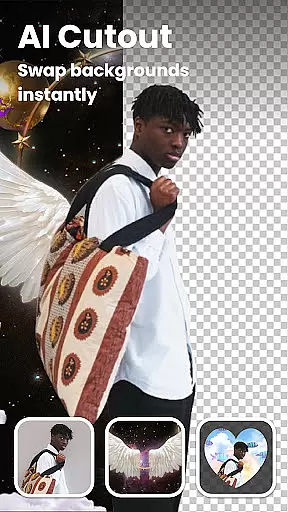
Lumii is an advanced AI-powered photo editor that combines professional-grade tools with intelligent editing features. It allows users to effortlessly enhance photo quality, remove backgrounds, retouch selfies, and apply over 100 trendy filters and effects. Designed for both amateur and professional photographers, Lumii simplifies the editing process while delivering high-quality results.
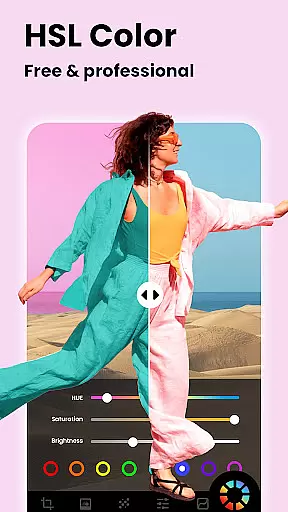
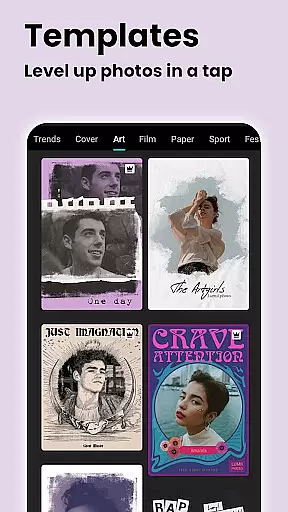
One standout feature of Lumii is its ability to create artistic edits without requiring advanced skills. With options like AI Photo Enhancer, Auto Background Eraser, and Double Exposure effects, users can achieve professional-level edits in just a few taps. Additionally, the app offers customization through HSL adjustments, curves, and text overlays, making it versatile for various creative needs.
Whether you're looking to enhance portraits, design social media content, or experiment with artistic effects, Lumii provides all the necessary tools in one free, user-friendly package. Its seamless integration of AI technology ensures that even complex edits are intuitive and efficient, empowering users to produce stunning visuals effortlessly.
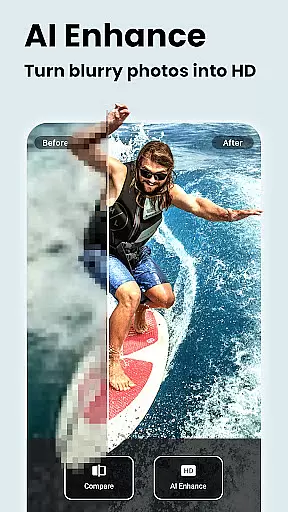
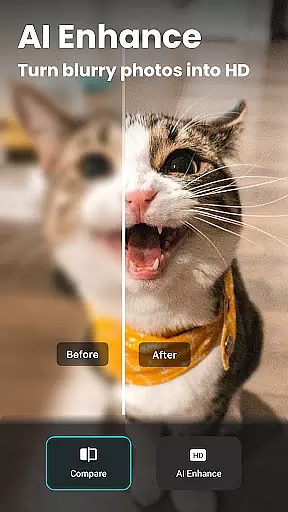
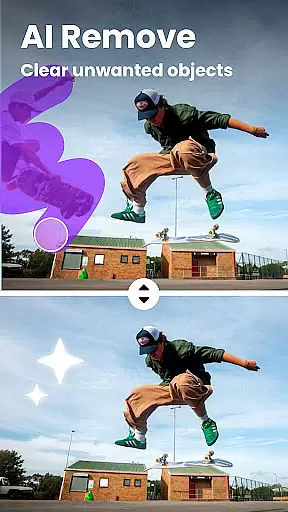
Lumii stands out with its comprehensive suite of photo editing tools designed to cater to diverse creative needs. The app includes AI-driven features such as AI Photo Enhancer, which sharpens blurry images and enhances overall quality, and AI Remove, which detects and eliminates unwanted objects from photos. These innovations make advanced editing accessible to users of all skill levels.
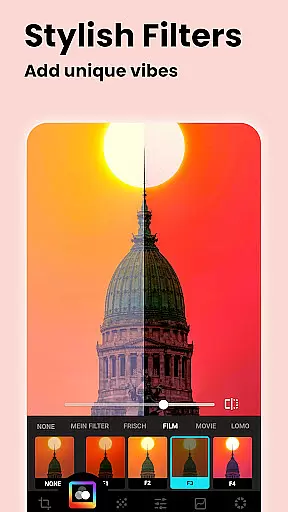
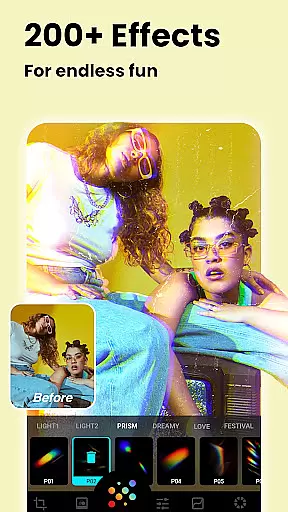
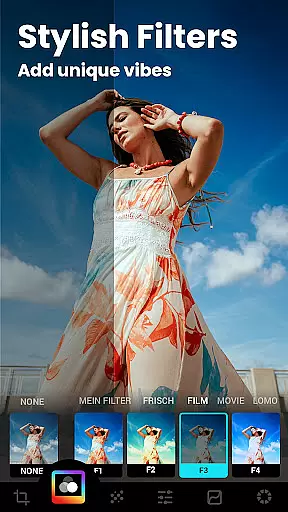
In addition to AI capabilities, Lumii offers a wide range of customizable filters and effects. Users can choose from presets inspired by Film, Retro, and LOMO styles or create their own unique looks. The app also supports professional adjustments like HSL, curves, and selective editing, enabling precise control over brightness, contrast, and color tones. For creative experimentation, features like Glitch Effects, Bokeh, and Double Exposure provide endless possibilities.
Another key highlight is the app's user-friendly interface, which streamlines workflows with features like Photo Editing History and Draft support. This ensures that users can save progress, revisit edits, and work on multiple projects simultaneously. Combined with its robust offline functionality, Lumii delivers a seamless and flexible editing experience for photographers and content creators alike.
Real-time capture and preview functionality is essential for any photography app, allowing users to see exactly what their photo will look like before taking the shot. Lumii offers a seamless real-time preview experience that ensures every captured moment meets user expectations without delay.
The app's advanced AI algorithms enhance the scene in real time, providing suggestions for optimal settings and effects based on the environment. This feature empowers users to make instant adjustments, ensuring that lighting, focus, and effects are perfectly aligned with their creative vision.
With Lumii's real-time capabilities, photographers can experiment with various filters and effects while framing their shots. This immediate feedback loop not only saves time but also enhances the overall quality of photos by enabling precise modifications on the fly.
Ultimately, Lumiiu2019s real-time capture and preview empower users to take professional-quality photos effortlessly. By offering live previews enhanced by AI-driven recommendations, the app bridges the gap between amateur photography and professional results.
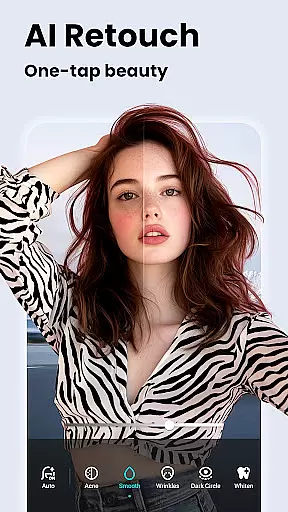
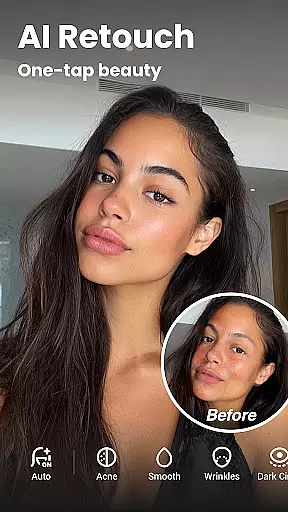
AI beauty and enhancement features have become a cornerstone of modern photo editing, allowing users to refine and perfect their images naturally. Lumii stands out by offering sophisticated AI tools that enhance portraits while maintaining authenticity and natural appearance.
The appu2019s AI Photo Enhancer sharpens details and improves image clarity without over-processing, turning ordinary portraits into high-definition masterpieces. Its skin-smoothing technology intelligently detects facial features, ensuring enhancements like blemish removal or teeth whitening look realistic rather than artificial.
Lumii provides an Auto Retouch feature that simplifies complex editing tasks with one tap. From smoothing skin textures to brightening eyes, these intelligent enhancements adapt to individual facial structures, preserving unique characteristics while elevating overall aesthetics.
By focusing on natural-looking edits, Lumii ensures that every retouched photo retains its original charm and personality. Users can achieve polished yet genuine results, making their photos stand out on social media platforms without appearing overly edited or unnatural.
AI-powered enhancements
100+ customizable filters
User-friendly interface
Advanced editing tools
Free with no ads
Limited advanced tutorials
Occasional lag on older devices
Few premium upgrade options
Basic sharing presets
Offline mode limitations






Gallery show photo, video, slideshow, is perfect 3D effect private photo albums.
 4.80
4.80
How would you look like with a differently shaped nose, chin or lips?
3.90
Safe & smart flight with Go Fly drone controller for 40+ drone camera, zone map
4.50
Create funny photos and videos with the popular Time Warp Scan filter.
4.90
Photo prints, cards, & gifts at Walgreens. Easy ordering & fast local pickup !
4.80
Fit multiple photos on one post. Create carousels & scroll layouts for Instagram
4.50
Your personal guide to the sun and moon. Plan ahead, visualize and predict!
4.70
Welcome to ProShot, the most powerful camera app on Android.
4.20
Solocator stamps photos you take with GPS location, Compass Direction, Date/Time
3.80
Viewfinder, Light meter, Reciprocity failure time, DOF & Bellows Extension
4.60
Take videos and pictures with the popular TikTok TIME WARP SCAN filter.
4.60
Light-weight Media Gallery app for Android made with Jetpack Compose
4.60
Enhance, retouch & create your story - Share the moment with Photoshop Express.
4.60
Photo Exif Editor allows to view, add and modify EXIF data of multiple photos
4.50
Easily stitch panoramas from multiple photos or video.
4.40
AI portrait generator and polaroid AI selfie, fun AI generated AI photo creator!
4.30
Turn your phone into a professional camera - full DSLR manual photography
4.30
Catch sunlight, sunrise sunset times and sun phases with the AR sun tracker.
4.10
How old age camera Gender Swap App Face Shape Hairstyle App Hair Styler App fun!
4.00

User Reviews