

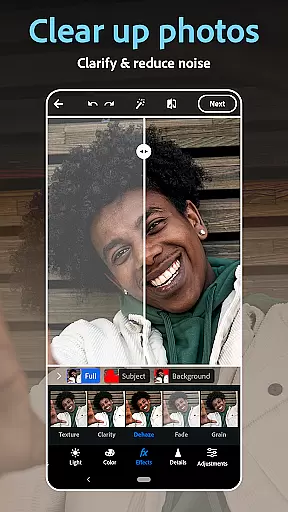
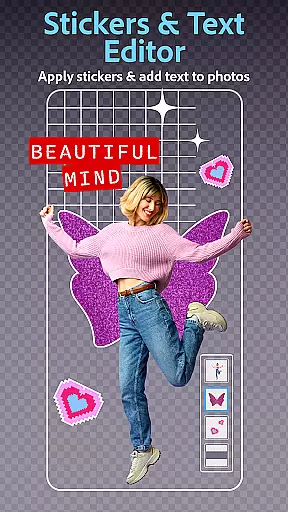
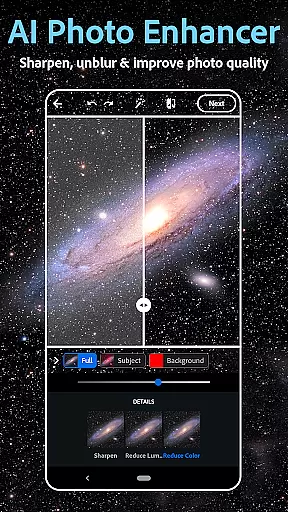
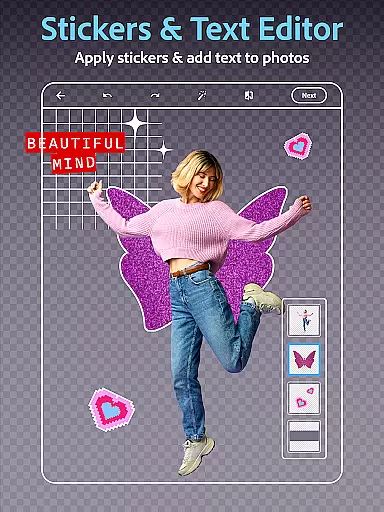
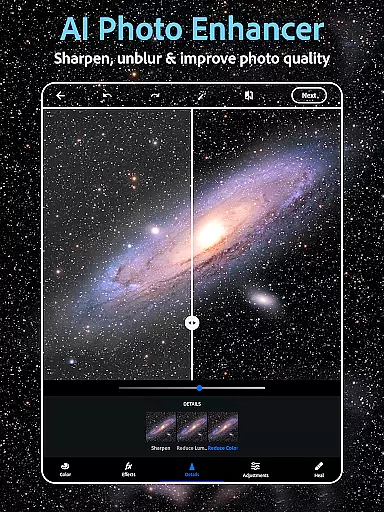
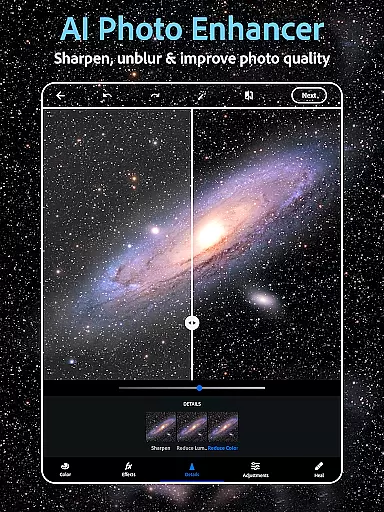
Photoshop Express is a versatile photo editing app that brings professional-grade tools to your fingertips. Designed for both amateur and experienced photographers, this application offers an extensive suite of features including AI-powered image retouching, one-tap enhancements, and creative text overlays. The app's intuitive interface allows users to effortlessly apply vintage camera filters, remove unwanted objects, and even generate unique images using AI technology.
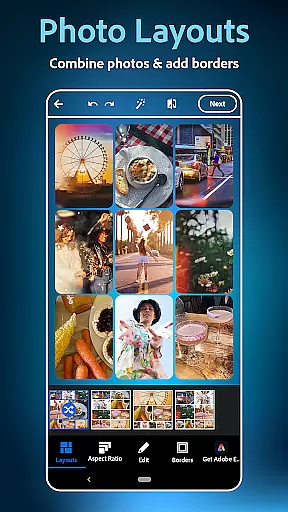
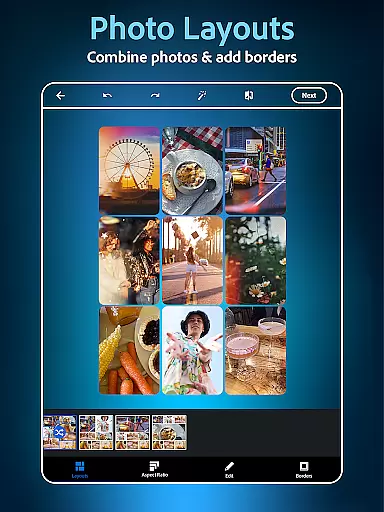
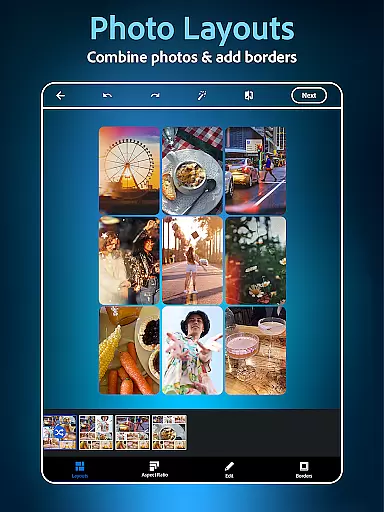
Beyond basic editing, Photoshop Express serves as a complete creativity suite. It includes a powerful collage maker for combining multiple images, advanced face editing tools for perfecting selfies, and a robust set of graphic design features. Whether you're looking to create social media content, enhance personal photos, or develop professional-looking compositions, this photography app provides the necessary tools to transform ordinary images into extraordinary works of art.
The application's value extends beyond casual editing, making it particularly useful for content creators and social media managers who need to produce high-quality visuals quickly. With support for various file formats including RAW and TIFF, plus seamless integration with popular social platforms, Photoshop Express streamlines the entire photo editing and sharing process while maintaining Adobe's renowned quality standards.
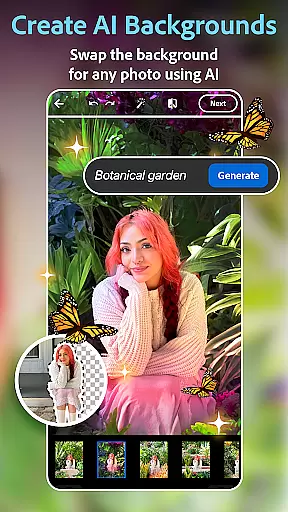
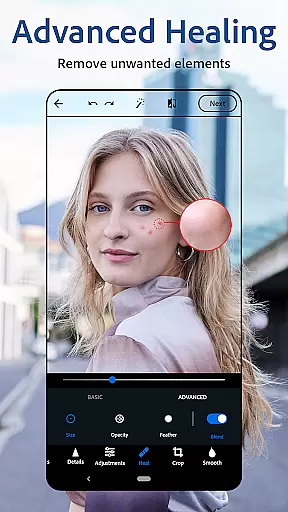
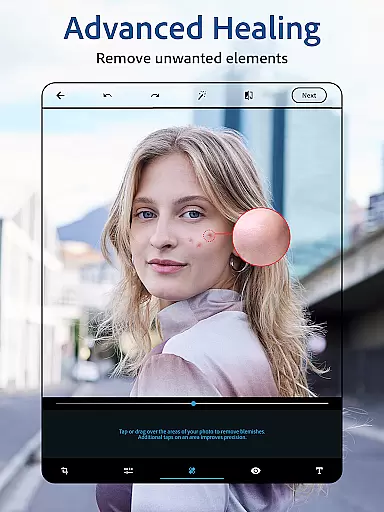
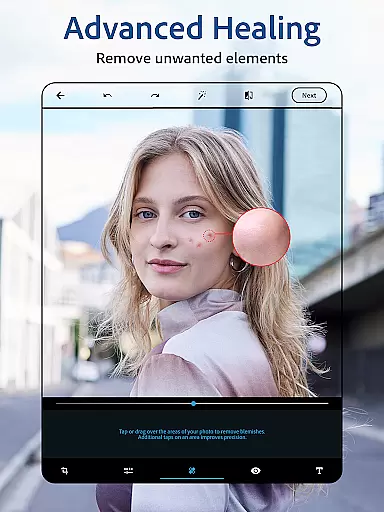
Photoshop Express distinguishes itself through its comprehensive feature set tailored for modern digital creators. The app's AI-powered tools revolutionize photo editing by enabling users to perform complex tasks like background replacement and object removal with remarkable ease. Its sophisticated face editor provides precise control over portrait enhancements, from blemish removal to detailed skin retouching, while maintaining natural results.
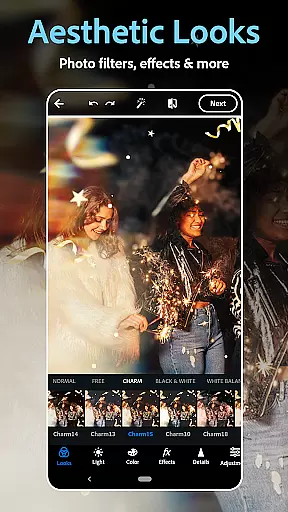
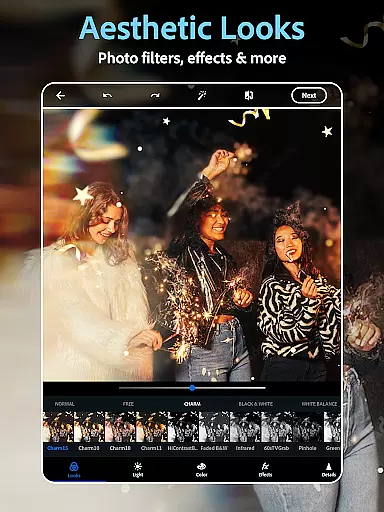
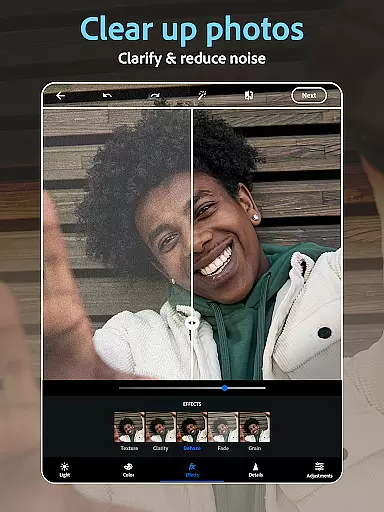
A standout feature is the app's innovative text-to-image capabilities, allowing users to generate custom visual elements through simple text prompts. This functionality, combined with hundreds of customizable filters and effects, creates endless creative possibilities. The built-in collage maker offers flexible layout options, while advanced color correction tools ensure professional-grade results across all editing projects.
What sets Photoshop Express apart is its seamless integration of powerful tools within an accessible interface. Users can switch between applying vintage film effects, creating branded content with custom watermarks, and generating unique AI-powered imagery without needing specialized technical knowledge. The premium version further expands these capabilities with enhanced precision controls and exclusive editing features, making it a compelling choice for serious creators seeking professional results on mobile devices.
Real-time capture and preview functionality is essential for ensuring that every photo taken meets the user's expectations without delay. Photoshop Express Photo Editor offers a seamless experience by providing instant feedback on images captured through its interface.
The application leverages advanced processing capabilities to deliver high-quality previews, allowing users to adjust settings such as exposure, contrast, and filters before taking the shot. This ensures that even amateur photographers can achieve professional-looking results with minimal effort.
By integrating real-time effects and filter previews, users can experiment with different aesthetics, from vintage camera styles to vibrant modern looks, all while seeing changes reflected instantly. This feature empowers users to make creative decisions on the fly, enhancing their overall photography workflow.
Ultimately, the real-time capture and preview feature in Photoshop Express bridges the gap between capturing a moment and perfecting it, offering an intuitive and responsive toolset that caters to both casual snappers and more discerning photographers.
AI beauty and enhancement features have become pivotal in modern photo editing, allowing users to refine and perfect their images with unprecedented ease. Photoshop Express incorporates sophisticated AI algorithms to ensure that enhancements look natural and preserve the authenticity of the original photo.
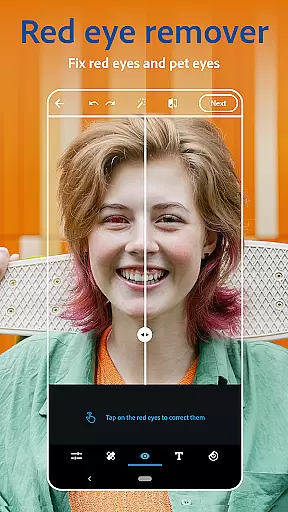
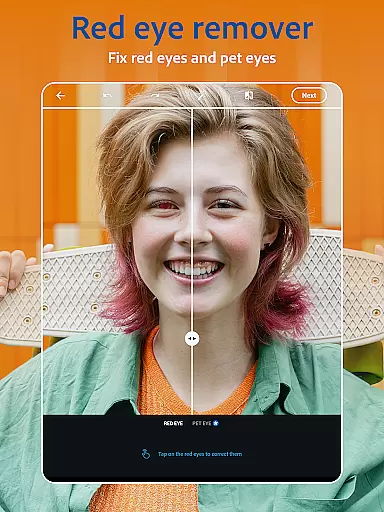
The app provides tools like blemish removal, spot healing, and red-eye correction, which utilize AI to intelligently identify and correct imperfections without over-processing. These features are designed to subtly enhance facial features, maintaining the unique characteristics of the subject while delivering polished results.
Furthermore, the AI-driven airbrush tools offer adjustable intensity levels, enabling users to customize the degree of enhancement according to their preferences. Whether smoothing skin tones or applying makeup effects, the outcome remains convincingly lifelike, avoiding the artificial appearance often associated with digital retouching.
With its focus on natural enhancement, Photoshop Express empowers users to elevate their photos confidently, knowing that the final output will retain its genuine essence while benefiting from tasteful improvements facilitated by cutting-edge AI technology.
User-friendly interface
Extensive editing tools
AI-powered features
Versatile format support
Seamless social sharing
Premium features locked
Advanced tools complex
Occasional processing lag
Limited free filter options
Subscription pricing model
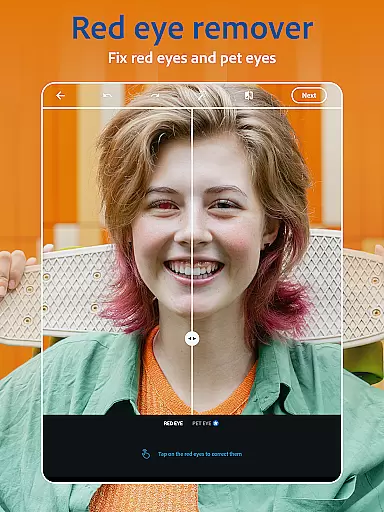
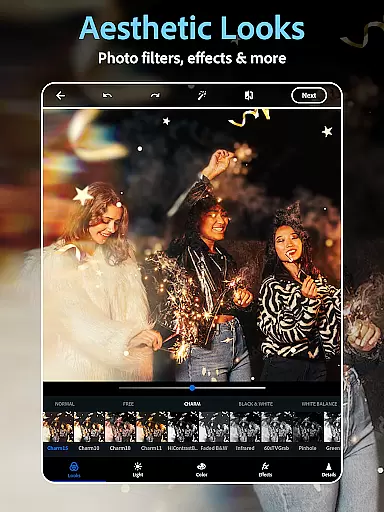
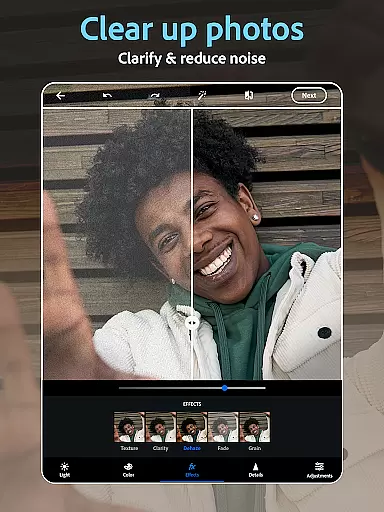
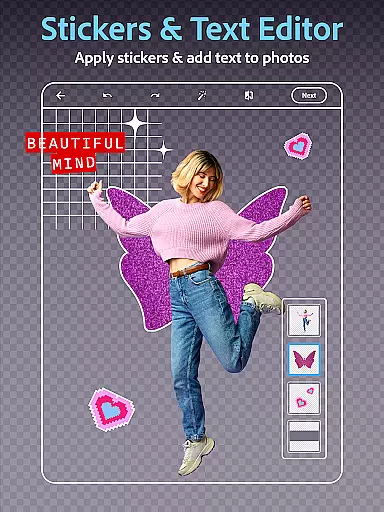

Photobooth mini FULL app will allow you to add more fun to your parties
 4.00
4.00
Cut and paste photo editor & eraser to customize photos easy and swap faces fun
4.50
Virtual makeup, hair filters & body tuner—edit from face to full body!
4.20
Natural Beauty, Selfie Retouch
4.30
Photo prints, cards, & gifts at Walgreens. Easy ordering & fast local pickup !
4.80
Photo editor: AI filters, photo enhancer, pic collage maker, AI art generator.
4.80
Easily create custom gifts, cards, photo books & more on the Shutterfly app!
4.60
Edit photos with the picture generator: PS2 & AI Clay filters, cartoon effects.
4.50
Photo & Video Gallery app to manage albums and save WA Status easily.
4.70
Pro version: AR sun/moon tracker for any date. Tool for photographers & planners
4.90
Create funny photos and videos with the popular Time Warp Scan filter.
4.90
Perfect body tune & face app - photo retouch, makeup, slim body & beautify face.
4.80
Amazing Photo Effects - The most fun you can have with your photos!
4.70
Your personal guide to the sun and moon. Plan ahead, visualize and predict!
4.70
A must-have app for landscape photographers
4.60
Search, tag and rate your way to an organized image gallery
4.40
Professional photography on your mobile phone
4.20
All-in-One Editor & AI Photo Enhancer, Collage, Cartoonify, Funny Stickers & BGS
4.10
Photo editor: face & body editor, beauty cam, filters and quality enhancer.
4.00


User Reviews