

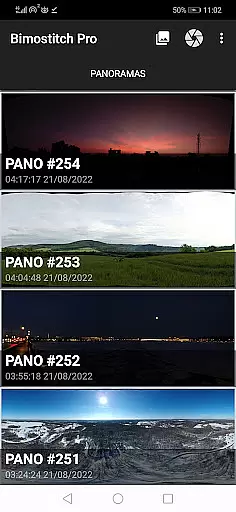
Bimostitch Panorama Pro is a powerful photography app designed for creating high-resolution panoramic images directly on your mobile device. The app utilizes advanced on-device stitching algorithms to automatically align and blend overlapping photos into stunning panoramas, supporting both single-row and multi-row stitching. Whether you're capturing landscapes, cityscapes, or 360-degree views, this app ensures professional-quality results without the need for additional equipment.
One of the standout features of Bimostitch Panorama Pro is its ability to handle ultra-high-resolution outputs of up to 1 Gigapixel, making it ideal for photographers who demand exceptional detail. The app also supports video-to-panorama conversion, allowing users to transform panning motion videos into seamless panoramic images. With intuitive controls, automatic exposure balancing, and lens distortion compensation, this app caters to both beginners and professionals in the field of panoramic photography.
The app's offline functionality and compatibility with photos from any source, including DSLR cameras and drones, make it highly versatile. Users can conveniently create panoramas while traveling or on tours, enjoying immediate results without requiring an internet connection. This makes Bimostitch Panorama Pro not only a practical tool but also an innovative solution for modern photographers seeking efficiency and quality in their work.
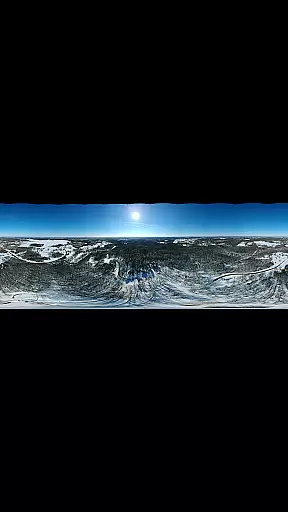
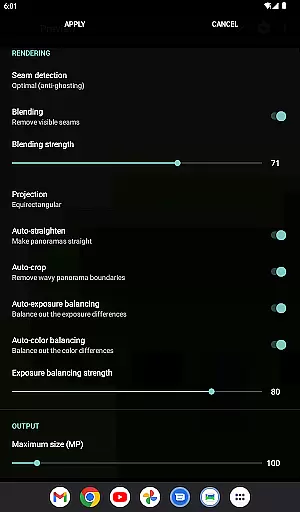
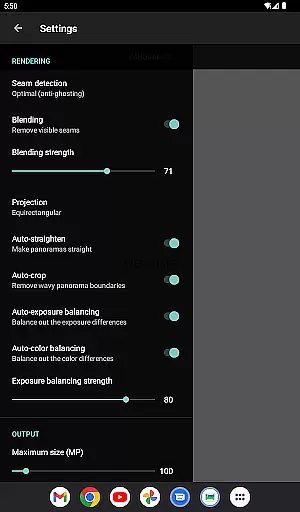
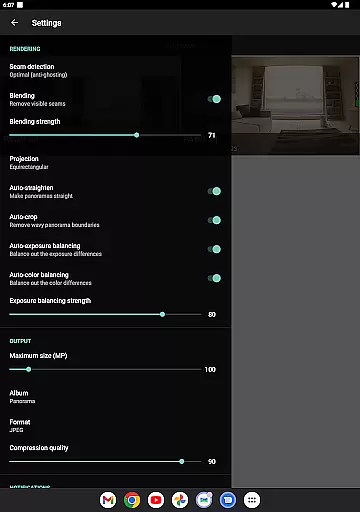
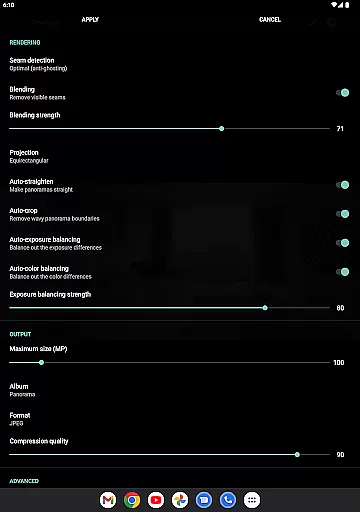
Bimostitch Panorama Pro offers a comprehensive suite of features that set it apart as a top-tier panorama stitching app. One of its core strengths is the ability to stitch between 2 to 200+ overlapping photos into breathtaking wide-view panoramas. It supports various types of stitching, including vertical, horizontal, multi-row, and even 360-degree photospheres, providing flexibility for different photography needs. Additionally, the app includes advanced functionalities like automatic exposure balancing, straightening, and cropping, ensuring minimal loss of resolution while maintaining the integrity of the original images.
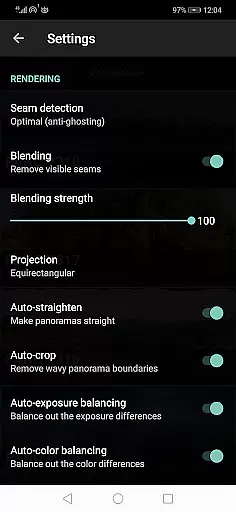
For users seeking professional-grade output, the app provides pro-level features such as ultra-high-resolution panoramas of up to 1 Gigapixel, auto-lens calibration for wide-angle lenses, and customizable seam detection modes. These tools allow photographers to fine-tune blending intensity, adjust color balancing, and preview source images during editing. The app also supports multiple output formats (JPEG or PNG) and includes options to compress large files, saving valuable storage space on your device.
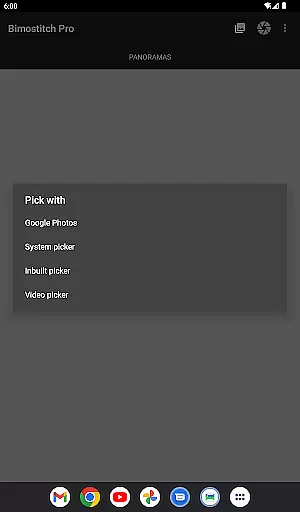
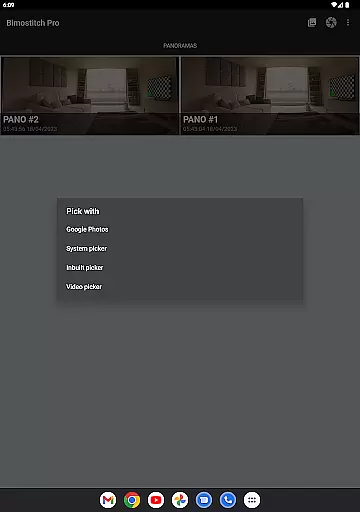
Beyond its technical capabilities, Bimostitch Panorama Pro emphasizes user convenience and accessibility. Its intuitive interface allows users to import photos via the built-in gallery picker, third-party apps, or by capturing new images directly within the app. Furthermore, the app works seamlessly offline and does not require specialized sensors like gyroscopes, making it compatible with a wide range of devices. These features collectively enhance the user experience, empowering photographers to produce stunning panoramas with ease and precision.
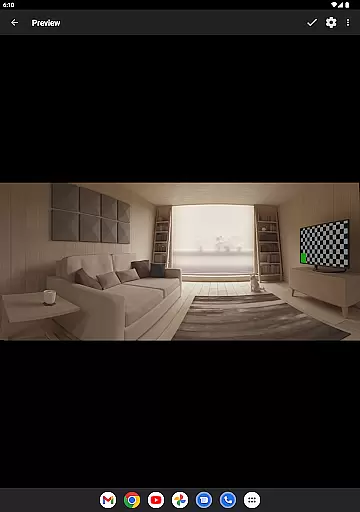
Real-time capture and preview functionality is essential for photography apps as it allows users to see exactly what the camera is capturing before taking the shot. Bimostitch Panorama Pro offers this feature by enabling users to shoot overlapping photos directly within the app, ensuring seamless stitching later on.
The app's intuitive interface provides a live viewfinder preview, giving users precise control over their panorama shots. This real-time feedback helps in composing perfect panoramas by allowing adjustments to be made on-the-fly, such as alignment and exposure settings.
Users benefit from this feature by achieving more accurate and professional-looking panoramas. The ability to preview the scene ensures that all elements are correctly aligned and exposed, reducing the chances of errors during the stitching process.
This functionality enhances the overall user experience by making the process of capturing high-quality panoramas more accessible and efficient, even for those without professional photography skills.
AI-powered beauty and enhancement features have become a staple in modern photography apps, offering users the ability to improve their images with natural-looking results. Bimostitch Panorama Pro incorporates advanced AI algorithms to enhance panoramas while maintaining the authenticity of the original photos.
The app automatically balances exposure, straightens panoramas, and applies color corrections, ensuring that the final output looks polished yet natural. These enhancements are applied intelligently, preserving the integrity of the source images and avoiding over-processing.
For users, this means they can achieve stunning panoramas without sacrificing the genuine essence of their photos. The AI enhancements help bring out the best in each panorama, making them more vibrant and engaging.
By focusing on naturalness, Bimostitch Panorama Pro ensures that users can create breathtaking panoramas that remain true to the original scenes, providing a satisfying and authentic photography experience.
High-res output
Offline functionality
Intuitive interface
Wide compatibility
Advanced stitching
RAM intensive
Paid pro features
Complex settings
Limited free options
Heavy file sizes
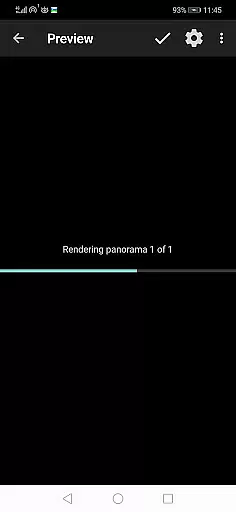
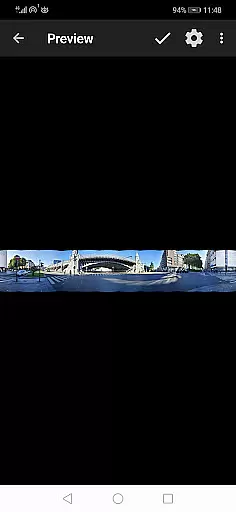
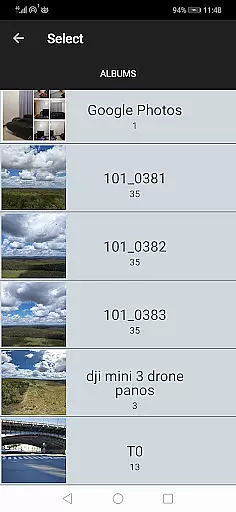
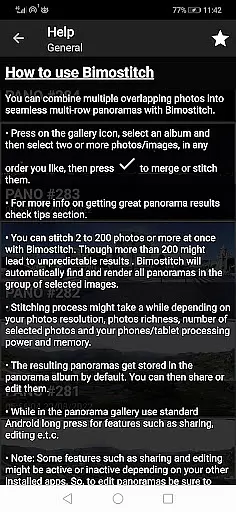

Cut and paste photo editor & eraser to customize photos easy and swap faces fun
 4.50
4.50
Transform photos into videos! Create realistic or anime-style images easily!
4.50
Raw Image Viewer. Gallery with support of raw images (.cr3, .cr2, .nef, .raf).
2.00
AI Photo Editor with 100+ Filters, Effects! Remove BG, Retouch & Photo Enhancer.
4.80
Easily view, share, delete photos with Gallery.
4.70
Fit multiple photos on one post. Create carousels & scroll layouts for Instagram
4.50
Professional camera app that brings DSLR manual photography controls to Android.
4.20
Remote control the phone camera shutter from your smartwatch and take a picture
1.60
Welcome to ProShot, the most powerful camera app on Android.
4.20
See your baby AI baby face generator AI baby maker Face generator babymaker fun!
4.70
The original Rarevision VHS look seen everywhere!
4.70
Create AI photos & videos with Enhancer; restore, fix, beautify, enhance photos
4.50
RAW video capture with advanced controls
4.40
How old age camera Gender Swap App Face Shape Hairstyle App Hair Styler App fun!
4.00
Remote control of the phone camera from your Wear OS smartwatch
3.70
Pet Camera
3.70
Superimpose one photo on top of another using the original Superimpose app!
3.20
An interval timer to automate photo taking process for timelapse
2.90
Long exposure camera with computational photography
2.60

User Reviews