

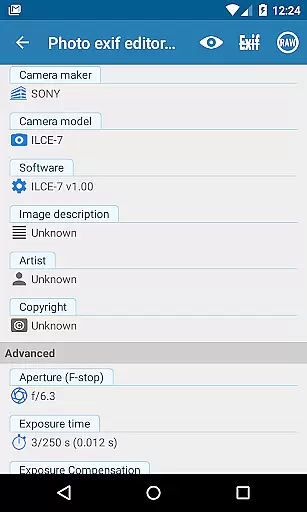
Photo Exif Editor Pro is a comprehensive tool designed for photographers and enthusiasts who need to manage the metadata of their images. This application allows users to view and modify Exif data, which includes essential camera settings and location information embedded in photos.
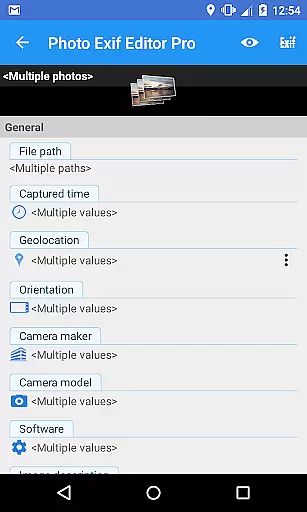
The app features an intuitive interface that makes it easy to correct missing information or add new details to your favorite photos. With capabilities such as batch editing and full raw data display, Photo Exif Editor Pro offers advanced functionality while ensuring an ad-free experience.
Whether you're organizing a photo library or preparing images for professional use, this app provides the necessary tools to ensure your photos' metadata is accurate and complete. The ability to edit various tags like camera model, captured time, GPS location, and more makes it an indispensable tool for serious photographers.
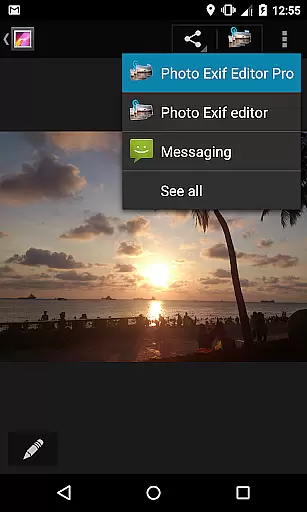
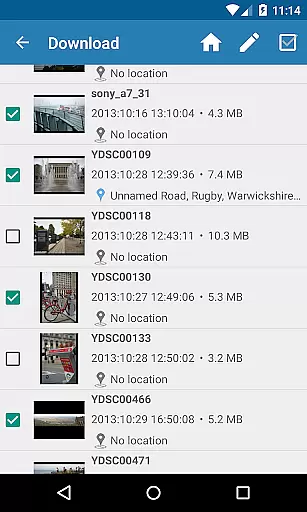
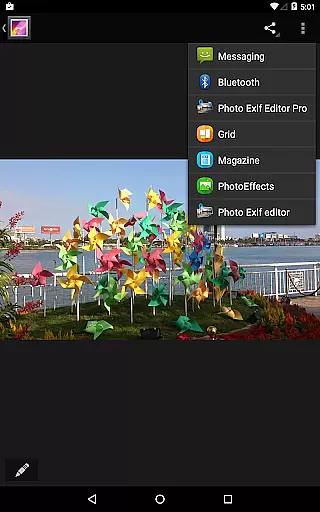
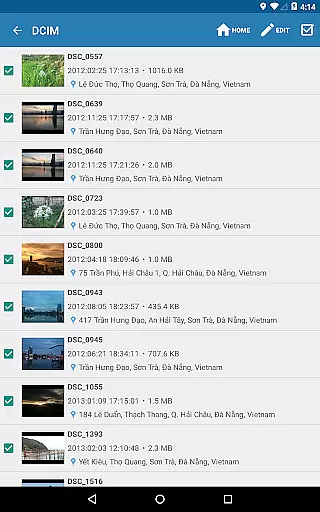
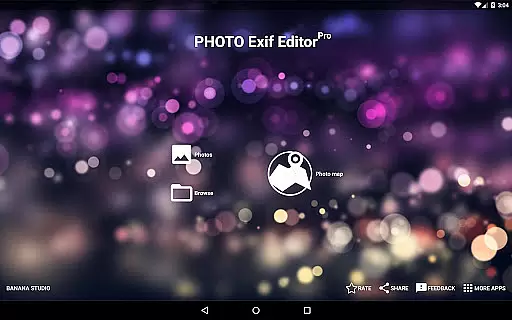
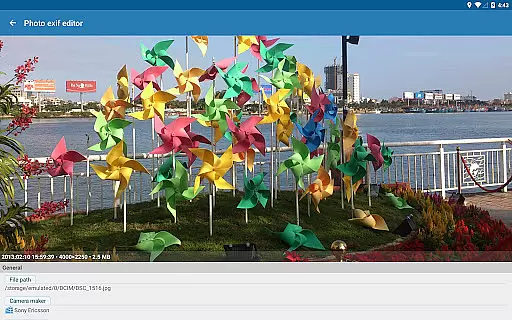
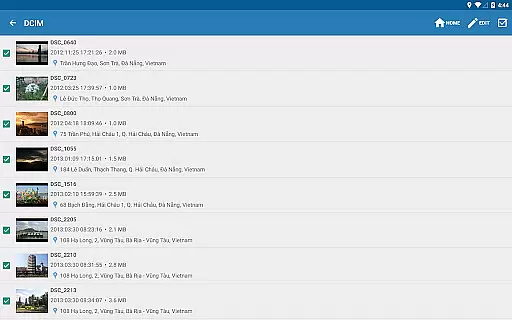
Photo Exif Editor Pro stands out with its robust feature set tailored for detailed image metadata management. Users can browse and view Exif information directly from Android Gallery or through the app's integrated photo browser, providing flexibility in how they access their photo data.
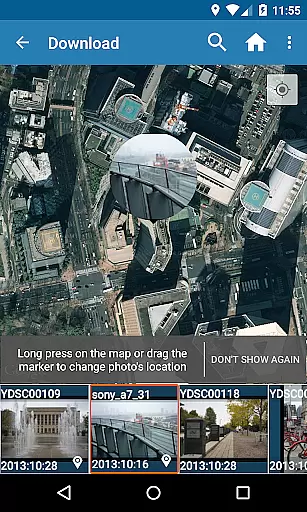
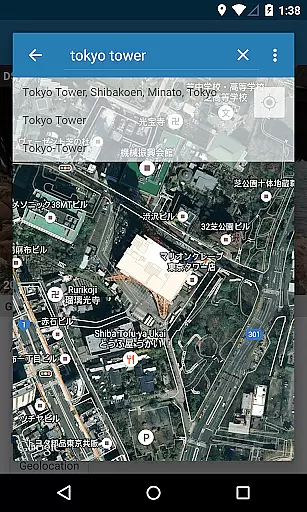
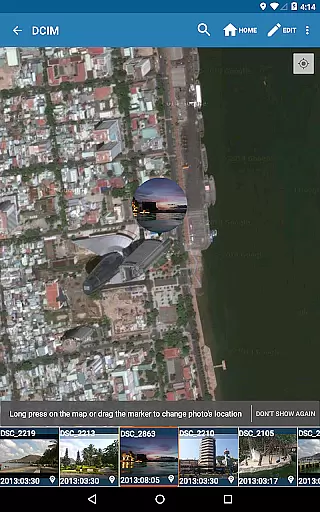
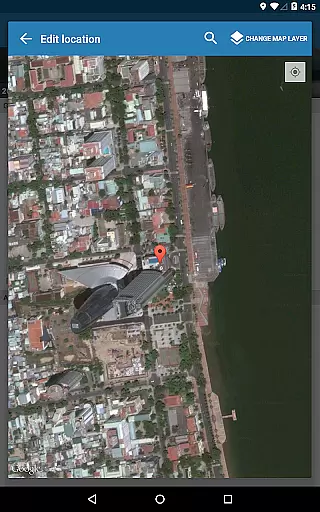
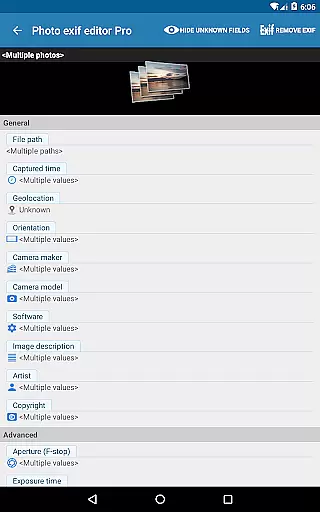
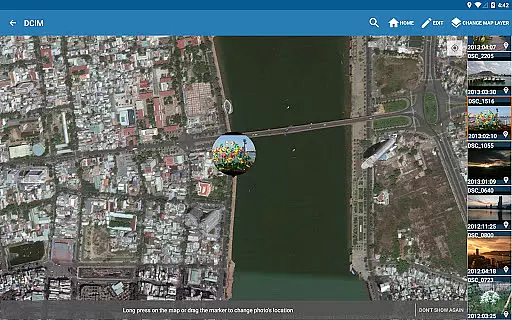
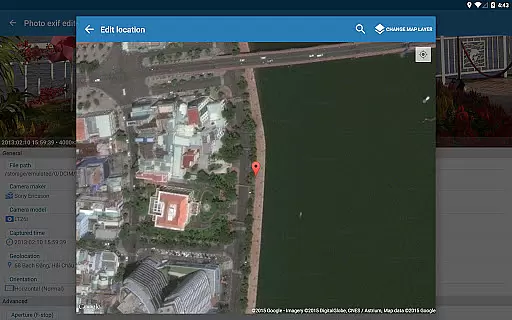
A key highlight is the ability to add or correct photo locations using Google Maps, which is particularly useful for travel photography. The app also supports batch editing, allowing multiple photos to be updated simultaneously, thus saving significant time for users managing large photo collections.
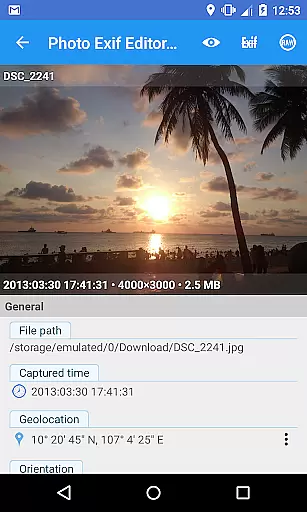
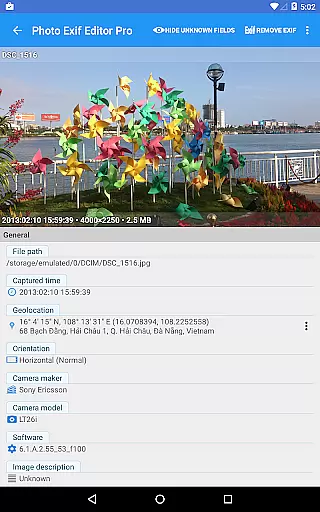
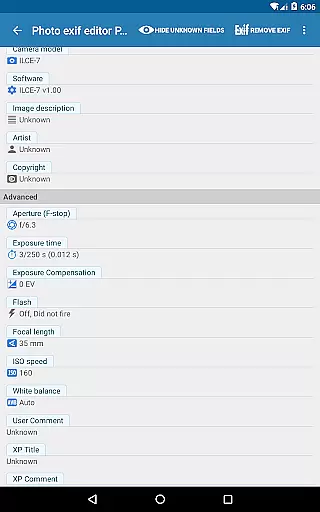
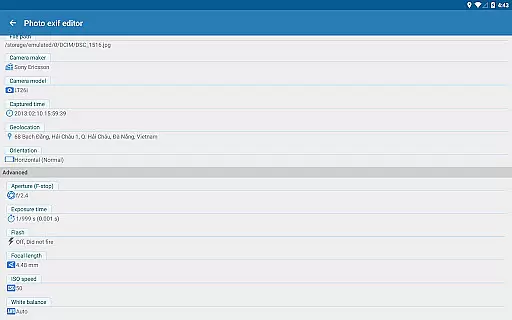
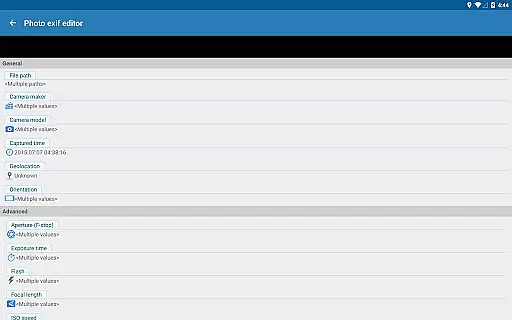
Additionally, the app enables modification of numerous EXIF tags including camera model, aperture, shutter speed, focal length, ISO speed, white balance, and orientation. These features collectively empower users to maintain precise control over their photo metadata, enhancing both organization and presentation quality.
Real-time capture and preview functionality is essential for ensuring that photographers can accurately assess their images while shooting. Photo Exif Editor Pro provides users with the ability to view Exif data instantly, allowing them to make informed decisions about necessary adjustments.
This application offers a clear user interface that makes it easy to correct missing information in your favorite photos. With real-time access to detailed camera settings such as orientation, aperture, shutter speed, focal length, and ISO speed information, users can ensure their photos are correctly documented.
The app's capability extends beyond just viewing; it allows for modification of Exif data, including GPS tags which indicate where the photo was taken. This feature empowers photographers to manage their image metadata effectively, enhancing workflow efficiency.
By providing comprehensive tools for managing Exif data, Photo Exif Editor Pro ensures that professionals and enthusiasts alike can maintain accurate records of their photographic work, thus improving overall productivity and organization.
AI beauty and enhancement features have become increasingly popular among photography apps, aiming to improve image quality without compromising natural aesthetics. Although Photo Exif Editor Pro focuses primarily on Exif data management, its robust editing capabilities indirectly support enhanced photo quality through precise metadata control.
While direct AI enhancements might not be the core focus, the ability to modify critical Exif tags like white balance, ISO speed, and exposure settings contributes significantly to achieving naturally enhanced images. These modifications allow users to fine-tune their photos' appearance based on accurate technical details.
Furthermore, the batch editing feature enables users to apply consistent enhancements across multiple photos efficiently. By maintaining uniformity in edits, photographers can achieve a cohesive look throughout their portfolios without artificial over-processing.
In summary, while Photo Exif Editor Pro may not directly offer AI-driven beautification tools, its powerful Exif editing functions provide photographers with the means to enhance their images authentically and professionally, preserving the integrity of their original shots.
User-friendly interface
Batch editing support
Comprehensive EXIF tag options
Ad-free experience
Google Maps integration
Limited to Android 4.4+
No iOS version available
Advanced features may overwhelm beginners
Requires network connection
Optional location permission needed

A collection of tools and reference tables for DPs, ACs, DITs and Operators.
 4.70
4.70
Viewfinder, Light meter, Reciprocity failure time, DOF & Bellows Extension
4.60
AI photo editor with hair editor, retouch tools, hair color changer & filters!
4.50
Amazing Photo Effects - The most fun you can have with your photos!
4.70
Movie camera, supports pro recording settings for filming. Try it and be amazed!
4.50
RAW video capture with advanced controls
4.40
Your personal guide to the sun and moon. Plan ahead, visualize and predict!
4.70
PhotoSync Bundle Add-On License. Enables all features and services in PhotoSync.
4.60
Try an anime version, cartoon yourself, and generate AI hug or aging videos!
3.70
Gallery show photo, video, slideshow, is perfect 3D effect private photo albums.
4.80
Light-weight Media Gallery app for Android made with Jetpack Compose
4.60
Safe & smart flight with Go Fly drone controller for 40+ drone camera, zone map
4.50
Turn your phone into a professional camera - full DSLR manual photography
4.30
AI-powered video creator by MiniMax - Where ideas meet cinema
4.20
Create & Edit with AI: AI Remove, Enhance, Retouch, Filter
4.10
How old age camera Gender Swap App Face Shape Hairstyle App Hair Styler App fun!
4.00
How would you look like with a differently shaped nose, chin or lips?
3.90
Raw Image Viewer. Gallery with support of raw images (.cr3, .cr2, .nef, .raf).
2.00
Snap photos remotely using your Garmin watch as the camera trigger
4.5

User Reviews