

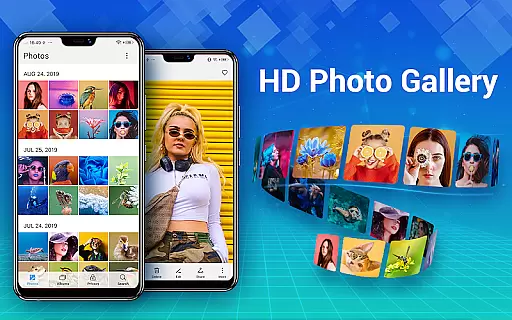
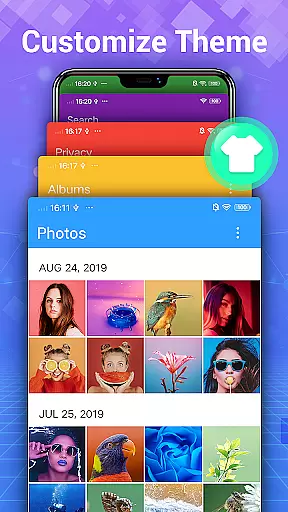
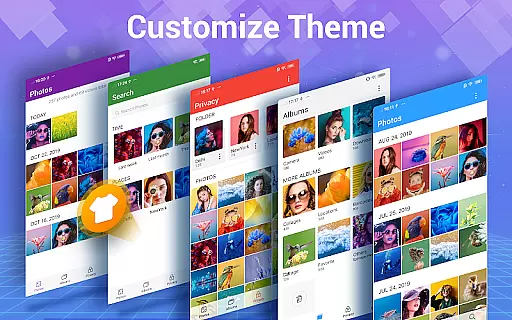
Photo Gallery is a comprehensive photography app designed to manage, organize, and enhance your photo and video collections. This all-in-one solution offers automatic organization of media files into albums, private vaults for sensitive content, and advanced editing tools. Users can enjoy features like HD viewing, slideshow playback, and creative photo collages. The app supports folder management, SD card transfers, and provides robust privacy controls through encryption and password protection.
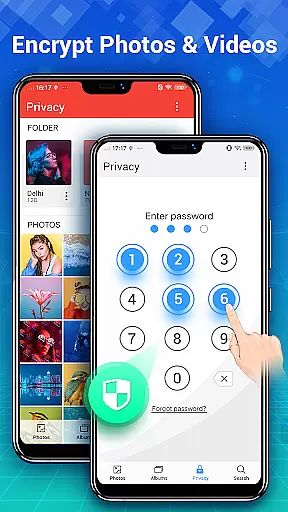
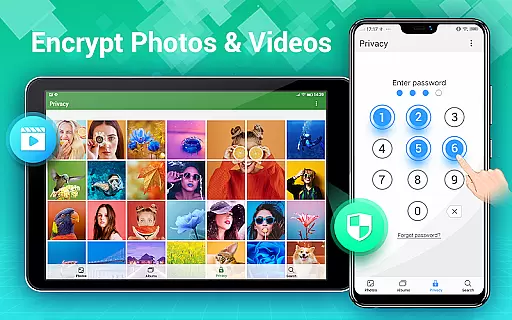
The application's standout feature is its ability to maintain user privacy by hiding selected photos and videos in a secure vault, accessible only through a password. Additionally, the intuitive interface allows users to browse, edit, and share their media files with ease. Whether you're looking to organize your personal collection or create stunning photo edits, Photo Gallery delivers a seamless experience across Android devices.
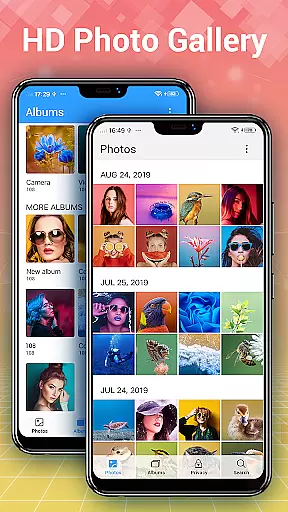
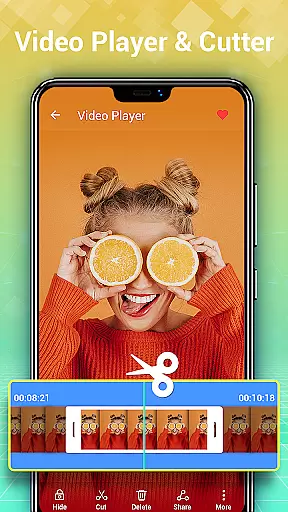
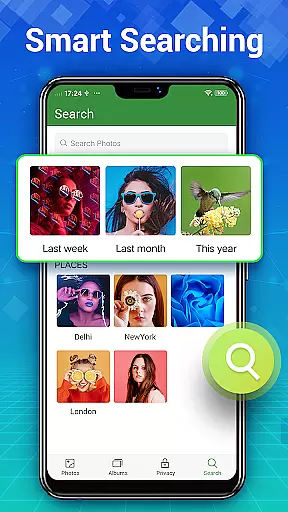
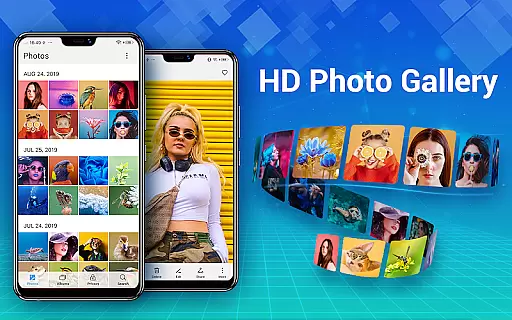
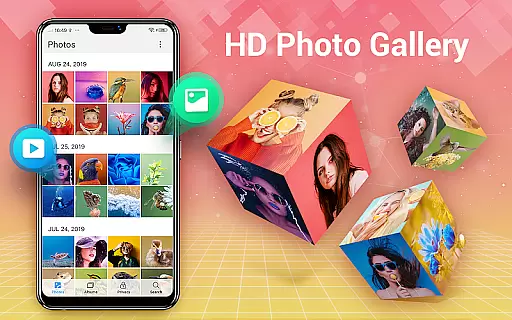
Photo Gallery distinguishes itself through a rich set of features tailored for both casual and professional users. The automatic organization system intelligently categorizes photos and videos by date, location, and custom albums, while the built-in editor offers powerful tools such as filters, cropping, text overlays, and artistic effects. With support for HD previews and slideshow modes, users can enjoy their media in high quality.
For privacy-conscious individuals, the app includes a Gallery Vault functionality that encrypts and hides sensitive files from public view. It also supports offline usage, ensuring that your data remains secure without requiring an internet connection. Additional capabilities include creating photo collages, managing storage efficiently, and setting wallpapers. These features collectively make Photo Gallery a versatile tool for anyone seeking to optimize their digital media experience.
Real-time capture and preview functionality is essential for any photography app, allowing users to see exactly what the camera sees before taking a shot. Photo Gallery - Album, Vault offers this feature with its intuitive interface that ensures every photo or video taken is captured in the moment with precision.
This application provides users with an automatic organization system that refreshes collections quickly, ensuring that all captured media is immediately available for review. The HD browsing capability allows users to view thousands of photos and videos, making it easy to manage and organize their gallery albums efficiently.
With support for folders and SD cards, users can organize their photos in custom ways and transfer them easily. This flexibility enhances the real-time capture experience by providing seamless integration between capturing, organizing, and storing media files.
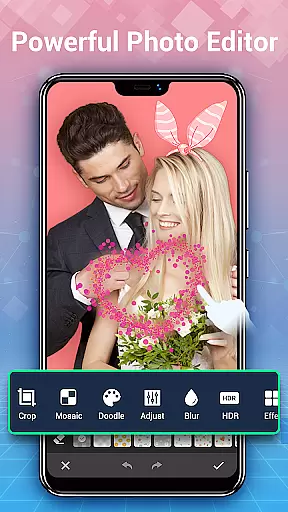
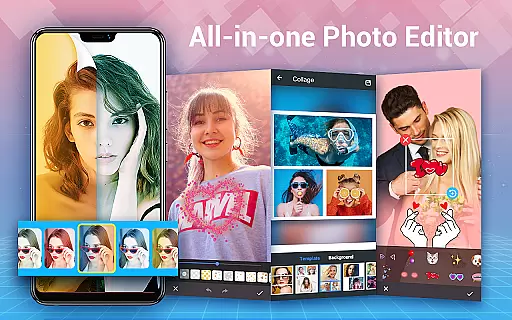
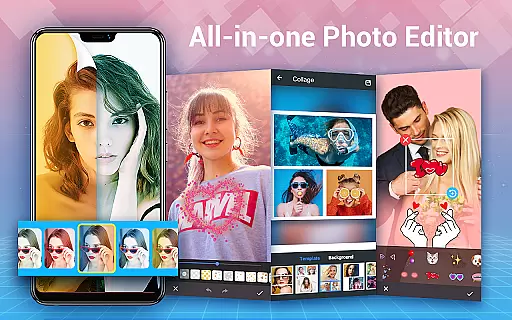
AI beauty and enhancement features are becoming increasingly popular in photography apps, offering users the ability to enhance their photos naturally. Photo Gallery - Album, Vault includes advanced photo editing tools that utilize AI to automatically enhance images, ensuring they look their best with just one tap.
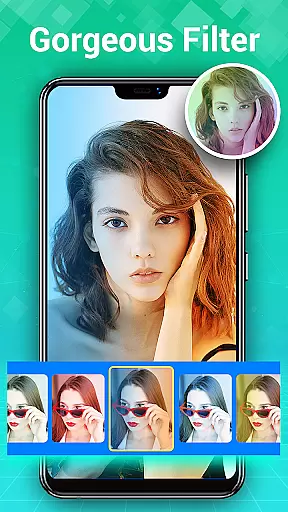
The app's AI capabilities extend to applying filters, adjusting lighting, adding stylish stickers, text, doodles, mosaics, and more. These enhancements are designed to be natural, avoiding over-processing and maintaining the authenticity of the original image while still improving its overall quality.
Additionally, the app offers collage-making features that allow users to create stylish collages quickly. By selecting several pictures, the app generates a cool photo collage in seconds, ready to be shared on social media platforms like Instagram, Facebook, Twitter, or WhatsApp.
User-friendly interface
Advanced privacy controls
Powerful editing suite
HD viewing and slideshows
Efficient file management
Requires additional permissions
Limited cloud integration
Premium features may cost extra
Occasional ads in free version
Complexity for new users
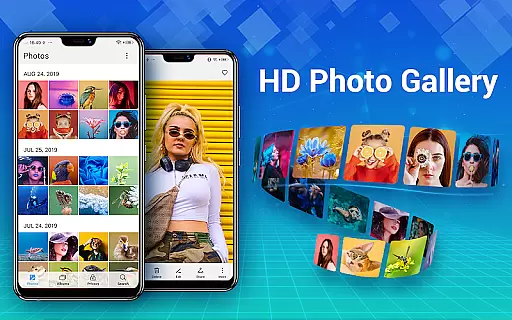
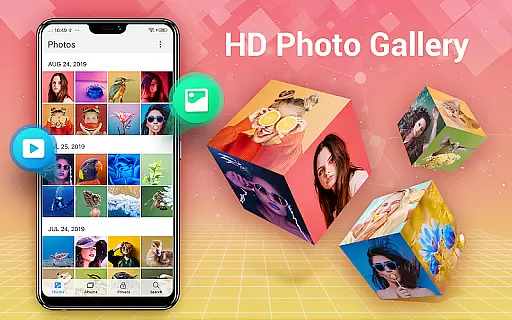
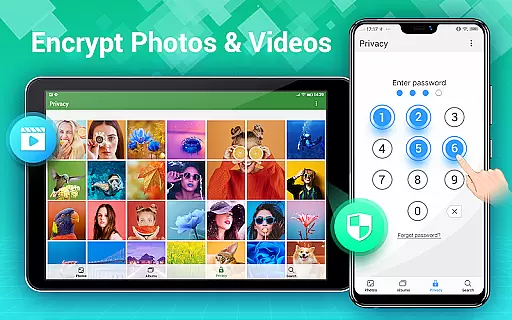
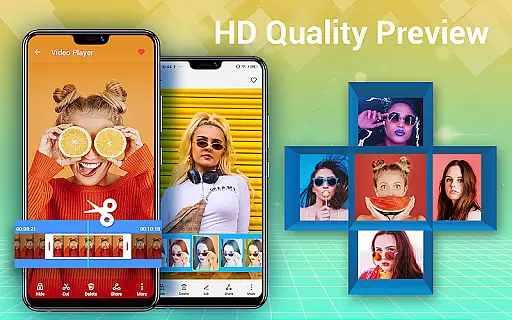

Effortlessly organize, view and share your photos & videos with Gallery app!
 4.40
4.40
Add Watermark - Sign your pictures with a text or logo. Effective, quick, easy!
4.50
Trendy TikTok time warp scan funny filter app brings you unique photos & videos.
4.40
HD Camera Pro with HD Video shooting, Panorama, Photo editor , Beauty Camera.
4.50
USB Storage Access for Photos, Videos, Music and Documents
3.80
AI Photo Editor with 100+ Filters, Effects! Remove BG, Retouch & Photo Enhancer.
4.80
Easily create custom gifts, cards, photo books & more on the Shutterfly app!
4.60
Hair color changer, AI haircut app, fun hair editor and buzz cut filter for all!
3.80
The original Rarevision VHS look seen everywhere!
4.70
Fit multiple photos on one post. Create carousels & scroll layouts for Instagram
4.50
Luminar: Photo Editor - easy picture editing with AI
4.20
Photobooth mini FULL app will allow you to add more fun to your parties
4.00
Astrophotography with your smartphone, photo live stacking and much more!
3.90
Remote control of the phone camera from your Wear OS smartwatch
3.70
Create amazing frames with up to five photos. Rounded corners, effects and more!
3.60
GCamera allows all GCam features on all phone models! Better photos with GCamera
3.30
An interval timer to automate photo taking process for timelapse
2.90
Remote control the phone camera shutter from your smartwatch and take a picture
1.60
Add a dreamy vibe to your selfies and videos with soft style filters
4.1


User Reviews