

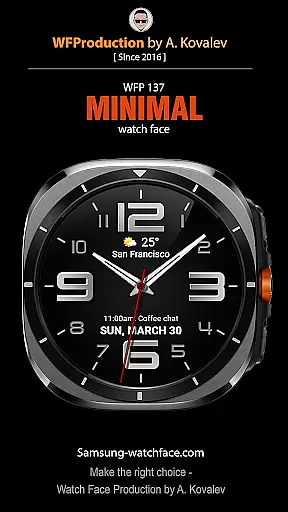
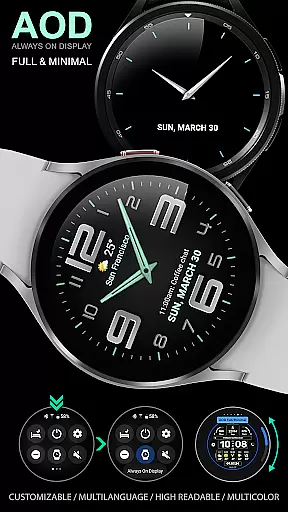
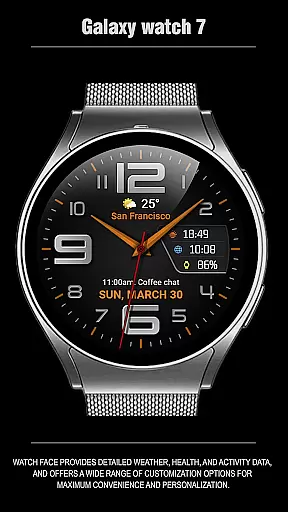
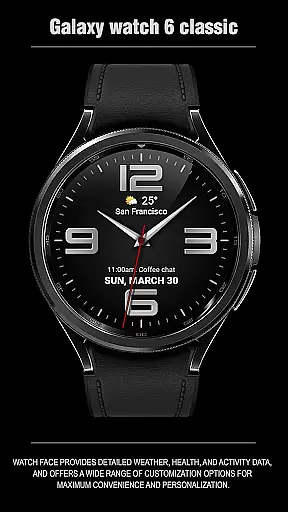
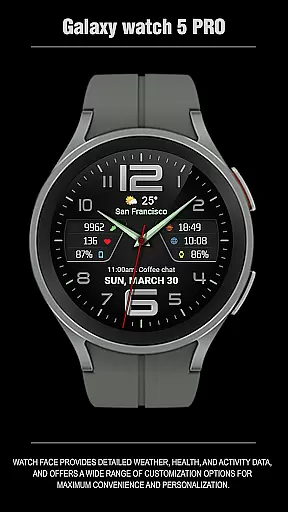
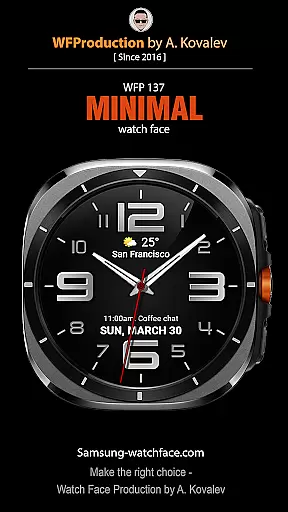
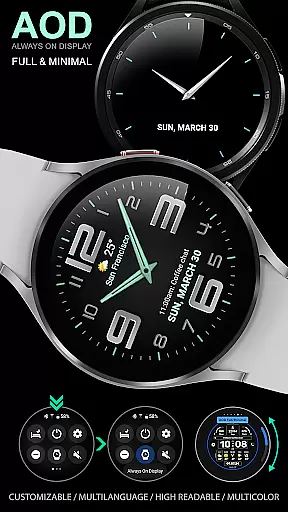
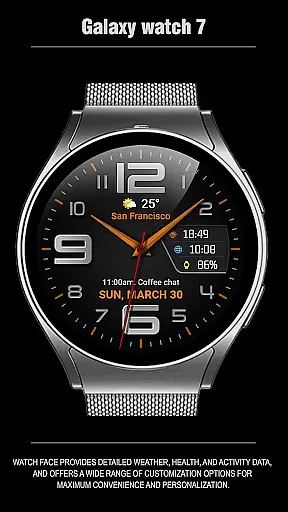
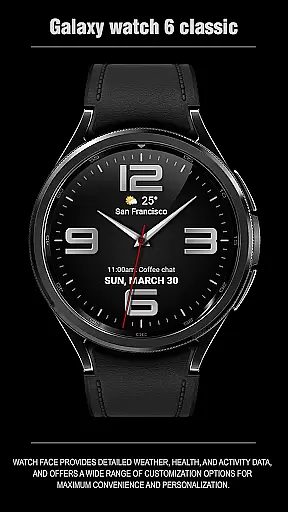
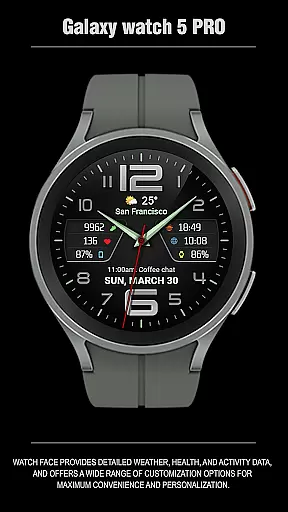
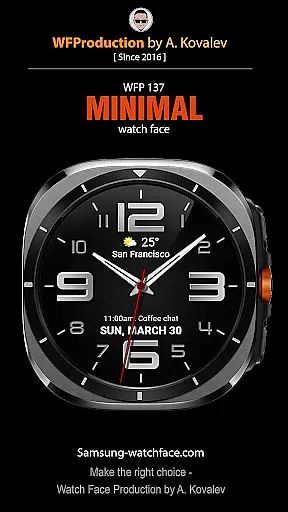
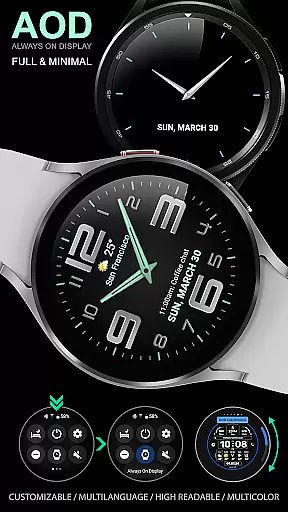
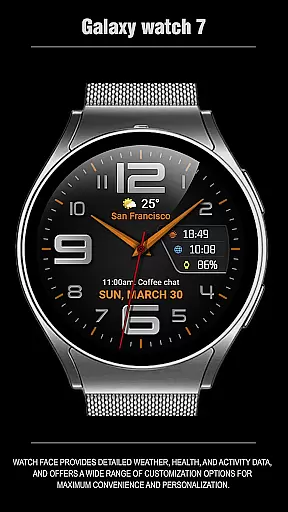
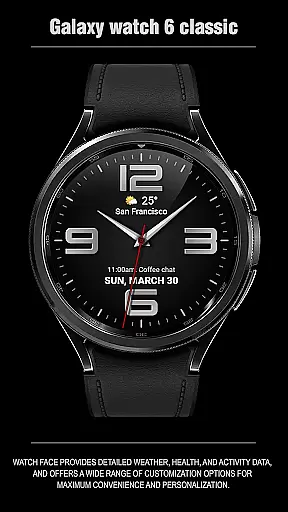
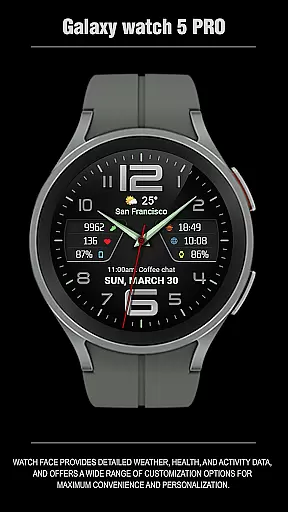
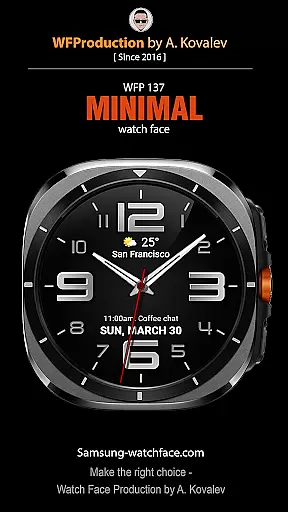
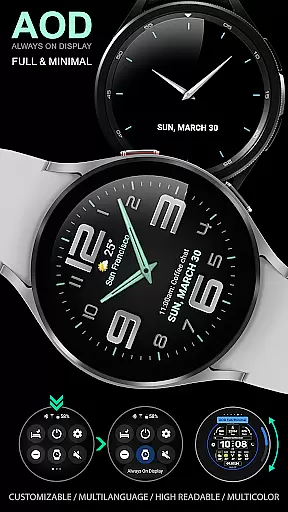
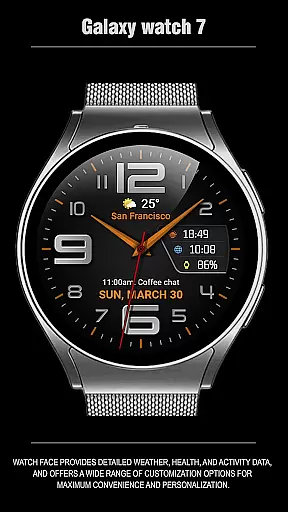
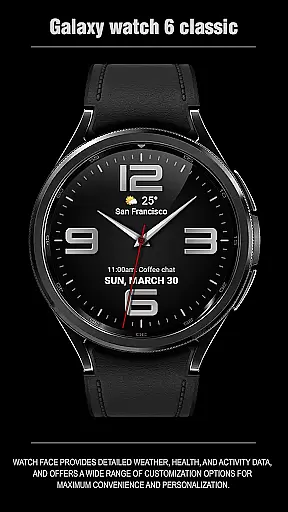
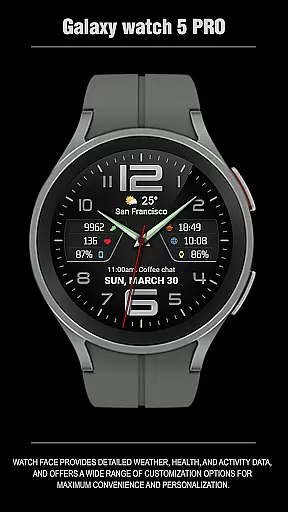
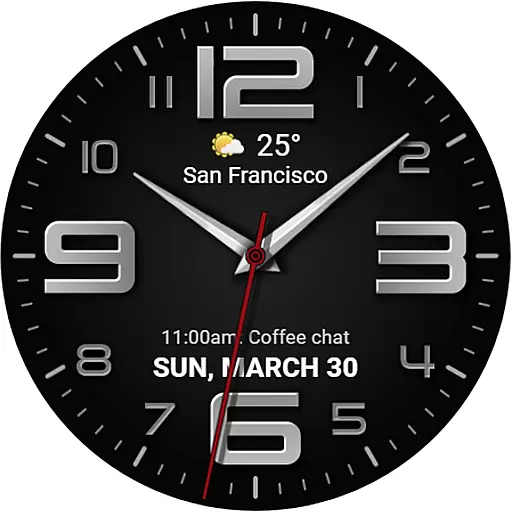
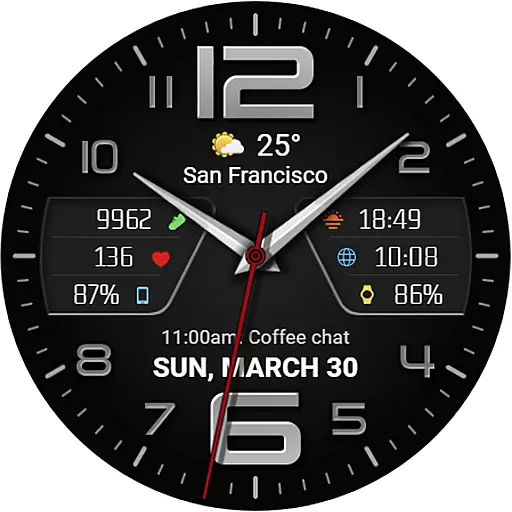
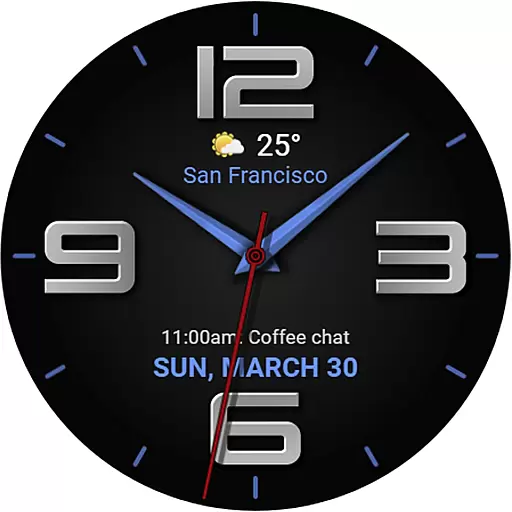
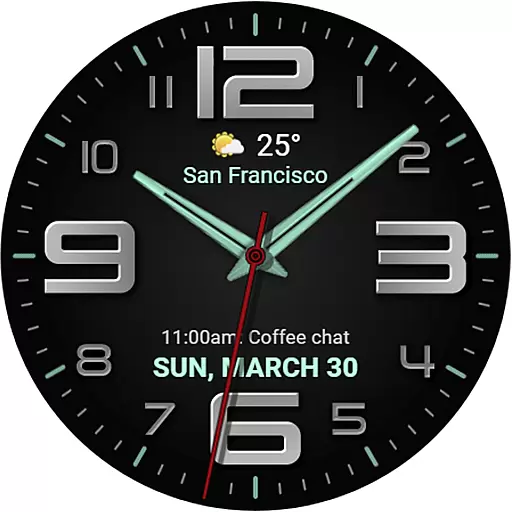
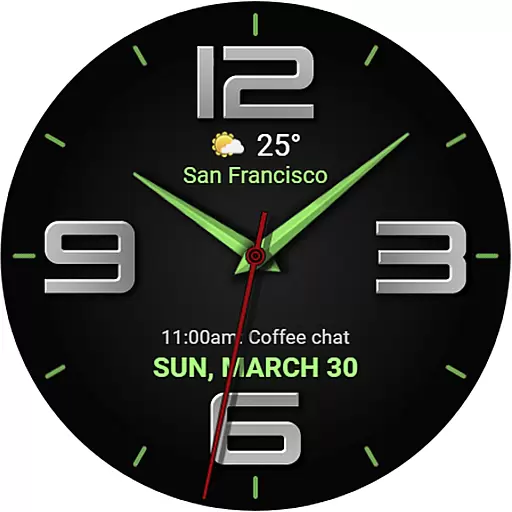
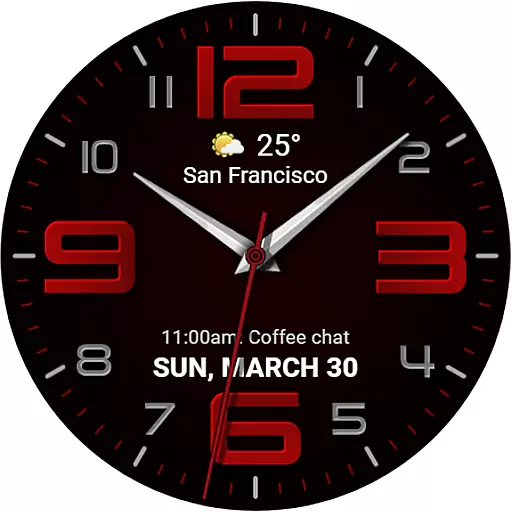
The WFP 137 Minimal watch face is a stylish and functional application designed for smartwatch users who value both aesthetics and utility. This app provides detailed weather forecasts, health tracking, and activity data while offering extensive customization options to enhance personalization.
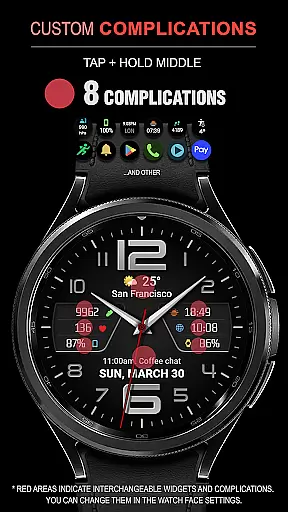
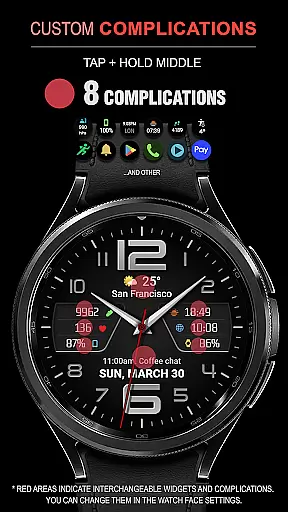
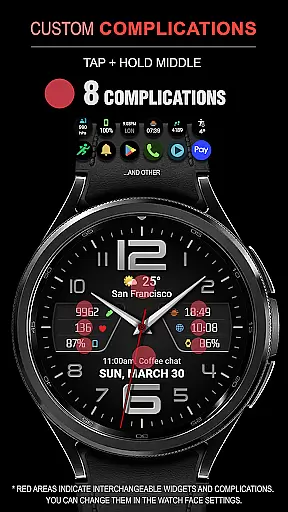
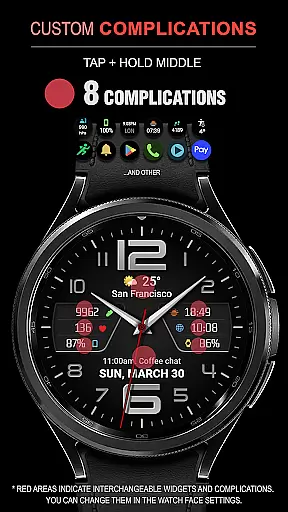
With compatibility for devices running API 34+ and later, this watch face ensures that you can tailor your experience with features like 8 complications, 30 color combinations, and tap zones revealing additional information. Whether you're monitoring your fitness goals or staying updated on the weather, the WFP 137 Minimal watch face delivers high resolution and optimization without compromising battery life.
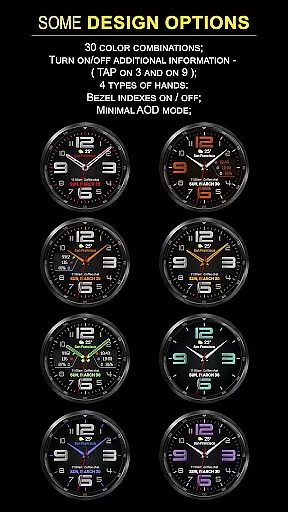
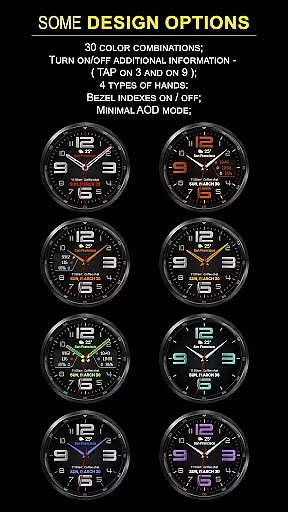
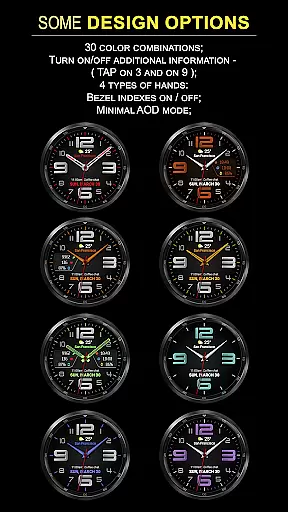
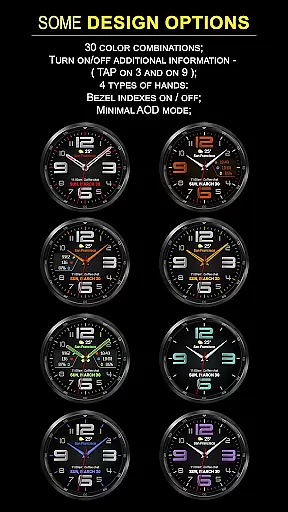
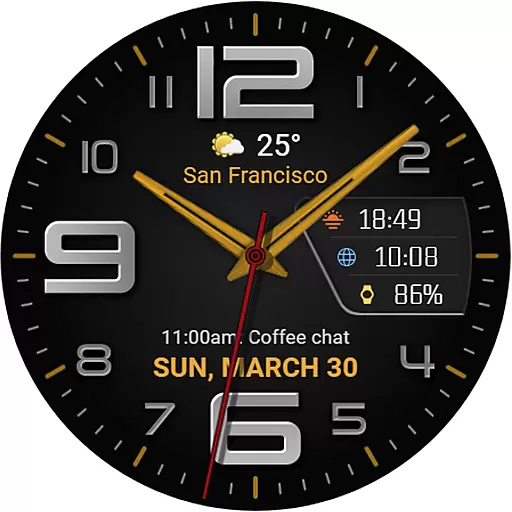
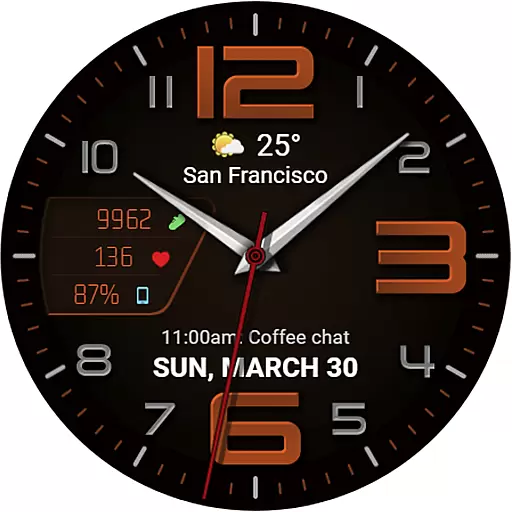
The WFP 137 Minimal watch face stands out with its array of features tailored to maximize convenience and personalization. It offers users the ability to customize their watch faces with up to 8 complications and choose from 30 different color combinations, ensuring a unique look that suits individual preferences.
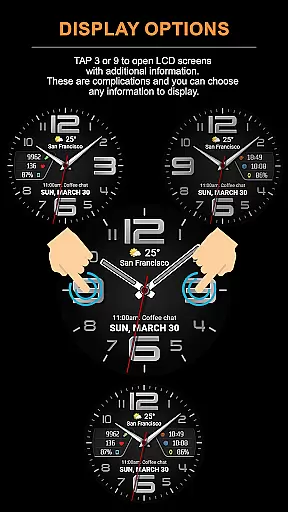
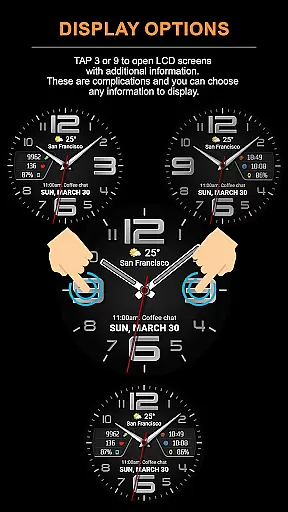
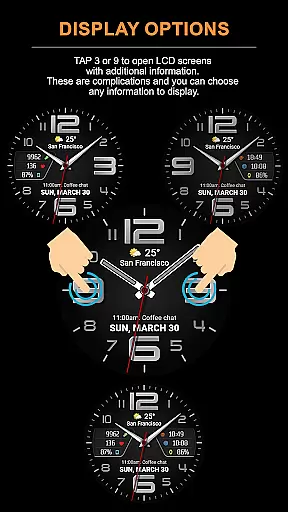
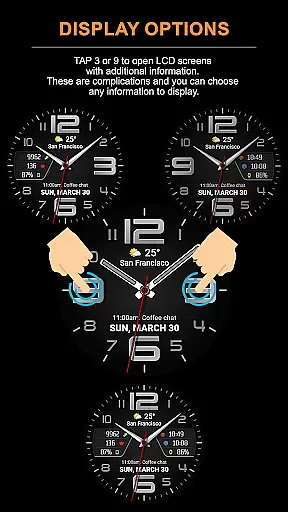
Functionality is further enhanced by the inclusion of LCD screens accessible by tapping at 3 or 9, displaying chosen information. With support for weather forecasts in Fahrenheit or Celsius, multilingual options, and customizable Always-On Display (AOD) modes, this app caters to diverse user needs while maintaining high optimization and low battery consumption.
Companion app integration is essential for a seamless wearable experience. The WFP 137 Minimal watch face excels in this area by offering users the ability to sync and manage their watch face directly from their smartphone.
This functionality allows for easy customization of the watch face, enabling users to adjust settings such as weather display in Fahrenheit or Celsius, choose from 30 color combinations, and select the information shown on the LCD screens with just a few taps on their phone.
Furthermore, the companion app provides access to additional features like phone charge widgets and health data, ensuring that users have all the information they need at their fingertips, thus enhancing both convenience and personalization.
By maintaining compatibility with devices running API 34+ and later, the WFP 137 ensures that users can enjoy these benefits across a wide range of modern devices, making it a versatile choice for tech-savvy individuals.
Device compatibility is a critical factor when choosing a watch face, and the WFP 137 Minimal watch face stands out by supporting Wear OS devices. This compatibility ensures that users can take full advantage of the watch face's stylish design and robust feature set without worrying about technical limitations.
The watch face is optimized for high resolution and low battery consumption, striking a balance between visual appeal and practicality. With support for detailed weather forecasts, health tracking, and activity data, it caters to users who demand both form and function from their wearable technology.
In addition to its core features, the WFP 137 offers extensive customization options, including 8 complications and 4 types of hands, allowing users to tailor the appearance and functionality to their preferences. These options are accessible through the companion app, which simplifies the process of personalizing the watch face.
Overall, the WFP 137 Minimal watch face delivers a comprehensive solution for users seeking a blend of style, functionality, and compatibility with their Wear OS devices, ensuring a satisfying user experience.
Highly customizable
Low battery usage
Accurate weather data
Wide compatibility
Stylish design
Limited free options
Complex setup
Premium cost
Requires API 34+
Occasional bugs

"PER27 Galaxy Digital" is a digital Wear OS watch face designed by PERSONA
 4.10
4.10
Beautiful artistic animated digital watch face, with a customizable layout!
4.40
Beautiful, colorful and practical watch face. For Wear OS devices.
5.00
Get helpful reminders, take progress photos and find answers to your questions.
3.90
Hyper-Realistic Airplane Dashboard Watch Face With 10 Skins and Custom AOD
4.00
A digital watch face that celebrates Christmas.
4.00
Want to take charge of your health? Let Google Fit help you reach your goals.
3.50
Start and succeed with PAP
4.10
Track airplanes and follow flights with our real-time flight tracker
4.50
Digital, flexibly customizable watch face. For Wear OS 5.0, API 34+ and later.
5.00
Period, ovulation & pregnancy tracker. Fertility insights & menstrual calendar.
4.90
The Chevron App allows you to pay for fuel from the comfort of your car!
4.80
Be an elegant and classy secret agent, with this carefully detailed watch face
4.70
Bold, Modern Hybrid Watch Face for Wear OS. 10 Colors, Rich Info Display.
4.30
Animated video-game inspired “secret agent” simulation, right on your wrist!
4.20
Your music, your playlists, and more—offline and unlimited.
4.20
Watch face designed for Thanksgiving Day. 7 Background Styles included.
3.20
Sleek, highly customizable watch face inspired by Galaxy Watch Circle Dashboard.
4.1
Stylish digital watch face for Wear OS devices with customizable features
4.3

User Reviews