

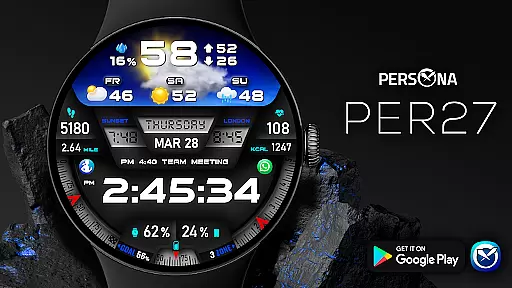
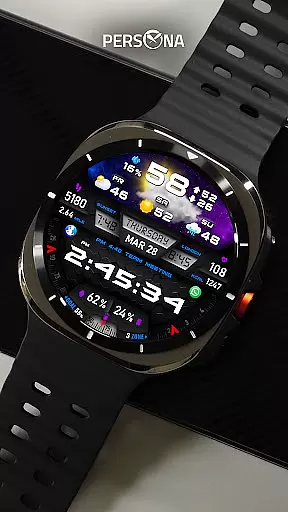
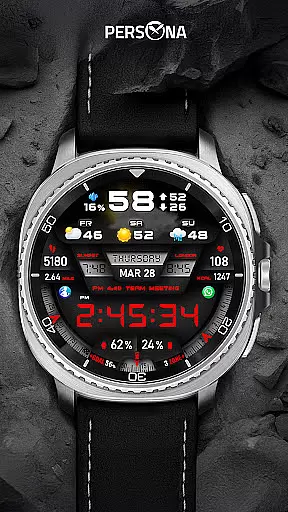
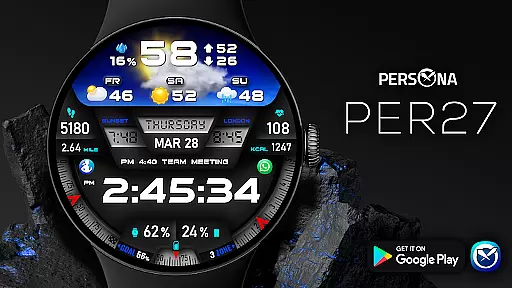
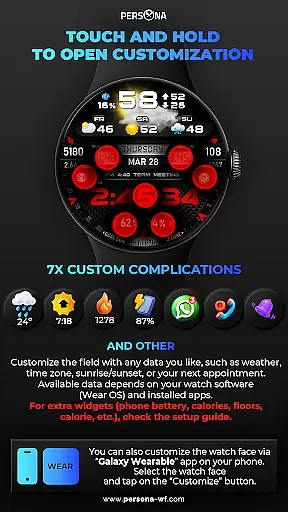
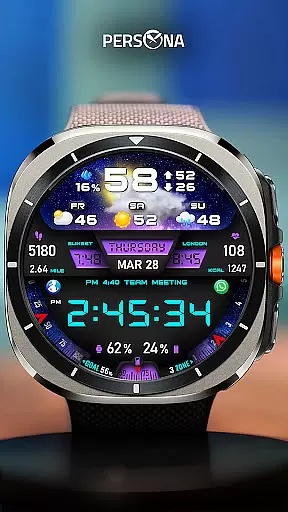
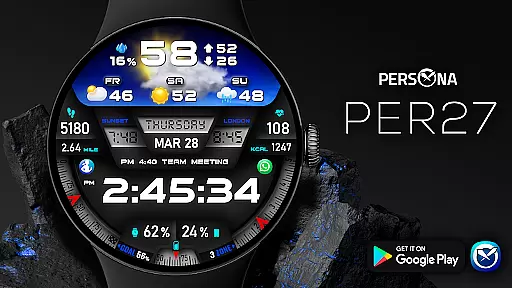
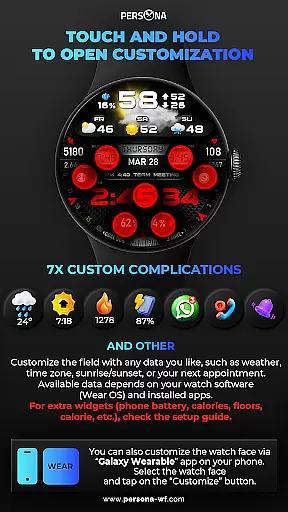
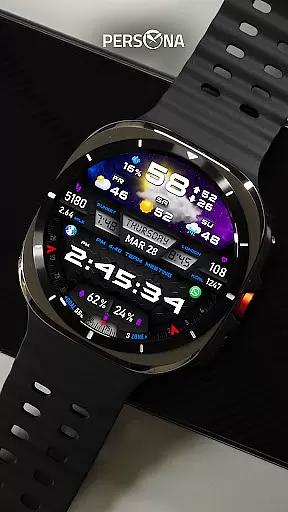
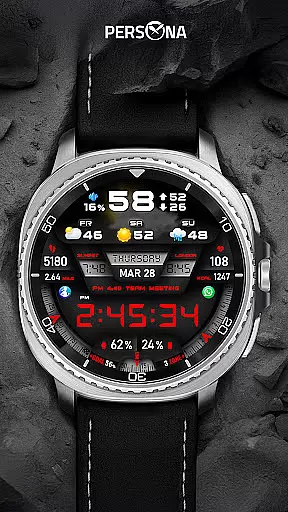
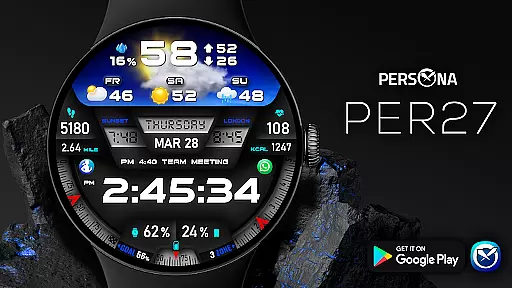
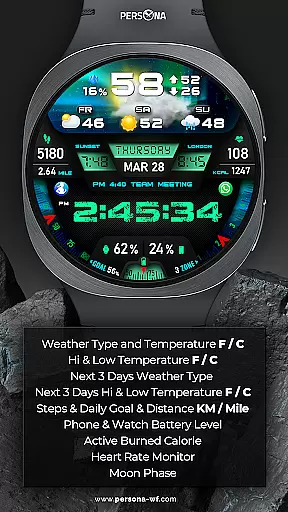
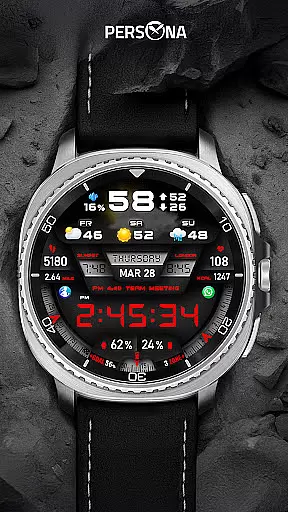
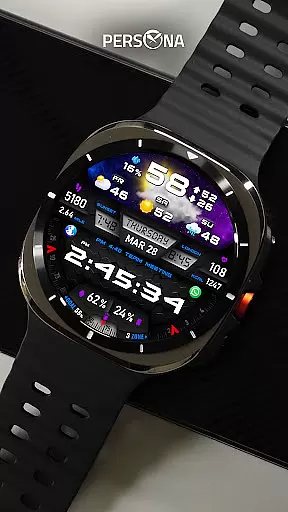
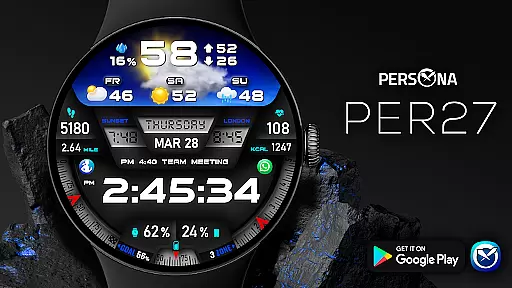
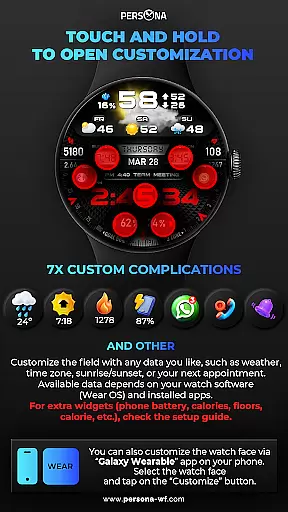
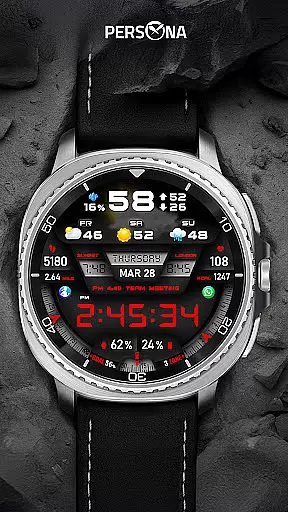
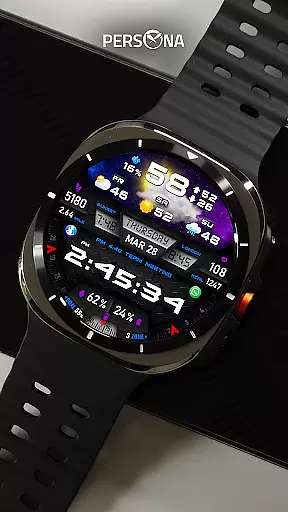
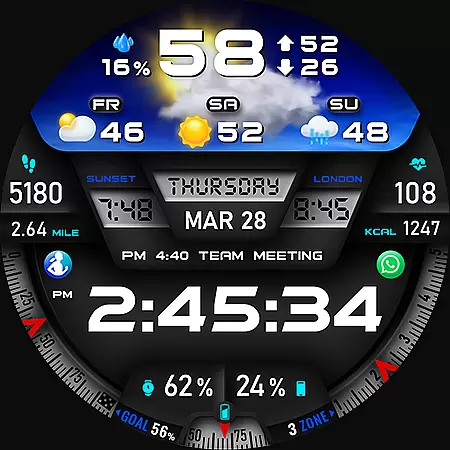
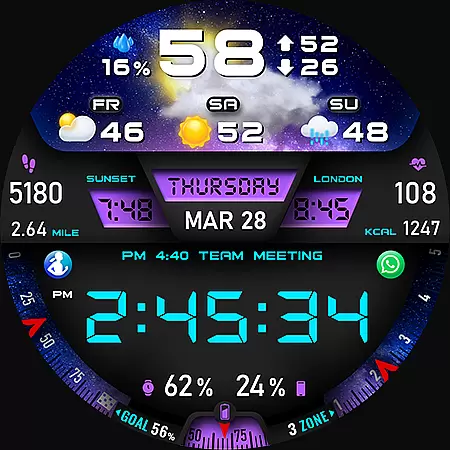
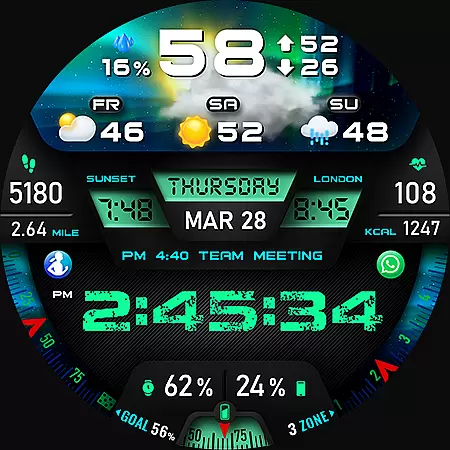
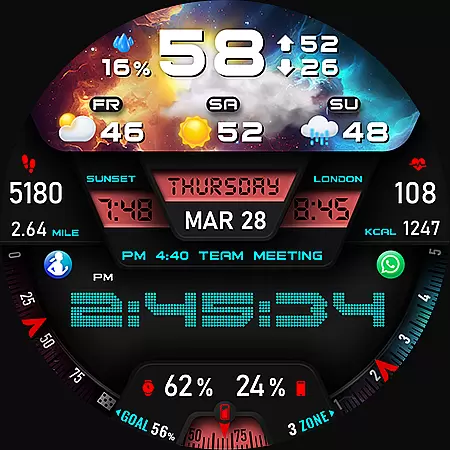
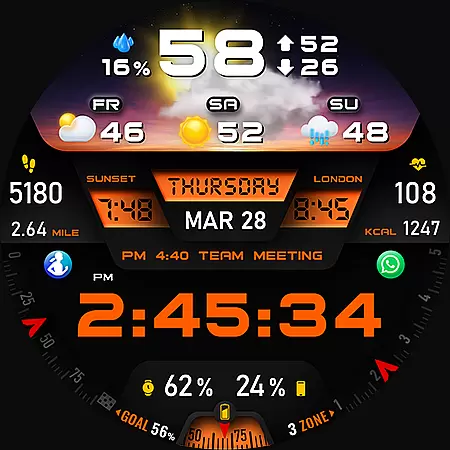
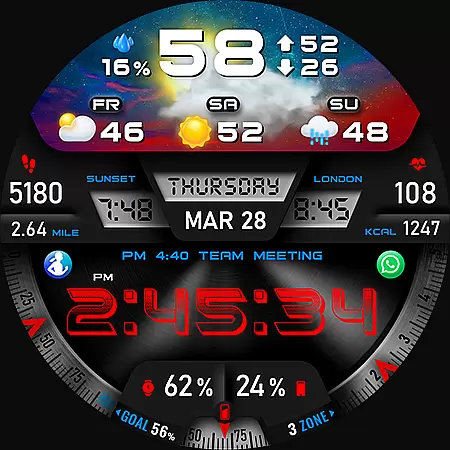
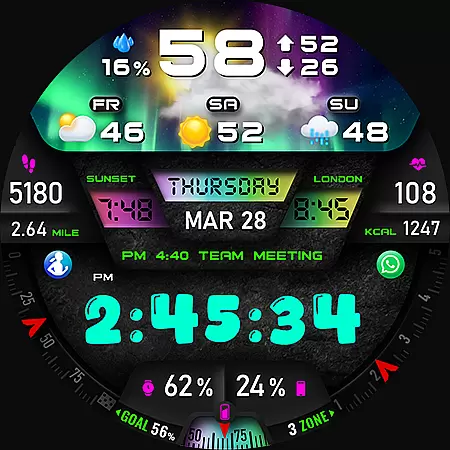
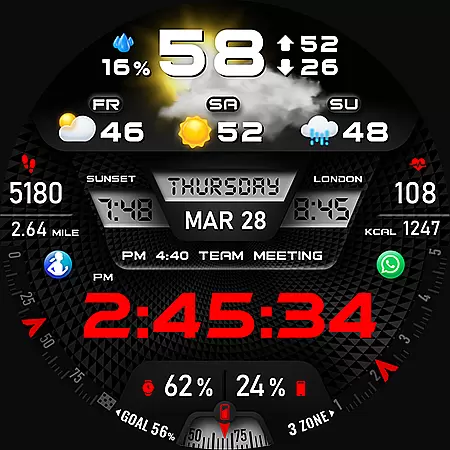
PER27 Galaxy Digital WatchFace is a premium Wear OS watch face that combines advanced functionality with customizable design. It features 3D animated weather, multiple font styles, and detailed forecast data, making it both visually stunning and highly practical.
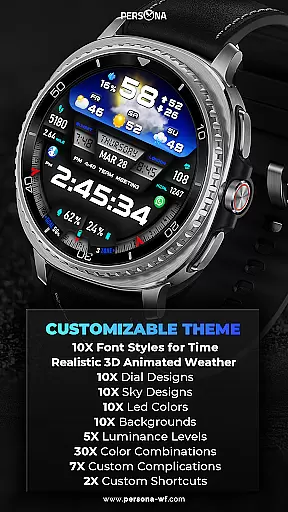
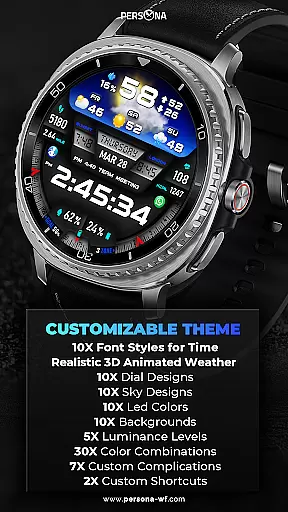
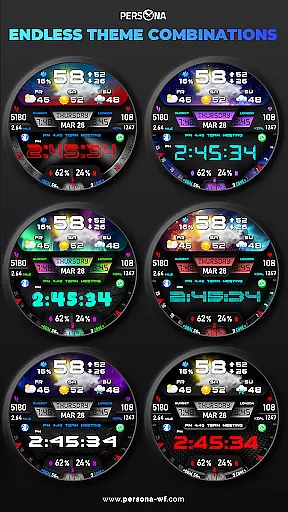
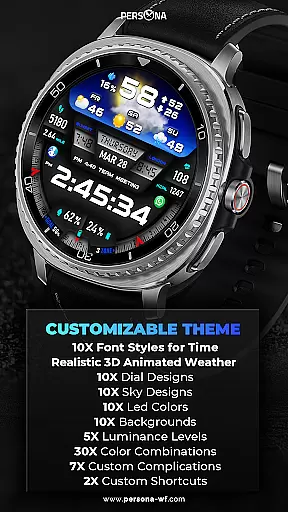
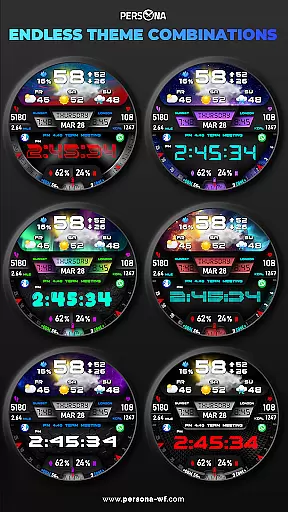
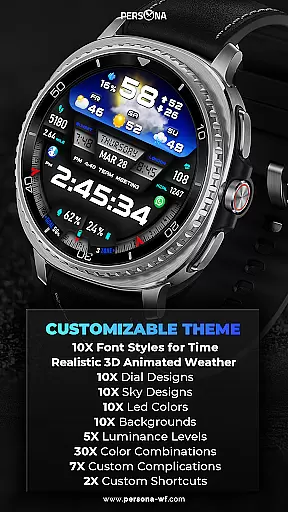
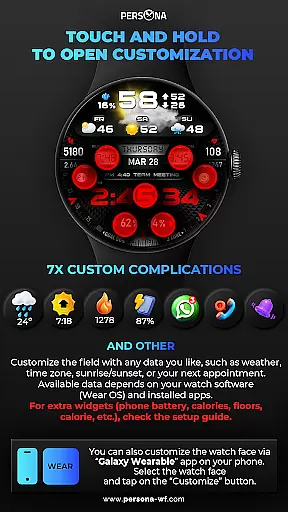
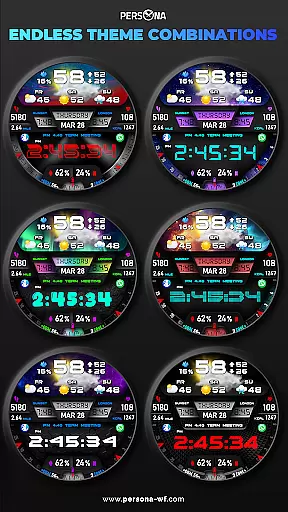
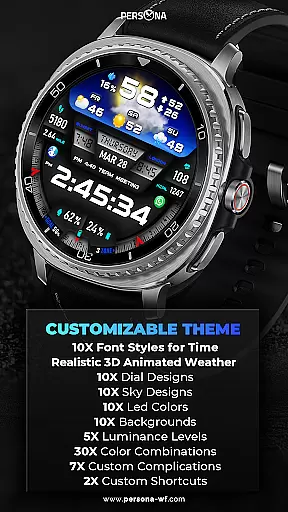
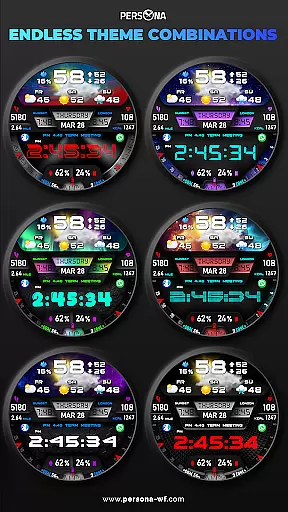
The watch face supports extensive personalization options including backgrounds, dial designs, LED colors, and complications. With support for Always-On Display (AOD) and compatibility across all Wear OS devices (API Level 34+), it ensures both usability and versatility for users seeking a modern smartwatch experience.
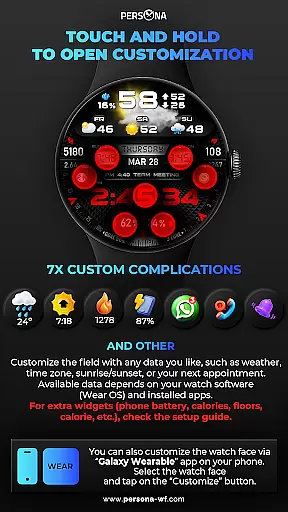
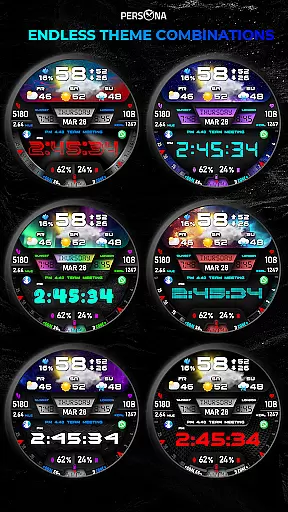
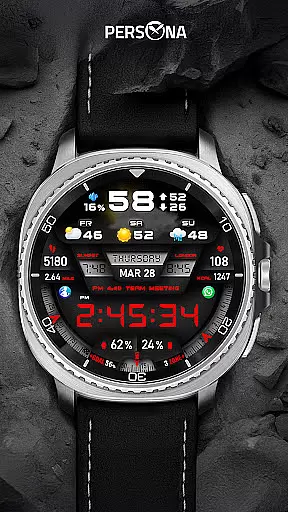
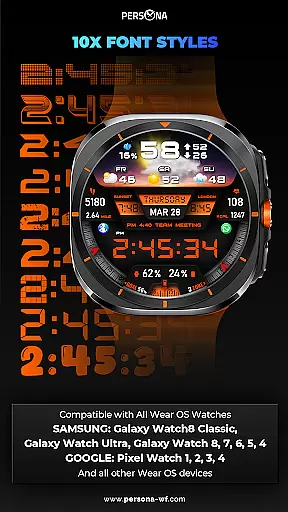
PER27 Galaxy Digital WatchFace stands out with its comprehensive feature set tailored for smartwatch users. The app provides 10 font styles, 10 backgrounds, and 10 dial designs, allowing users to create a personalized look. Its 3D realistic animated weather and forecast data enhance practicality while maintaining aesthetic appeal.
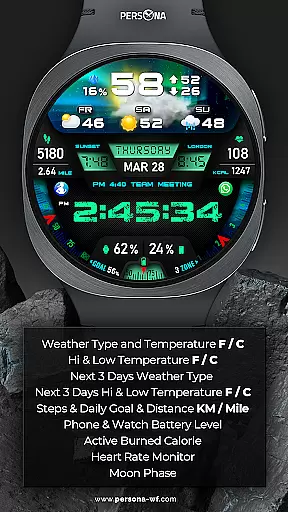
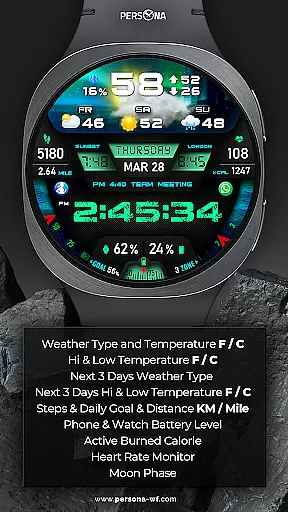
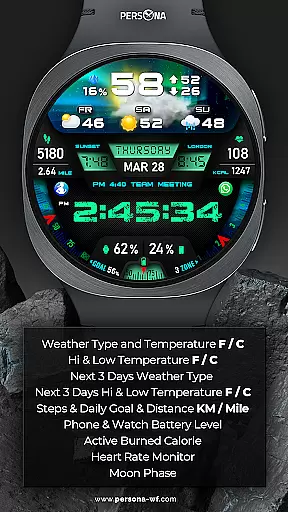
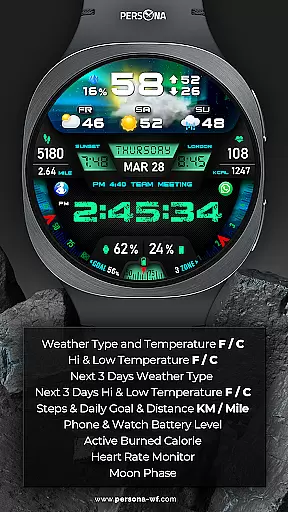
Key functionalities include health metrics like heart rate monitoring, step tracking, and calorie counting, alongside environmental data such as UV index, moon phase, and barometer readings. The Always-On Display (AOD) offers adjustable brightness and synchronized colors, ensuring visibility and battery efficiency without compromising style.
Companion app integration is essential for a seamless smartwatch experience. The PER27 Galaxy Digital Watch Face connects effortlessly with its companion app, ensuring that all customizations and settings are perfectly synchronized.
This synchronization allows users to easily adjust various elements of the watch face through their smartphone. Whether it's changing font styles, selecting backgrounds, or setting up complications, the process is streamlined and user-friendly.
By leveraging the companion app, users can access advanced features such as weather updates, health metrics, and calendar events directly on their watch face. This ensures that the most relevant information is always at hand, enhancing both convenience and functionality.
The integration also supports firmware updates and new feature rollouts, keeping the watch face up-to-date with the latest improvements and innovations. This ongoing support guarantees a consistently optimal user experience.
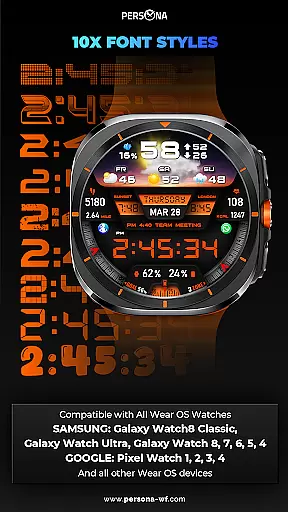
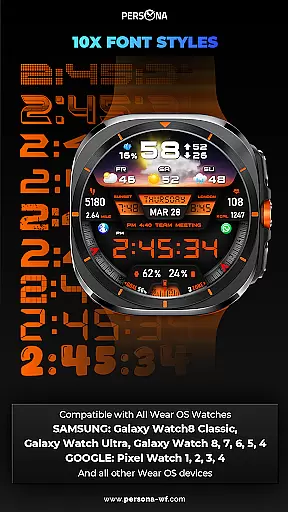
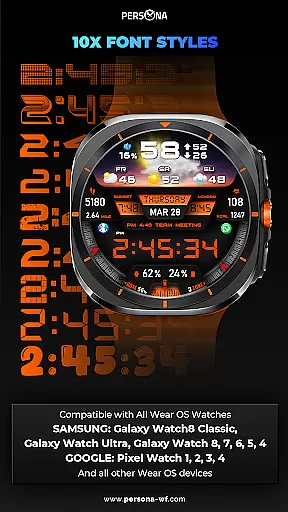
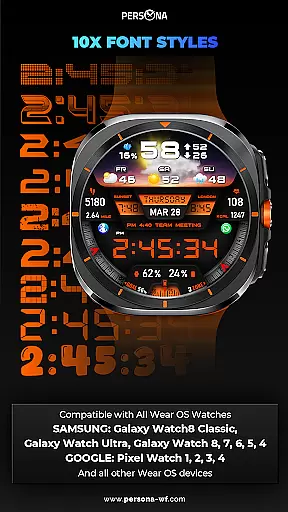
Ensuring broad device compatibility is crucial for any Wear OS application. The PER27 Galaxy Digital Watch Face is designed to work seamlessly across a wide range of Wear OS devices, providing users with a consistent experience regardless of their specific model.
Compatible with all Wear OS devices (API Level 34+), this watch face supports popular models from leading manufacturers. Whether you own a Samsung Galaxy Watch8 Classic, Google Pixel Watch, Fossil Gen 7, or Mobvoi TicWatch Pro 5, you can enjoy the full range of features without compromise.
The design takes into account the varying screen sizes and resolutions of different devices, ensuring that visuals remain crisp and clear. This attention to detail guarantees that users will experience stunning graphics and smooth animations on any supported device.
Additionally, the watch face's compatibility extends to future devices, thanks to its adherence to the latest Wear OS standards. This forward-thinking approach ensures that users can upgrade their hardware while continuing to enjoy the same high-quality experience.
Highly customizable
Realistic 3D weather
Wide device support
Always-On Display
Comprehensive health metrics
Weather data requires internet
Complex setup for beginners
Battery usage may increase
Premium feel comes at cost
Limited free features

Christmas and New Year - Themed Watchface
 4.1
4.1
Animated Watch Face and Customizable with 24 Backgrounds. Perfect for Christmas!
3.90
Let's celebrate Thanksgiving - Wear Os watch face
4.20
Connect to your Bluelink equipped Hyundai vehicle from your smartphone.
4.50
The Chevron App allows you to pay for fuel from the comfort of your car!
4.80
Professional weather radar and more
3.90
A modern hybrid informative watch face for Wear OS designed by BALLOZI
4.80
Animated video-game inspired “secret agent” simulation, right on your wrist!
4.20
Want to take charge of your health? Let Google Fit help you reach your goals.
3.50
Easy Voice Recorder is your everyday companion to record important moments.
4.70
Retro digital watch face with customizable colors and a unique lighting effect
4.60
Bold weather Digital watchface with forecast & optional animated background
4.40
Snowflake Rose Gold Watch Face - Digital, modern, & sleek with GYRO effect.
4.10
Embrace the festive spirit with our Christmas Countdown watchface for Wear OS
4.10
Get helpful reminders, take progress photos and find answers to your questions.
3.90
A heartwarming Christmas scene featuring a cute image of Santa and Rudolf
4.2
Contemporary digital watch face with five complications
4.0
Artistic Digital Watchface
4.3
3 Complications. All shadow on/off. 30 Themes color palette...
4.3

User Reviews