

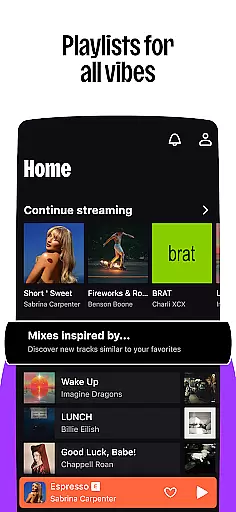
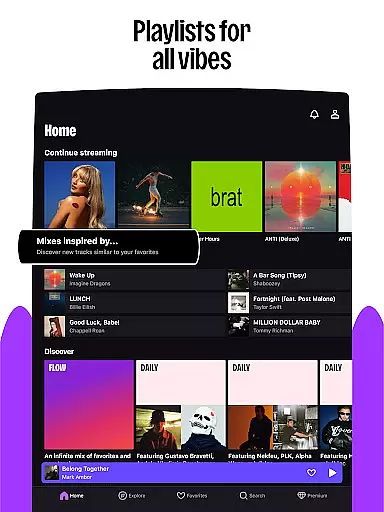
Deezer is a comprehensive music streaming platform designed for Android Wear users who want to enjoy their favorite tracks on the go. This app offers an extensive music catalog, personalized playlists through its signature Flow feature, and curated content tailored to various moods and genres.
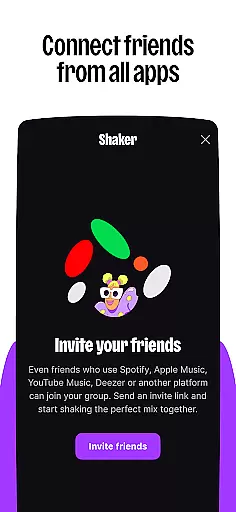
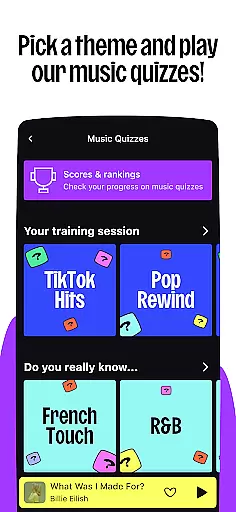
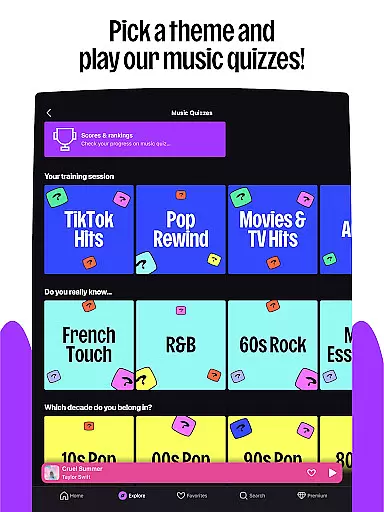
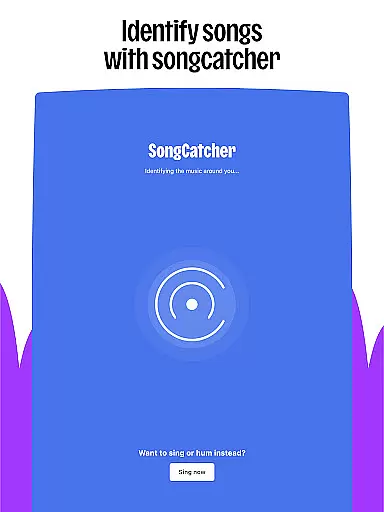
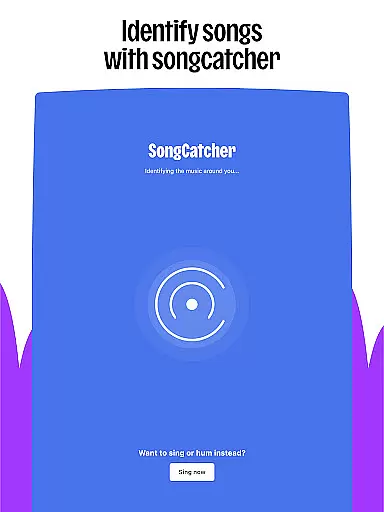
Beyond just music, Deezer provides interactive features like Shaker for collaborative playlists, Music Quiz for testing your knowledge, and SongCatcher for identifying songs. With offline mode, HiFi audio quality, and seamless integration with smart devices, Deezer ensures you can embrace your music tastes anytime, anywhere.
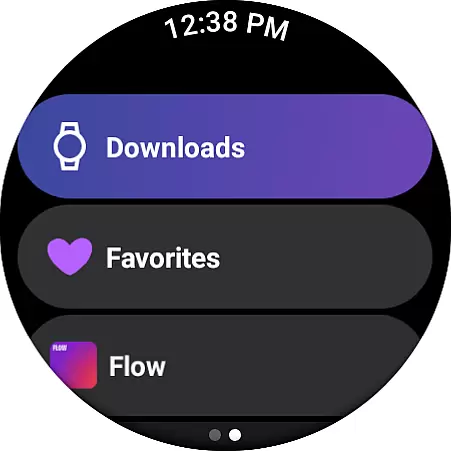
Whether commuting or working out, Deezer's Android Wear compatibility allows users to control playback directly from their wrist, making it easier than ever to Live the Music wherever life takes you.
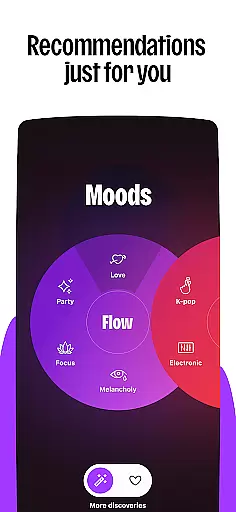
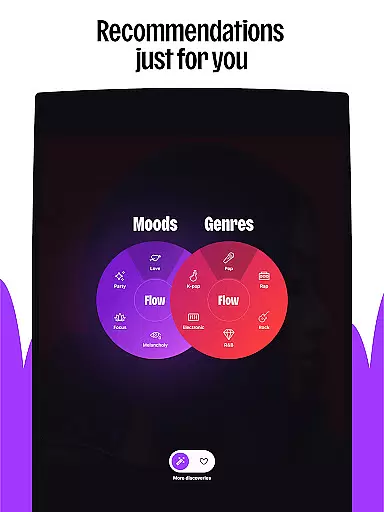
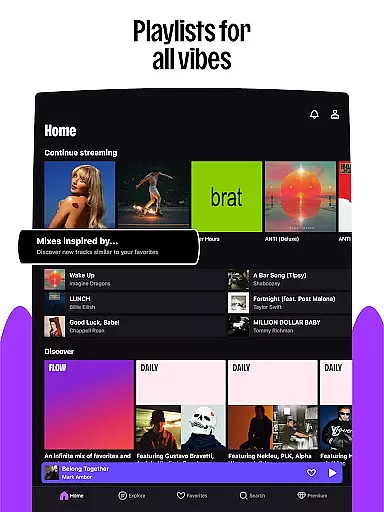
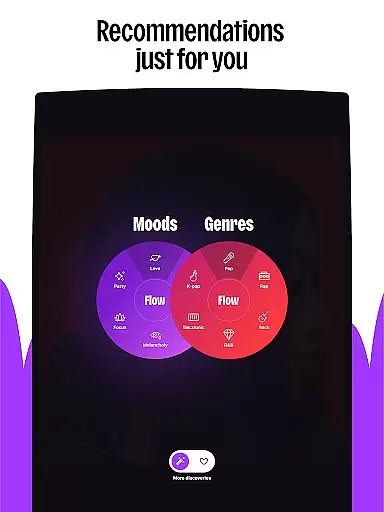
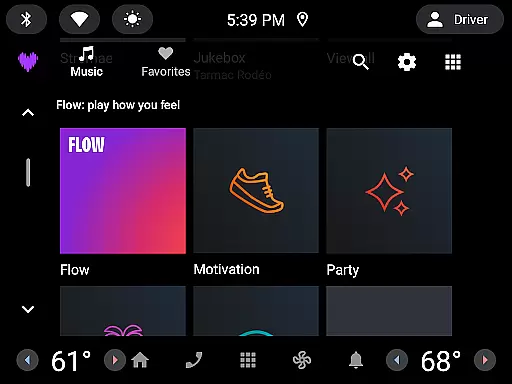
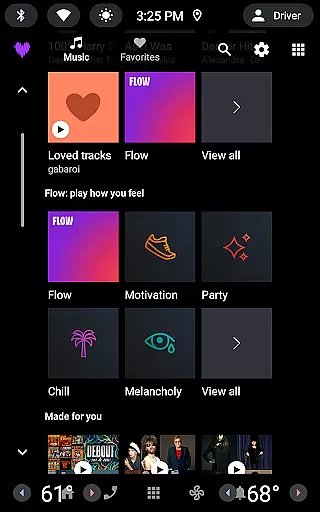
Deezer stands out with its unique features crafted for music enthusiasts. The Flow feature creates an infinite, personalized mix of your favorite tracks combined with new discoveries, ensuring that your listening experience is always fresh and engaging.
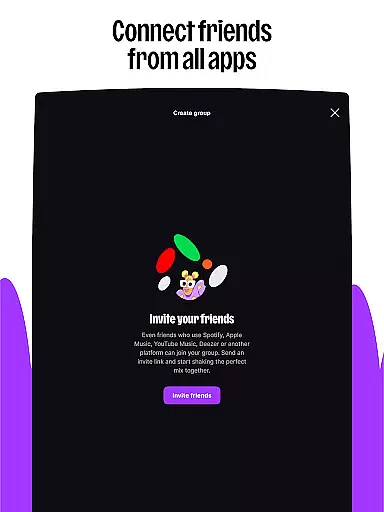
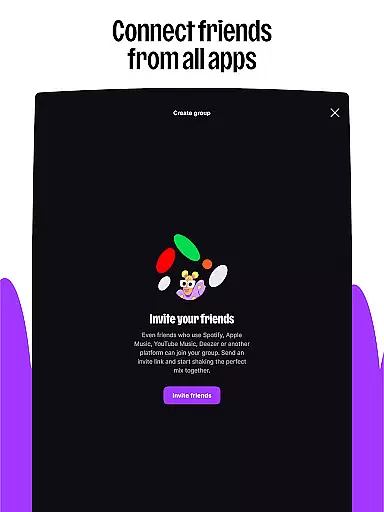
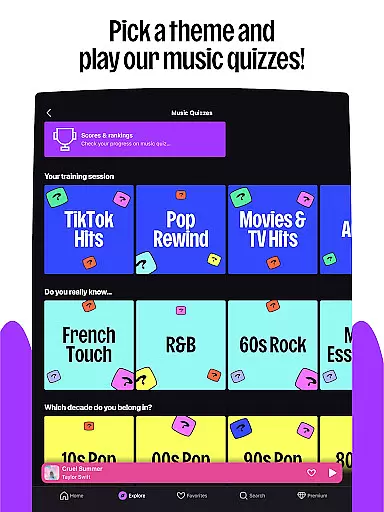
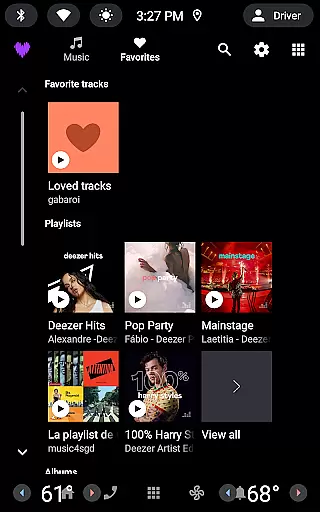
Interactive tools such as Shaker let you blend playlists with friends while Music Quiz challenges your song recognition skills. SongCatcher helps identify tunes playing nearby or even hummed by you. Additionally, customization options allow shaping algorithms, designing playlist covers, and reorganizing favorites for quick access.
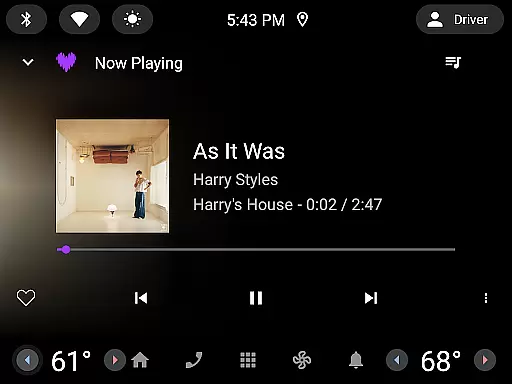
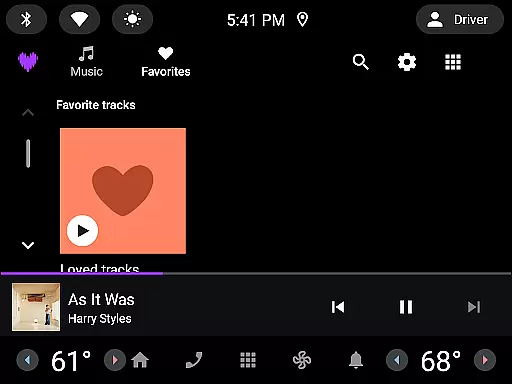
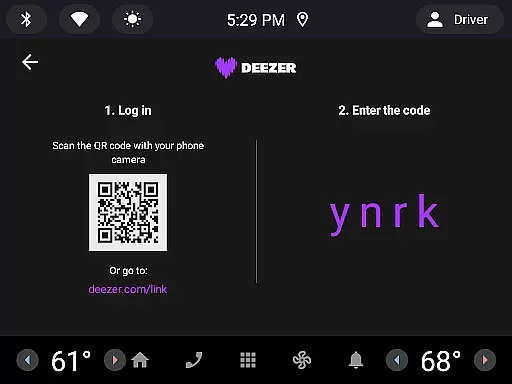
With support for multiple devices including smart speakers, wearables, and car systems, Deezer brings high-quality audio experiences across all platforms, enhancing user convenience and satisfaction.
Companion app integration is essential for wearable devices to function seamlessly with a primary mobile application. For Deezer, this means that users can easily sync their music preferences, playlists, and listening history between their smartphones and wearable gadgets.
The Deezer Android Wear app ensures that all user data is synchronized in real-time, allowing for an uninterrupted music experience. Whether you're switching from your phone to a smartwatch, the transition is smooth, maintaining your personalized settings and music queues without any manual adjustments.
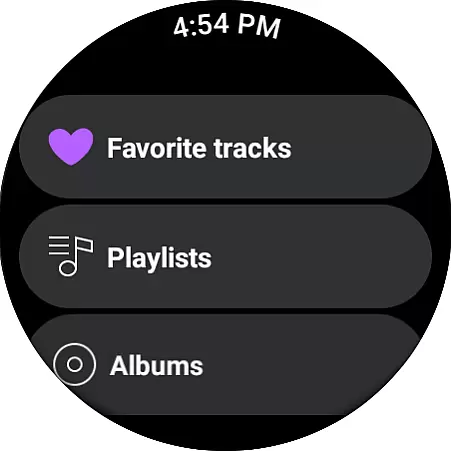
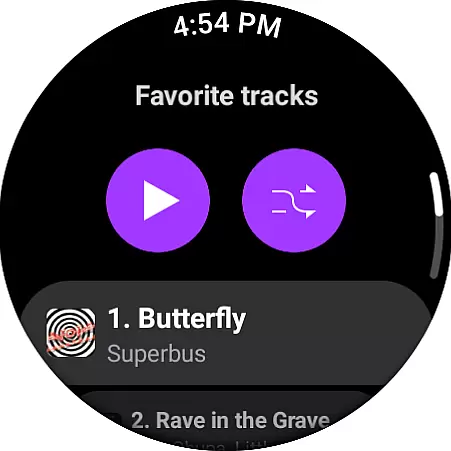
Users benefit from this integration by having consistent access to their music library regardless of the device they are using. This feature enhances convenience, making it possible to control music playback, browse playlists, and manage audio content directly from a paired wearable device.
This seamless companion app integration elevates the overall user experience, ensuring that listeners can enjoy Deezer's extensive music catalog and unique features like Flow and curated playlists on the go, without being tied to their smartphones.
Wear OS and device compatibility ensure that applications like Deezer can operate efficiently across various wearable devices. This compatibility allows Deezer to extend its functionalities to platforms such as Galaxy Watch, Fitbit, and other Wear OS devices, providing users with versatile access points to their music.
Deezer's support for multiple wearable operating systems guarantees that users won't be limited by their device choices. Whether you own a Galaxy Watch or a Fitbit, Deezer adapts to deliver optimal performance tailored to each platform's specifications and limitations.
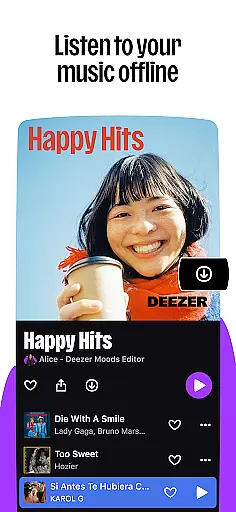
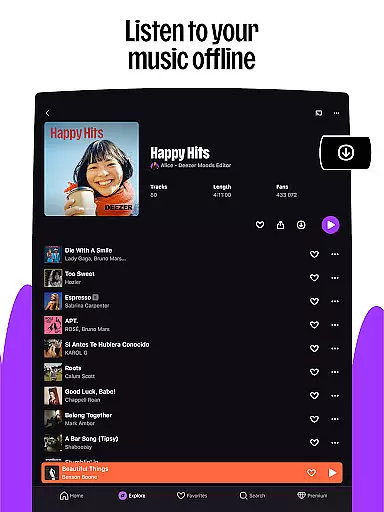
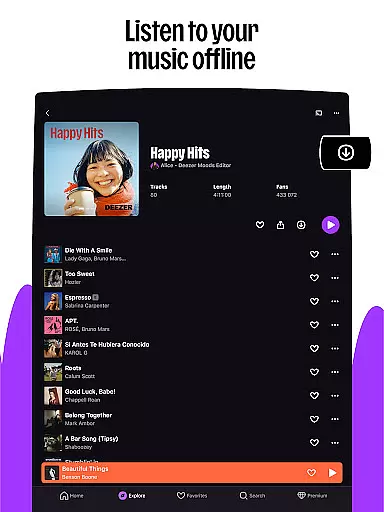
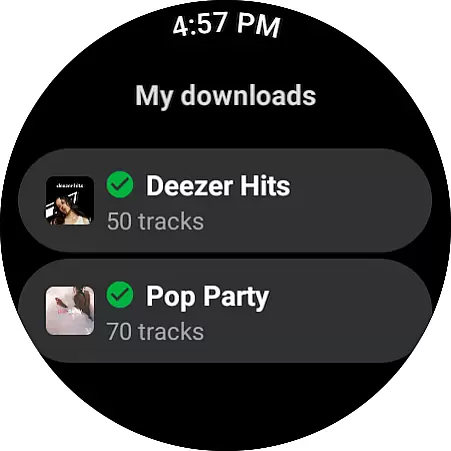
For users, this broad compatibility means they can enjoy Deezer's features, including ad-free listening, HiFi audio quality, and personalized playlists, directly from their preferred wearable gadgets. It also supports offline mode, enabling uninterrupted music enjoyment even without a smartphone nearby.
By prioritizing Wear OS and device compatibility, Deezer ensures that its service remains accessible and functional across different ecosystems, enhancing user satisfaction and expanding its reach within the wearable tech market.
Extensive music library
Personalized playlists
HiFi audio quality
Interactive features
Cross-device compatibility
Limited free version
Occasional ads in Free plan
Regional feature restrictions
Premium subscription cost
Complex interface for beginners









Watch the sharpness of the sky on your wrist..
 3.70
3.70
Precision analog watch face with 7 complications and style options
4.1
Snowflake Rose Gold Watch Face - Digital, modern, & sleek with GYRO effect.
4.10
Fitness interactive virtual pet super fighter boy watch face
4.3
Structured watch face with seven complications and modular UI elements
3.90
sleep, alarm, snoring, stress, healing, focus, sound therapy, circadian rhythm
4.10
Find EV charging stations
4.30
Spam call blocker and caller ID for automatic call protection!
4.40
Download full tracks, listen to music offline, make unlimited playlists.
4.80
Gym Log & Workout Tracker | Fitness Journal, Training & Weight Lifting Planner
4.90
Real-time weather radar with temperatures, warnings, hurricanes, and widgets
4.80
The most customizable minimal watch face. For Wear OS 5.0, API 34+ and later
4.70
Highly customizable hybrid watch face for Wear OS, perfect for everyday use.
4.60
Embrace the holiday spirit with this magical animated watch face!
4.40
Beautiful artistic animated digital watch face, with a customizable layout!
4.40
The ultimate destination for kids ages 3-8 to explore the Marvel Universe!
4.30
Embrace the festive spirit with our Christmas Countdown watchface for Wear OS
4.10
Stunning modern digital watch face with 7 complications and strong contrast
4.4
Stylish digital watch face for Wear OS devices with customizable features
4.0


User Reviews