

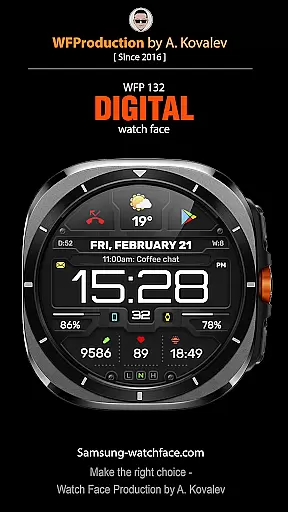
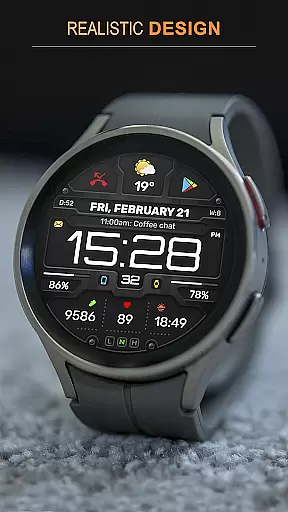
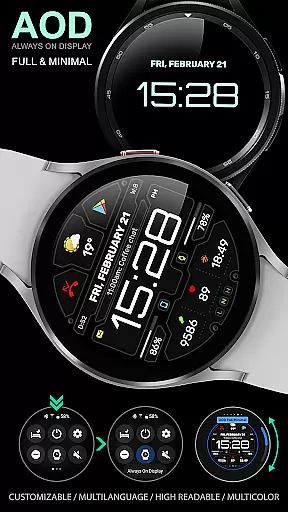
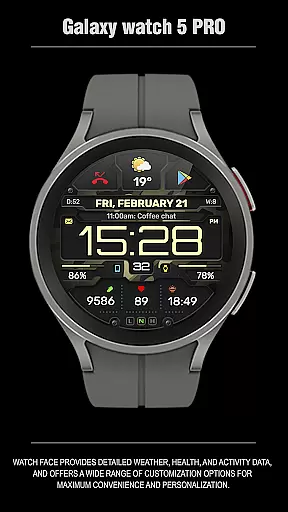
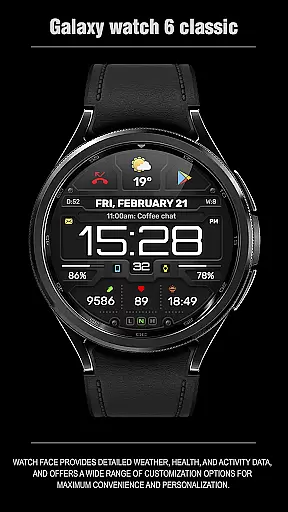
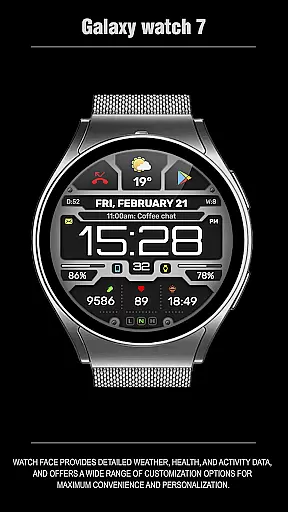
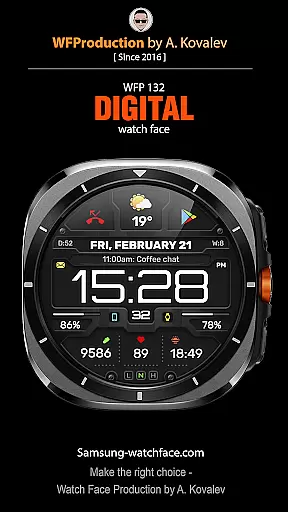
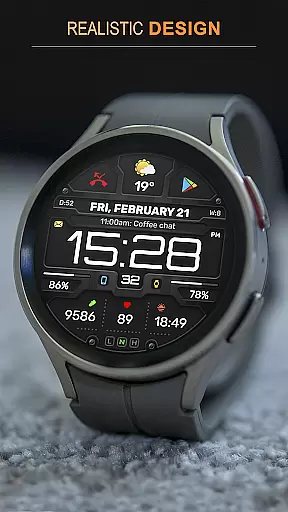
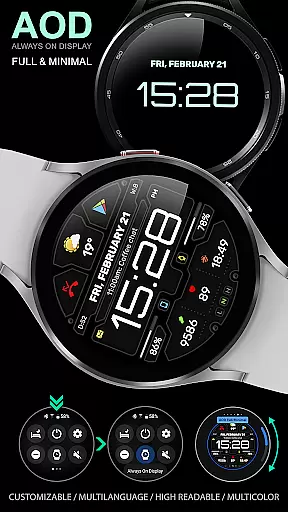
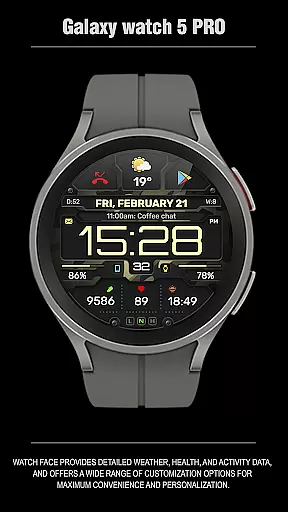
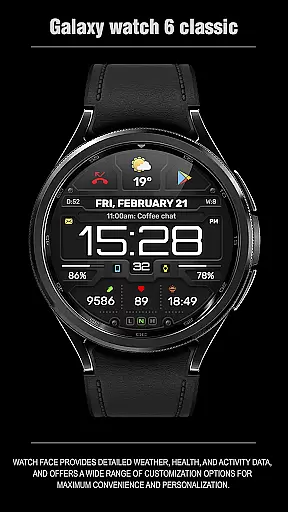
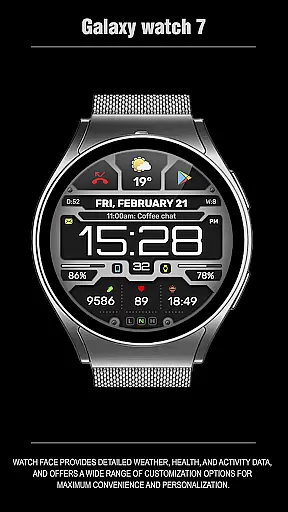
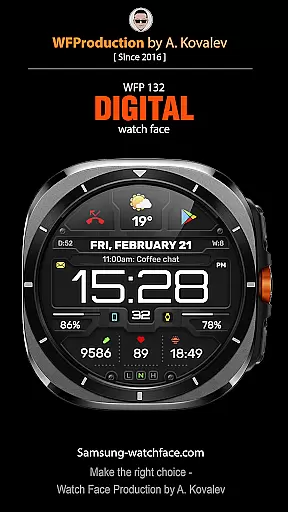
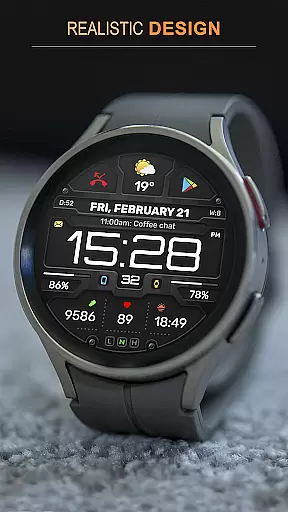
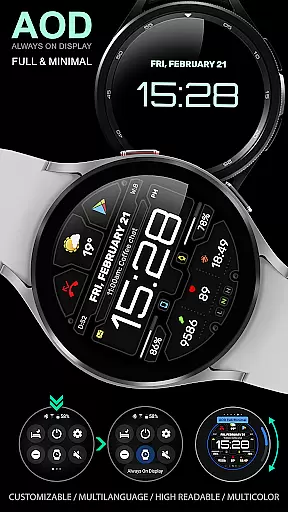
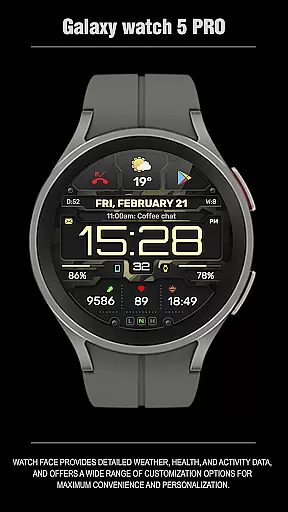
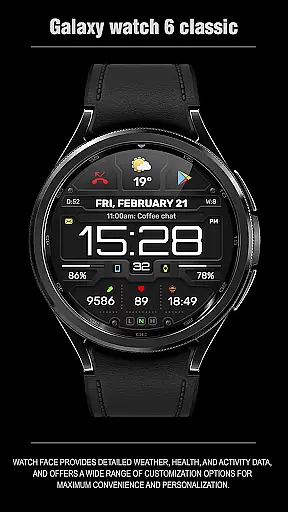
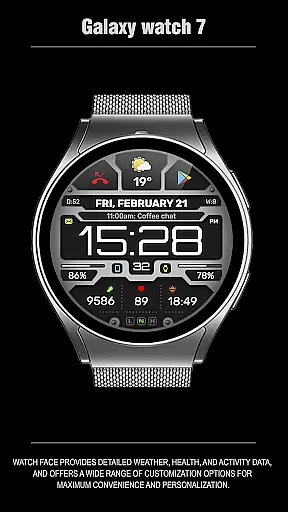
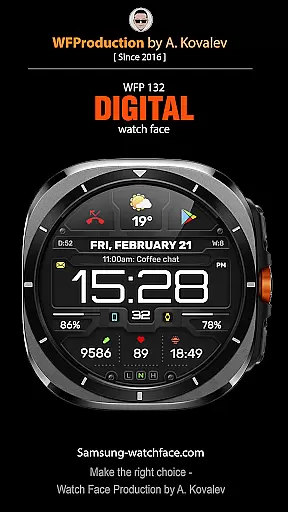
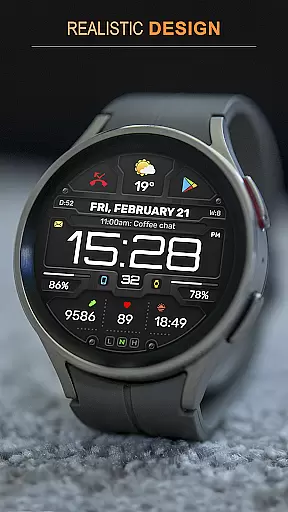
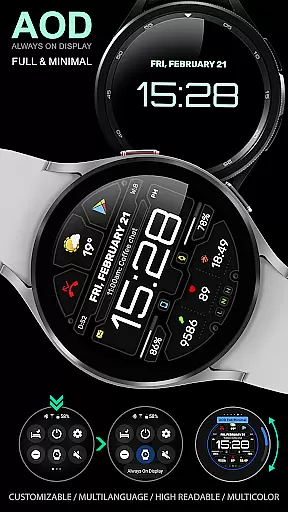
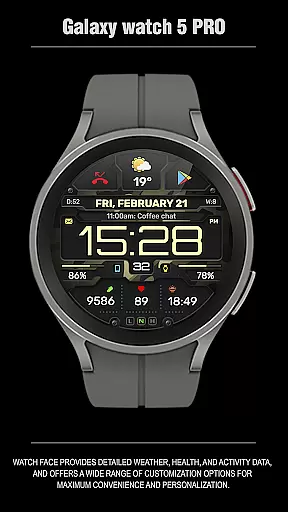
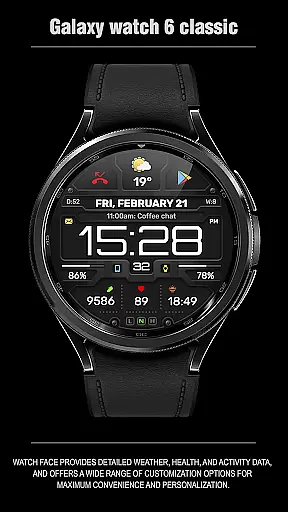
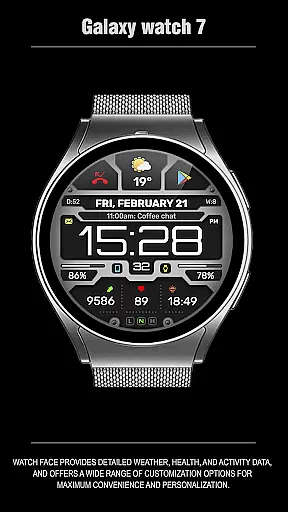
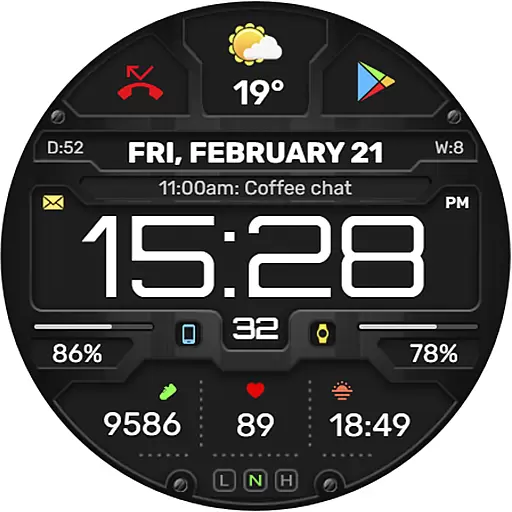
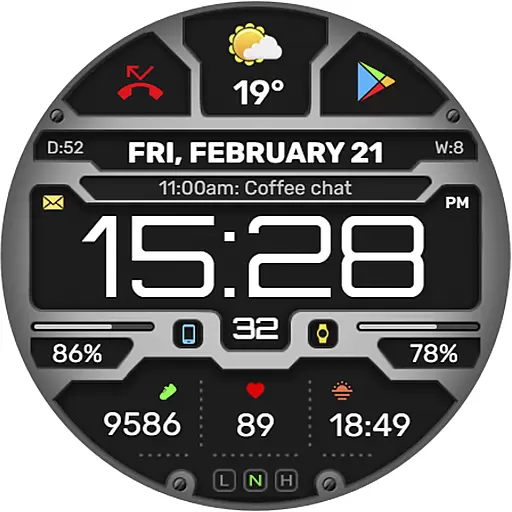
The WFP 132 Digital watch face is a stylish and functional accessory for your smartwatch, offering users an enhanced experience with its detailed weather forecasts, health tracking, and activity monitoring. Compatible with devices running API 34+ (version 5.0 and later), this digital watch face provides extensive customization options to suit individual preferences.
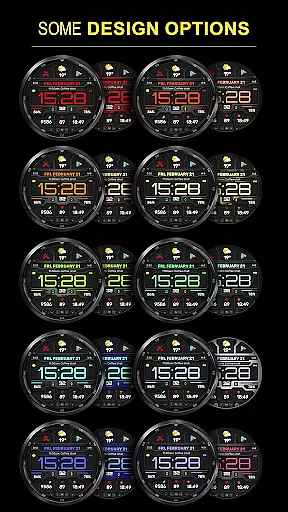
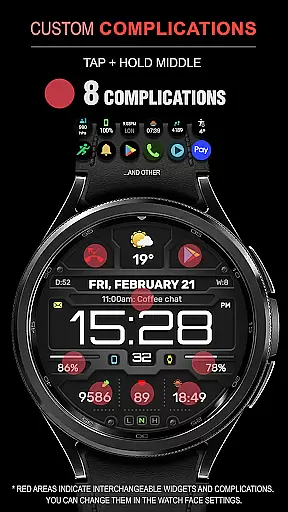
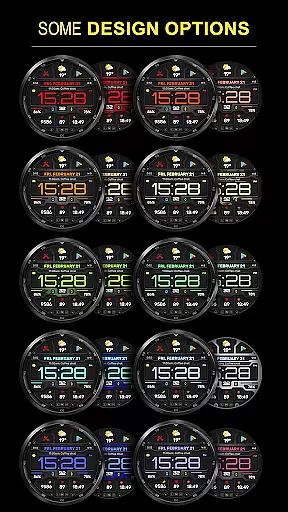
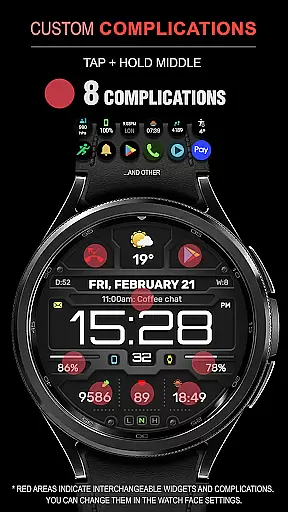
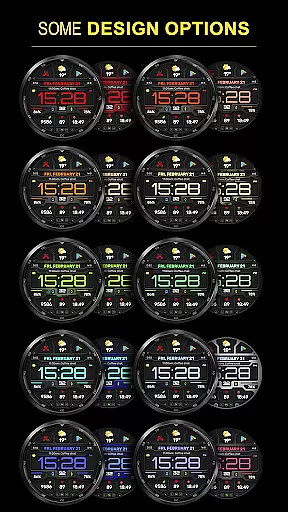
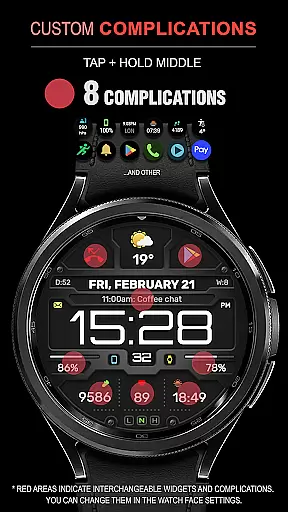
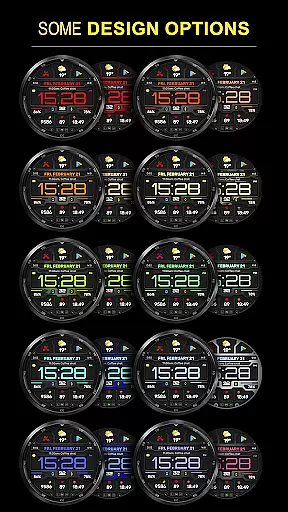
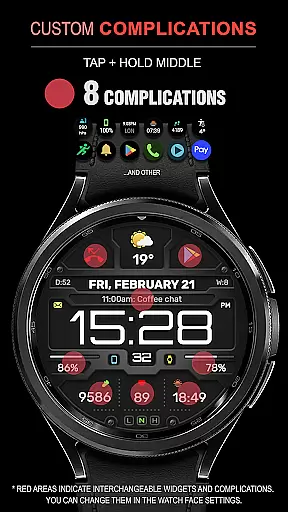
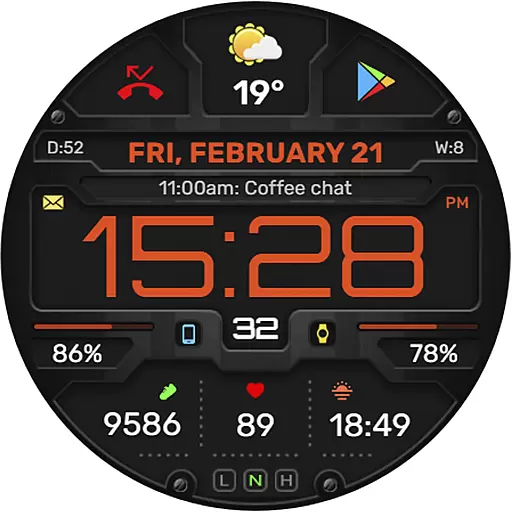
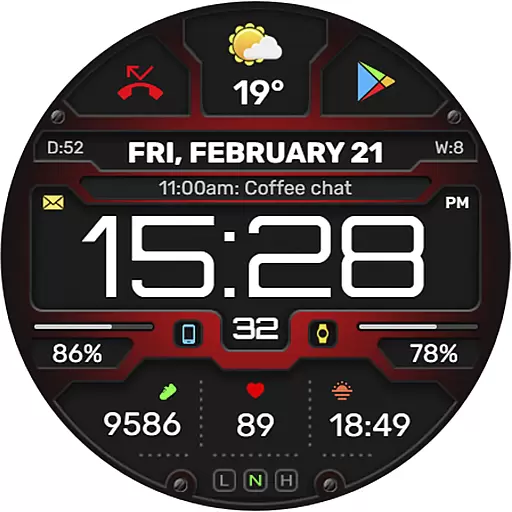
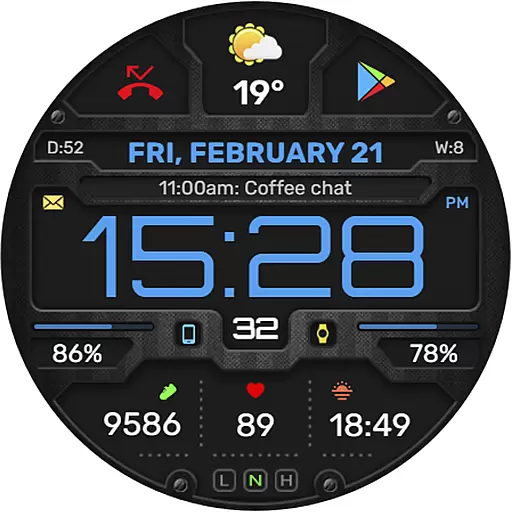
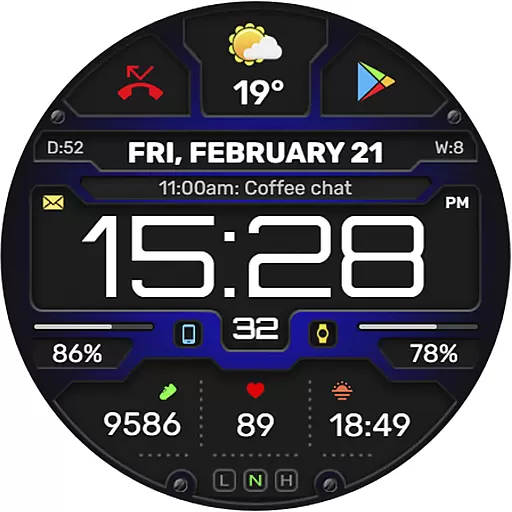
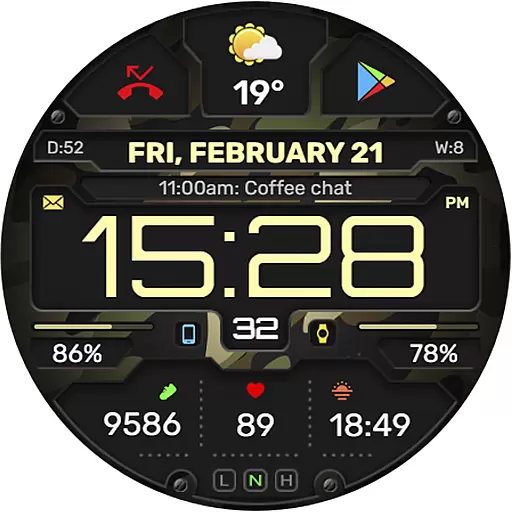
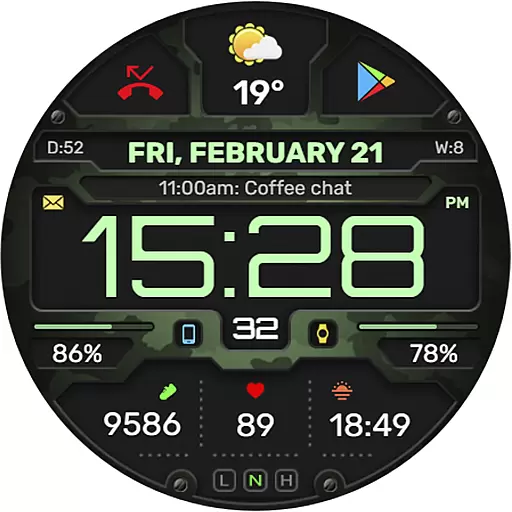
With features like 8 complications and widgets, changeable backgrounds, and multiple color combinations, the WFP 132 ensures both convenience and personalization. It also supports Always-On Display (AOD) modes, weather in Fahrenheit/Celsius, and boasts high optimization for minimal battery consumption.
Whether you're looking to stay updated on your daily metrics or simply want a visually appealing watch face, the WFP 132 Digital meets both needs effectively while integrating seamlessly into your digital lifestyle.
The WFP 132 Digital watch face stands out with its comprehensive feature set tailored to maximize user convenience and personalization. One of the key highlights includes the availability of 8 complications and widgets that allow users to access crucial information at a glance, such as weather forecasts, health stats, and more.
Customization is at the heart of this watch face; it offers many color combinations, changeable backgrounds, and customizable AOD modes (both full and minimal). The high resolution and optimization ensure crisp visuals while maintaining low battery consumption, making it efficient for everyday use.
Additionally, multilingual support and the option to view weather in degrees Fahrenheit or Celsius cater to a global audience. Whether you're customizing your watch face for aesthetic appeal or optimizing it for functionality, the WFP 132 Digital delivers a versatile and seamless experience.
Companion app integration is essential for a seamless experience between wearable devices and smartphones. The WFP 132 Digital watch face excels in this area by offering users the ability to customize their watch face directly from their phone. This includes adjusting color combinations, changing backgrounds, and configuring widgets to display the most relevant information.
The level of customization available through the companion app ensures that users can tailor their watch face to suit their personal preferences and needs. Whether it's setting up phone charge widgets or displaying health metrics such as calories burned and floors climbed, the process is streamlined and user-friendly.
By following the provided instructions, users can easily access these features and more, ensuring that their Samsung smartwatch remains a powerful tool for both style and functionality. This high degree of integration not only enhances convenience but also significantly boosts the overall user experience.
Device compatibility is a critical factor when choosing a digital watch face. The WFP 132 Digital watch face is designed to be compatible with devices running Wear OS 5.0 API 34+ and later, making it accessible to a wide range of users. This compatibility ensures that the watch face operates smoothly across different Samsung smartwatch models, providing consistent performance and reliability.
In addition to supporting the latest operating systems, the WFP 132 watch face boasts high optimization and low battery consumption. These features are crucial for maintaining the device's efficiency and prolonging battery life, which is often a concern for smartwatch users. The high resolution of the watch face further enhances its visual appeal, offering crisp and clear graphics.
With multilingual support and customizable AOD (Always-On Display) modes, the WFP 132 Digital watch face caters to a diverse audience, ensuring that language barriers do not hinder usability. Users can enjoy a personalized and efficient experience, regardless of their preferred device settings or language.
Highly customizable
Low battery usage
Multiple widget options
High resolution display
Wide compatibility range
Limited free features
Requires newer devices
Complex setup process
Premium cost for full access
Weather data may lag

Wear Os Watch Face - Animated Snow Effect & Christmas Lights
 4.1
4.1
Precision analog watch face with 7 complications and style options
4.2
Snowflake Rose Gold Watch Face - Digital, modern, & sleek with GYRO effect.
4.10
Wear Os Watch Face - Animated Snow Effect & Magic Spark - 6 Scenes
4.10
Be an elegant and classy secret agent, with this carefully detailed watch face
4.70
Digital watch face. For Wear OS devices.
4.40
Your second brain for organizing your life: to-do, calendar, reminder.
4.70
Retro digital watch face with customizable colors and a unique lighting effect
4.60
Spam call blocker and caller ID for automatic call protection!
4.40
Diet tracker for weight loss - track calories, food and macros. Simple and easy!
4.70
Highly customizable hybrid watch face for Wear OS, perfect for everyday use.
4.60
Rose gold watch face with festive lights & customizable features.
4.60
Kia Access makes getting your vehicle information easier than ever
4.60
Monitor health with the stress test and pulse checker in the heart rate app.
4.60
Digital watch face with big numbers and many customization for Wear OS devices
4.40
Animated Watch Face and Customizable with 24 Backgrounds. Perfect for Christmas!
3.90
Professional weather radar and more
3.90
Authentic military-tactical design with ZULU time! Realistic and functional!
3.80
Christmas is near, let's count together the days left until Santa comes
4.0

User Reviews