

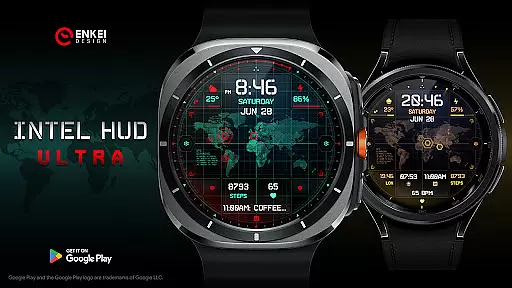
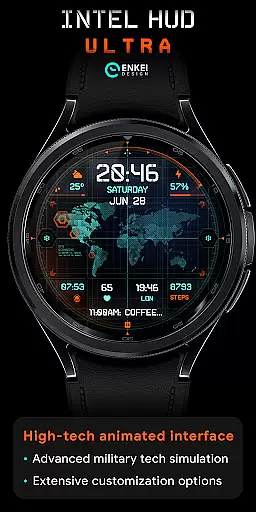
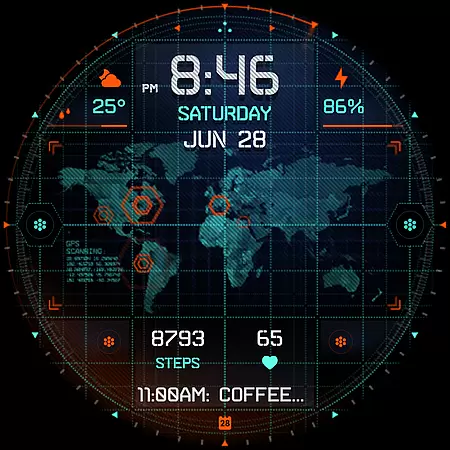
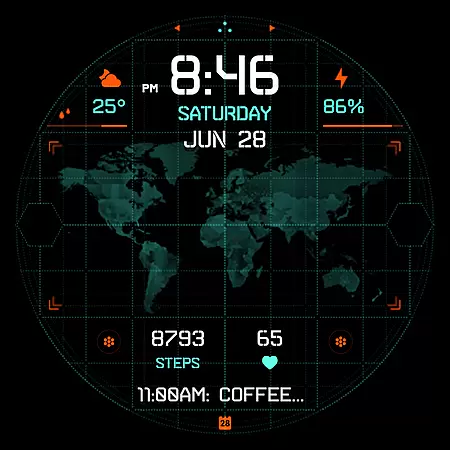
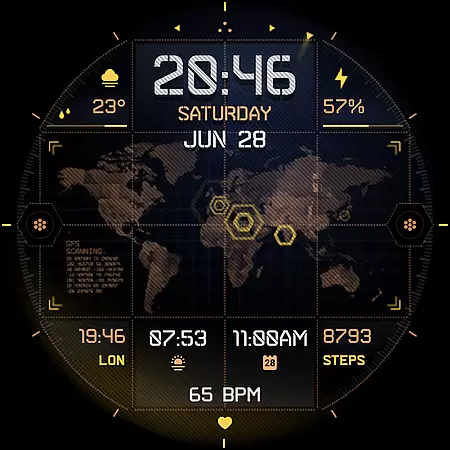
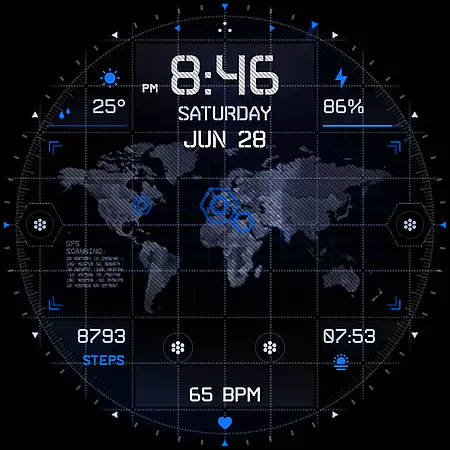
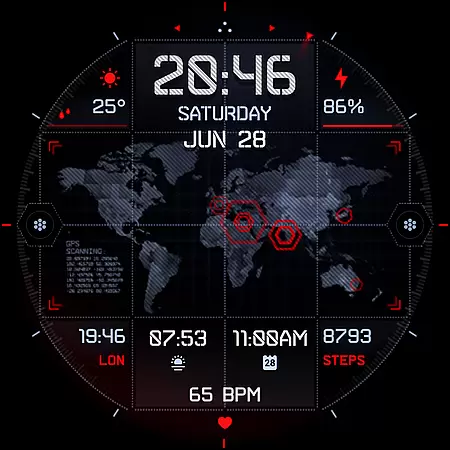
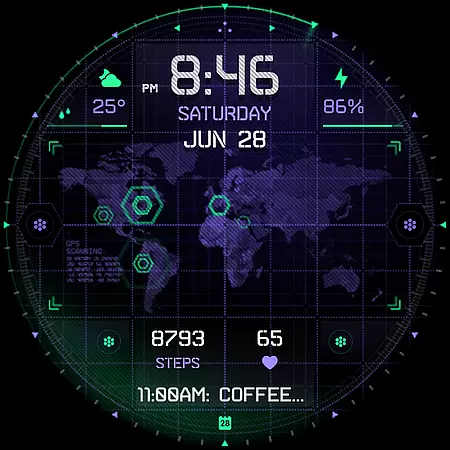
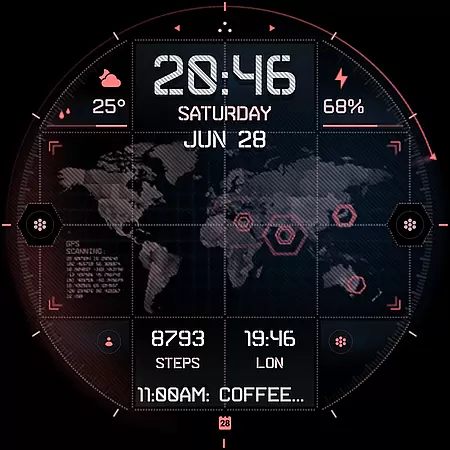
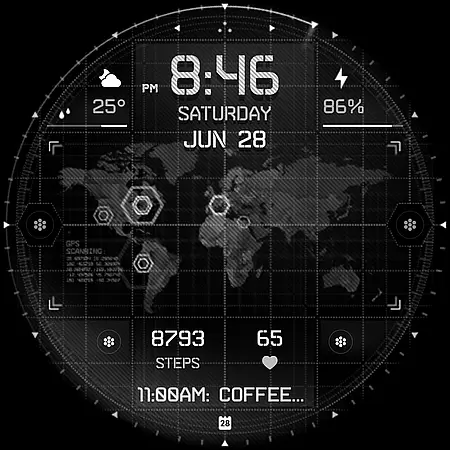
INTEL HUD Ultra is a high-tech digital watch face designed for smartwatches running Wear OS 5.0 and newer versions. This latest addition to the INTEL HUD series features an animated interface optimized for maximum performance with minimal battery drain, offering users extensive customization options.
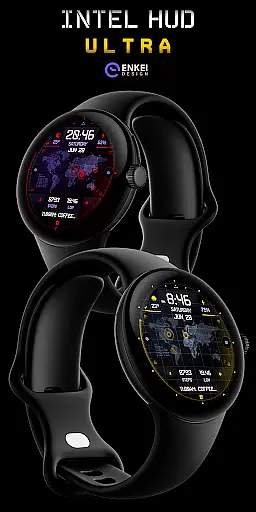
The watch face draws inspiration from advanced military technology seen in video games and movies, providing a futuristic experience. Users can personalize their layout by customizing indicators, shortcuts, colors, and other visual elements. With support for features like weather updates, app shortcuts, and health tracking, it serves as a versatile tool for everyday use.
Whether you're looking to track your fitness goals or stay updated with notifications, INTEL HUD Ultra offers a seamless blend of style and functionality. Its compatibility with modern Wear OS devices ensures a smooth user experience while delivering cutting-edge design.
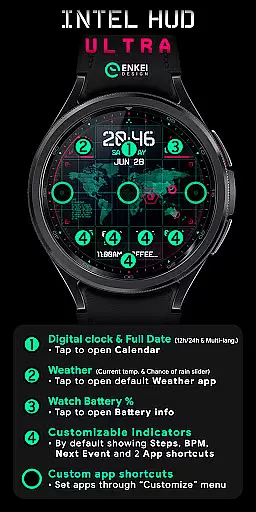
INTEL HUD Ultra stands out with its extensive feature set tailored for tech-savvy users. The digital clock supports both 12-hour and 24-hour formats and includes tap-to-open functionality for apps like Calendar and Weather. It also displays vital information such as the weekday, month, date, and even heart rate and step count.
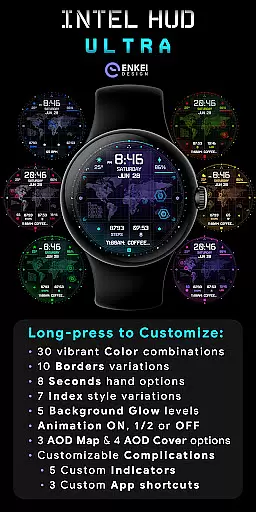
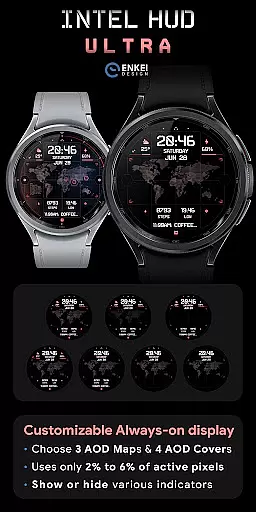
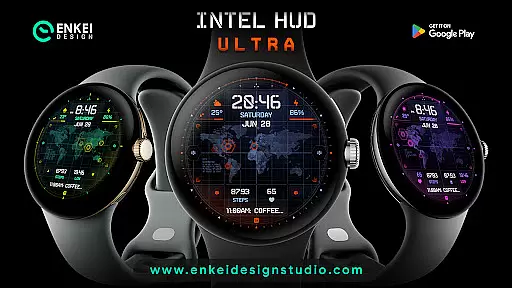
Customization is at the core of this watch face. Users can choose from vibrant color combinations, border styles, second-hand designs, and background glow levels. Additionally, animations can be adjusted or turned off entirely to conserve battery life. The Always-On Display (AOD) mode is both battery-efficient and customizable, ensuring visibility without compromising performance.
Long-pressing on the watch face opens a comprehensive Customize menu where users can tweak every aspect of their display. From app shortcuts to complication settings, INTEL HUD Ultra provides unparalleled control over how information is presented. These features make it ideal for those who value both aesthetics and practicality in wearable technology.
Companion app integration is a crucial feature for Android Wear applications like INTEL HUD Ultra. This functionality ensures seamless synchronization between the watch face and its companion app on your phone.
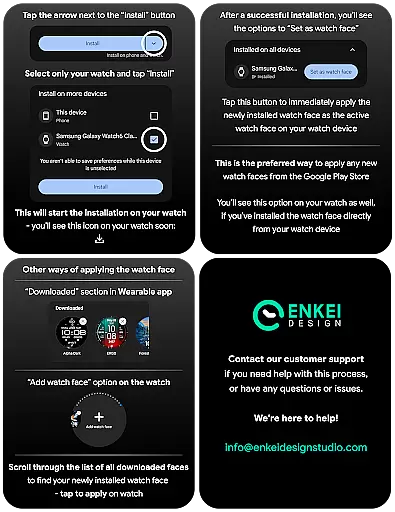
The companion app of INTEL HUD Ultra serves as a bridge to facilitate direct installation to your watch device. By doing so, it simplifies the setup process and enhances user experience by reducing potential technical hurdles.
Users benefit from this integration through effortless access to additional features and customization options. With just a few taps on their phones, they can personalize their watch faces or update settings, ensuring both devices work in harmony.
This streamlined connection not only boosts convenience but also encourages users to explore more functionalities offered by INTEL HUD Ultra, making it an indispensable tool for those seeking high-tech personalization on their wearable devices.
Wear OS and device compatibility are essential considerations when selecting a smartwatch application such as INTEL HUD Ultra. Ensuring that the app runs smoothly on supported devices is key to delivering a reliable user experience.
INTEL HUD Ultra has been meticulously optimized for Wear OS 5.0 and newer versions (API 34+). This guarantees enhanced performance, security updates, and access to advanced features exclusive to these platforms.
By focusing on specific operating systems, INTEL HUD Ultra provides an interface tailored for maximum efficiency while minimizing battery consumptionu2014a critical factor for maintaining uninterrupted service throughout the day.
Device compatibility extends beyond mere functionality; it encompasses design elements crafted specifically for optimal display on compatible watches. Users can enjoy visually stunning layouts with confidence knowing their investment in technology will yield consistent results across all interactions.
Highly customizable
Battery efficient
Modern design
Tap-to-open apps
Advanced AOD
Wear OS 5.0+
Complex setup
Premium cost
Limited device
No iOS support

Animated Watch Face and Customizable with 24 Backgrounds. Perfect for Christmas!
 3.90
3.90
Rose gold watch face with festive lights & customizable features.
4.60
Precision analog watch face with 7 complications and style options
4.2
Snowflake Rose Gold Watch Face - Digital, modern, & sleek with GYRO effect.
4.10
A Wintery Snow Globe on Your Wrist; now celebrating Christmas!
4.1
Watch face designed for Thanksgiving Day. 7 Background Styles included.
3.20
Let's celebrate Thanksgiving - Wear Os watch face
4.20
Hyperlocal rain alerts by MyRadar using patent-pending technology, radar & more
4.80
Your local weather forecast, storm tracker, radar maps & live weather news
3.40
Walking app for weight loss: walk & step tracker, pedometer, indoor treadmill
4.60
Gym & home workout plans with strength training, exercise tracking, HIIT & more.
4.60
Real-time results, stats, schedules and player profiles for all leagues
4.60
Deck out your Wear OS Watch face with a beautifully decorated pine wreath!
4.50
Ideal for surviving in the wasteland left after nuclear fallout
4.50
Viewer for Wyze/Yi/Eufy/Arlo/ONVIF/RTSP/P2P IP cams w/ adv. features & DIY DVR
4.00
Get helpful reminders, take progress photos and find answers to your questions.
3.90
A full-featured Amazon Alexa voice assistant that can show you things.
3.70
Stay in touch with your friends and family using LINE!
3.40
Simple Analog-Digital Watchface For Wear OS 3.0 and Up Smartwatches
4.3

User Reviews