

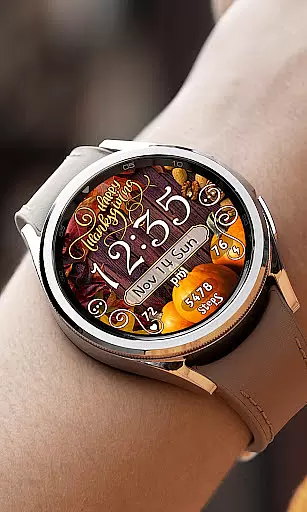
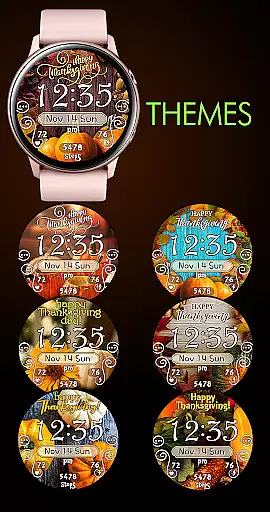
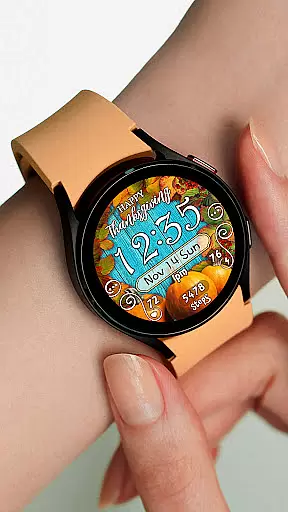
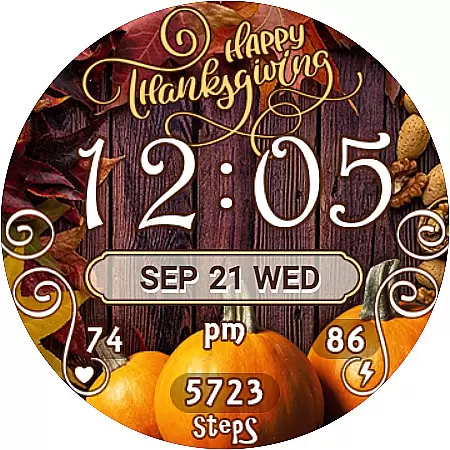
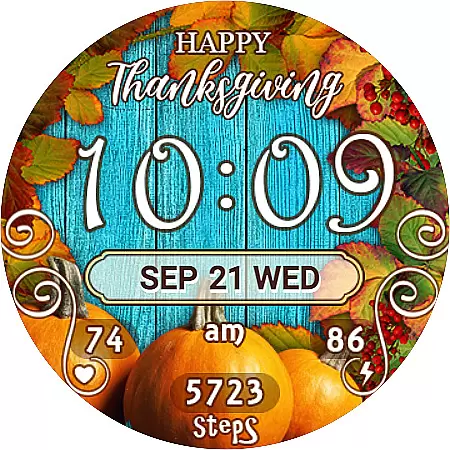
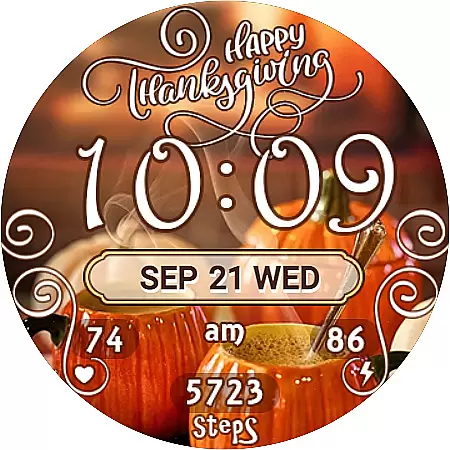
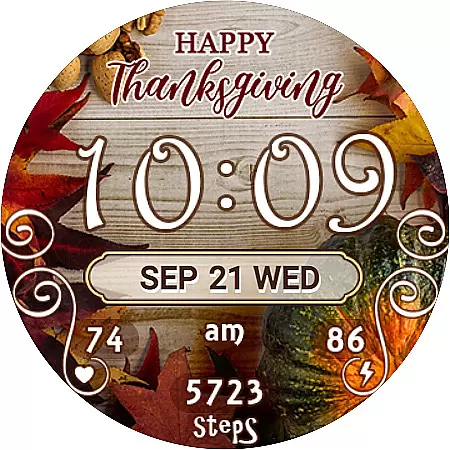
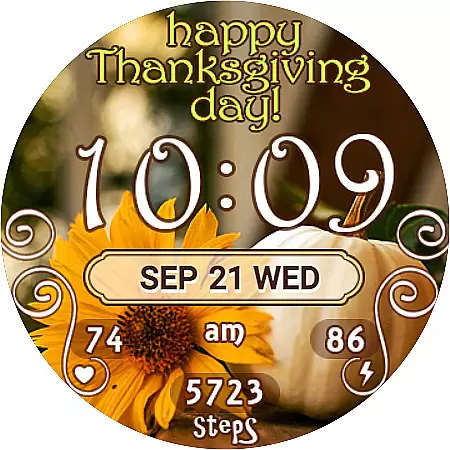
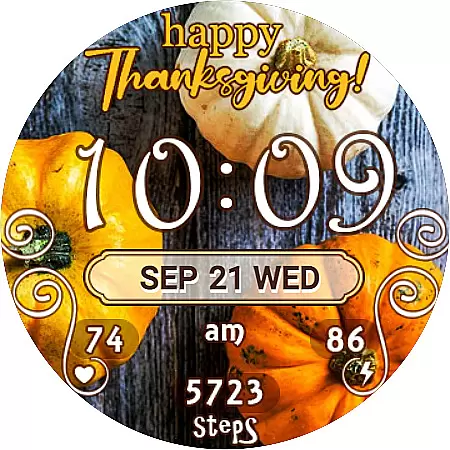
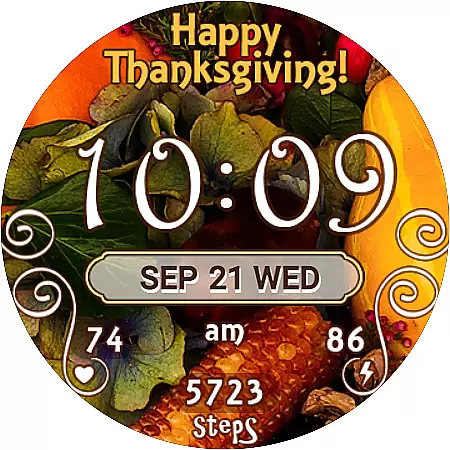
Thanksgiving Day Watch Face is a specially designed watch face for Wear OS devices, perfect for celebrating the Thanksgiving season. This app offers users a customizable and feature-rich experience with 7 unique background themes that capture the essence of the holiday. The watch face displays 12/24 digital time format, syncing automatically with your phone's time settings, ensuring accurate timekeeping.
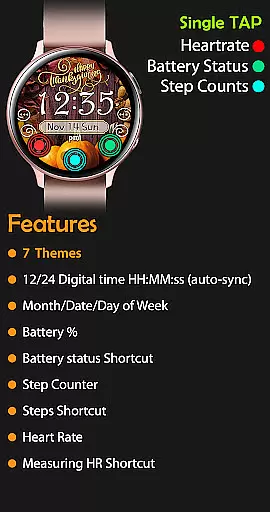
In addition to its aesthetic appeal, this watch face provides practical functionalities such as displaying the day of the week, date, month, battery percentage, step counter, and even includes shortcuts to health apps. Whether you're tracking your daily steps or monitoring your heart rate, this app seamlessly integrates essential features into an attractive design tailored for your smartwatch.
Thanksgiving Day Watch Face stands out with its array of useful widgets and shortcuts. In active mode, it showcases a 12/24 digital time display, day of the week, date, month, battery percentage, step counter, and shortcuts to Samsung Health and Heart Rate apps. Users can easily switch between 7 different background themes, offering a personalized touch to their wearable device.
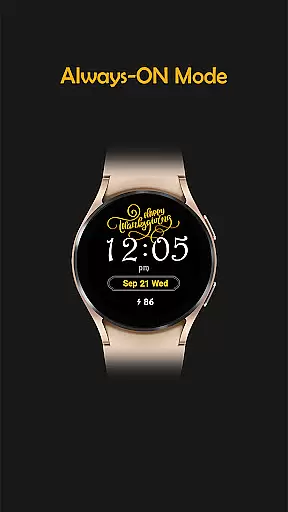
The always-on display ensures that crucial information remains accessible at a glance without needing to interact with the watch. It maintains visibility of the time, day, date, month, and battery level even when the watch is not actively in use. With easy theme selection and automatic time synchronization, this watch face combines functionality with festive spirit, enhancing both style and utility on Wear OS devices.
For the Thanksgiving Day Watch Face, seamless companion app integration is crucial for an optimal user experience. This watch face is designed to automatically sync with your phone's time and settings, ensuring that users always have accurate information at a glance. The synchronization process between the Google Play Store and the watch device typically takes about 10-15 minutes after purchase, allowing for a hassle-free installation.
The watch face also includes several interactive widgets and shortcuts that enhance its functionality when paired with a smartphone. These include a step counter, heart rate monitor shortcut, and SHealth steps shortcut, all of which rely on data exchange with the companion app. Users can easily customize their watch face by selecting from seven different background themes, providing a personalized touch that reflects their style while maintaining full feature compatibility.
By ensuring tight integration between the watch face and its companion app, users benefit from real-time updates and access to important health metrics without needing to frequently check their phones. This level of connectivity not only streamlines daily activities but also encourages healthier lifestyle choices through continuous monitoring and feedback. With thoughtful design elements like auto-syncing time and battery percentage indicators, this watch face exemplifies how effective companion app integration can significantly elevate wearable technology experiences.
The Thanksgiving Day Watch Face is specifically tailored for Wear OS devices, ensuring broad compatibility across a range of smartwatches. This compatibility allows users to enjoy a festive and functional watch face that seamlessly integrates with their existing wearable technology. By supporting various devices running on Wear OS, the application guarantees that most smartwatch owners can take advantage of its unique features without worrying about technical limitations or incompatibility issues.
One key aspect of this watch face's design is its adaptability to different screen sizes and resolutions commonly found in Wear OS devices. Whether you own a high-end model or a more budget-friendly option, the watch face maintains its visual appeal and usability. Features such as digital time display, day/date/month indicators, battery percentage, and step counters are optimized for clarity and ease of use regardless of the specific device being used.
In addition to aesthetic considerations, robust device compatibility ensures that all interactive elements function correctly. Users can tap into shortcuts for heart rate monitoring and other health-related apps directly from their wrists, knowing that these actions will reliably trigger responses within their linked smartphone applications. Such comprehensive support underscores the importance of designing wearable software with diverse hardware ecosystems in mind, ultimately delivering a consistent and satisfying user experience across multiple platforms.
Customizable Themes
Automatic Time Sync
Health App Integration
Battery Percentage Display
Step Counter Feature
Limited to Wear OS
No Leading Zero Option
Installation Sync Delay
Manual Theme Search
Always-On Limited Info


Gym Log & Workout Tracker | Fitness Journal, Training & Weight Lifting Planner
 4.90
4.90
Christmas - Festive - Christmas Village - Winter - Christmas lights
5.00
Christmas is near, let's count together the days left until Santa comes
4.5
A full-featured Amazon Alexa voice assistant that can show you things.
3.70
Beautiful, colorful and practical watch face. For Wear OS devices.
5.00
Digital watch face. For Wear OS devices.
4.40
Ideal for surviving in the wasteland left after nuclear fallout
4.50
Viewer for Wyze/Yi/Eufy/Arlo/ONVIF/RTSP/P2P IP cams w/ adv. features & DIY DVR
4.00
Back up your contacts & access them anywhere
4.30
Hyperlocal rain alerts by MyRadar using patent-pending technology, radar & more
4.80
Real-time results, stats, schedules and player profiles for all leagues
4.60
Simple, helpful messaging by Google
4.60
Premium hybrid watch face with many customizations for Wear OS devices.
4.40
Daily Weather forecast with 15 weather images for Day & Night plus Big Bold time
4.10
Professional weather radar and more
3.90
Stay in touch with your friends and family using LINE!
3.40
Your local weather forecast, storm tracker, radar maps & live weather news
3.40
A heartwarming Christmas scene featuring a cute image of Santa and Rudolf
4.1
Minimalistic design modern digital watch face.
4.3

User Reviews