

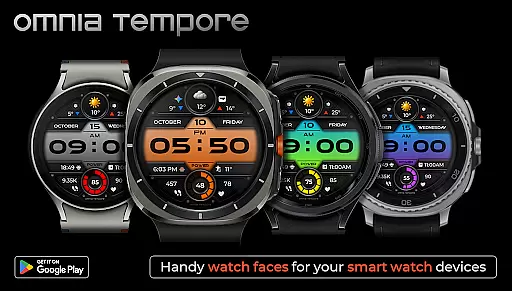
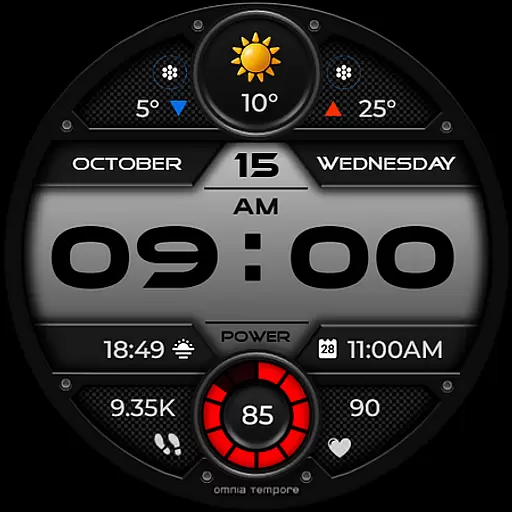
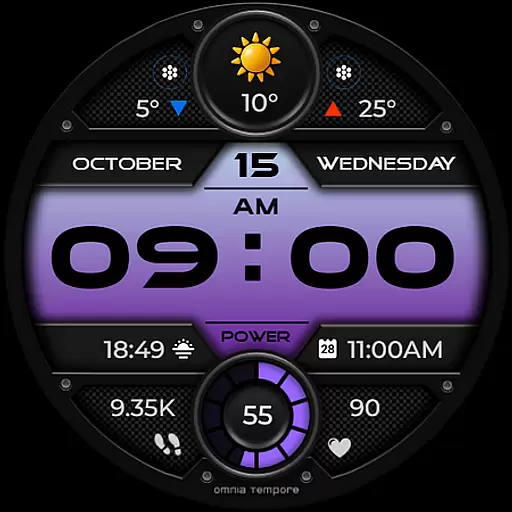
OT is a sophisticated digital watch face designed for Wear OS devices running version 5.0 and above. This application seamlessly blends style with functionality, offering users an elegant timepiece that doesn't compromise on smart features. With real-time weather updates, step counting, and heart rate monitoring, OT ensures you stay informed and health-conscious throughout your day.
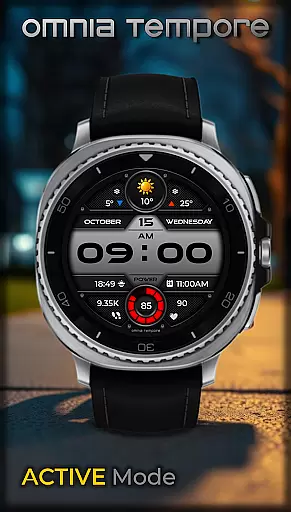
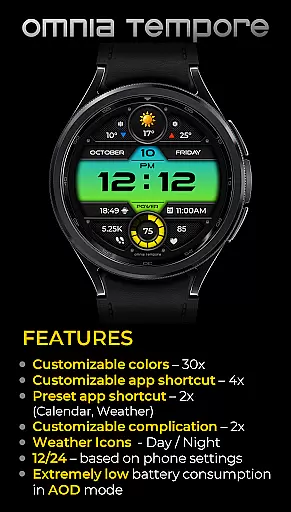
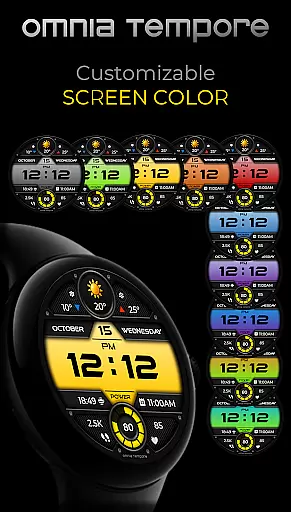
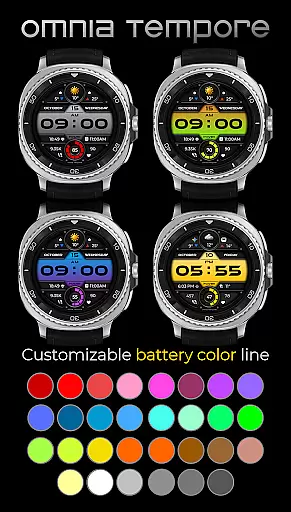
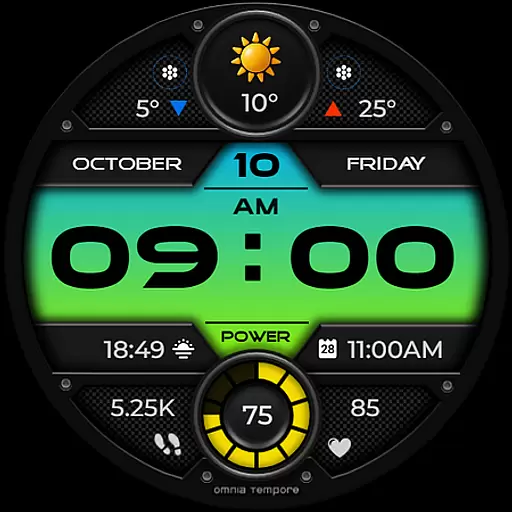
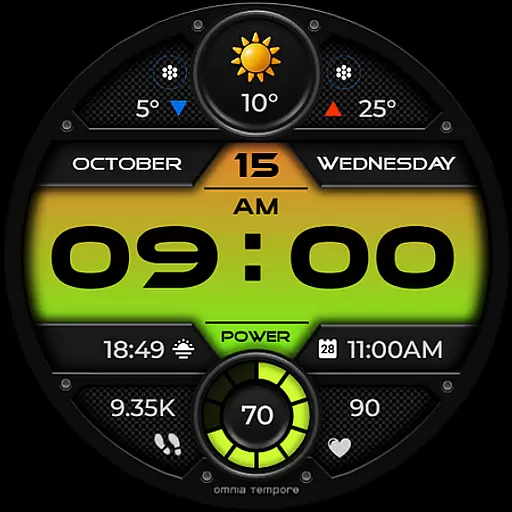
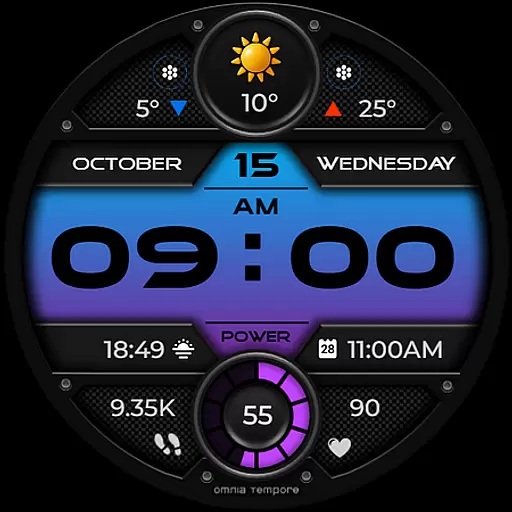
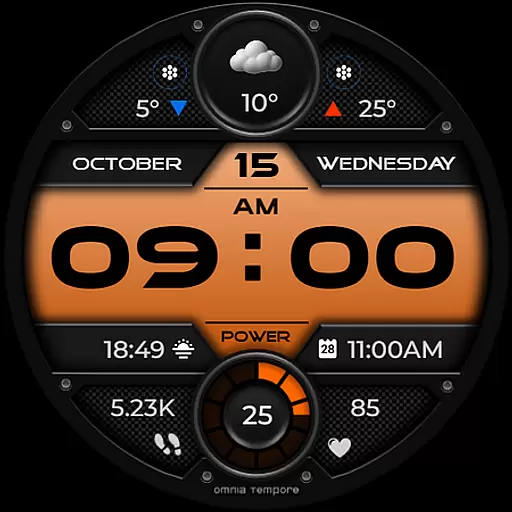
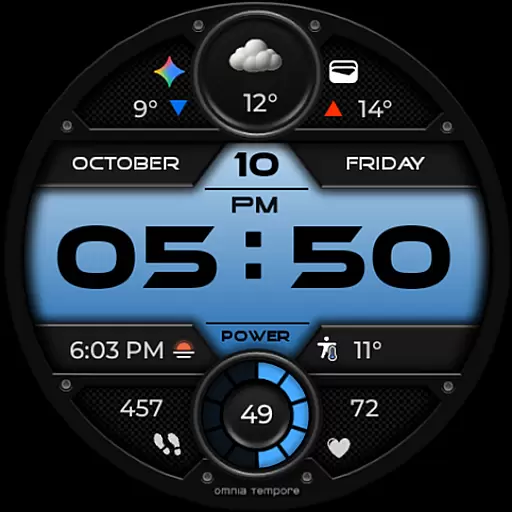
Beyond its core capabilities, OT provides customization options to tailor the watch face to individual preferences. Users can personalize their display with two customizable complications and choose from preset app shortcuts like Calendar and Weather. The interface further supports four app shortcut slots, ten color versions, and thirty battery status color options, all while maintaining low power consumption in Always-On Display mode.
Whether you're navigating a busy workday or engaging in fitness activities, OT delivers clarity and control through its intuitive design. Its modern aesthetic complements various lifestyles, making it a reliable companion for both professional and personal pursuits.
OT stands out with its comprehensive feature set tailored for the tech-savvy individual. The watch face integrates real-time weather updates, allowing users to make informed decisions about their day. Fitness enthusiasts will appreciate the built-in step counter and heart rate tracker, which support a healthy lifestyle by providing continuous feedback on physical activity.
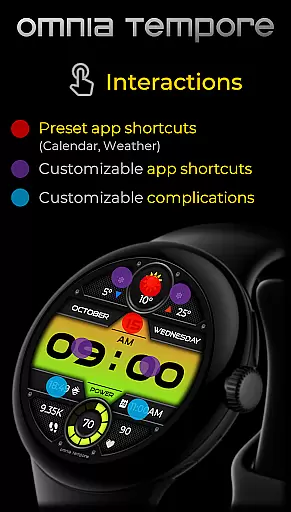
Customization is at the heart of OT's appeal. Two customizable complications let users prioritize information that matters most to them. Preset app shortcuts for Calendar and Weather ensure quick access to essential tools, while four additional app shortcut slots offer flexibility in managing daily tasks. Ten distinct color schemes and thirty battery status hues allow for personal expression without sacrificing utility.
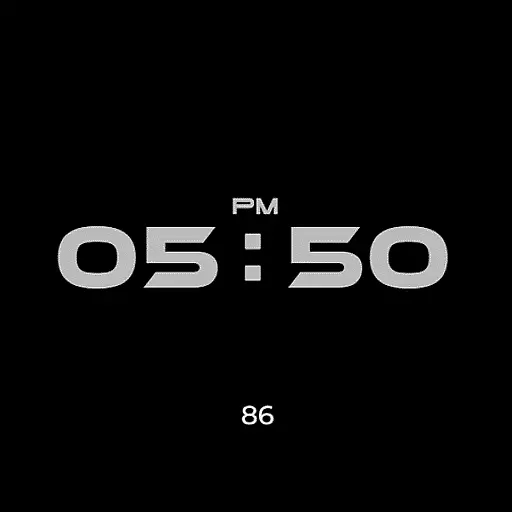
Efficiency is another hallmark of this application. Low power consumption during Always-On Display mode extends battery life, ensuring that users remain connected without frequent recharges. By combining these features with a sleek design, OT caters to those who value both form and function in their wearable technology.
Companion app integration is essential for a seamless wearable experience. OT ensures that your Wear OS device works in harmony with your smartphone, providing real-time synchronization of important data such as weather updates, calendar events, and health metrics.
This stylish digital watch face offers two preset app shortcuts for Weather and Calendar, making it easy to access vital information at a glance. With four additional app shortcut slots available, users can customize their experience by launching their favorite tools directly from the watch face.
The ability to stay connected to both the world and your personal well-being without missing a beat is what sets OT apart. Whether you're managing your schedule or monitoring your fitness goals, this watch face keeps you effortlessly in sync with your digital life.
Compatibility with Wear OS devices is crucial for ensuring that users can enjoy the full range of features offered by a smartwatch face like OT. Designed for Wear OS 5.0 and above, this watch face combines sleek design with functionality, offering an optimal experience across a wide range of devices.
OT supports customizable complications and app shortcuts, which are key features within the Wear OS ecosystem. This compatibility allows users to tailor their watch face to display the information most relevant to them, whether it's step counting, heart rate tracking, or accessing quick settings.
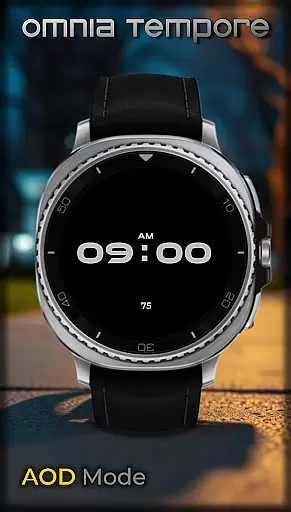
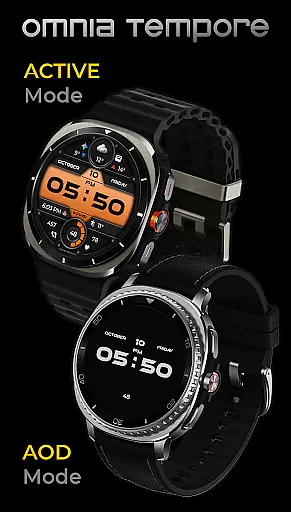
With support for low power consumption in AOD mode and a variety of color options for both the display and battery status indicators, OT provides clarity, control, and confidence while maintaining a modern aesthetic on any compatible device.
User-friendly interface
Real-time weather updates
Heart rate tracking
Step counting feature
Customizable display options
Limited to Wear OS devices
Requires version 5.0+
Some features may drain battery
Preset app shortcuts only
Complication slots are limited

Animated Watch Face and Customizable with 24 Backgrounds. Perfect for Christmas!
 3.90
3.90
Stunning modern digital watch face with 7 complications and strong contrast
4.2
3 Complications. All shadow on/off. 30 Themes color palette...
4.3
Bold, Modern Hybrid Watch Face for Wear OS. 10 Colors, Rich Info Display.
4.30
Real-time weather radar with temperatures, warnings, hurricanes, and widgets
4.80
Hybrid Vibrant Health Watch Face for Wear OS
4.4
Daily Weather forecast with 15 weather images for Day & Night plus Big Bold time
4.10
Connect, create, and collaborate with Gmail, part of Google Workspace.
4.10
From periods to pregnancy & perimenopause, Flo helps you track it all. Try now.
4.70
Period, ovulation & pregnancy tracker. Fertility insights & menstrual calendar.
4.90
Gym Log & Workout Tracker | Fitness Journal, Training & Weight Lifting Planner
4.90
The Chevron App allows you to pay for fuel from the comfort of your car!
4.80
Easy Voice Recorder is your everyday companion to record important moments.
4.70
Be an elegant and classy secret agent, with this carefully detailed watch face
4.70
Retro digital watch face with customizable colors and a unique lighting effect
4.60
Locate your family members by GPS phone location tracker everywhere and anytime
4.30
Wear Os Watch Face - Animated Snow Effect & Christmas Lights
4.2
A Wintery Snow Globe on Your Wrist; now celebrating Christmas!
4.0
Minimalistic design modern digital watch face.
4.0

User Reviews