

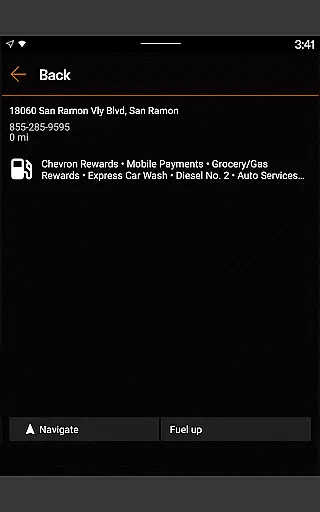
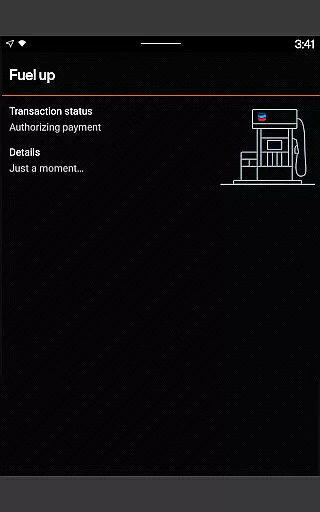
The Chevron app is a comprehensive mobile payment solution designed specifically for drivers who frequent Chevron and Texaco stations. This innovative application allows users to pay for gas or diesel directly from their mobile devices, offering a seamless experience at the pump. The app also integrates with the Chevron Texaco Rewards program, enabling users to earn points on fuel and select in-store purchases, which can be redeemed for discounts at participating locations.
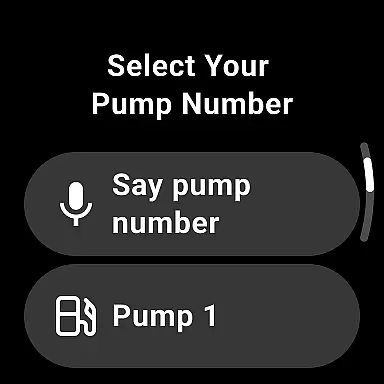
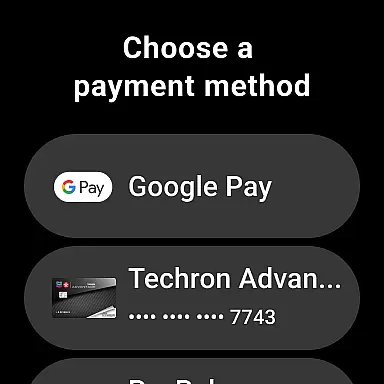
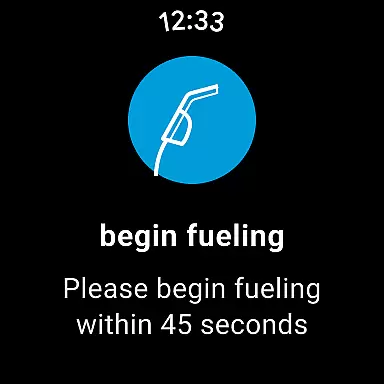
One of the standout features of the Chevron app is its compatibility with Android Wear, allowing users to fuel up and redeem rewards directly from their smartwatches. Additionally, the app provides access to exclusive offers, tracks Club Program card punches, and includes the ExtraMile Rewards® program where available. With functionalities like station finder, receipt storage, and integration with car dashboards for Android Auto users, this app ensures maximum convenience for its users.
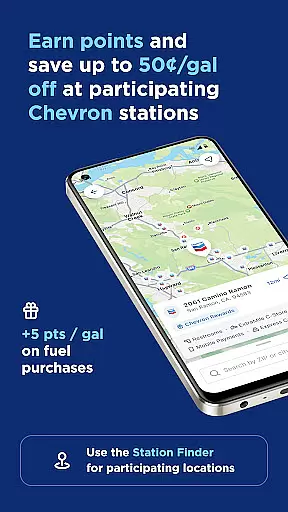
This app is particularly useful for commuters and frequent travelers who want to save time and money while refueling. By linking an accepted payment method to their account, users can reserve pumps and pay directly from their driver's seat, making the entire process quick and hassle-free. The ability to view available rewards, find lower-carbon-intensity products, and filter through various amenities further enhances the user experience, making it an essential tool for modern drivers.
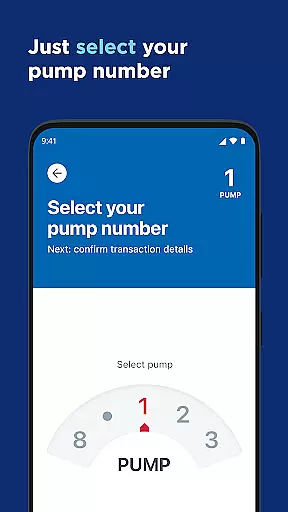
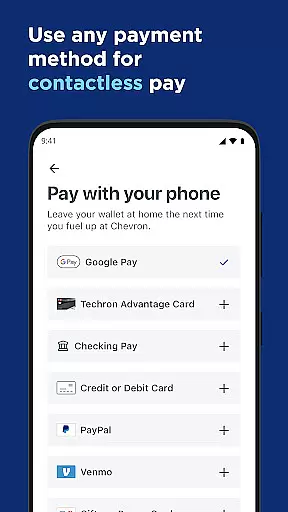
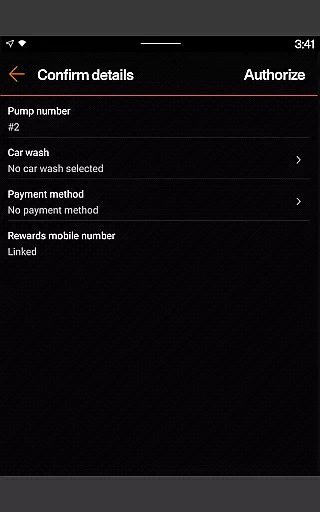
The Chevron app boasts a wide array of features that cater to the needs of modern drivers. One of its primary functionalities is the ability to pay for fuel directly from your mobile device, streamlining the refueling process. Users can link an accepted payment method to their account and reserve pumps from the comfort of their driver's seat. This feature not only saves time but also enhances security by minimizing physical interactions at the pump.
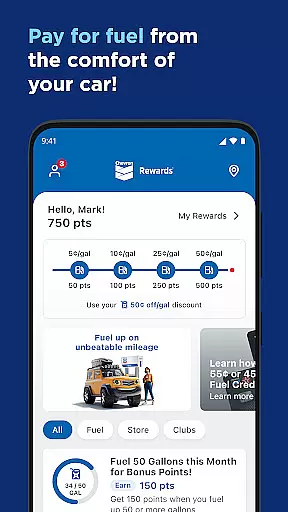
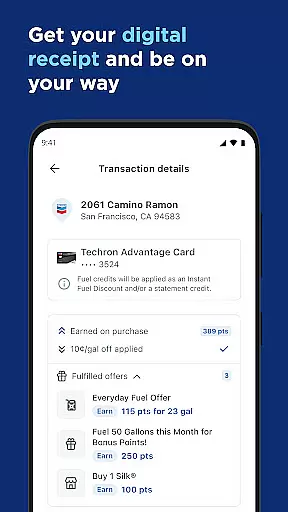
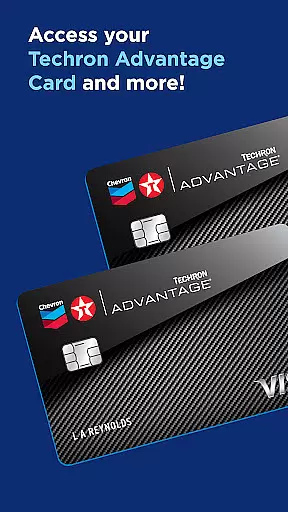
In addition to mobile payments, the app offers robust rewards program integration. Users can enroll in the Chevron Texaco Rewards program to earn points on fuel and select in-store purchases. These points can be redeemed for discounts of up to 50¢ off per gallon on qualifying fuel purchases at participating locations. The app also supports the ExtraMile Rewards® program, providing new benefits and greater convenience where available.
For Android Wear users, the app extends its functionality to smartwatches, allowing users to fuel up and redeem rewards directly from their wrists. Other notable features include a station finder that filters for specific amenities like EV charging and full-service car washes, in-app receipts for mobile payments, and the Mobi digital chatbot for instant answers to frequently asked questions. These features collectively ensure a convenient, efficient, and rewarding experience for all users.
Companion app integration is essential for users who want a seamless experience across multiple devices. The Chevron app excels in this area by offering robust companion app features that enhance the overall user experience.
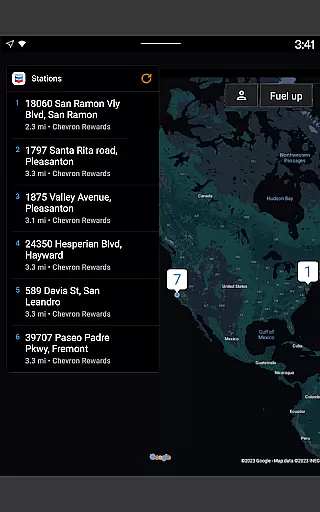
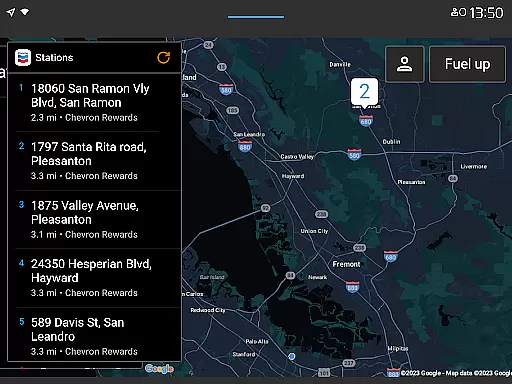
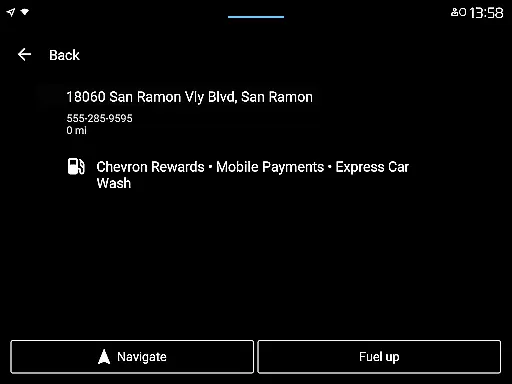
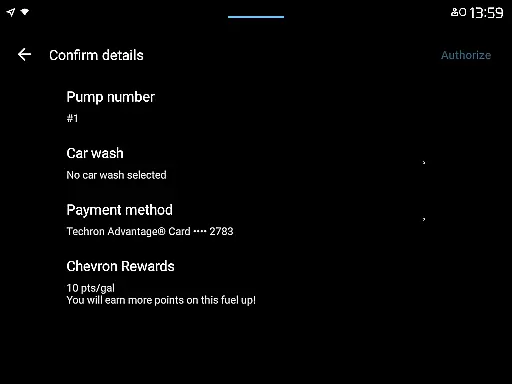
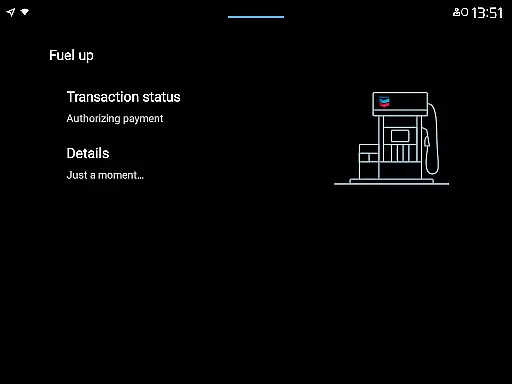
Through its integration with Android Auto, the app allows drivers to connect their mobile phones to their car's dashboard. This enables them to easily find locations, redeem rewards, add car wash services, and pay for fuel without needing to handle their phones while driving.
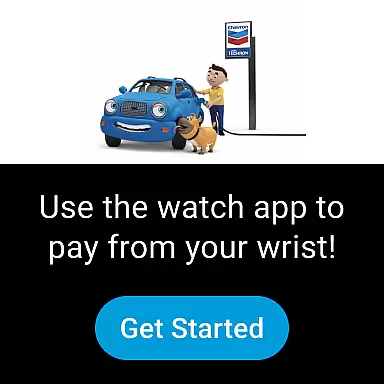
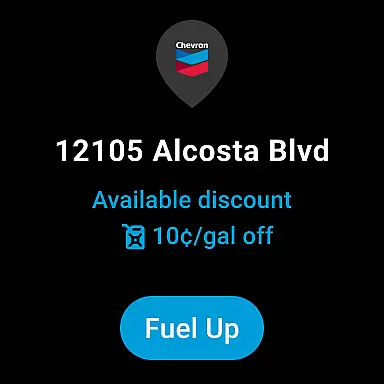
Additionally, Wear OS users can take advantage of the app's functionality directly from their smartwatches. They can fuel up and redeem rewards at participating locations that accept mobile payments, making the process quicker and more convenient.
This level of companion app integration ensures that whether you're in your vehicle or on the go with just your watch, you have access to all the key features of the Chevron app, thus providing a consistent and efficient user experience across different platforms.
Device compatibility is crucial for ensuring that an application functions correctly across various devices. For the Chevron app, compatibility with Wear OS devices is a significant feature that extends its usability beyond smartphones.
Users with Wear OS devices can utilize the Chevron app to perform essential tasks such as fueling up and redeeming rewards right from their wrists. This compatibility eliminates the need to take out a phone, streamlining the process especially when it's inconvenient or unsafe to use a handheld device.
The ability to interact with the app via a smartwatch not only enhances convenience but also promotes safety by allowing users to keep their hands free and focus on their surroundings. It caters to those who are always on the move and require quick access to services without any hassle.
By ensuring comprehensive Wear OS/device compatibility, the Chevron app provides a versatile solution that adapts to the modern lifestyle, where wearable technology plays an increasingly important role in daily activities.
User-friendly interface
Seamless payment process
Robust rewards program
Compatibility with Android Wear
Convenient station finder
Limited to specific stations
Requires initial setup
Dependent on network connectivity
Rewards redemption can be complex
Some features are region-specific

Christmas watch face. For Wear OS devices.
 4.30
4.30
an Analog Watch Face for winter season with freeze winter background for Wear OS
4.2
Deck out your Wear OS Watch face with a beautifully decorated pine wreath!
4.50
Structured watch face with seven complications and modular UI elements
3.90
Nutrition, Macro tracker: Food, fitness & healthy diet tracking for weight loss
4.60
Get helpful reminders, take progress photos and find answers to your questions.
3.90
Stylish, Energizing and Modern Watch Face crafted by Dominus Mathias.
4.50
Track your active life in one place and share the journey with friends.
4.40
From periods to pregnancy & perimenopause, Flo helps you track it all. Try now.
4.70
A modern premium sporty hybrid watch face for Wear OS by Ballozi
4.70
Kia Access makes getting your vehicle information easier than ever
4.60
Real-time results, stats, schedules and player profiles for all leagues
4.60
A white realistic classic analog watch face with many customization options.
4.40
Animated video-game inspired “secret agent” simulation, right on your wrist!
4.20
Embrace the festive spirit with our Christmas Countdown watchface for Wear OS
4.10
Wear Os Watch Face - Animated Snow Effect & Magic Spark - 6 Scenes
4.10
Connect, create, and collaborate with Gmail, part of Google Workspace.
4.10
Christmas and New Year - Themed Watchface
4.3
Analog watch face with 8 complications and expedition styling
4.1


User Reviews