

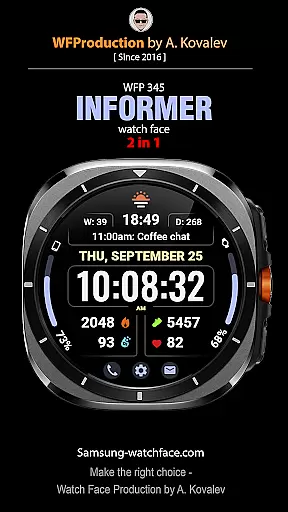
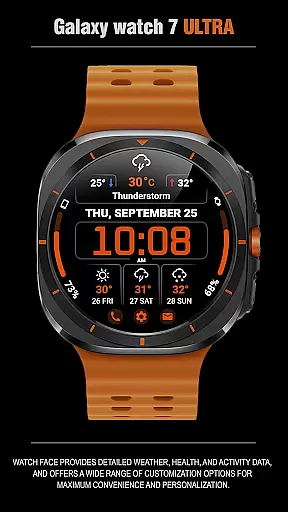
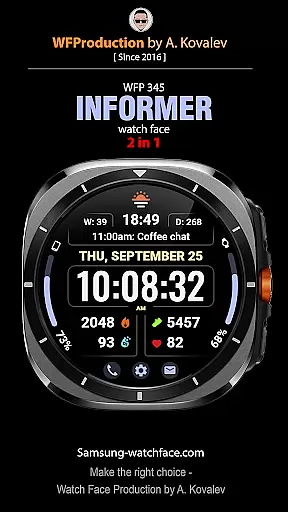
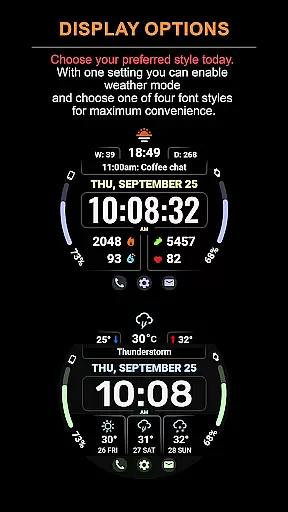
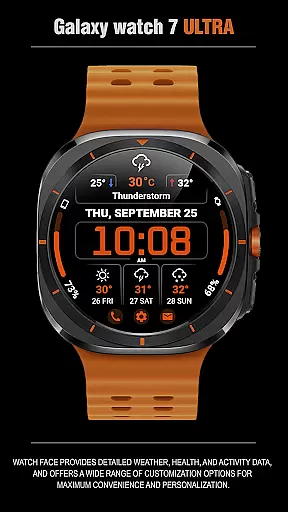
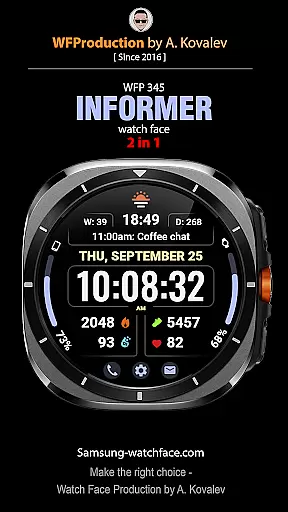
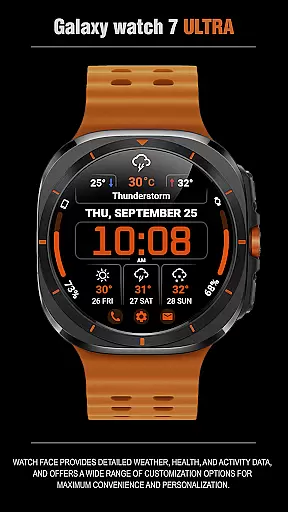
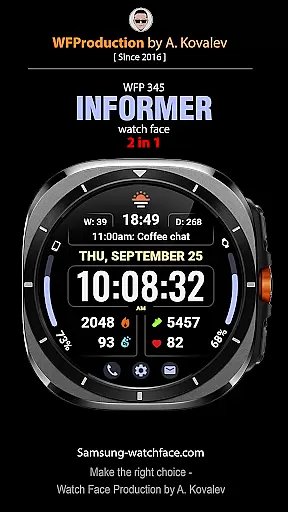
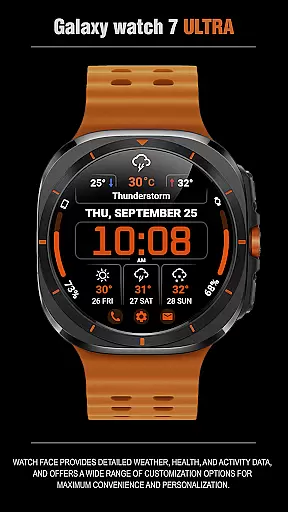
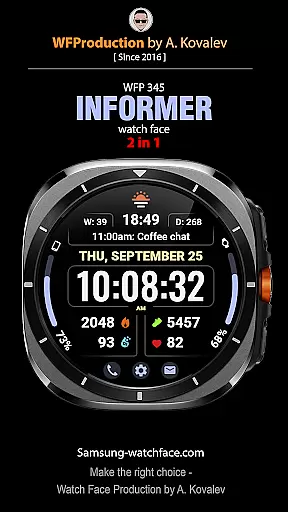
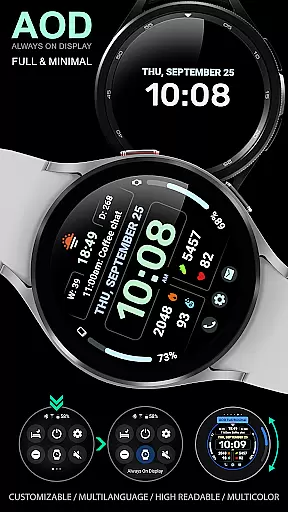
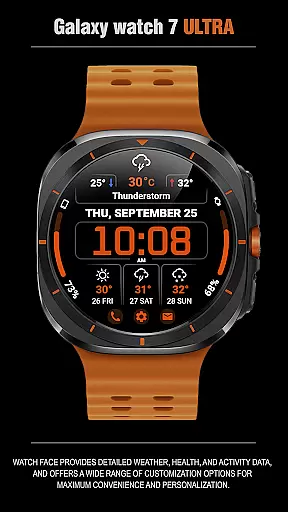
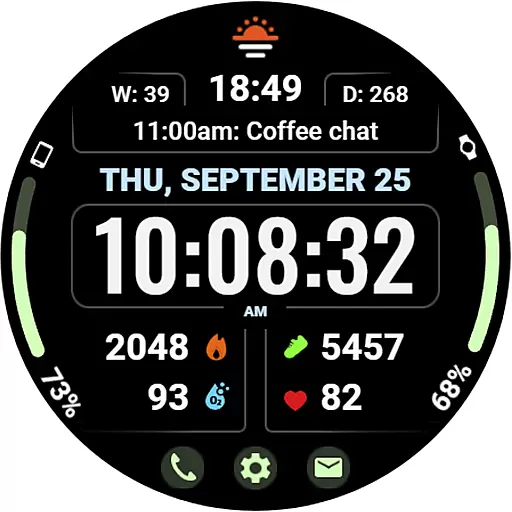
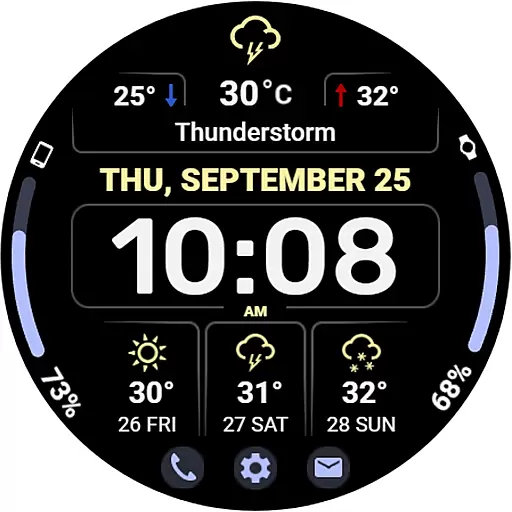
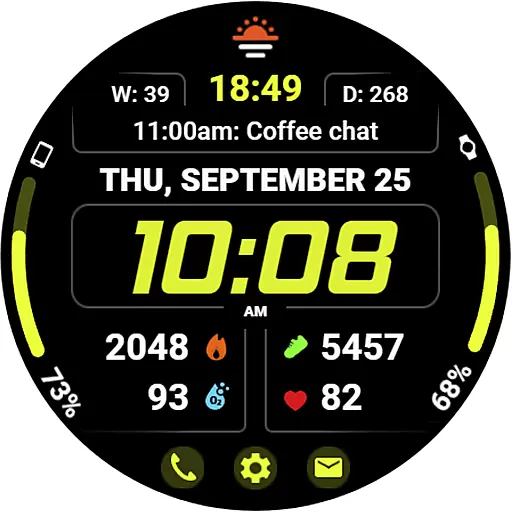
WFP 345 Informer watch face is a feature-rich Android Wear application that combines style with functionality. This smartwatch face not only enhances the aesthetics of your device but also provides comprehensive details on weather, health, and activity metrics. With extensive customization options, users can tailor their experience for maximum convenience and personalization.
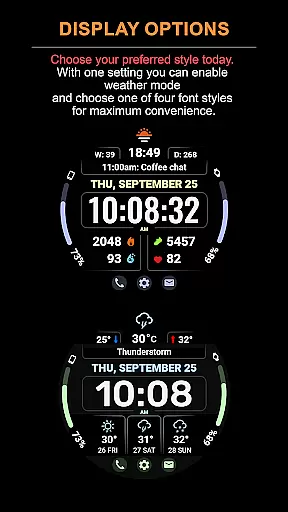
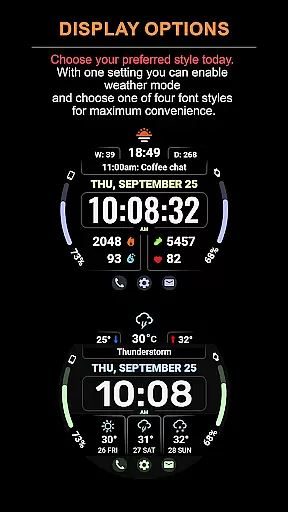
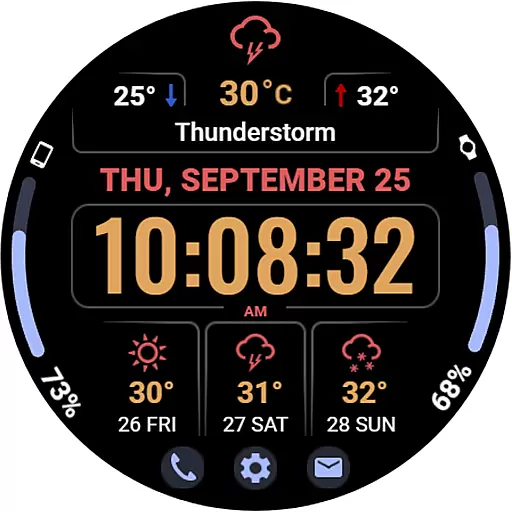
The app supports various modes including a detailed weather forecast for up to three days, alongside essential health tracking features. Its design emphasizes usability with high resolution, optimal performance, and low battery consumption, making it an ideal choice for those seeking both form and function in a watch face.
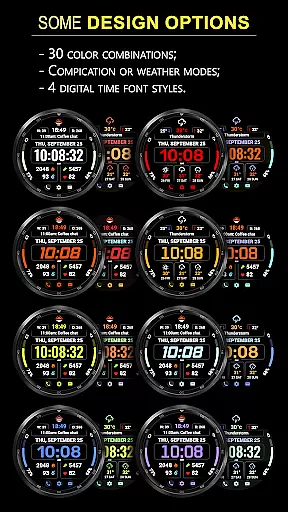
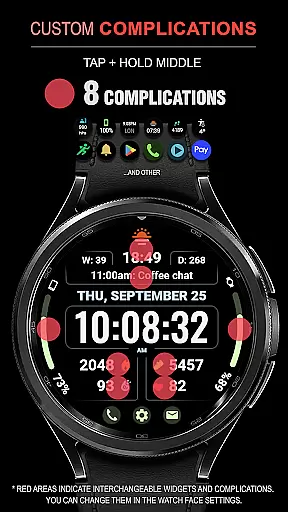
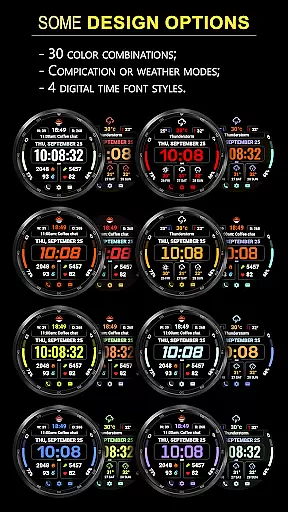
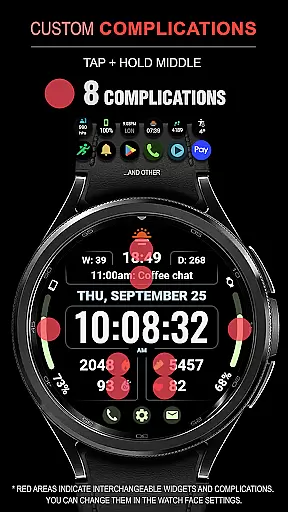
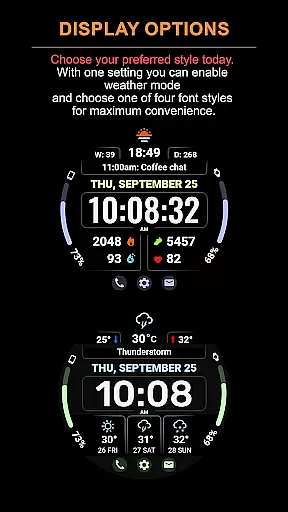
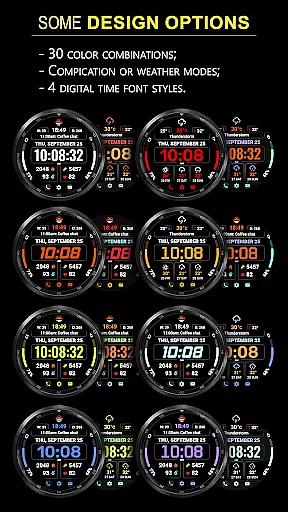
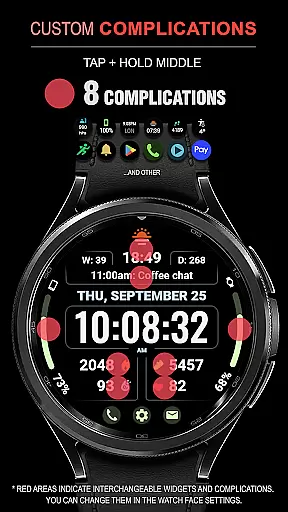
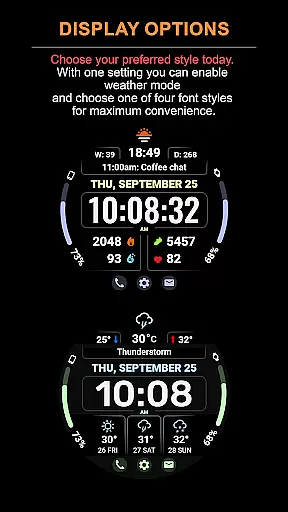
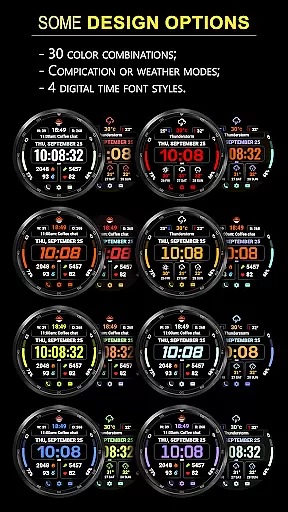
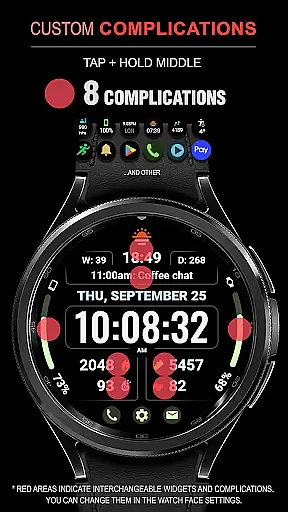
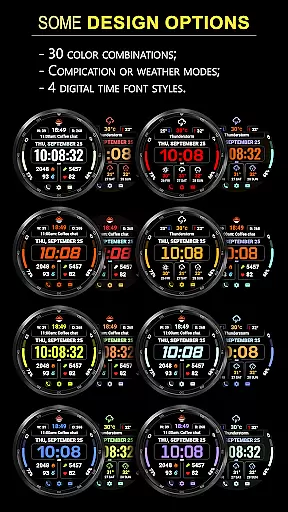
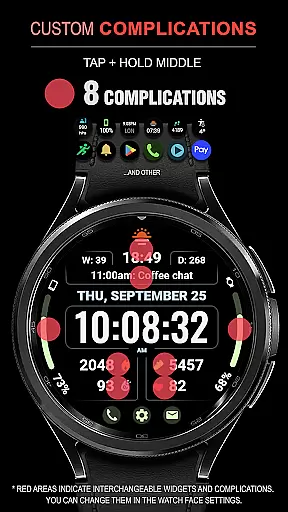
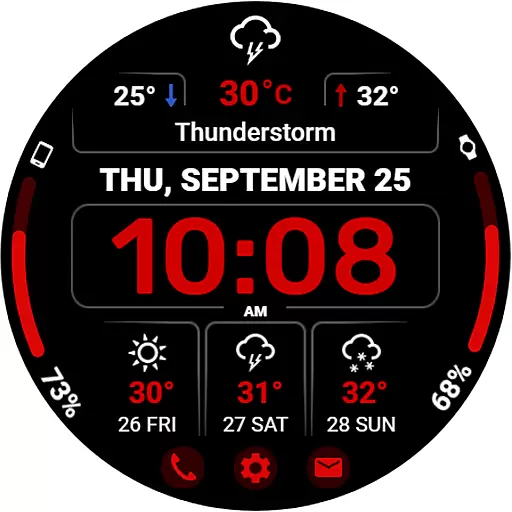
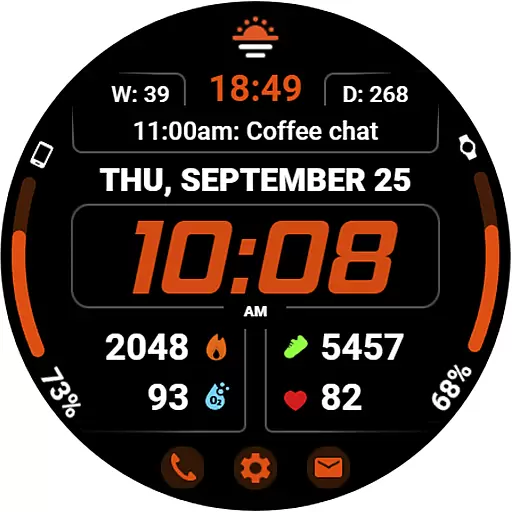
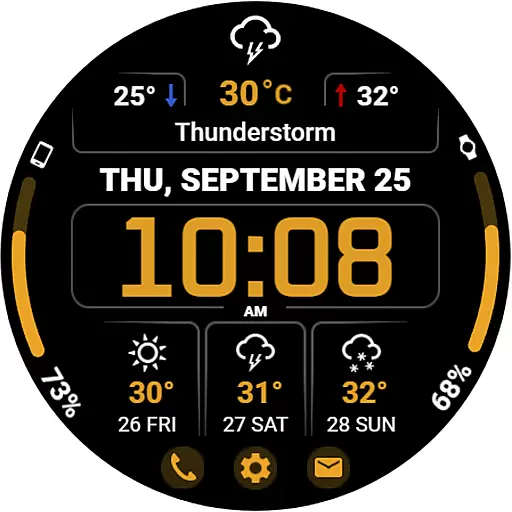
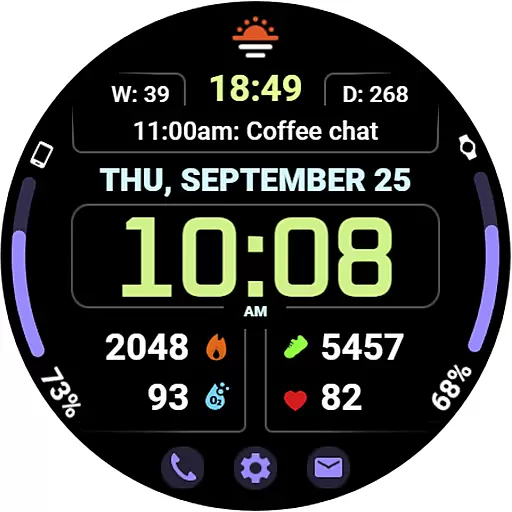
One of the standout features of WFP 345 Informer is its eight complications that allow users to access vital information at a glance. The watch face offers thirty color options and two distinct modes—complications or weather forecast—catering to diverse user preferences. Additionally, it includes a three-day weather forecast, temperature ranges, and quick access buttons for enhanced usability.
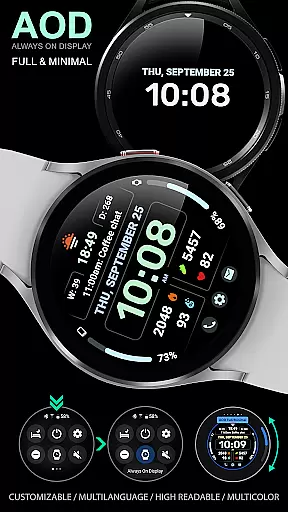
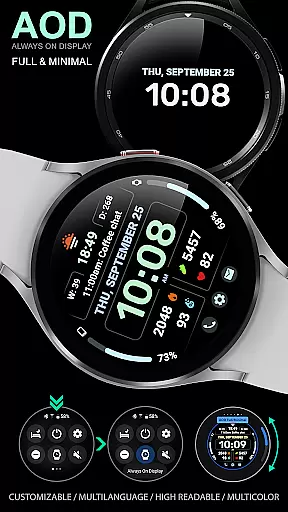
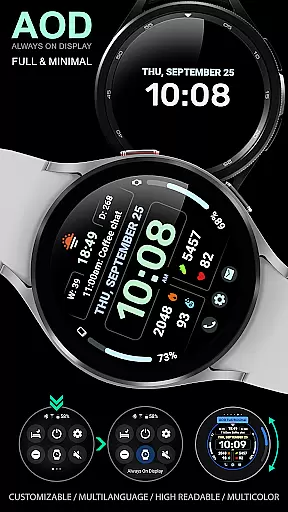
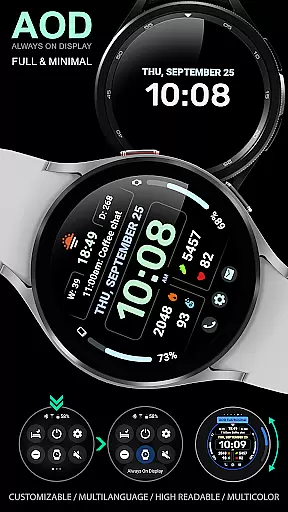
Customization is key with four time font styles, multilingual support, and customizable Always-On Display (AOD) mode. Users can choose between Fahrenheit or Celsius for weather readings, ensuring global accessibility. Despite its rich features, the app maintains high optimization levels, providing a smooth and responsive experience without compromising battery life.
Companion app integration is a crucial feature for Android Wear applications like WFP 345 Informer. This functionality ensures seamless synchronization between the watch face and its companion app on your smartphone.
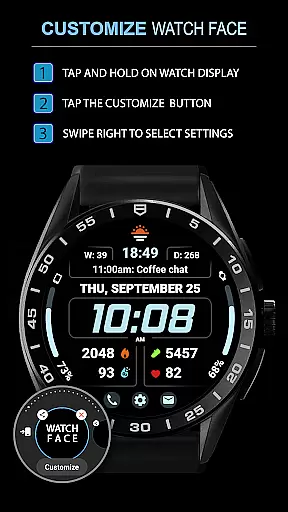
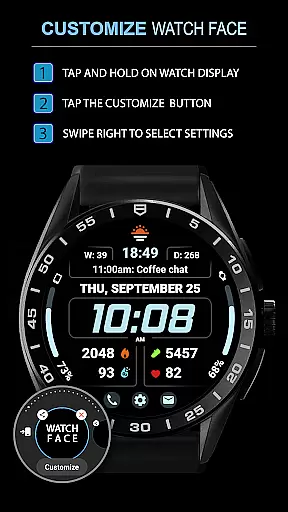
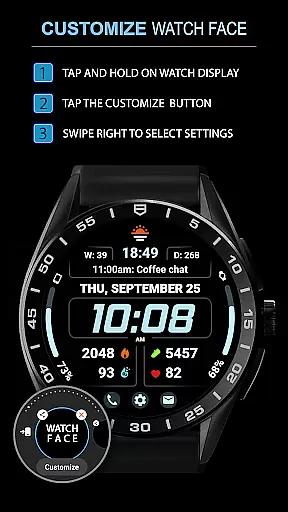
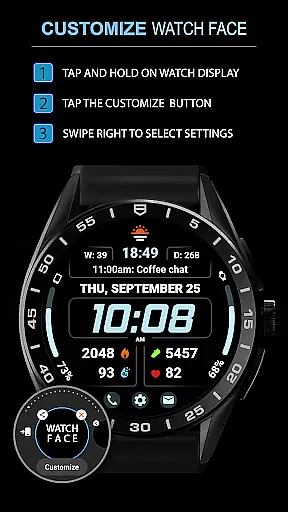
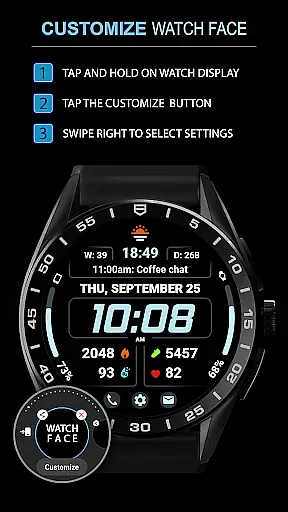
The WFP 345 Informer offers users comprehensive instructions for installation and settings adjustments through dedicated web pages. These resources help users easily configure phone charge widgets, health metrics, and other features to enhance usability.
By providing clear guidance on maximizing the utility of complications, weather forecasts, and customizable options, the app guarantees an optimal user experience across devices. Users can access detailed tutorials via samsung-watchface.com, ensuring they fully leverage the watch face's capabilities.
This level of integration allows for real-time updates and personalized configurations, making the WFP 345 Informer not just a stylish accessory but also a highly functional tool for daily use.
Ensuring broad Wear OS and device compatibility is essential for any Android Wear application. The WFP 345 Informer watch face excels in this area by supporting various Samsung smartwatches and maintaining high optimization standards.
With support for multiple languages, customizable Always-On Display (AOD) modes, and adaptable time font styles, this watch face caters to diverse user preferences and device specifications. Its design accommodates different screen resolutions while minimizing battery consumption.
Users benefit from consistent performance regardless of their specific Wear OS device model. The watch faceu2019s ability to deliver accurate weather forecasts, health data, and activity tracking across compatible devices enhances its versatility.
Ultimately, the WFP 345 Informer demonstrates how thoughtful engineering can produce a visually appealing yet technically robust product suitable for a wide range of wearables.
Highly customizable
Comprehensive weather data
Low battery usage
Multiple color options
Quick access buttons
Complicated setup
Limited widget support
Weather mode restrictions
Advanced settings needed
Premium features cost

Gym Log & Workout Tracker | Fitness Journal, Training & Weight Lifting Planner
 4.90
4.90
Rose gold watch face with festive lights & customizable features.
4.60
Contemporary digital watch face with five complications
4.5
Watch face for Wear OS.
4.20
Period, ovulation & pregnancy tracker. Fertility insights & menstrual calendar.
4.90
Bold weather Digital watchface with forecast & optional animated background
4.40
Minimalistic design modern digital watch face.
4.0
From periods to pregnancy & perimenopause, Flo helps you track it all. Try now.
4.70
Toyota app currently supports 2010 or newer vehicles (2018 or newer for Hawaii).
4.50
The most customizable hybrid watch face. For Wear OS 5.0, API 34+ and later
4.70
Walking app for weight loss: walk & step tracker, pedometer, indoor treadmill
4.60
Connect to your Bluelink equipped Hyundai vehicle from your smartphone.
4.50
Digital watch face with big numbers and many customization for Wear OS devices
4.40
Let's celebrate Thanksgiving - Wear Os watch face
4.20
Watch the sharpness of the sky on your wrist..
3.70
Your local weather forecast, storm tracker, radar maps & live weather news
3.40
Christmas and New Year - Themed Watchface
4.3
A Wintery Snow Globe on Your Wrist; now celebrating Christmas!
4.4
Stylish digital watch face for Wear OS devices with customizable features
4.5

User Reviews