

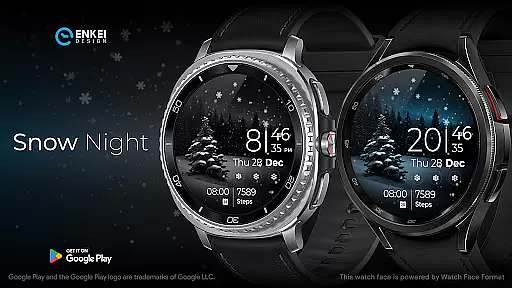
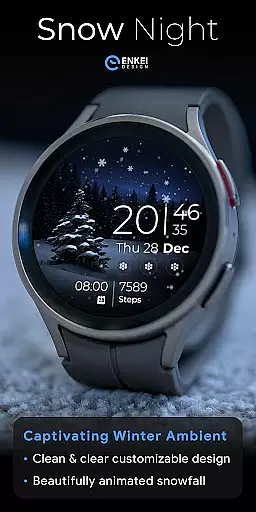
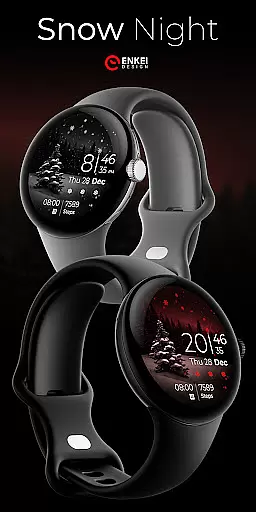
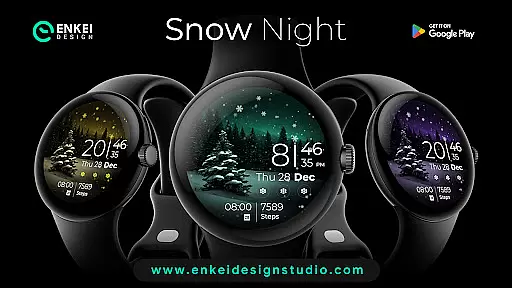
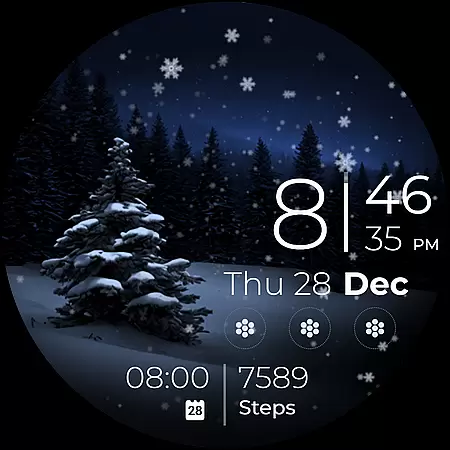
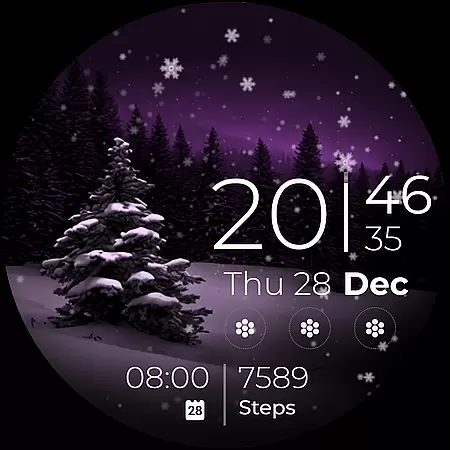
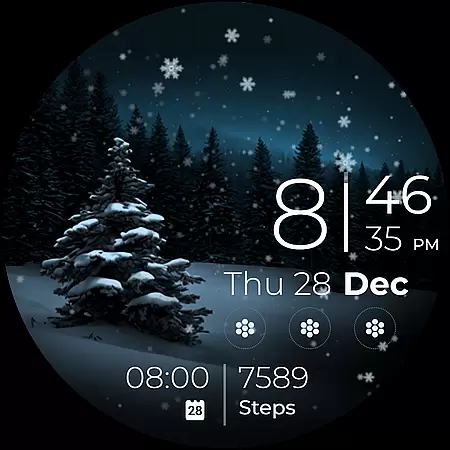
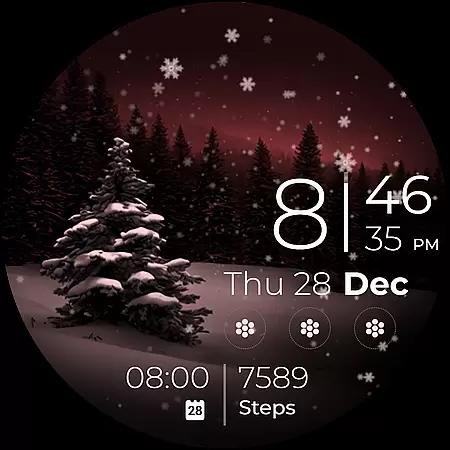
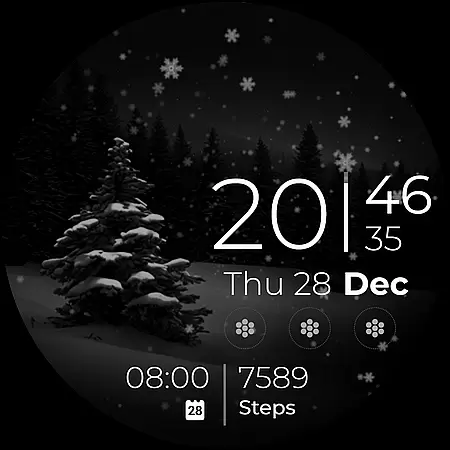
Snow Night is an artistic watch face designed for Wear OS devices, offering a captivating winter-themed experience. It features ambient snowfall animation and clear, bright indicators for excellent visibility. The watch face supports extensive customization options including colors, AOD styles, and complications, allowing users to create their perfect layout.
Powered by Watch Face Format, Snow Night provides advanced features such as digital clock, weekday, date, and month indicators in multiple languages, battery percentage bar, customizable short-text indicators, and app shortcuts. Compatible exclusively with Wear OS 5.0 and newer versions, this watch face brings both aesthetics and functionality to your wrist.
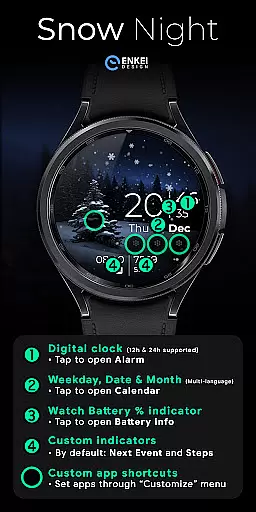
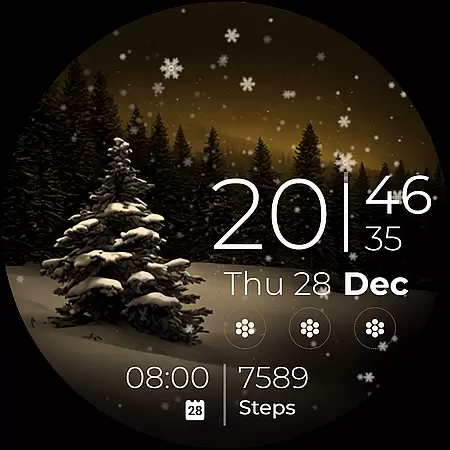
Snow Night stands out with its rich feature set tailored for personalization enthusiasts. The watch face offers digital clock display with 12h/24h format, multi-language support for weekday, date, and month indicators, and a battery percentage bar. Users can tap specific areas to access associated apps like Alarm, Calendar, and Battery info.
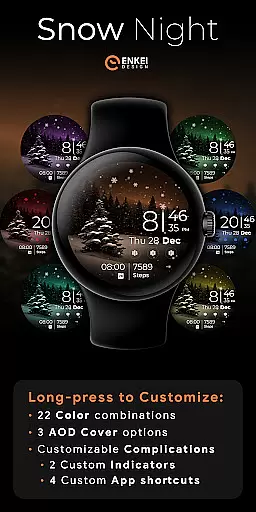
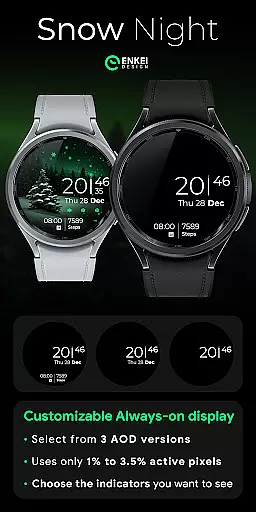
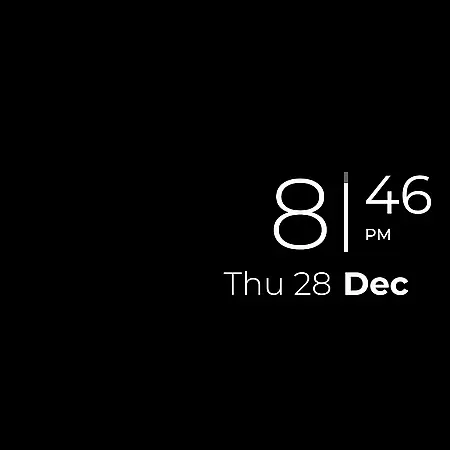
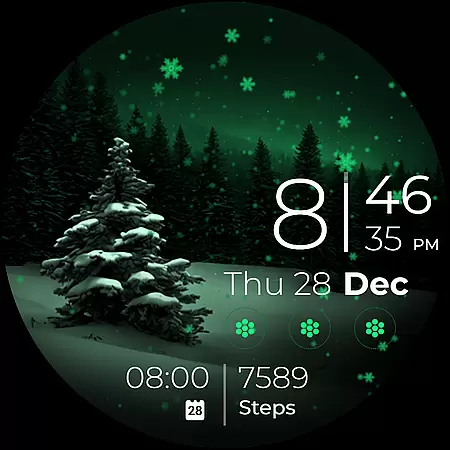
Customization is at the core of Snow Night, featuring two short-text indicators for next event and steps by default, four app shortcuts with three visible icons, and a hidden tree icon. Long-pressing opens the Customize menu where users can choose from 22 color combinations, three AOD cover options, and configure complications including custom indicators and app shortcuts.
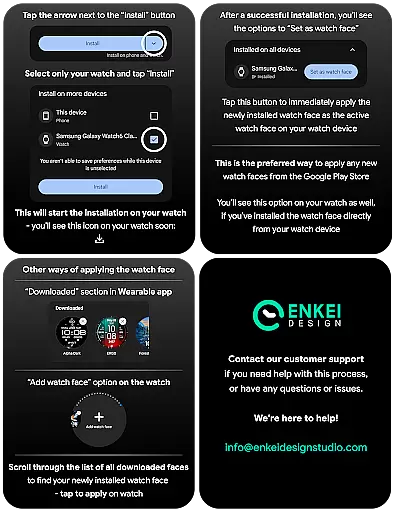
Companion app integration plays a crucial role in enhancing the functionality of wearable devices. Snow Night offers seamless companion app integration that simplifies the installation process directly to your watch device. This ensures users can easily access and enjoy the full features of this artistic watch face without unnecessary complications.
The phone companion app serves as a bridge, directing the installation smoothly to your watch. This thoughtful design eliminates confusion and potential technical issues, making it accessible even for non-tech-savvy individuals. By streamlining the setup process, Snow Night guarantees a hassle-free experience from the start.
Moreover, the companion app provides essential support and updates. Users can stay informed about new features or improvements, ensuring their watch face remains up-to-date and continues to offer an optimal experience. This ongoing support highlights the dedication to customer satisfaction and product excellence.
Device compatibility is a key consideration when choosing a watch face, and Snow Night is meticulously designed for Wear OS 5.0 and newer versions (API 34+). This ensures that users with the latest Wear OS devices can fully leverage the advanced features and customization options available within the watch face.
Snow Night takes advantage of the expanded capabilities offered by Watch Face Format, which is supported on these newer operating systems. As a result, users benefit from enhanced customization options such as color combinations, AOD styles, and complications, allowing them to create a personalized layout that suits their preferences.
By focusing on compatibility with modern devices, Snow Night delivers an optimized performance characterized by improved responsiveness and visual clarity. This strategic decision not only enhances user experience but also aligns with technological advancements, providing a future-proof solution for wearable enthusiasts seeking both style and functionality.
Visually stunning design
Highly customizable layout
Useful interactive features
Excellent visibility
Regular updates
Wear OS 5.0+ required
Complex for beginners
Limited phone functionality
Consumes more battery
Premium features need purchase

Calming & relaxing sounds for sleeping and stress relief. Stay focused all day!
 4.20
4.20
Wear Os Watch Face - Animated Snow Effect & Magic Spark - 6 Scenes
4.10
Easy Voice Recorder is your everyday companion to record important moments.
4.70
Digital watch face with big numbers and many customization for Wear OS devices
4.40
Find EV charging stations
4.30
Connect to your Bluelink equipped Hyundai vehicle from your smartphone.
4.50
Viewer for Wyze/Yi/Eufy/Arlo/ONVIF/RTSP/P2P IP cams w/ adv. features & DIY DVR
4.00
From periods to pregnancy & perimenopause, Flo helps you track it all. Try now.
4.70
Download full tracks, listen to music offline, make unlimited playlists.
4.80
Period, ovulation & pregnancy tracker. Fertility insights & menstrual calendar.
4.90
WTW M17 is a premium and luxurious hybrid watch face
4.70
Embrace the holiday spirit with this magical animated watch face!
4.40
Watch face for Wear OS.
4.20
sleep, alarm, snoring, stress, healing, focus, sound therapy, circadian rhythm
4.10
Animated Watch Face and Customizable with 24 Backgrounds. Perfect for Christmas!
3.90
Wear Os Watch Face - Animated Snow - Sesonal for Christmas & Winter
4.3
Simple Analog-Digital Watchface For Wear OS 3.0 and Up Smartwatches
4.1
Sleek, highly customizable watch face inspired by Galaxy Watch Circle Dashboard.
4.0
3 Complications. All shadow on/off. 30 Themes color palette...
4.0

User Reviews