

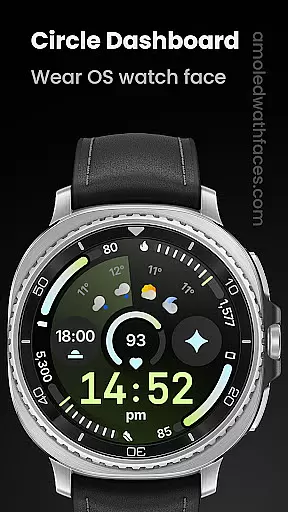
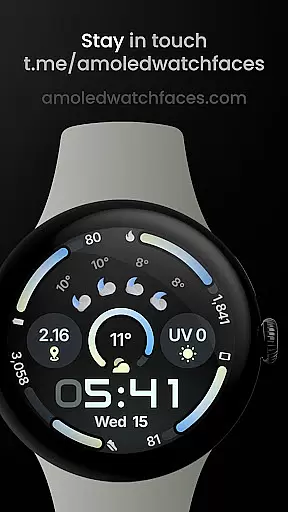
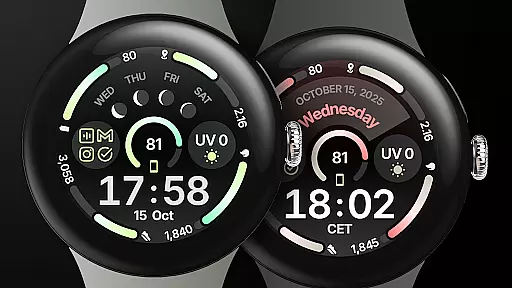
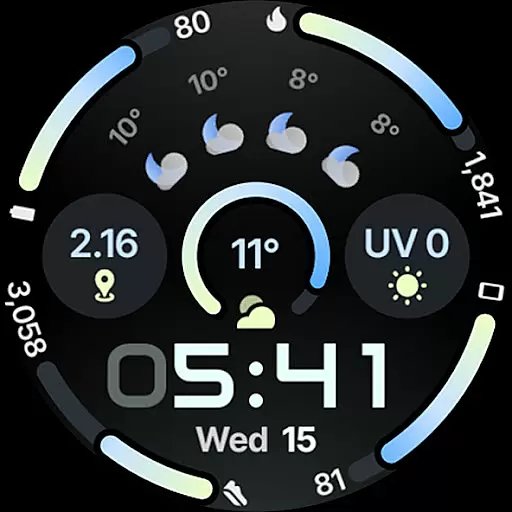
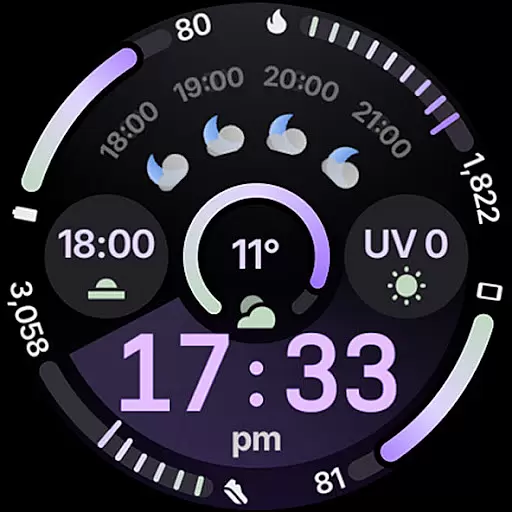
Circle Dashboard Watch Face is a feature-rich watch face designed exclusively for Wear OS 4+ devices. Inspired by the Galaxy Watch 8 series, it offers advanced customization options and supports multiple complications. The watch face provides users with an intuitive dashboard experience while maintaining battery efficiency.
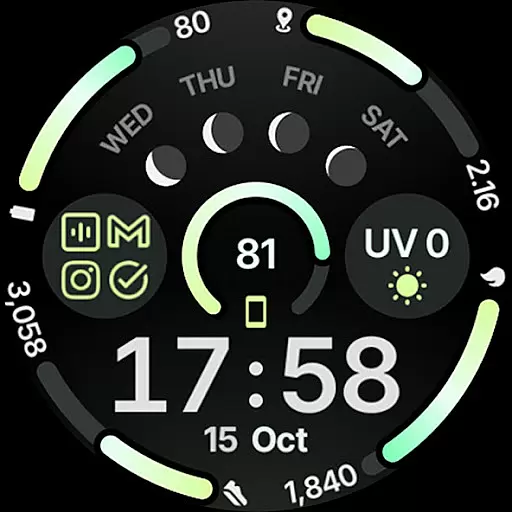
With support for Watch Face Format 4, this application allows users to personalize their watch faces through various themes, digital clock fonts, and widget options. Its adaptive complication text size and optional seconds indicator make it versatile for different user preferences. The app also integrates weather forecast and moon phase widgets for enhanced functionality.
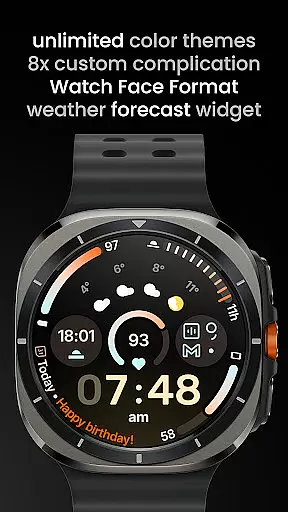
Circle Dashboard Watch Face stands out with its extensive feature set tailored for power users. The app includes eight custom complication slots supporting various types like SHORT_TEXT and RANGED_VALUE. Unique capabilities such as phone notifications complication support and material 3 progress bars enhance usability.
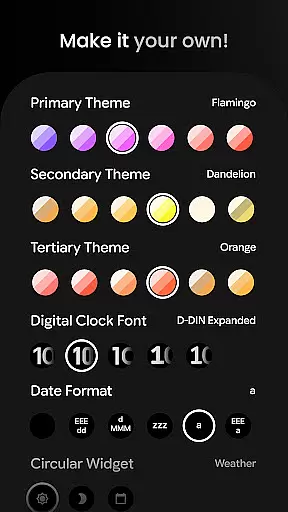
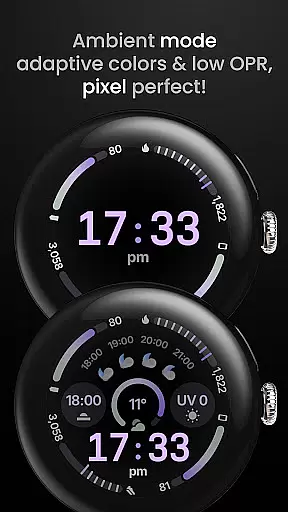
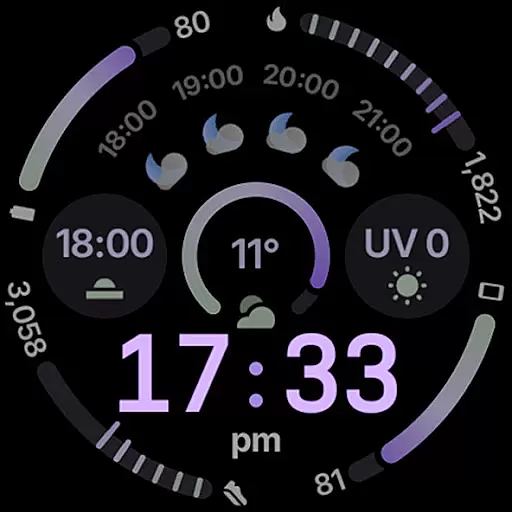
Advanced customization options include sixty theme choices for primary, secondary, and tertiary colors, five digital clock font styles, and three always-on display modes. Users can toggle features like leading zero display, vivid digital clock effects, and animated AOD transitions. These comprehensive settings ensure each user can create a personalized watch face that suits their style.
Companion app integration is essential for Android Wear applications as it ensures seamless synchronization between the wearable and its smartphone counterpart. Circle Dashboard Watch Face excels in this area by offering users a comprehensive ecosystem that extends beyond the watch itself.
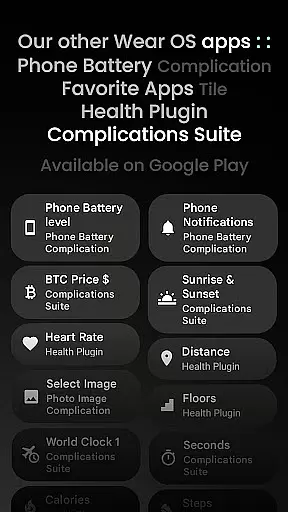
The application provides multiple companion features, including custom complication support which allows users to display information from their phone directly on their watch face. This includes battery status through the dedicated Phone Battery Complication app, ensuring users can monitor their device's health without needing to take it out of their pocket.
Additionally, the watch face supports various user configurations that can be easily managed via the companion app. With over 60 theme options, multiple date formats, and customizable complications, users can personalize their experience while maintaining perfect harmony between devices.
This level of integration not only enhances convenience but also significantly boosts productivity. Users can access weather forecasts, notification complications, and even animated always-on display features that adapt based on the paired phone's settings or data.
Ensuring broad compatibility across different Wear OS versions and devices is crucial for any successful smartwatch application. Circle Dashboard Watch Face demonstrates exceptional versatility in this aspect, supporting devices running Wear OS 4 and above.
The application takes full advantage of newer platform capabilities while maintaining backward compatibility where possible. For instance, advanced features like animated AOD entering and adaptive complication text size are available on Wear OS 6+, providing enhanced visual experiences for users with compatible devices.
Moreover, the watch face utilizes Watch Face Format 4, guaranteeing optimal performance and visual fidelity across various screen types and resolutions. This commitment to quality ensures that whether you're using a newer Galaxy Watch series or other Wear OS devices, the application will function smoothly and look stunning.
By supporting multiple versions of Wear OS and offering features tailored to each version's capabilities, Circle Dashboard Watch Face maximizes its potential user base while delivering a premium experience that adapts to different hardware specifications.
User-friendly interface
Extensive customization
Battery efficient design
Versatile complication support
Regular feature updates
Complex for beginners
Wear OS 4+ only
Weather widget limited
Requires companion apps
Premium features locked
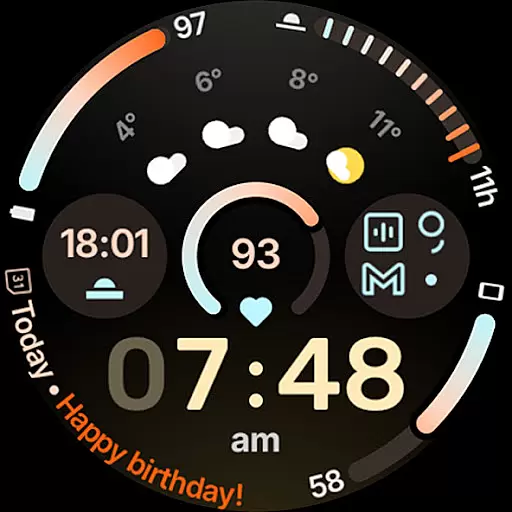
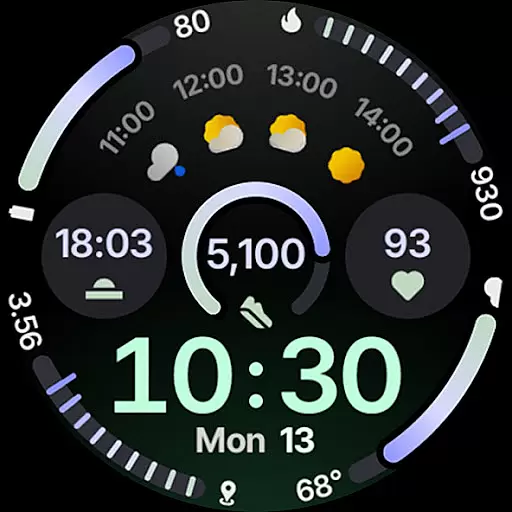
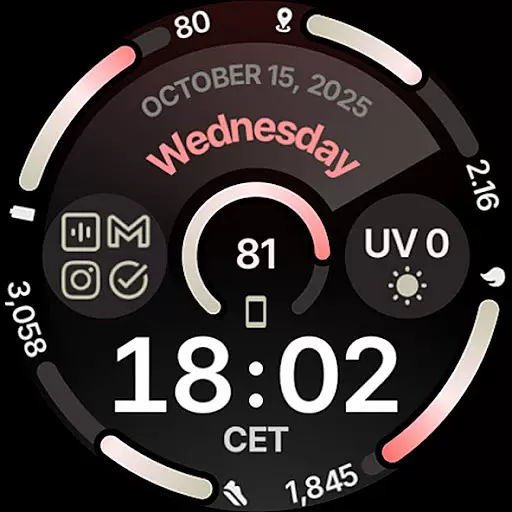
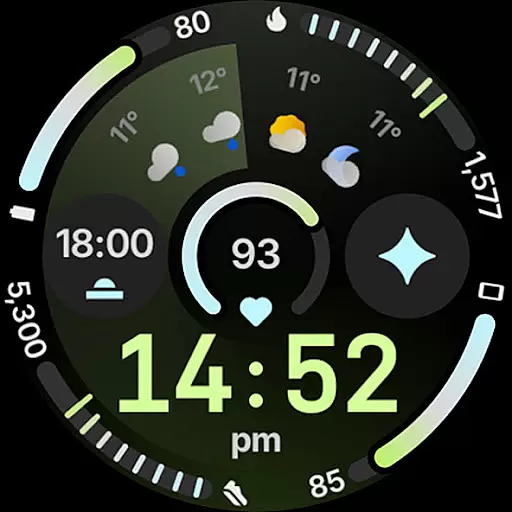

"PER27 Galaxy Digital" is a digital Wear OS watch face designed by PERSONA
 4.10
4.10
Highly customizable hybrid watch face for Wear OS, perfect for everyday use.
4.60
Christmas watch face. For Wear OS devices.
4.30
A modern premium sporty hybrid watch face for Wear OS by Ballozi
4.70
Be an elegant and classy secret agent, with this carefully detailed watch face
4.70
Watch face for Wear OS.
4.20
Your second brain for organizing your life: to-do, calendar, reminder.
4.70
Connect to your Bluelink equipped Hyundai vehicle from your smartphone.
4.50
A realistic hybrid watch face with many customization options.
4.60
Real-time weather radar with temperatures, warnings, hurricanes, and widgets
4.80
A modern hybrid informative watch face for Wear OS designed by BALLOZI
4.80
Rose gold watch face with festive lights & customizable features.
4.60
To-Do List: daily schedule planner, task organizer, to do reminder app, calendar
4.60
Find EV charging stations
4.30
Embrace the festive spirit with our Christmas Countdown watchface for Wear OS
4.10
Animated Watch Face and Customizable with 24 Backgrounds. Perfect for Christmas!
3.90
Your local weather forecast, storm tracker, radar maps & live weather news
3.40
Funny animated watch face for Thanksgiving
4.5
Hybrid Vibrant Health Watch Face for Wear OS
4.3

User Reviews