

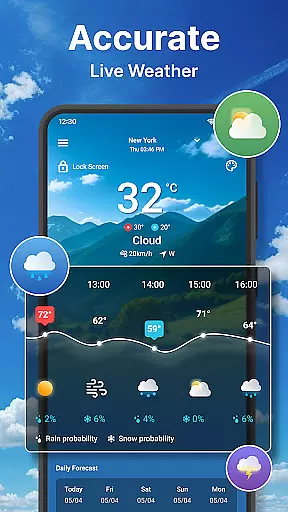
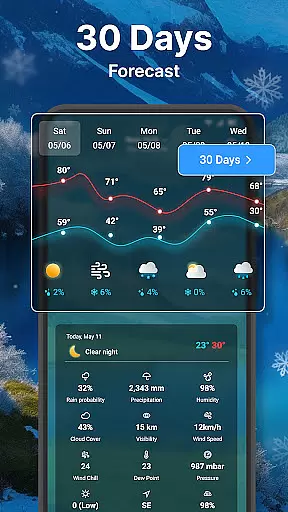
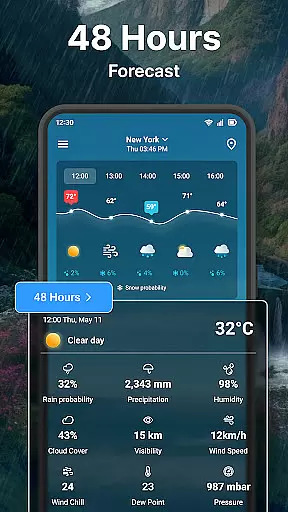
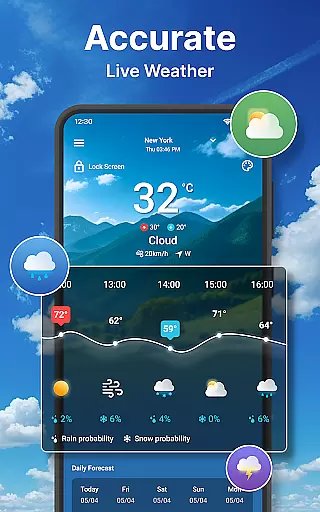
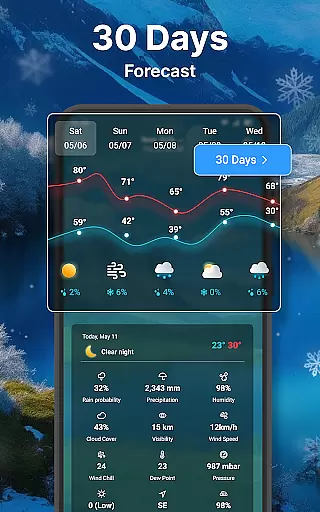
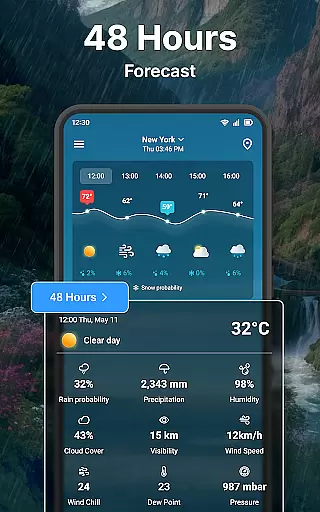
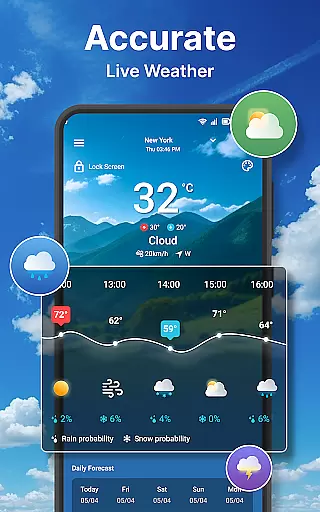
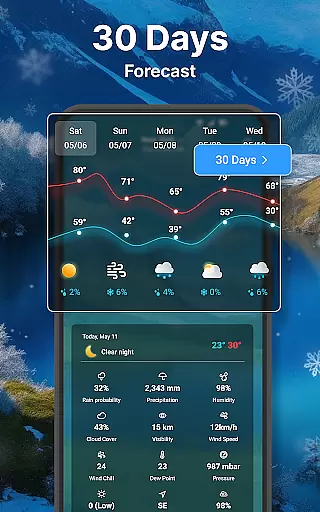
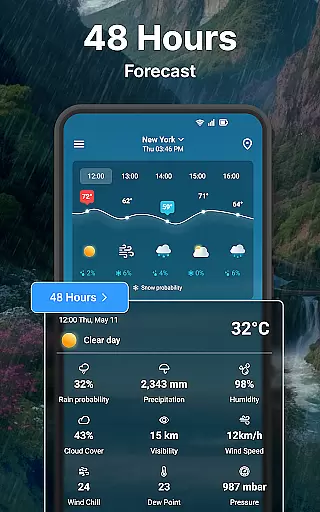
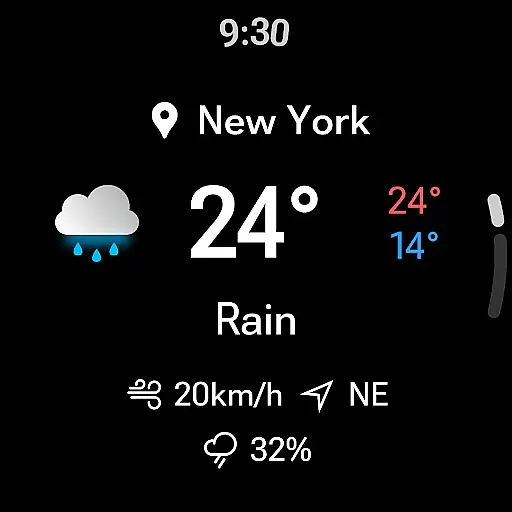
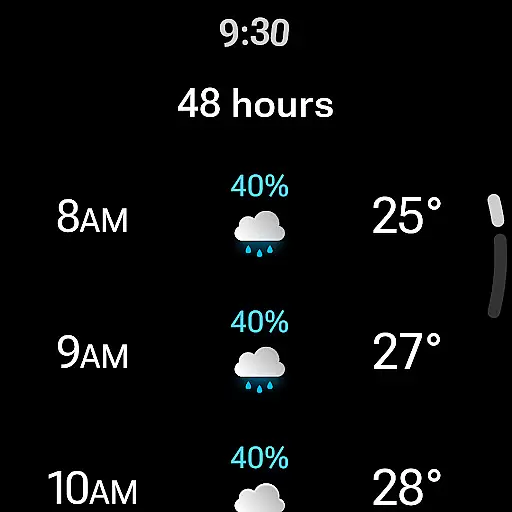
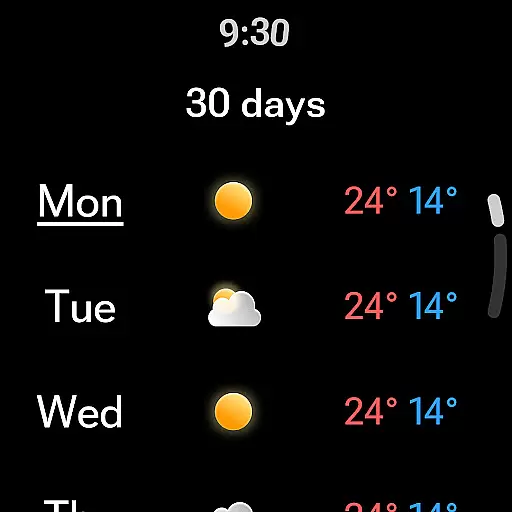
Weather forecast is a comprehensive weather application designed specifically for Android Wear devices, providing users with real-time, hourly, daily, and 7-day weather forecasts. The app features an intuitive weather radar and customizable weather widgets, ensuring you stay informed about the weather conditions at all times.
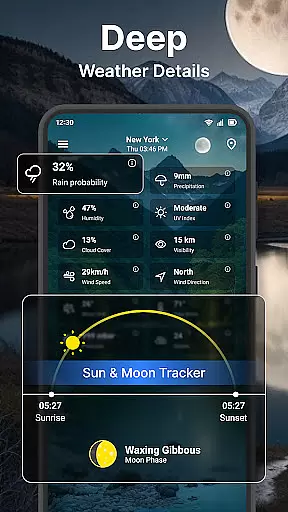
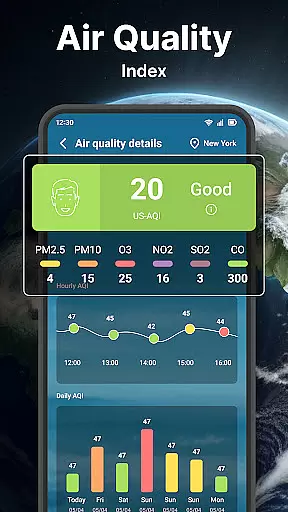
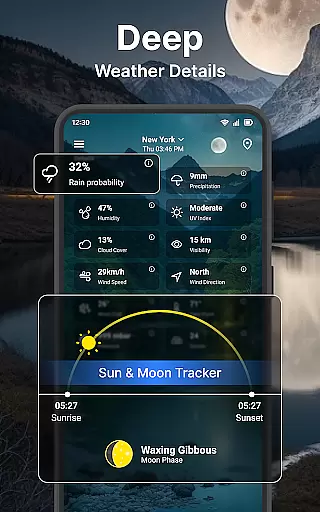
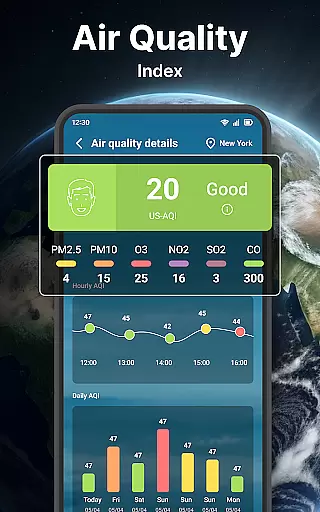
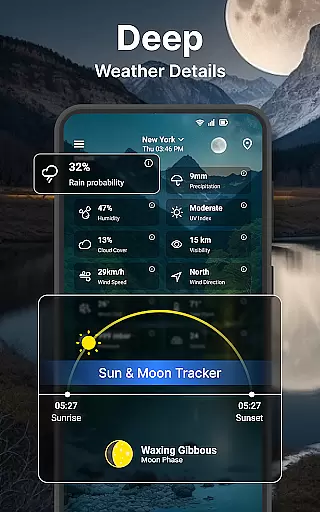
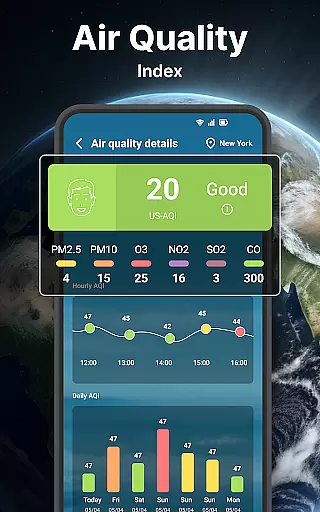
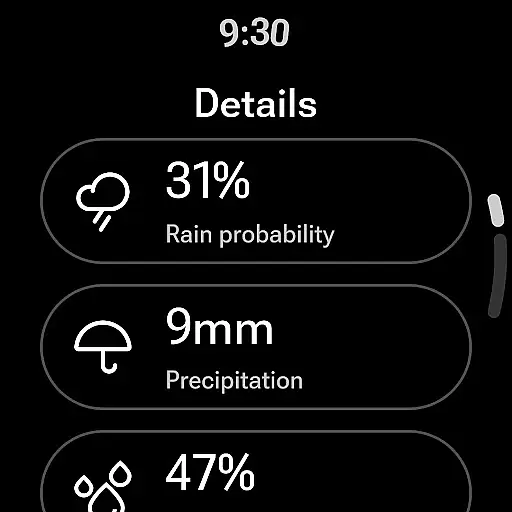
The app stands out with its detailed weather information including wind direction, speed, temperature charts, and chance of precipitation. It also offers advanced data such as UV index, dew point, and cloud cover, making it suitable for both casual users and weather enthusiasts who require precise meteorological data on the go.
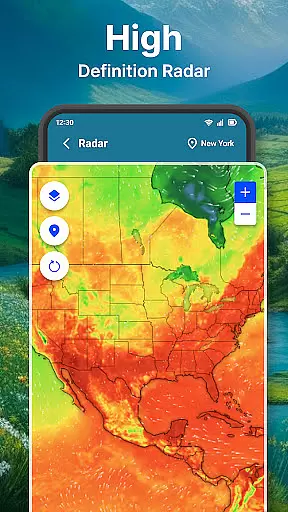
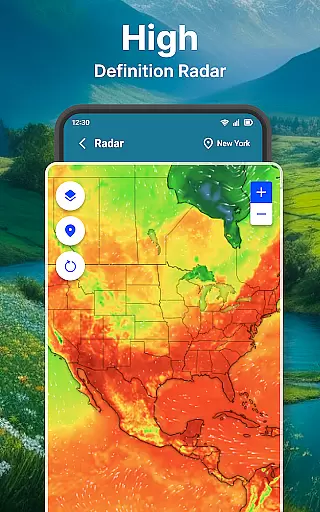
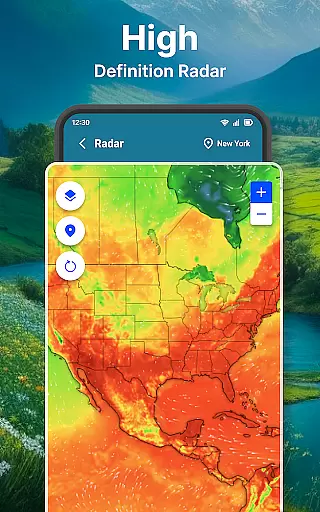
Weather forecast boasts an array of robust features tailored to enhance user experience on wearable devices. With its animated live radar map, users can zoom in and out to view temperature, wind, humidity, and rain or snow conditions, aiding in storm warnings and preparation.
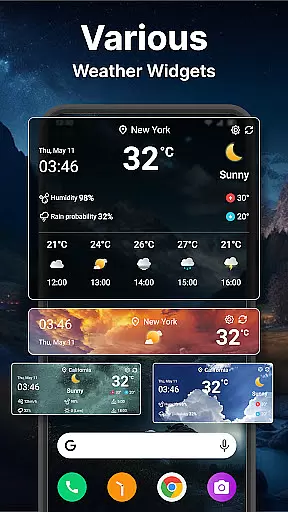
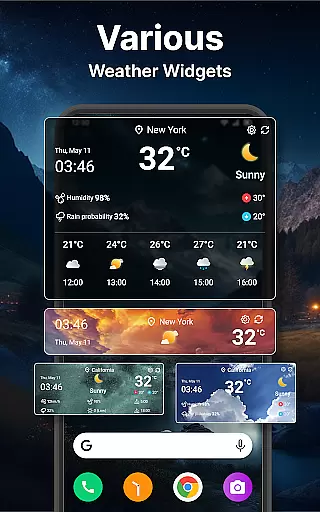
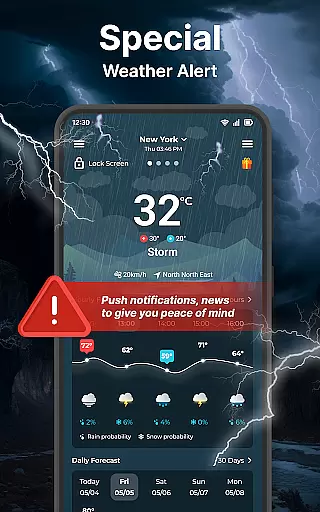
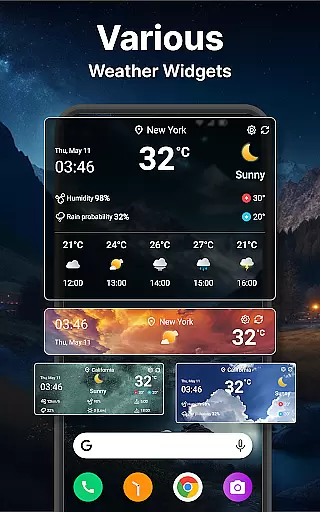
Users can manage multiple locations, switch between Celsius and Fahrenheit, and choose from various units for wind speed and pressure. The app's customizable widgets allow for personalized home screen displays, while settings for lock screen notifications, status bar updates, and language preferences ensure the app fits seamlessly into any lifestyle.
Companion app integration is essential for users who want seamless functionality between their mobile devices and wearable technology. This weather app offers a robust connection with its Wear OS counterpart, ensuring that all critical weather data syncs accurately and in real-time.
The app provides users with the ability to view real-time weather conditions directly on their smartwatch. This includes not only the current temperature but also detailed forecasts for both hourly and daily timelines. Such comprehensive data availability ensures that users can plan their day or week without needing to reach for their phone.
Additionally, the synchronization extends to various customizable settings within the app. Whether it's unit preferences or notification settings, changes made on the mobile app reflect immediately on the wearable device. This harmonization allows for a personalized and uninterrupted user experience across devices.
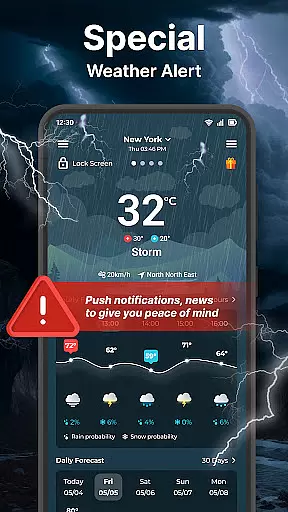
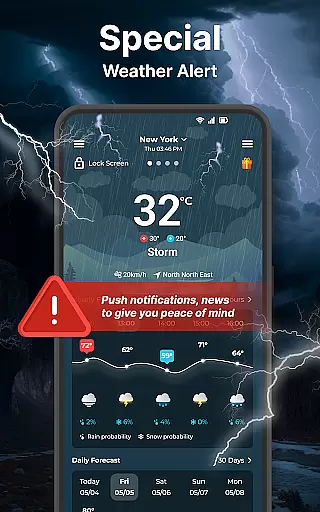
By integrating advanced features like weather alerts and lock screen information, this companion app ensures that users remain informed and prepared regardless of their location or time constraints. The result is an efficient, interconnected ecosystem that prioritizes user convenience and data accessibility.
Ensuring broad compatibility with Wear OS devices is crucial for maximizing user accessibility and satisfaction. This weather application excels in its extensive support for a wide range of Wear OS smartwatches, providing users with consistent performance and reliability.
The app is designed to be compatible with various models and brands under the Wear OS platform. This inclusivity allows users to experience the same high-quality weather forecasting services, irrespective of their specific smartwatch model. By focusing on universal compatibility, the app enhances its reach and utility for a diverse audience.
Moreover, the app optimizes its interface for different screen sizes and resolutions typical of Wear OS devices. This optimization ensures that graphical elements like weather maps and textual information display clearly and are easy to interact with. Users benefit from an intuitive and visually appealing interface that maintains functionality across different hardware specifications.
With regular updates and improvements tailored for Wear OS, the app guarantees sustained compatibility and enhanced features over time. This commitment to ongoing support reassures users of a future-proof investment in reliable weather tracking on their wearable devices.
User-friendly interface
Comprehensive weather data
Customizable widgets
Live radar maps
Multilingual support
Requires constant internet
Notifications can be intrusive
Limited free features
Heavy battery usage
Occasional inaccuracies

"PER27 Galaxy Digital" is a digital Wear OS watch face designed by PERSONA
 4.10
4.10
A full-featured Amazon Alexa voice assistant that can show you things.
3.70
Embrace the festive spirit with our Christmas Countdown watchface for Wear OS
4.10
Watch face for Wear OS.
4.20
Gym & home workout plans with strength training, exercise tracking, HIIT & more.
4.60
Real-time results, stats, schedules and player profiles for all leagues
4.60
A digital watch face that celebrates Christmas.
4.00
A realistic hybrid watch face with many customization options.
4.60
Toyota app currently supports 2010 or newer vehicles (2018 or newer for Hawaii).
4.50
Digital, flexibly customizable watch face. For Wear OS 5.0, API 34+ and later.
5.00
Gym Log & Workout Tracker | Fitness Journal, Training & Weight Lifting Planner
4.90
Walking app for weight loss: walk & step tracker, pedometer, indoor treadmill
4.60
Nutrition, Macro tracker: Food, fitness & healthy diet tracking for weight loss
4.60
Connect to your Bluelink equipped Hyundai vehicle from your smartphone.
4.50
Fast and smart typing with Emojis, GIFs, and more
4.50
Wear Os Watch Face - Animated Snow - Sesonal for Christmas & Winter
4.3
Christmas is near, let's count together the days left until Santa comes
4.0
A Wintery Snow Globe on Your Wrist; now celebrating Christmas!
4.1
Contemporary digital watch face with five complications
4.2

User Reviews