

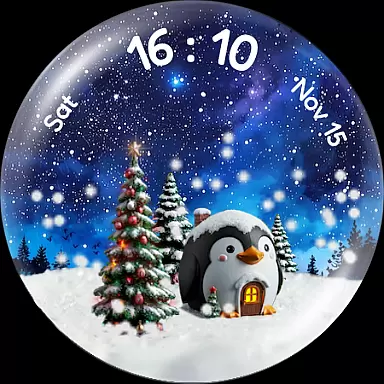
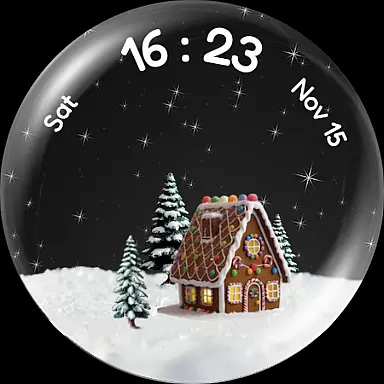
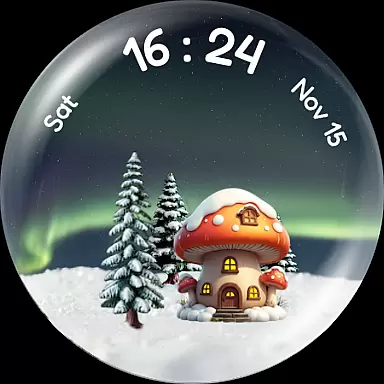
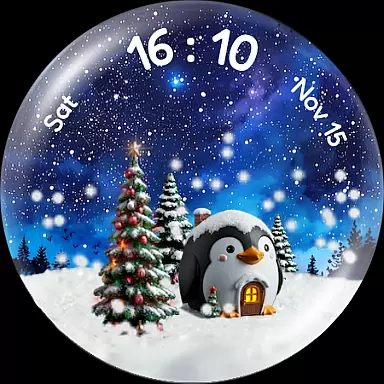
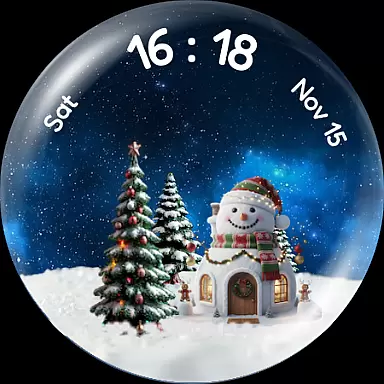
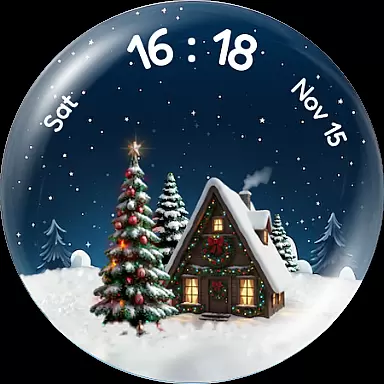
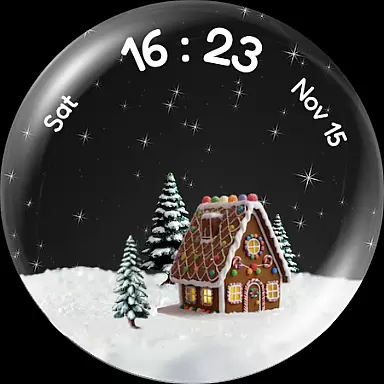
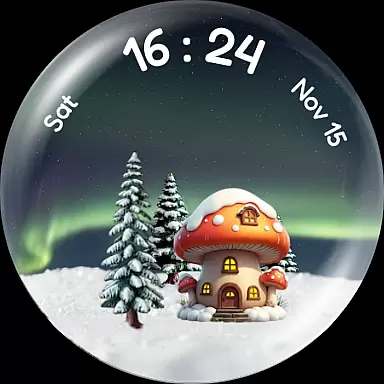
Experience the enchantment of winter with Christmas Snow Globe WatchFace, a festive watch face for Wear OS 4+ devices. This app brings a delightful snow globe animation to your wrist, complete with customizable features that capture the holiday spirit.
The watch face offers mesmerizing snowfall animation and deep customization options, including charming houses and stunning night sky backgrounds. A unique feature allows your daily steps to energize a virtual Christmas tree, encouraging an active lifestyle while celebrating progress with beautiful lights.
Designed for those who cherish the holiday season, this app combines functionality with festive cheer, making it perfect for smartwatch users looking to add a touch of winter magic to their everyday wear.
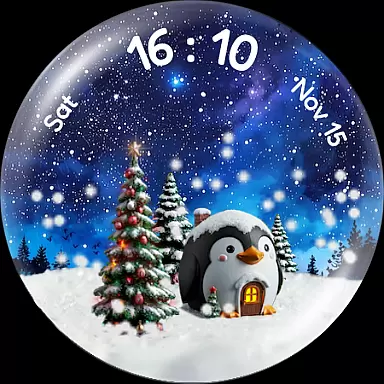
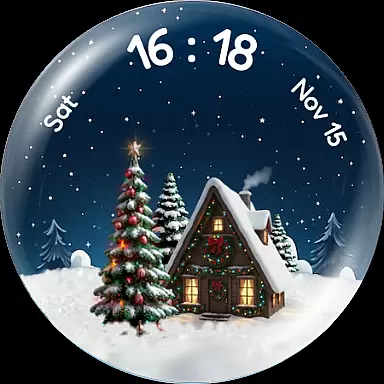
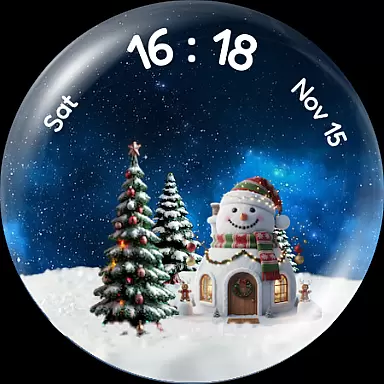
Christmas Snow Globe WatchFace stands out with its captivating snow globe animation, which creates a gentle snowfall effect every time you wake your watch. The Tilt to Wake feature enhances this experience by allowing a shake-to-snow effect, adding an interactive element to your watch face.
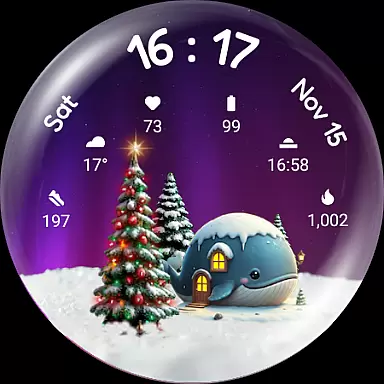
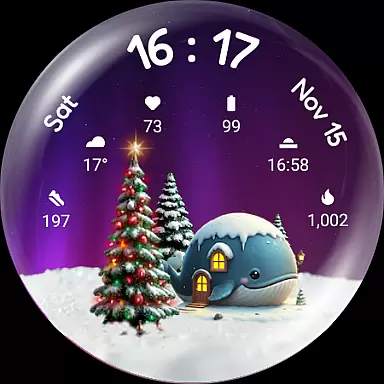
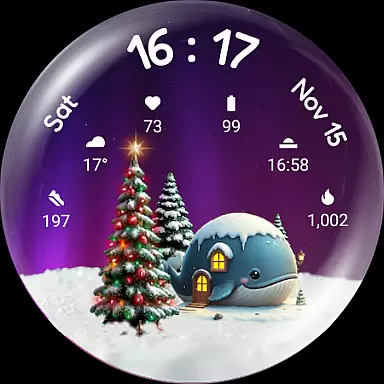
Customization is at the heart of this app, offering various charming houses ranging from animal-themed cottages to festive Xmas houses. Users can also choose from stunning night sky backgrounds like Aurora and starry skies, providing a personalized touch to each watch face.
A functional and motivational aspect is the step-tracking Christmas tree that grows and illuminates as users achieve their daily step goals. With six custom complication slots, it ensures that essential information such as heart rate and weather are easily accessible, blending utility with the magic of the holidays.
Companion app integration is essential for a seamless wearable experience. The Christmas Snow Globe Watch Face offers a dedicated mobile application that complements its features on your Wear OS device.
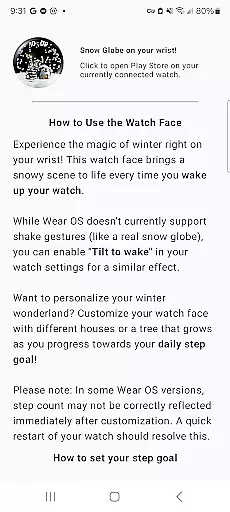
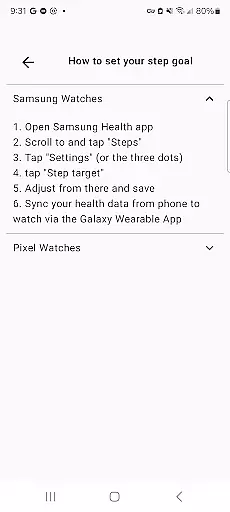
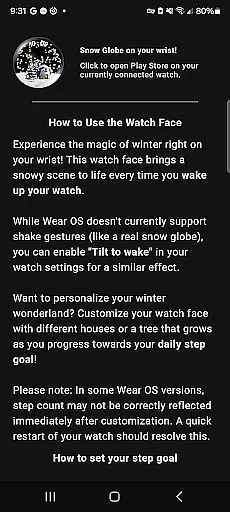
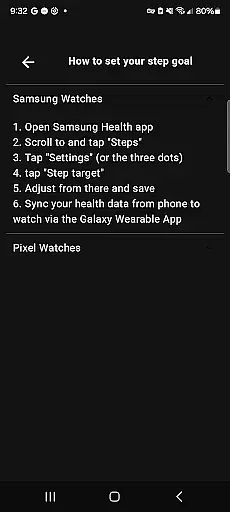
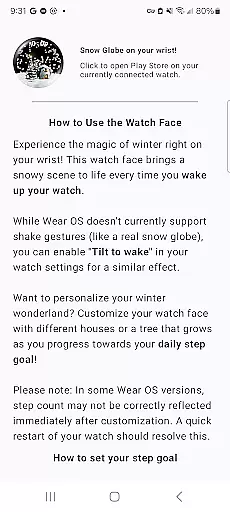
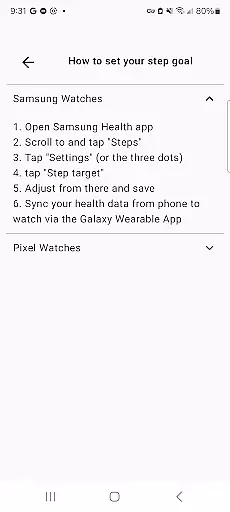
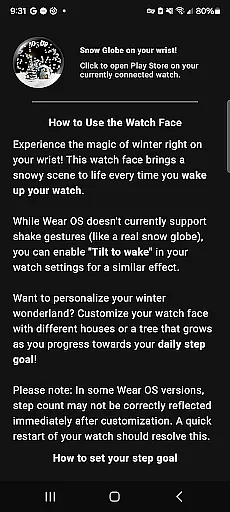
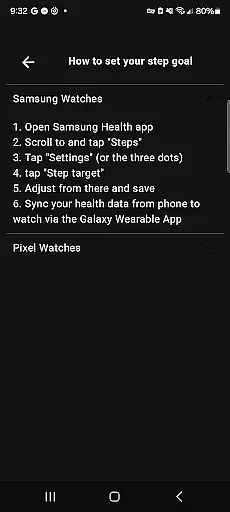
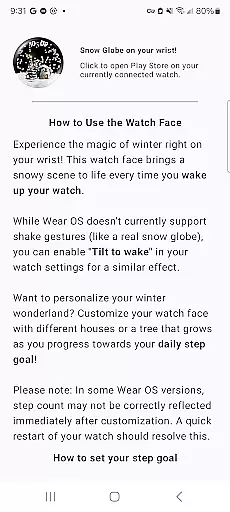
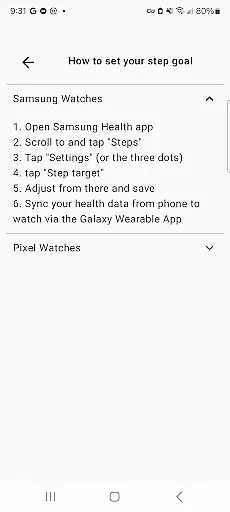
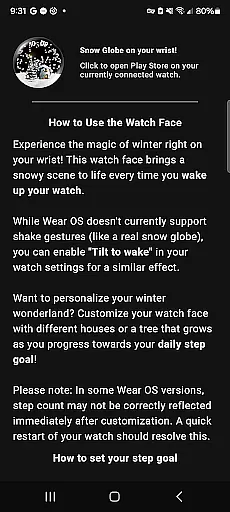
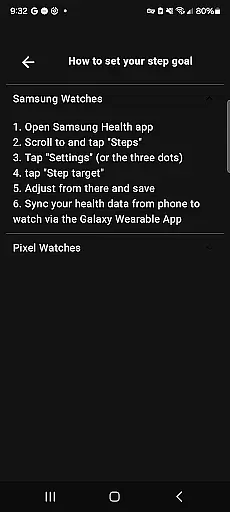
This companion app provides easy-to-follow instructions to help users maximize their watch face's potential. It also allows for the setup of personal daily step goals, which directly influence the growth and illumination of the Christmas tree on the watch face.
By using the companion app, users can enjoy a hassle-free customization process, ensuring that their wearable reflects their unique style while maintaining full functionality.
The integration between the watch face and its companion app demonstrates how Android Wear applications can create a cohesive ecosystem, enhancing user engagement through cross-device synchronization.
Device compatibility is crucial for ensuring that an Android Wear application functions optimally across different devices. The Christmas Snow Globe Watch Face is designed specifically for Wear OS 4 and above, guaranteeing a smooth performance on supported devices.
This compatibility ensures that users can enjoy advanced features such as snow globe animation, customizable houses, and step-tracking functionalities without worrying about system limitations.
Moreover, the watch face includes six custom complication slots, allowing users to access vital information like heart rate, weather, and steps effortlessly. This feature set is optimized for the latest Wear OS versions, providing a rich user interface and interactive experience.
With thoughtful attention to Wear OS compatibility, this application delivers a delightful holiday-themed wearable experience that takes full advantage of modern smartwatch capabilities.
Festive design
Interactive animations
Customizable backgrounds
Motivational step tracker
Compatibility with Wear OS
Limited to Wear OS
Premium features may cost extra
High battery consumption
Complex setup process
Occasional glitches reported

Christmas and New Year - Themed Watchface
 4.4
4.4
Stunning modern digital watch face with 7 complications and strong contrast
4.5
Ideal for surviving in the wasteland left after nuclear fallout
4.50
Monitor health with the stress test and pulse checker in the heart rate app.
4.60
To-Do List: daily schedule planner, task organizer, to do reminder app, calendar
4.60
Bold weather Digital watchface with forecast & optional animated background
4.40
Premium hybrid watch face with many customizations for Wear OS devices.
4.40
Track your active life in one place and share the journey with friends.
4.40
From periods to pregnancy & perimenopause, Flo helps you track it all. Try now.
4.70
Beautiful, colorful and practical watch face. For Wear OS devices.
5.00
Retro digital watch face with customizable colors and a unique lighting effect
4.60
Simple, helpful messaging by Google
4.60
Digital watch face. For Wear OS devices.
4.40
Let's celebrate Thanksgiving - Wear Os watch face
4.20
Daily Weather forecast with 15 weather images for Day & Night plus Big Bold time
4.10
Wear Os Watch Face - Animated Snow - Sesonal for Christmas & Winter
4.3
Precision analog watch face with 7 complications and style options
4.0
A heartwarming Christmas scene featuring a cute image of Santa and Rudolf
4.2
Sleek, highly customizable watch face inspired by Galaxy Watch Circle Dashboard.
4.3

User Reviews