

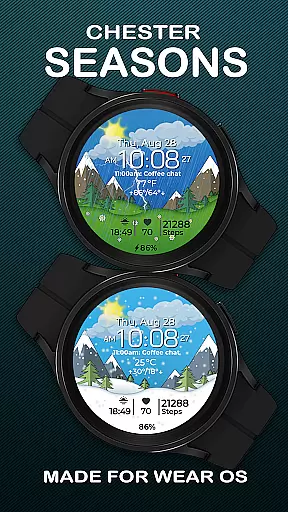
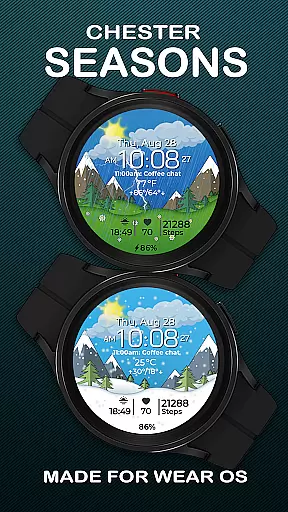
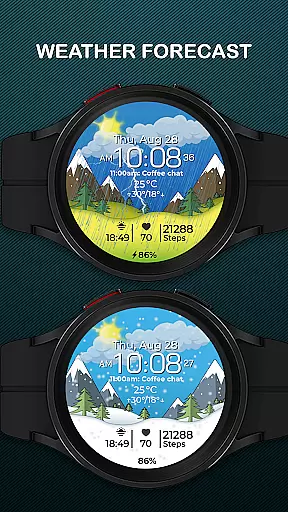
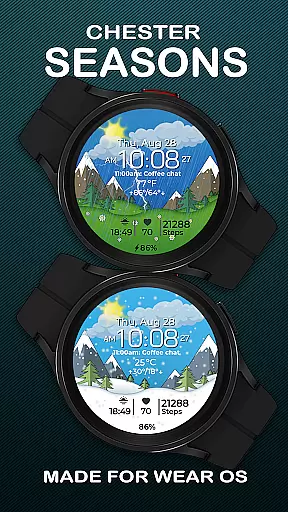
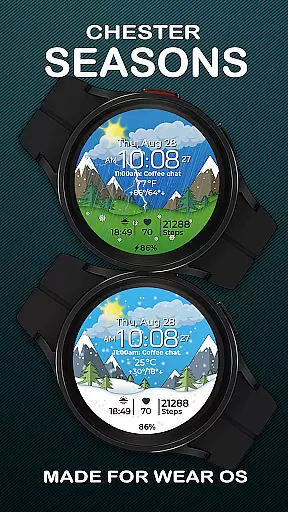
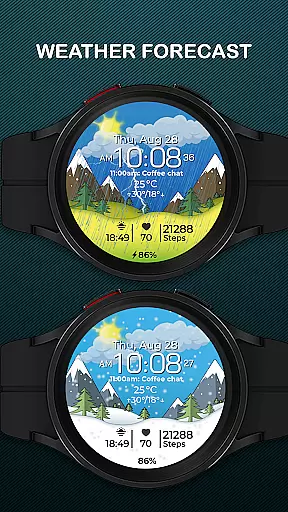
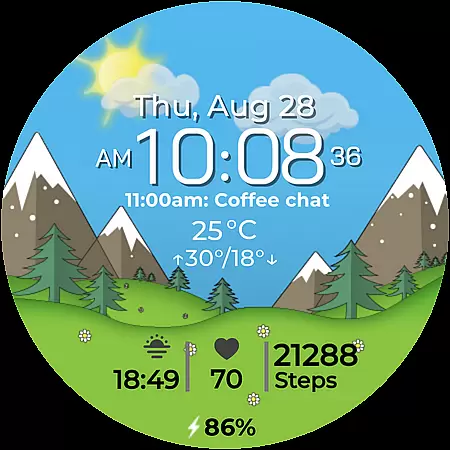
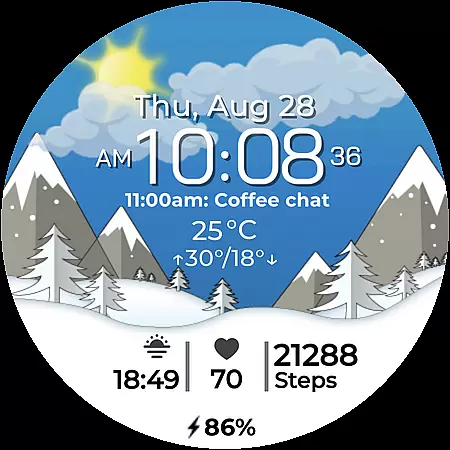
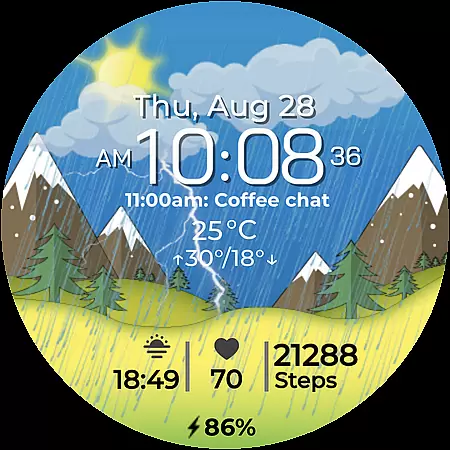
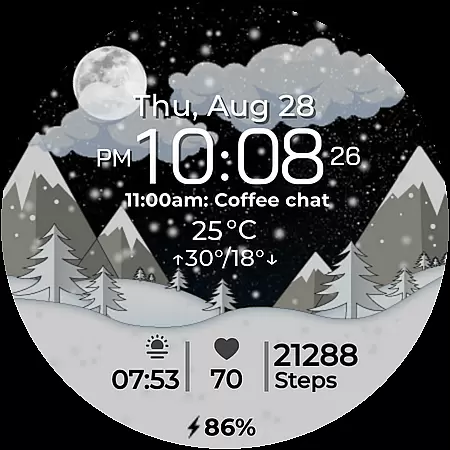
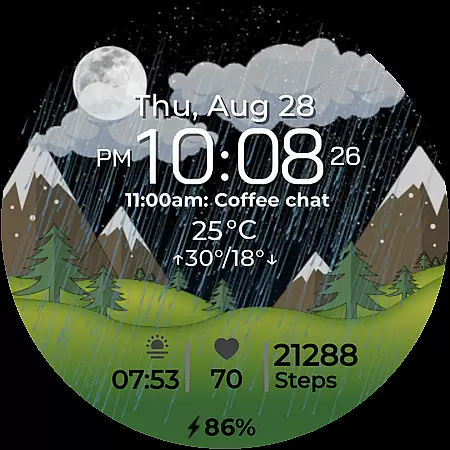
Chester Seasons is a dynamic and stylish watch face for Wear OS devices, designed to bring both functionality and aesthetics to your smartwatch. It features smooth seasonal transitions, interactive tap zones, and rich customization options.
The watch face displays essential information such as time, date, weather, and battery level while supporting complications and quick access zones for apps and workouts. With compatibility across Wear OS API 30+ devices, Chester Seasons transforms your smartwatch into a personalized accessory that adapts to your lifestyle.
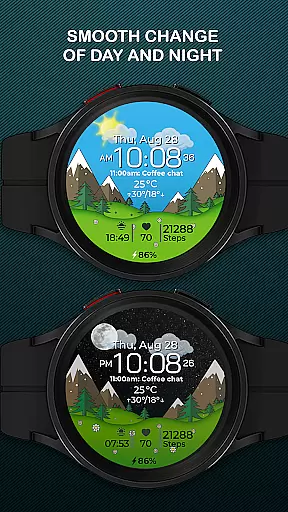
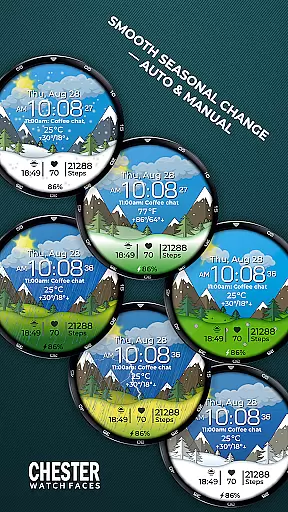
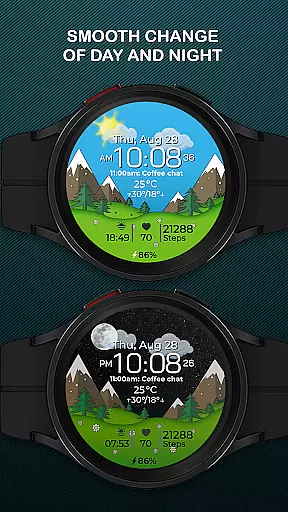
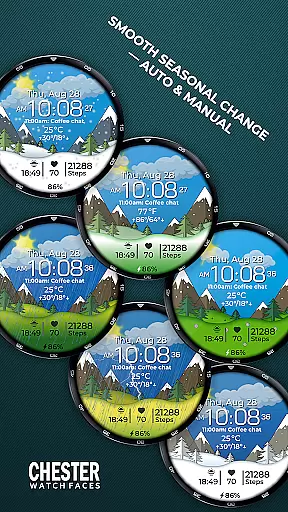
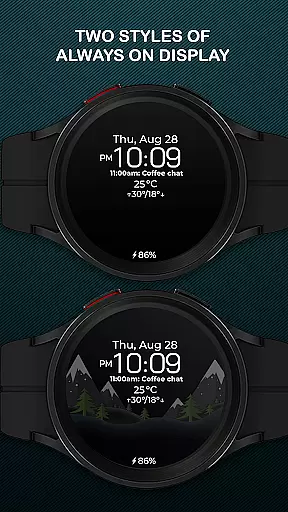
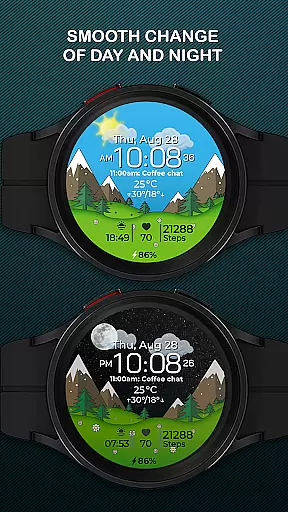
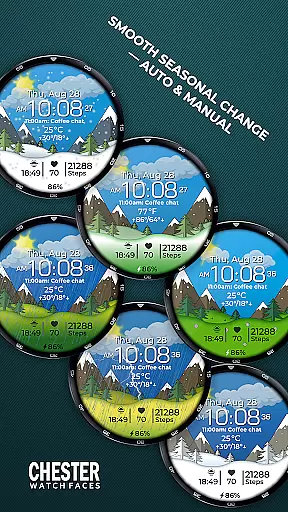
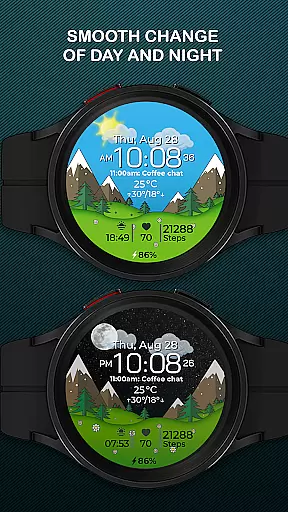
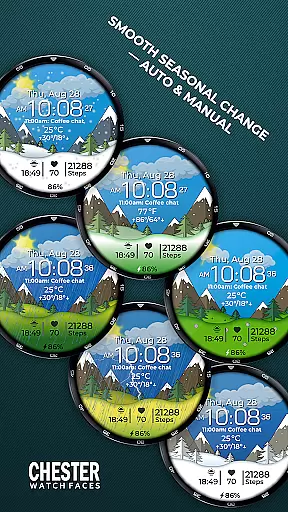
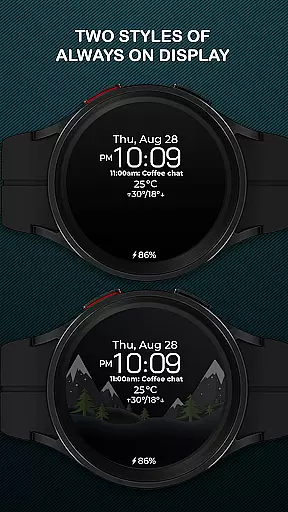
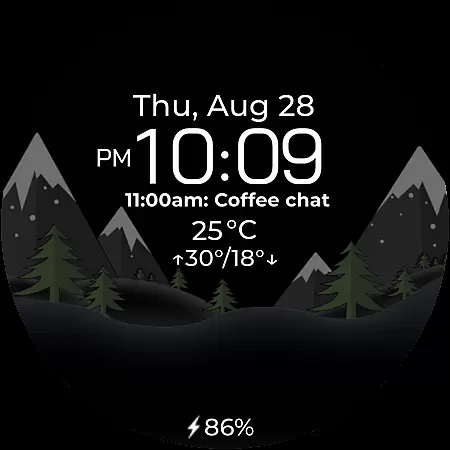
Chester Seasons stands out with its advanced customization capabilities and visually appealing design. Users can enjoy dynamic animations like smooth day & night changes and automatic seasonal transitions based on the month or manual settings.
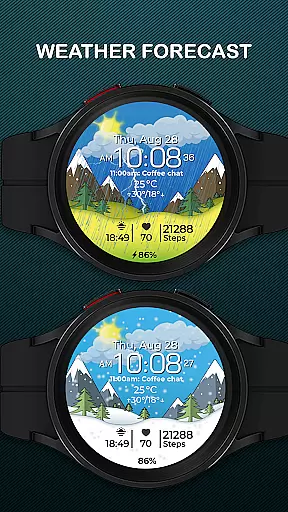
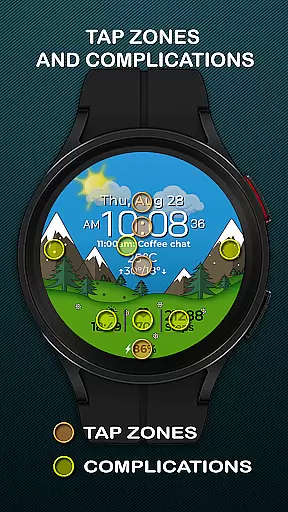
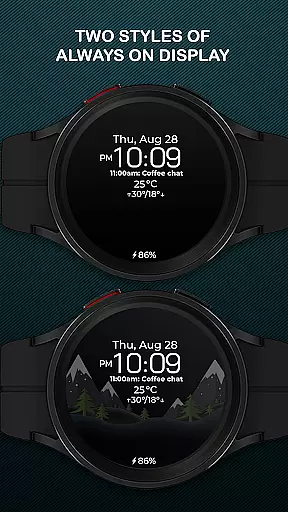
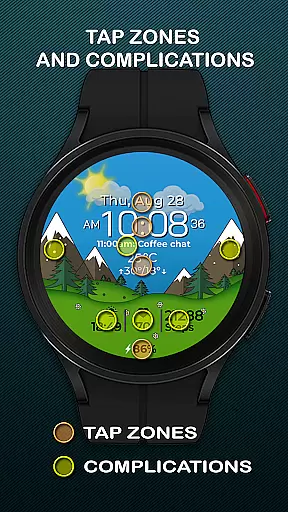
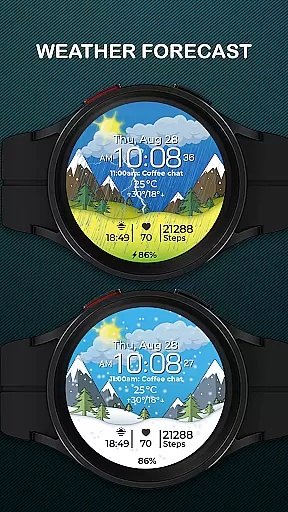
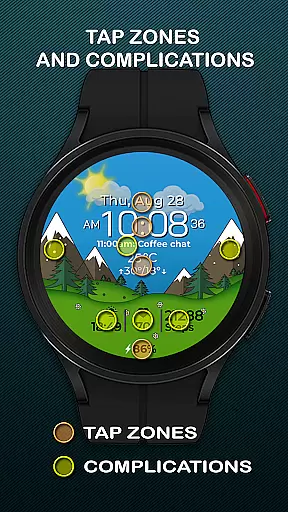
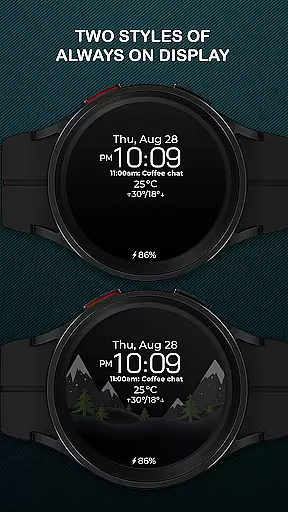
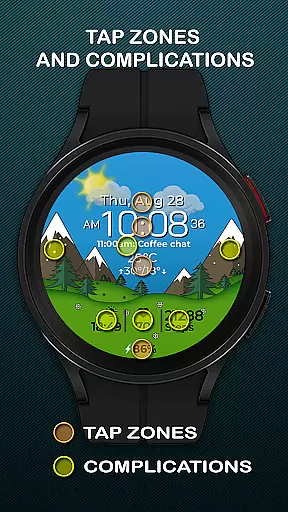
It includes practical features such as battery indicators, weather updates, temperature ranges in Celsius or Fahrenheit, and up to four complications for displaying additional data. Interactive tap zones allow easy navigation, while three quick-access zones provide shortcuts to favorite apps or workout modes.
This combination of style and utility ensures an engaging yet functional experience tailored to individual preferences.
Companion app integration is essential for a seamless wearable experience. Chester Seasons watch face offers rich features that sync perfectly with its mobile application, ensuring you have control over every detail directly from your phone.
The companion app allows users to customize complications, set preferred weather units, and manually adjust seasonal backgrounds. This synchronization ensures that your watch face remains personalized and up-to-date without needing to interact directly with the watch interface.
By using the companion app, users can easily access advanced settings such as interactive tap zones and quick access zones for apps and workouts. These features enhance usability by providing shortcuts to frequently used functions, making daily tasks more efficient.
Overall, the seamless integration between Chester Seasons and its companion app provides a comprehensive and user-friendly experience, allowing wearers to maximize the potential of their Wear OS devices effortlessly.
Ensuring broad device compatibility is crucial for any Wear OS application. Chester Seasons watch face is designed to work seamlessly with all Wear OS API 30+ devices, including popular models like Google Pixel Watch and Samsung Galaxy Watch series.
This compatibility ensures that users with different smartwatch brands can enjoy the stylish and functional design of Chester Seasons. The watch face supports both automatic seasonal changes and manual adjustments, offering dynamic animations and useful information regardless of the device.
However, it's important to note that certain advanced features such as weather display and manual background changes are only available on devices running Wear OS API 34 and above. This distinction ensures that users with newer devices can take full advantage of all functionalities while maintaining basic operations for older versions.
With its wide compatibility range, Chester Seasons transforms any supported Wear OS smartwatch into a versatile accessory that adapts to various lifestyles and preferences.
Stylish design
Rich customization
Interactive features
Seasonal transitions
Wide compatibility
No weather on older OS
Manual season unavailable
Not for rectangles
Limited device support
Premium feel costs

Christmas is near, let's count together the days left until Santa comes
 4.1
4.1
A Wintery Snow Globe on Your Wrist; now celebrating Christmas!
4.3
Fitness interactive virtual pet super fighter boy watch face
4.2
Structured watch face with seven complications and modular UI elements
3.90
Hyper-Realistic Airplane Dashboard Watch Face With 10 Skins and Custom AOD
4.00
Animated video-game inspired “secret agent” simulation, right on your wrist!
4.20
Premium hybrid watch face with many customizations for Wear OS devices.
4.40
Track airplanes and follow flights with our real-time flight tracker
4.50
Toyota app currently supports 2010 or newer vehicles (2018 or newer for Hawaii).
4.50
Beautiful, colorful and practical watch face. For Wear OS devices.
5.00
Gym Log & Workout Tracker | Fitness Journal, Training & Weight Lifting Planner
4.90
Beautiful artistic animated digital watch face, with a customizable layout!
4.40
Digital watch face with big numbers and many customization for Wear OS devices
4.40
The #1 source of faces for your smartwatch!
4.00
Professional weather radar and more
3.90
Your local weather forecast, storm tracker, radar maps & live weather news
3.40
Stunning modern digital watch face with 7 complications and strong contrast
4.0
Artistic Digital Watchface
4.3
Hybrid Vibrant Health Watch Face for Wear OS
4.3

User Reviews