

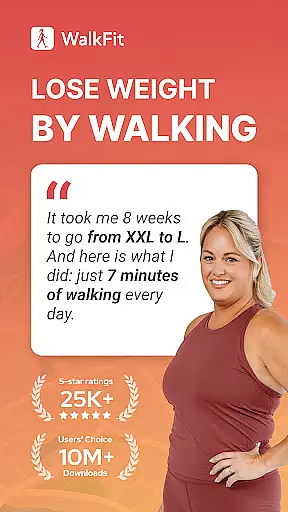
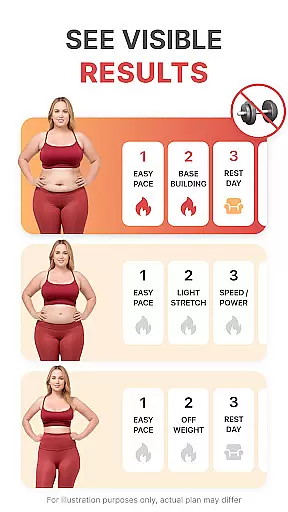
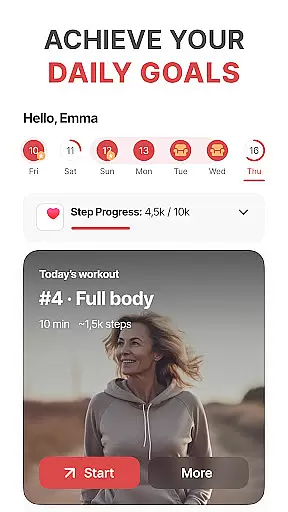
WalkFit is a comprehensive walking app designed specifically for weight loss, integrating a step counter, pedometer, and personal walk tracker into one convenient platform. Available on Android Wear, this app offers personalized daily walking programs tailored to your BMI and activity level, helping you achieve your target weight while building healthy habits.
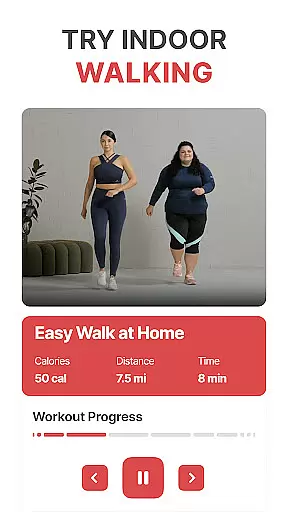
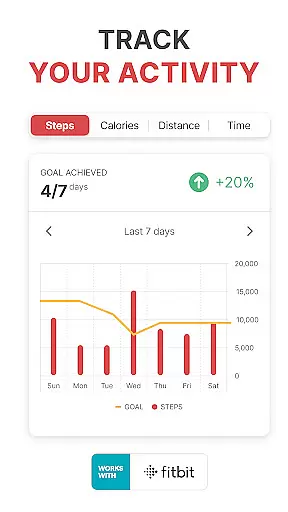
The app provides guided indoor walking workouts with video support, treadmill-specific modes, and fun walking challenges that keep users motivated. With seamless integration capabilities with Fitbit, Google Fit, Health Connect, and Wear OS devices, WalkFit ensures accurate tracking of steps, calories burned, and distance traveled both passively throughout the day and actively during workouts.
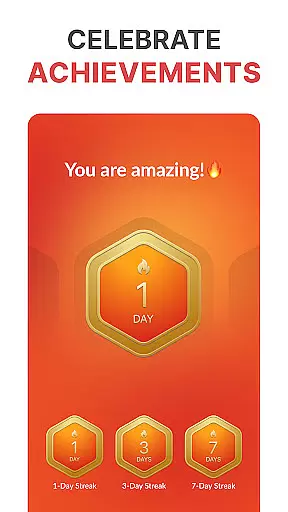
WalkFit stands out through its diverse features crafted to enhance user engagement in their fitness journey. The app includes a built-in step counter and pedometer that tracks daily steps, distance, and calories burned, ensuring users stay committed to their goals. Its unique walking challenges boost motivation by allowing users to earn achievements as they hit new milestones.
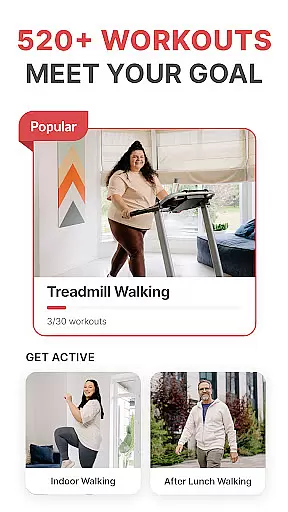
For those preferring indoor activities, WalkFit offers expert-guided treadmill workouts and various walking exercises like cardio walks or low-impact options. Users can sync their data across multiple platforms such as Fitbit, Google Fit, and Wear OS devices, providing an all-encompassing view of their fitness metrics. This synchronization enables real-time stat displays during workouts and continuous passive activity monitoring throughout the day.
WalkFit offers seamless companion app integration, allowing users to sync their walking data across multiple devices. This ensures that whether you're using a smartphone or a Wear OS device, your step count, calories burned, and distance traveled are consistently updated.
The app's ability to integrate with platforms like Fitbit, Google Fit, and Health Connect enhances its functionality. Users can view all their fitness metrics in one place, making it easier to track progress and maintain motivation. This comprehensive approach to data synchronization sets WalkFit apart as a versatile tool for weight loss.
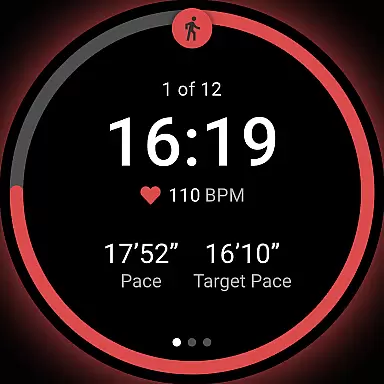
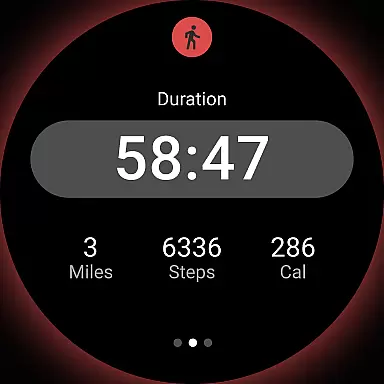
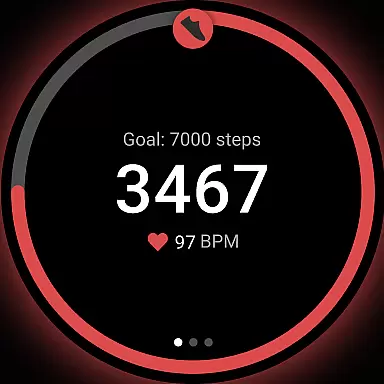
By leveraging real-time stats during walks and workouts, WalkFit provides an engaging experience. The active mode displays instant feedback on your performance, helping you adjust your pace and intensity to meet your fitness goals more effectively.
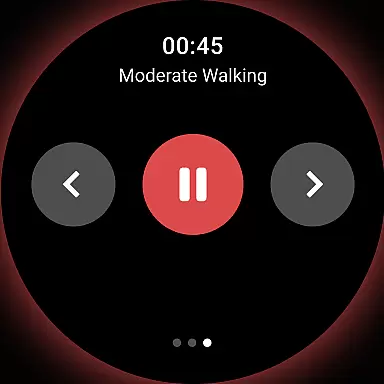
WalkFit is designed with robust Wear OS and device compatibility, ensuring accurate tracking in both passive and active modes. Passive mode utilizes your device's sensors to monitor activity throughout the day, while active mode delivers real-time statistics during exercise sessions.
This compatibility extends to various wearable devices, offering users flexibility in how they track their fitness journeys. Whether you prefer using a smartwatch or a smartphone, WalkFit adapts to your preferred device without compromising on accuracy or functionality.
With support for expert-recommended walking routines and treadmill workouts, WalkFit ensures that every step contributes to your overall transformation. The app's ability to function seamlessly across different devices makes it an essential tool for those committed to improving their health through walking.
User-friendly interface
Personalized walking plans
Integration with multiple devices
Motivational walking challenges
Comprehensive fitness tracking
Premium subscription required
Limited free features
Occasional syncing issues
Additional costs for add-ons
Requires wearable device for full functionality

"PER27 Galaxy Digital" is a digital Wear OS watch face designed by PERSONA
 4.10
4.10
Analog watch face with 8 complications and expedition styling
4.5
Stunning modern digital watch face with 7 complications and strong contrast
4.3
Wear Os Watch Face - Animated Snow Effect & Magic Spark - 6 Scenes
4.10
Digital, flexibly customizable watch face. For Wear OS 5.0, API 34+ and later.
5.00
3 Complications. All shadow on/off. 30 Themes color palette...
4.0
sleep, alarm, snoring, stress, healing, focus, sound therapy, circadian rhythm
4.10
Simple, helpful messaging by Google
4.60
Track your active life in one place and share the journey with friends.
4.40
The Chevron App allows you to pay for fuel from the comfort of your car!
4.80
Real-time weather radar with temperatures, warnings, hurricanes, and widgets
4.80
Hybrid watch face for Wear OS with customizable complications by Matteo Dini MD
4.70
Beautiful artistic animated digital watch face, with a customizable layout!
4.40
Christmas watch face. For Wear OS devices.
4.30
Watch face for Wear OS.
4.20
Get helpful reminders, take progress photos and find answers to your questions.
3.90
Watch face designed for Thanksgiving Day. 7 Background Styles included.
3.20
Simple Analog-Digital Watchface For Wear OS 3.0 and Up Smartwatches
4.0
Hybrid Vibrant Health Watch Face for Wear OS
4.0


User Reviews