

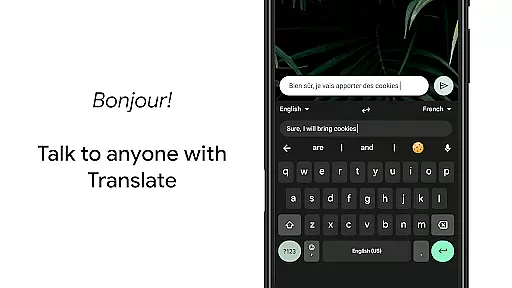
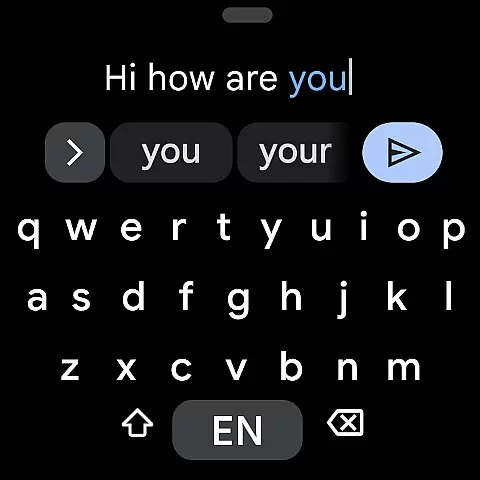
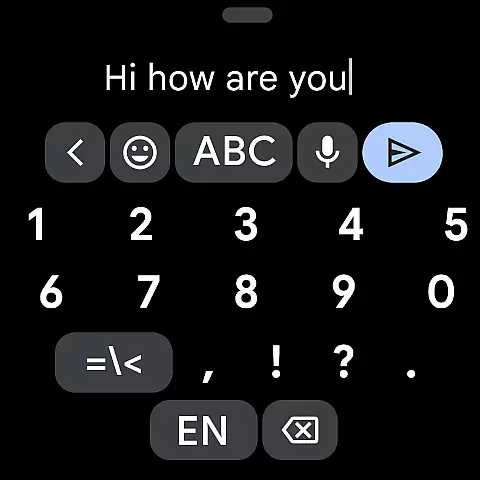
Gboard is a versatile keyboard app designed for Android devices, offering an array of advanced typing features. It combines speed and reliability with innovative functionalities like Glide Typing, Voice Typing, Handwriting recognition, and multilingual support. The app also integrates Google Translate directly into the keyboard interface, making cross-language communication seamless.
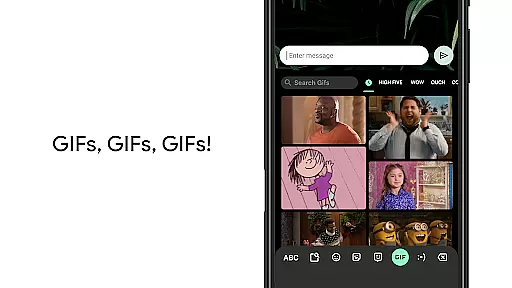
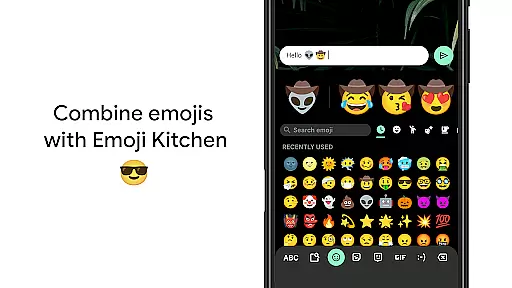
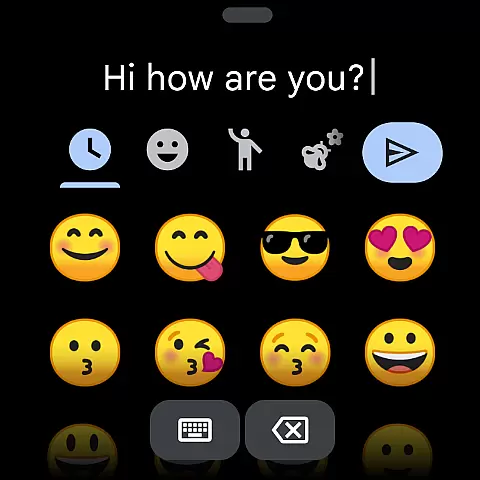
With support for hundreds of languages and specialized features such as GIF search and Emoji suggestions, Gboard caters to a global audience. Its intuitive design ensures that users can type efficiently while enjoying conveniences like gesture controls and customizable themes. Whether you're texting, emailing, or creating documents, Gboard enhances productivity across various use cases.
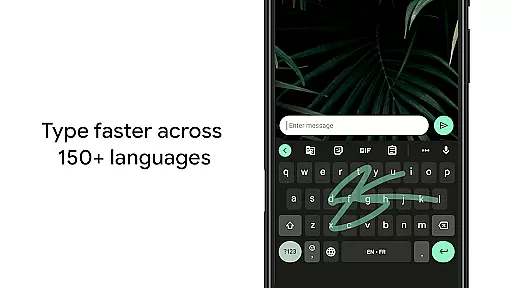
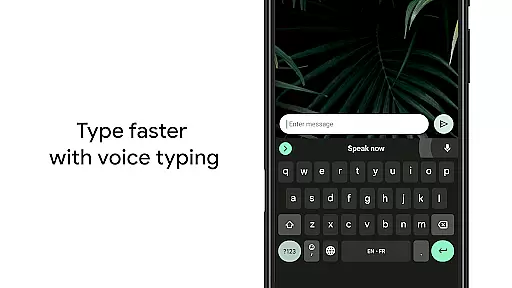
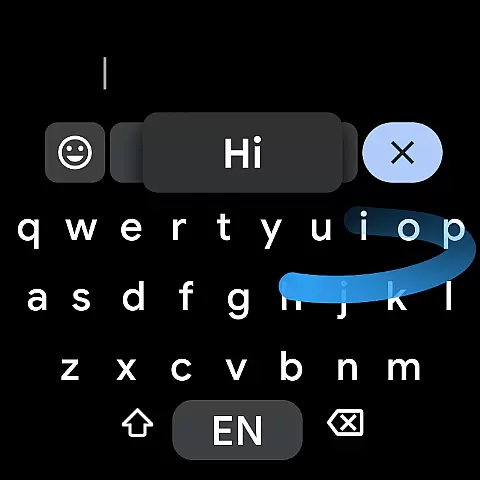
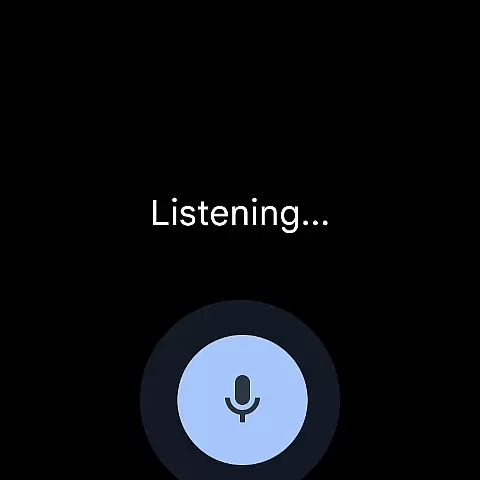
Gboard stands out through its comprehensive feature set tailored for modern communication needs. One of its key highlights is Glide Typing, which allows users to type faster by sliding their finger across the keyboard. This feature is complemented by advanced Voice Typing capabilities, enabling hands-free text input on the go.
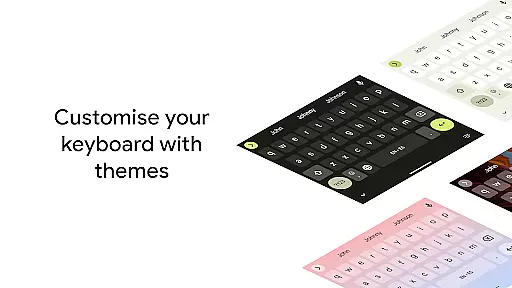
The app also supports multiple languages simultaneously, eliminating the need to switch keyboards manually. With integrated Google Translate, users can translate text in real-time as they type. Additional features include gesture-based cursor control, one-handed mode for larger screens, and customizable themes, all of which contribute to a personalized and efficient typing experience.
Companion app integration is essential for wearable devices to function seamlessly with smartphones. Gboard ensures that its Wear OS version works in perfect harmony with the mobile app, providing users with a consistent typing experience across devices.
The integration allows users to access all their personalized settings, language preferences, and typing history directly on their smartwatch. This synchronization ensures that whether you're typing on your phone or watch, the experience remains fluid and intuitive.
Users benefit from real-time updates between devices. For instance, new words added to the dictionary on the phone are instantly available on the watch. This creates a unified ecosystem where users can switch devices without losing any functionality or personalization.
The companion app integration also extends to features like Glide Typing and Voice Typing, maintaining the same level of accuracy and responsiveness across both devices. This comprehensive integration enhances productivity and convenience for users who rely on both their phone and smartwatch for communication.
Device compatibility is crucial for ensuring that applications work correctly across various hardware configurations. Gboard's Wear OS version demonstrates exceptional compatibility with different smartwatch models and Android devices.
The application supports all Wear OS languages, including Chinese, English, French, German, Hindi, Japanese, Korean, Spanish, and many more. This extensive language support ensures that users worldwide can utilize Gboard regardless of their preferred language or regional settings.
Gboard maintains consistent performance across different screen sizes and resolutions. Whether you're using a small or large smartwatch display, the keyboard adapts perfectly to provide optimal usability. The application also supports both round and square watch faces.
Furthermore, Gboard ensures compatibility with various Android versions, guaranteeing that users with different phone models can enjoy the same typing experience on their Wear OS devices. This broad compatibility makes Gboard a reliable choice for smartwatch users seeking a versatile and adaptable keyboard solution.
Fast and reliable typing
Extensive language support
Innovative glide typing
Real-time translation
Customizable themes
No offline GIF support
Limited handwriting options
High storage requirements
Occasional lag on older devices
Complex settings navigation

Christmas watch face. For Wear OS devices.
 4.30
4.30
Rose gold watch face with festive lights & customizable features.
4.60
A heartwarming Christmas scene featuring a cute image of Santa and Rudolf
4.4
Simple Analog-Digital Watchface For Wear OS 3.0 and Up Smartwatches
4.1
Nutrition, Macro tracker: Food, fitness & healthy diet tracking for weight loss
4.60
Reliable phone calls with spam protection, caller ID and more helpful features
4.40
The Chevron App allows you to pay for fuel from the comfort of your car!
4.80
A modern hybrid informative watch face for Wear OS designed by BALLOZI
4.80
Hybrid Vibrant Health Watch Face for Wear OS
4.4
A modern premium sporty hybrid watch face for Wear OS by Ballozi
4.70
Ideal for surviving in the wasteland left after nuclear fallout
4.50
A white realistic classic analog watch face with many customization options.
4.40
Animated video-game inspired “secret agent” simulation, right on your wrist!
4.20
The #1 source of faces for your smartwatch!
4.00
A digital watch face that celebrates Christmas.
4.00
Get helpful reminders, take progress photos and find answers to your questions.
3.90
Professional weather radar and more
3.90
A Wintery Snow Globe on Your Wrist; now celebrating Christmas!
4.0
Artistic Digital Watchface
4.3


User Reviews