

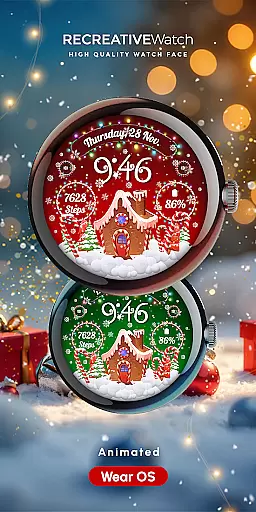
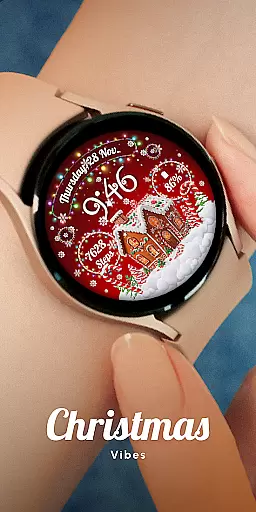
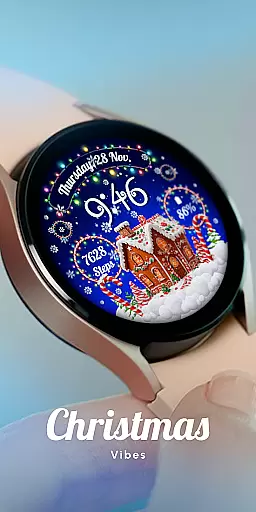
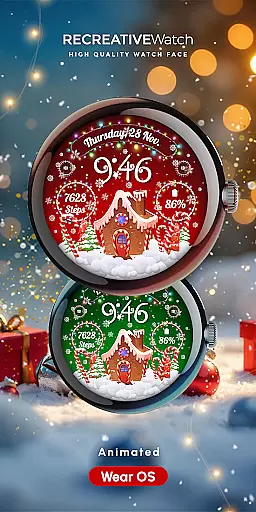
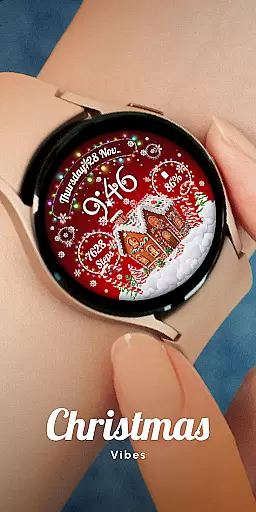
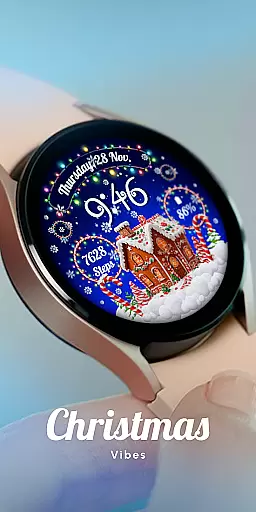
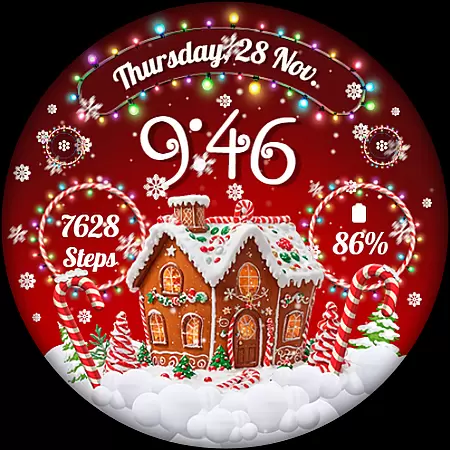
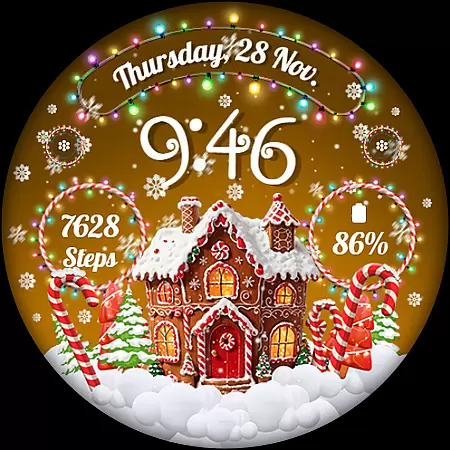
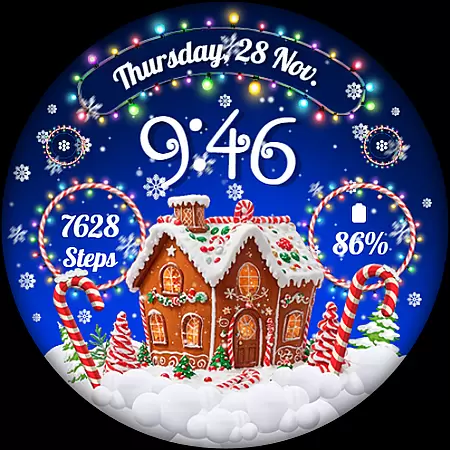
Experience the magic of the holiday season right on your wrist with RW01, a festive Wear OS watch face. This unique app brings Christmas cheer through animated snow and charming gingerbread house visuals. Designed for smartwatch users who want to add a touch of seasonal spirit to their device, RW01 is more than just a timepiece.
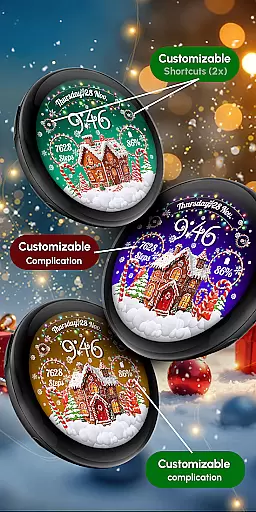
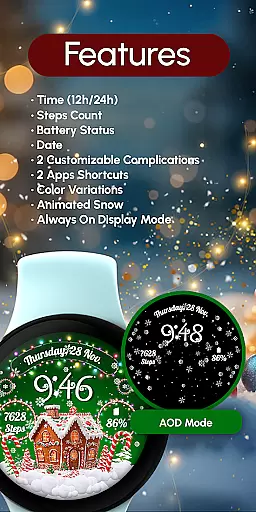
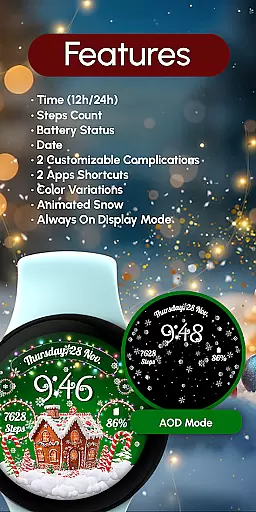
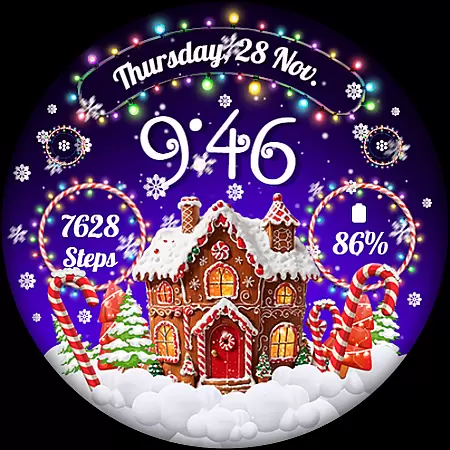
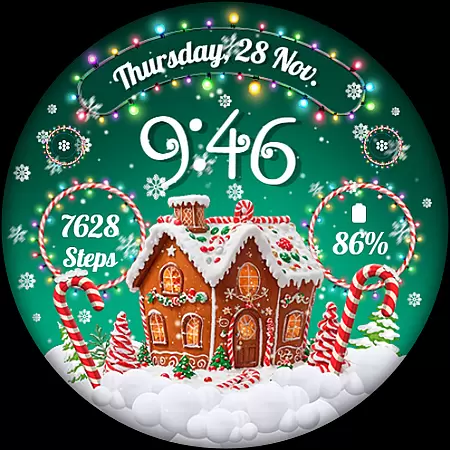
The watch face offers essential features like 12/24hr digital time, date display, battery status, and step count tracking. It also includes customizable complications and shortcuts, giving users control over their data display. With three different scenes, color variations, and an always-on display option, RW01 ensures both functionality and festivity.
Perfect for compatible Wear OS devices, this app helps spread festive cheer while keeping you connected and informed. By balancing aesthetics with practicality, RW01 makes your smartwatch a conversation starter during the holiday season.
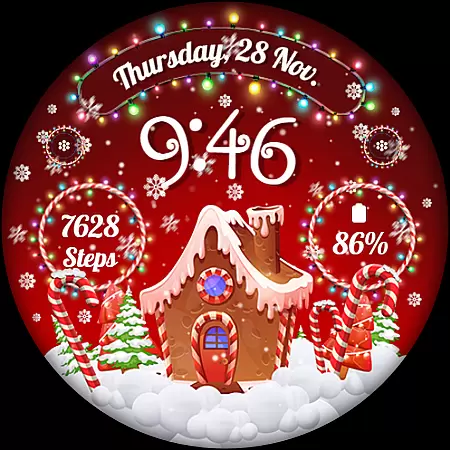
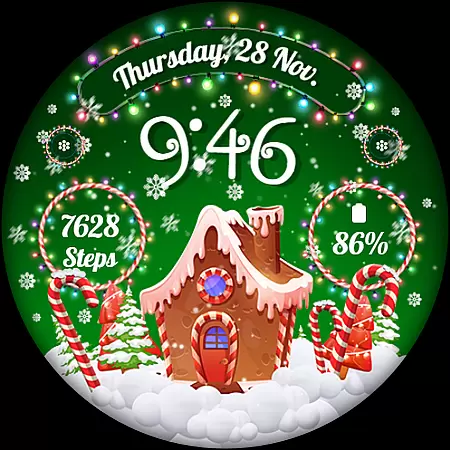
RW01 stands out with its rich feature set designed specifically for the holiday season. The animated snow effect creates a magical atmosphere, while the charming gingerbread houses add a whimsical touch to your smartwatch display. These animations are not just visually appealing but also bring a sense of warmth and festivity to your daily routine.
Beyond its holiday theme, RW01 provides practical functionalities. Users can view the time in 12/24hr digital format, check the date, monitor battery levels, and track their steps. The inclusion of two customizable complications and shortcuts allows personalization according to individual preferences. Three distinct scenes and multiple color variations ensure that each user can tailor the watch face to match their style.
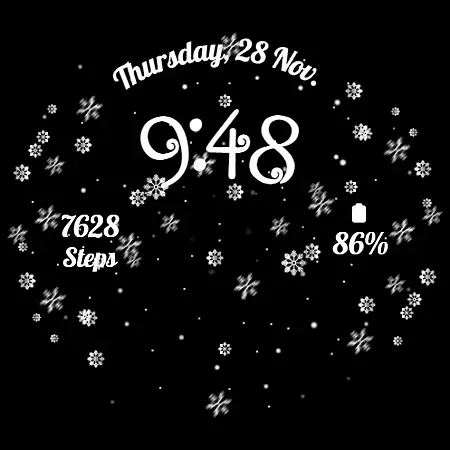
The always-on display feature maintains visibility even when the watch is inactive, though users concerned about battery life can disable this function. Compatible with API level 33+ devices including Google Pixel and Galaxy Watch models, RW01 combines festive charm with modern smartwatch capabilities.
Companion app integration is essential for Wear OS applications as it ensures seamless synchronization between the watch face and a smartphone. The RW01 Christmas Watch Face offers an engaging experience by providing users with animated features like snow and gingerbread houses, all while maintaining functional aspects such as time, date, and battery display.
This watch face takes full advantage of companion app integration by allowing customization directly from the wearable device. Users can personalize their watch face with just a touch and hold gesture to access the customization options. This intuitive interaction eliminates the need for a separate smartphone app, streamlining the user experience.
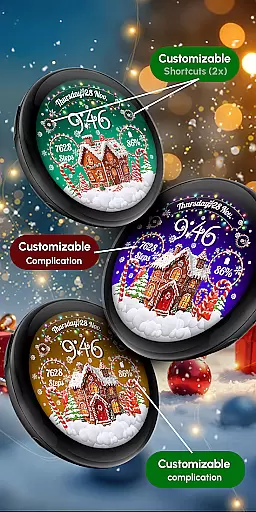
Furthermore, the RW01 supports two customizable complications and shortcuts, which means users can choose what information is most relevant to them and have it readily accessible on their wrist. This level of personalization enhances user engagement and satisfaction, making daily interactions with the smartwatch both useful and delightful.
By focusing on direct interaction for customization and ensuring that all features are optimized for use on a wearable device, this application delivers a cohesive and user-friendly experience that embodies the true spirit of companion app integration.
Ensuring broad device compatibility is crucial for Wear OS applications, and the RW01 Christmas Watch Face excels in this area. Compatible with API level 33+ devices, including Google Pixel and Galaxy Watch series, this festive watch face brings holiday cheer to a wide range of smartwatches.
The RW01 is designed to work seamlessly across different models, guaranteeing that users can enjoy its charming features regardless of their specific Wear OS device. With support for both 12/24hr digital time formats, date, battery status, step count, and more, it caters to diverse user preferences and needs.
In addition to its compatibility with various devices, the RW01 also offers three unique scenes and color variations, enhancing its appeal. These aesthetic options ensure that each user can tailor the watch face to their liking, providing a personalized touch that reson't often found in other wearables' offerings.
For optimal performance, especially concerning battery life, users are advised to disable the Always ON Display feature. By considering these practical aspects alongside compatibility, the RW01 provides an enchanting yet efficient experience suitable for any compatible Wear OS device during the holiday season.
Festive design
Customizable features
Animated effects
Always-on display
Compatible with Wear OS
Limited to Wear OS
Battery intensive
Holiday specific
Requires setup
Not all features free

A customizable Christmas watch face for Wear OS with a countdown.
 4.20
4.20
Wear Os Watch Face - Animated Snow Effect & Christmas Lights
4.1
Highly customizable hybrid watch face for Wear OS, perfect for everyday use.
4.60
Current temperature, weather hourly, weather radar by the weather forecast app
4.40
Beautiful artistic animated digital watch face, with a customizable layout!
4.40
Wear Os Watch Face - Animated Snow Effect & Magic Spark - 6 Scenes
4.10
Real-time results, stats, schedules and player profiles for all leagues
4.60
Professional weather radar and more
3.90
A white realistic classic analog watch face with many customization options.
4.40
Gym Log & Workout Tracker | Fitness Journal, Training & Weight Lifting Planner
4.90
Kia Access makes getting your vehicle information easier than ever
4.60
Embrace the holiday spirit with this magical animated watch face!
4.40
Bold weather Digital watchface with forecast & optional animated background
4.40
Calming & relaxing sounds for sleeping and stress relief. Stay focused all day!
4.20
Hyper-Realistic Airplane Dashboard Watch Face With 10 Skins and Custom AOD
4.00
Animated Watch Face and Customizable with 24 Backgrounds. Perfect for Christmas!
3.90
Stay in touch with your friends and family using LINE!
3.40
Watch face designed for Thanksgiving Day. 7 Background Styles included.
3.20
Fitness interactive virtual pet super fighter boy watch face
4.1

User Reviews