

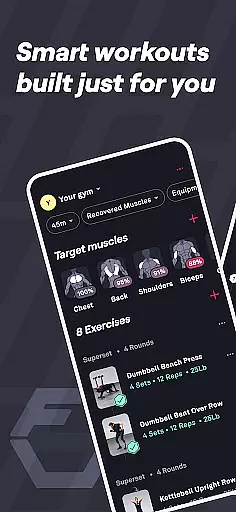
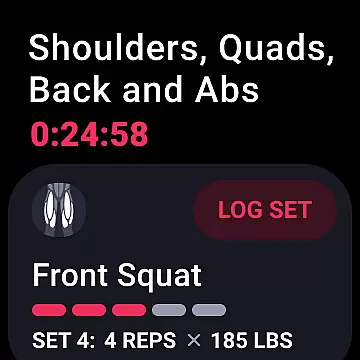
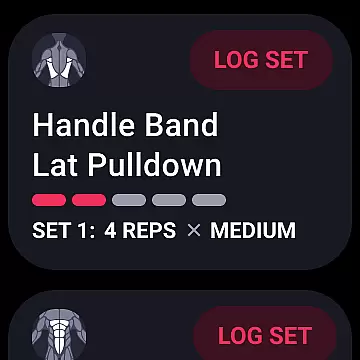
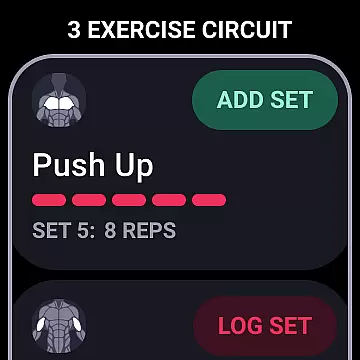
Fitbod is a cutting-edge fitness application designed specifically for Android Wear users who want to maximize their workout efficiency. This app leverages advanced AI technology to create personalized workout plans tailored to individual fitness levels and goals. Whether you're at the gym or prefer working out at home, Fitbod adapts seamlessly to your preferences.
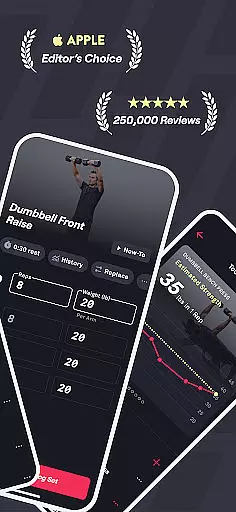
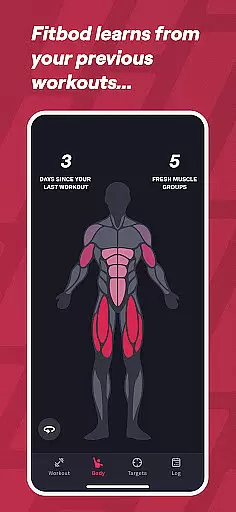
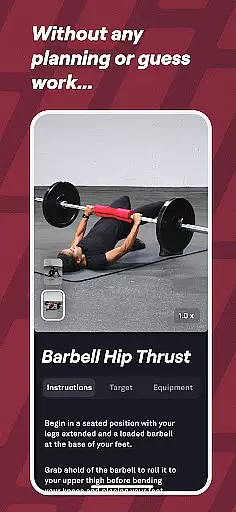
The app's standout feature is its ability to learn from your past performance and adjust future workouts accordingly. With over 1000 exercises available, each accompanied by hi-res multi-angle videos and detailed instructions, Fitbod ensures proper form and technique. The integration with Wear OS provides quick access to your workout plans directly from your smartwatch, making it an indispensable tool for fitness enthusiasts.
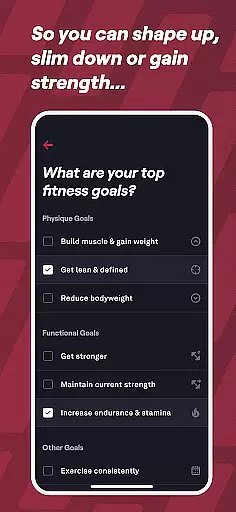
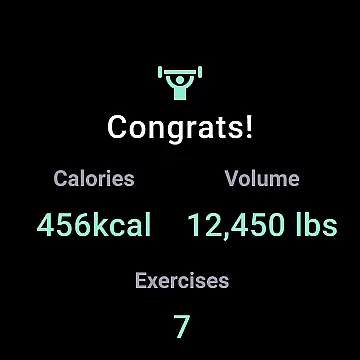
Fitbod is particularly useful for those who value data-driven training approaches. By utilizing built-in fitness and health trackers, the app monitors your progress and helps you achieve specific goals like muscle gain, strength improvement, or weight loss. Its adaptive AI system optimizes each session based on your equipment availability and desired muscle groups, ensuring consistent progress.
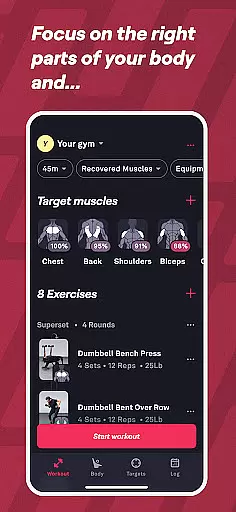
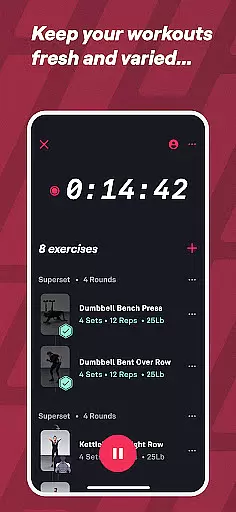
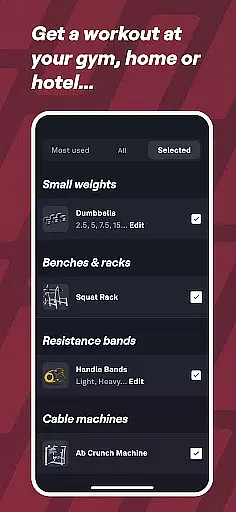
Fitbod offers an impressive array of features that set it apart in the crowded fitness app market. One of its core functionalities is the AI-generated workout planner, which creates custom routines for both gym and home workouts. The app intelligently selects exercises based on your available equipment and fitness level, providing optimized resistance training sessions.
A key highlight is the app's machine learning capabilities, which adapt to your preferences over time. As you complete more workouts, Fitbod refines its recommendations, offering increasingly personalized training programs. The inclusion of non-linear periodization ensures sustained progress across all fitness levels, from beginners to advanced athletes. Additionally, the app's extensive exercise library features over 1000 movements, each with comprehensive video demonstrations and clear instructions.
For users seeking extra guidance, Fitbod offers access to professional fitness trainers via email support. The app's integration with Wear OS enhances accessibility, allowing users to quickly launch workouts from their smartwatches. These features collectively create a robust fitness ecosystem that caters to various training styles and preferences.
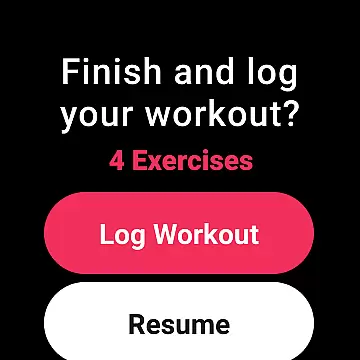
Fitbod offers seamless companion app integration, ensuring that your workout data is always in sync across devices. This means whether you're using a smartphone or a Wear OS device, your personalized workout plans and progress are accessible wherever you go.
The app's synchronization capabilities allow users to start a session on one device and continue on another without losing any information. This feature is particularly beneficial for those who prefer working out away from their primary device but still want to track their performance accurately.
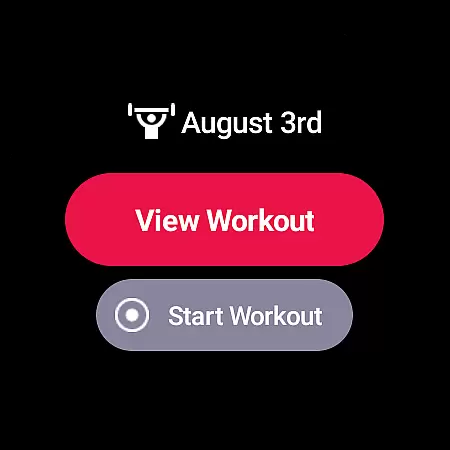
By integrating with Wear OS, Fitbod provides quick access to workouts through the Tile, making it convenient for users to launch their sessions directly from their smartwatch. This ensures that users can maintain their routine without interruption, enhancing the overall user experience.
Furthermore, the companion app integration supports real-time updates, meaning any changes made to your workout plan or progress are immediately reflected across all linked devices. This keeps users informed and engaged, allowing them to stay on top of their fitness journey effortlessly.
Fitbod boasts extensive compatibility with Wear OS and various devices, offering users flexibility in how they access their personalized workout plans. Whether you're at home or the gym, this compatibility ensures that your AI-generated workouts are readily available on your preferred device.
The app's support for Wear OS enhances its accessibility, allowing users to utilize their smartwatches as a convenient portal to their fitness routines. With quick access via the Tile, launching a workout has never been easier, streamlining the process for users on the go.
Device compatibility extends beyond just Wear OS; Fitbod is designed to work seamlessly across different platforms, ensuring that no matter what device you choose, your data remains consistent and up-to-date. This cross-device functionality empowers users to tailor their fitness experience according to their lifestyle.
Moreover, Fitbod's compatibility features contribute to a cohesive ecosystem where all devices communicate effectively, providing an uninterrupted flow of information. This results in a more engaging and efficient workout experience, encouraging users to remain committed to their health goals.
Personalized AI training
Extensive exercise library
Wear OS integration
Progress tracking system
Adaptive workout plans
Premium subscription required
Limited free features
Occasional AI errors
High data usage
Steep learning curve

Christmas and New Year - Themed Watchface
 4.5
4.5
Watch face designed for Thanksgiving Day. 7 Background Styles included.
3.20
Let's celebrate Thanksgiving - Wear Os watch face
4.20
Fitness interactive virtual pet super fighter boy watch face
4.1
Structured watch face with seven complications and modular UI elements
3.90
Viewer for Wyze/Yi/Eufy/Arlo/ONVIF/RTSP/P2P IP cams w/ adv. features & DIY DVR
4.00
Connect, create, and collaborate with Gmail, part of Google Workspace.
4.10
Track airplanes and follow flights with our real-time flight tracker
4.50
From periods to pregnancy & perimenopause, Flo helps you track it all. Try now.
4.70
Hyperlocal rain alerts by MyRadar using patent-pending technology, radar & more
4.80
Your second brain for organizing your life: to-do, calendar, reminder.
4.70
Nutrition, Macro tracker: Food, fitness & healthy diet tracking for weight loss
4.60
Stylish, Energizing and Modern Watch Face crafted by Dominus Mathias.
4.50
Current temperature, weather hourly, weather radar by the weather forecast app
4.40
Daily Weather forecast with 15 weather images for Day & Night plus Big Bold time
4.10
Christmas is near, let's count together the days left until Santa comes
4.0
Simple Analog-Digital Watchface For Wear OS 3.0 and Up Smartwatches
4.3
Sleek, highly customizable watch face inspired by Galaxy Watch Circle Dashboard.
4.2
Hybrid Vibrant Health Watch Face for Wear OS
4.4


User Reviews