

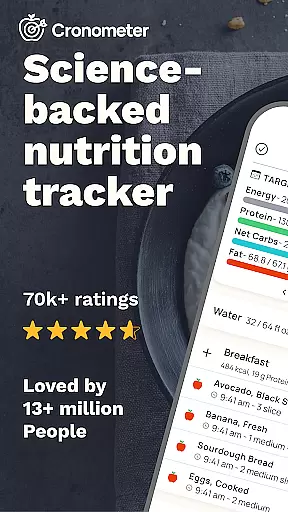
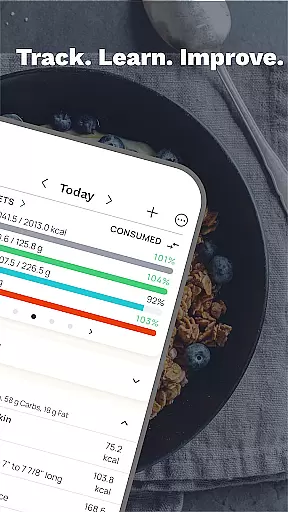
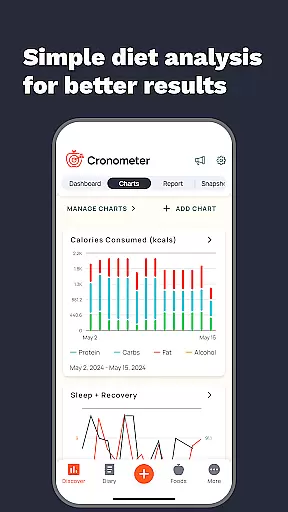
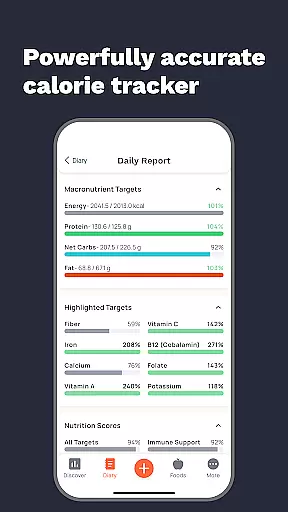
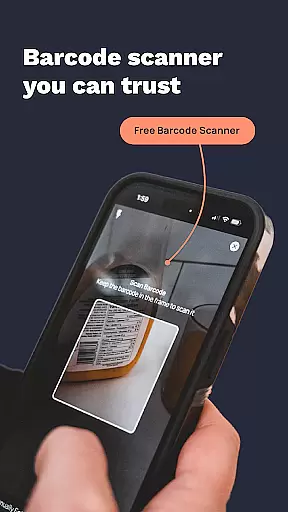
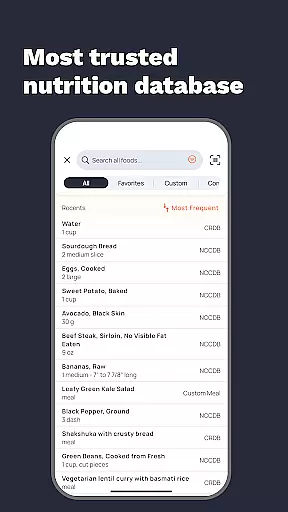
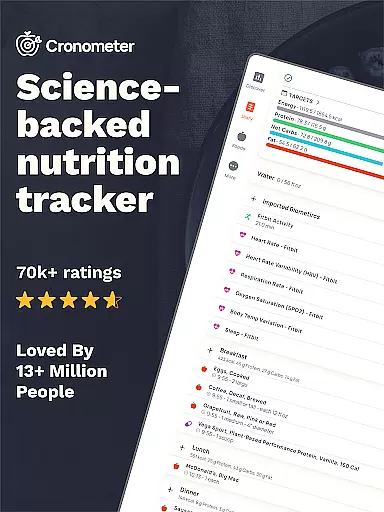
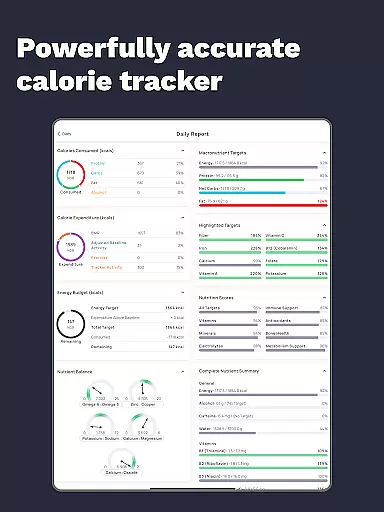
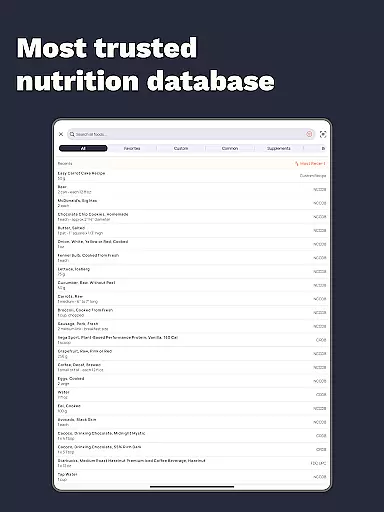
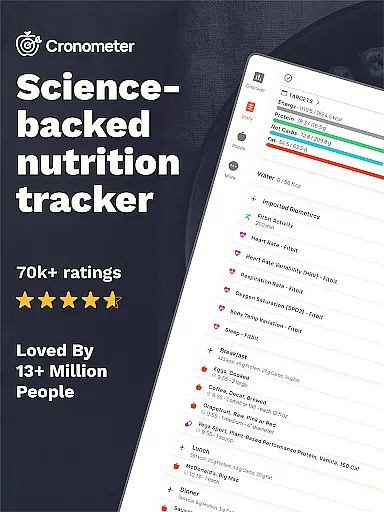
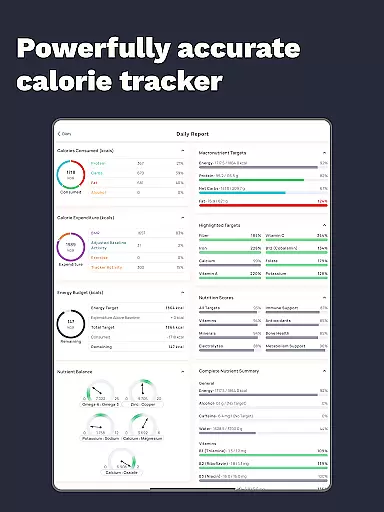
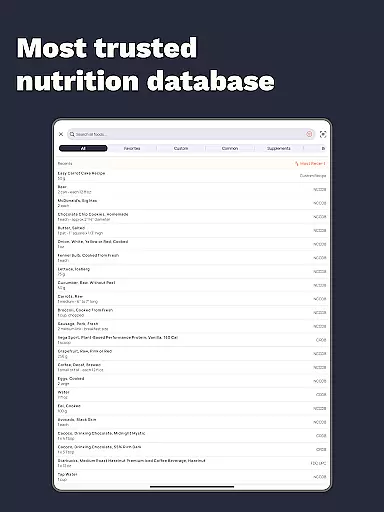
Calorie Counter by Cronometer is a comprehensive nutrition tracking app designed for Android Wear devices. This powerful calorie counter and macro tracker helps users achieve their health goals through precise food logging and nutrient analysis. With over 1.1 million verified foods and lab-analyzed nutrient data, it provides unmatched accuracy in tracking calories, macronutrients, and 84 micronutrients.
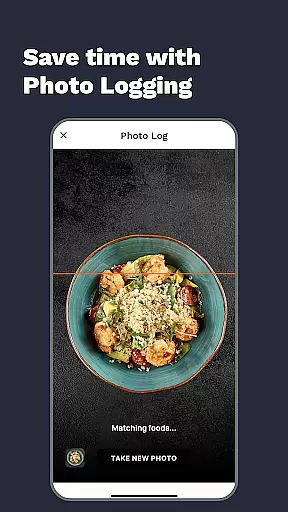
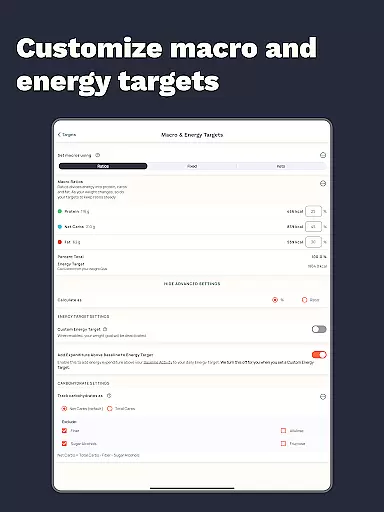
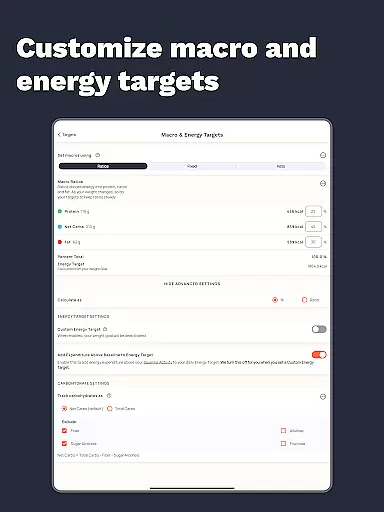
The app stands out with its AI-powered photo logging feature that simplifies meal tracking while maintaining scientific precision. Whether you're focused on weight loss, muscle gain, or balanced eating, Cronometer's wearable integrations and advanced tracking tools create a holistic health monitoring system that syncs seamlessly across devices.
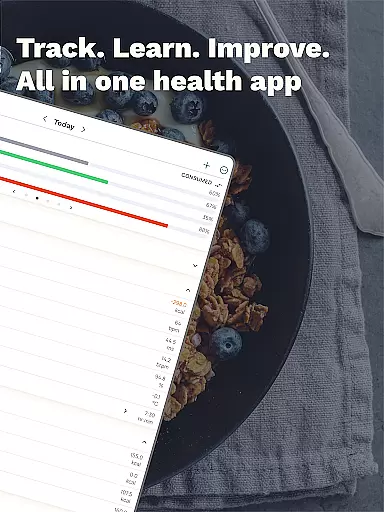
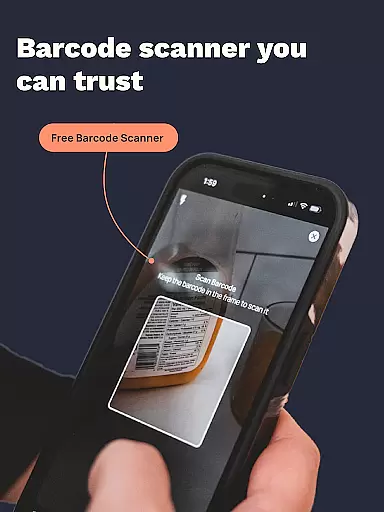
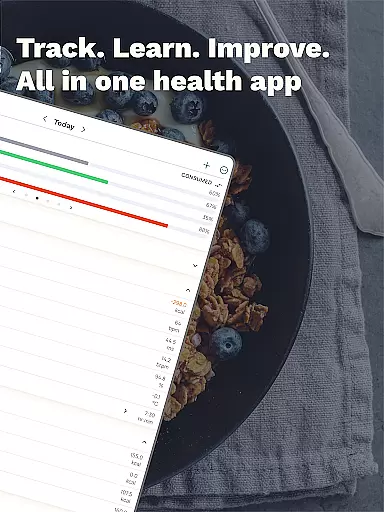
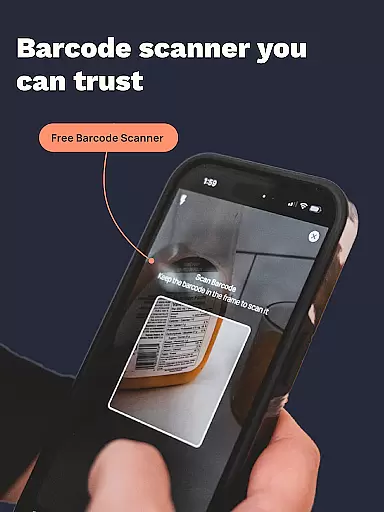
Cronometer offers an impressive array of features that make nutrition tracking both accurate and convenient. The app's core functionality includes detailed calorie counting, macro tracking, and comprehensive nutrient analysis across 84 micronutrients. Its unique AI-powered photo logging allows users to snap meal photos that are automatically analyzed for ingredients and portion sizes using the NCC database.
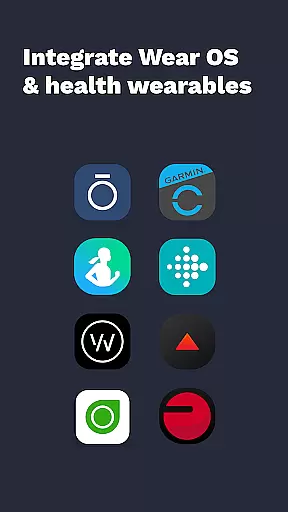
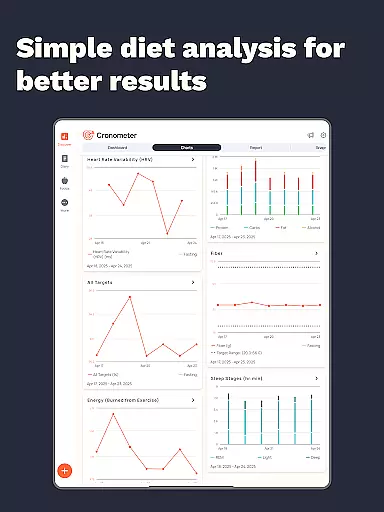
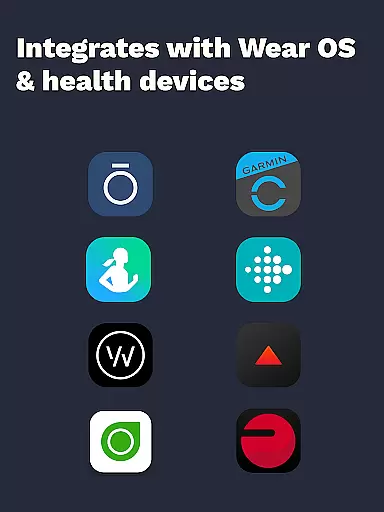
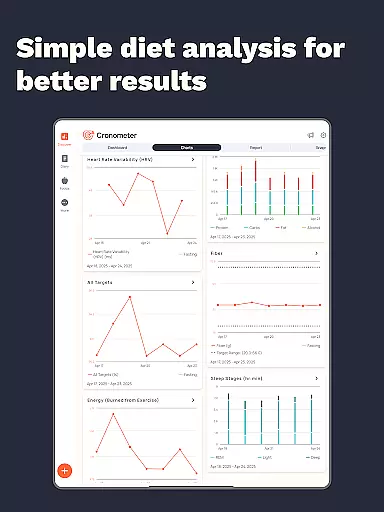
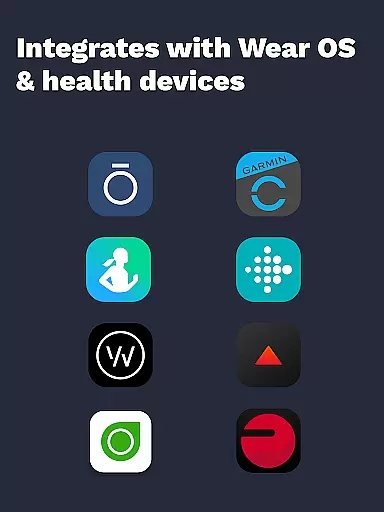
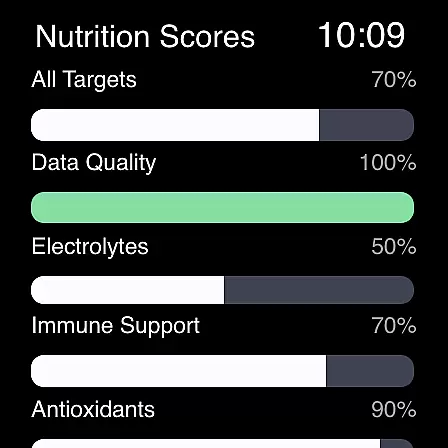
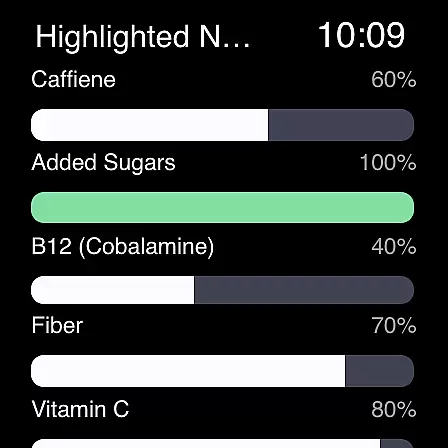
Beyond basic tracking, Cronometer integrates with popular wearables like Fitbit, Garmin, and Apple Watch, creating a unified health monitoring system. Advanced features include water and sleep tracking, custom biometric measurements, and detailed nutrition scoring across eight key areas. The app's Gold subscription unlocks professional-grade tools including nutrient oracle analysis, custom food sharing, and printable PDF reports for healthcare providers.
Companion app integration is essential for users who want a seamless experience between their mobile devices and wearables. Cronometer excels in this area by offering robust synchronization capabilities with its Wear OS application.
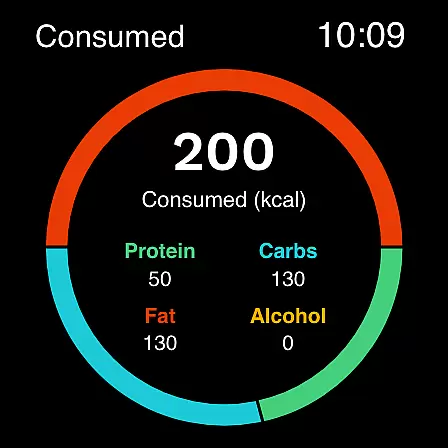
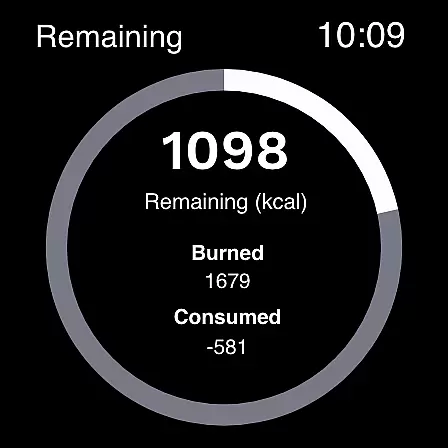
The app allows you to track calories and macros directly from your smartwatch, which means you can log meals and monitor your intake without needing to pull out your phone. This feature is particularly useful when you're on the go or exercising.
Furthermore, Cronometer's companion app integration extends to other popular wearable devices like Fitbit, Garmin, and more. By connecting these devices, users can unify their health data in one place, providing a holistic view of their fitness journey.
This level of integration not only enhances convenience but also ensures that all your vital health metrics are up-to-date across devices, empowering you to make informed decisions about your nutrition and overall well-being.
Device compatibility is a critical factor for apps designed for platforms like Wear OS. Cronometer has been optimized to work seamlessly with Wear OS devices, ensuring that users have access to its full suite of features right from their wrists.
With Cronometer's Wear OS app, you can enjoy functionalities such as calorie tracking, macro monitoring, and even receive notifications related to your dietary goals. The interface is designed to be intuitive and easy to navigate on smaller screens typical of smartwatches.
Beyond just Wear OS, Cronometer supports a wide range of devices including Fitbit, Garmin, Dexcom, Oura, and others. This broad compatibility ensures that no matter what ecosystem you are invested in, Cronometer will fit right into your existing setup.
By prioritizing cross-device functionality, Cronometer provides a versatile tool that adapts to various tech environments, making it an ideal choice for anyone looking to maintain a consistent and comprehensive approach to health tracking.
Highly accurate tracking
Extensive food database
AI-powered photo logging
Wearable device integration
Comprehensive nutrient analysis
Premium features costly
Steep learning curve
Requires manual entry
Limited free features
Subscription required

an Analog Watch Face for winter season with freeze winter background for Wear OS
 4.0
4.0
Beautiful, colorful and practical watch face. For Wear OS devices.
5.00
Bold, Modern Hybrid Watch Face for Wear OS. 10 Colors, Rich Info Display.
4.30
Digital watch face. For Wear OS devices.
4.40
Professional weather radar and more
3.90
A digital watch face that celebrates Christmas.
4.00
Premium hybrid watch face with many customizations for Wear OS devices.
4.40
Your music, your playlists, and more—offline and unlimited.
4.20
Fitbit is dedicated to helping people lead healthier, more active lives.
4.10
A modern hybrid informative watch face for Wear OS designed by BALLOZI
4.80
Your second brain for organizing your life: to-do, calendar, reminder.
4.70
The most customizable hybrid watch face. For Wear OS 5.0, API 34+ and later
4.70
Real-time results, stats, schedules and player profiles for all leagues
4.60
Bold weather Digital watchface with forecast & optional animated background
4.40
Viewer for Wyze/Yi/Eufy/Arlo/ONVIF/RTSP/P2P IP cams w/ adv. features & DIY DVR
4.00
Stay in touch with your friends and family using LINE!
3.40
Precision analog watch face with 7 complications and style options
4.4
Christmas is near, let's count together the days left until Santa comes
4.4
3 Complications. All shadow on/off. 30 Themes color palette...
4.1


User Reviews