

The MyHyundai app with Bluelink is a comprehensive vehicle management solution designed specifically for Hyundai car owners. This innovative Android Wear application allows users to remotely interact with their Bluelink-enabled vehicles directly from their smart devices.
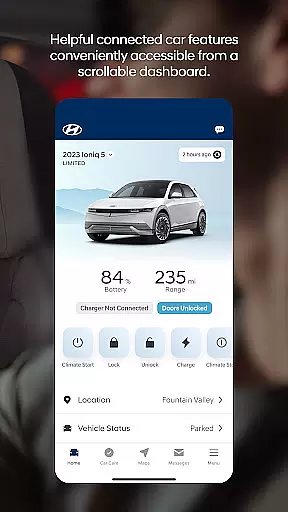
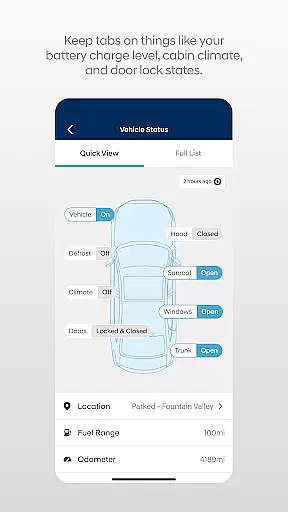
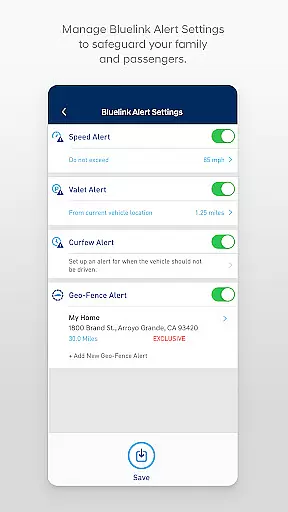
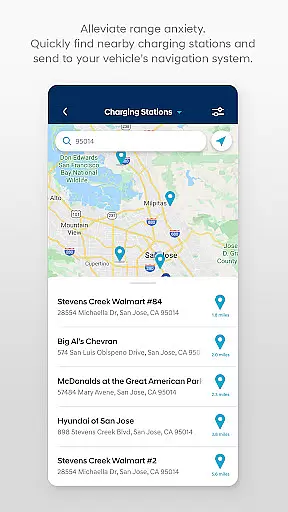
Core functionalities include remote start, door lock/unlock, horn and light activation, and vehicle location services. The app also provides maintenance information, charging status for EV/PHEV vehicles, and Point of Interest search capabilities. With biometric authentication and widget support, it offers both security and convenience for on-the-go vehicle management.
The MyHyundai app stands out with its extensive feature set tailored for modern vehicle owners. The remote functionality package includes customizable vehicle start presets, charging management for electric vehicles, and vehicle finder capabilities.
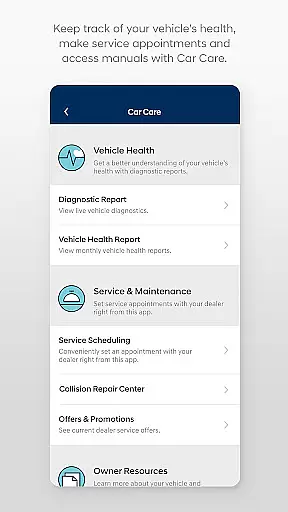
Advanced features include Bluelink's integration with Android Wear OS, enabling voice command support and quick access through smartwatch widgets. The app also provides maintenance tracking, user tutorials, and customer care access. These features are particularly valuable for busy professionals who need to manage their vehicles efficiently while away from home.
Companion app integration is essential for users who want seamless connectivity between their smart devices and vehicles. The MyHyundai app excels in this area by offering a comprehensive suite of features that sync with your Bluelink-enabled Hyundai vehicle.
This application allows you to remotely start or unlock your car, activate the horn and lights, and even locate your vehicle, all from your smartphone. For electric and plug-in hybrid vehicles, it provides the ability to manage charging schedules and view charging status, ensuring optimal energy use.
By logging into the app with biometric authentication such as fingerprint or face recognition, users can conveniently send commands and access these features. This tight integration not only enhances user convenience but also ensures that drivers have control over their vehicle's functionalities at their fingertips, no matter where they are.
Compatibility with Wear OS expands the accessibility and functionality of the MyHyundai app, allowing users to interact with their vehicle through their smartwatches. This feature is particularly beneficial for those who prefer hands-free operation or need quick access to essential controls without reaching for their phone.
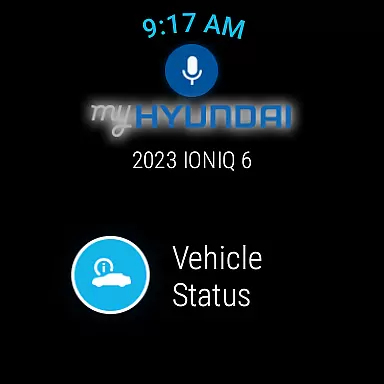
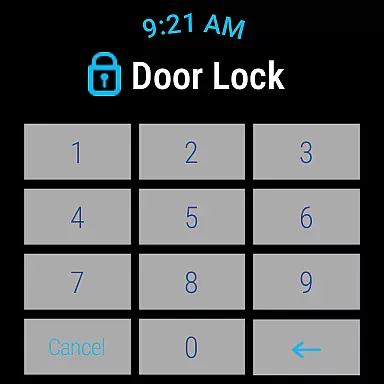
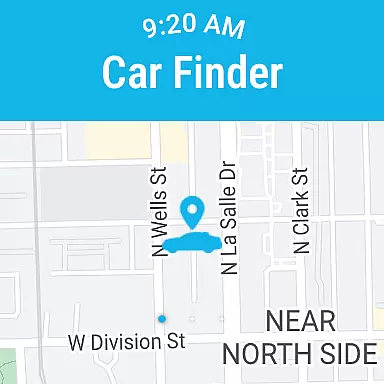
With MyHyundai for Wear OS, users can remotely start their vehicle, lock or unlock doors, activate the horn and lights, and find their car directly from their smartwatch. Voice commands further enhance ease of use, making it simple to execute these functions while on the move.
This level of integration demonstrates the app's commitment to providing versatile access across different devices, ensuring that whether you're at home, in the office, or out and about, managing your Hyundai vehicle remains effortless and intuitive.
User-friendly interface
Comprehensive remote controls
Biometric authentication
Smartwatch integration
Convenient service scheduling
Subscription required
Limited vehicle support
Feature restrictions
Device compatibility
Security concerns

A customizable Christmas watch face for Wear OS with a countdown.
 4.20
4.20
A watch face that fuses motorsport precision with contemporary smartwatch design
4.5
Ideal for surviving in the wasteland left after nuclear fallout
4.50
Monitor health with the stress test and pulse checker in the heart rate app.
4.60
Real-time results, stats, schedules and player profiles for all leagues
4.60
Retro digital watch face with customizable colors and a unique lighting effect
4.60
Fast and smart typing with Emojis, GIFs, and more
4.50
Simple, helpful messaging by Google
4.60
Back up your contacts & access them anywhere
4.30
The Chevron App allows you to pay for fuel from the comfort of your car!
4.80
A modern premium sporty hybrid watch face for Wear OS by Ballozi
4.70
Rose gold watch face with festive lights & customizable features.
4.60
Kia Access makes getting your vehicle information easier than ever
4.60
Current temperature, weather hourly, weather radar by the weather forecast app
4.40
Beautiful artistic animated digital watch face, with a customizable layout!
4.40
Bold weather Digital watchface with forecast & optional animated background
4.40
Watch face for Wear OS.
4.20
"PER27 Galaxy Digital" is a digital Wear OS watch face designed by PERSONA
4.10
Snowflake Rose Gold Watch Face - Digital, modern, & sleek with GYRO effect.
4.10


User Reviews