

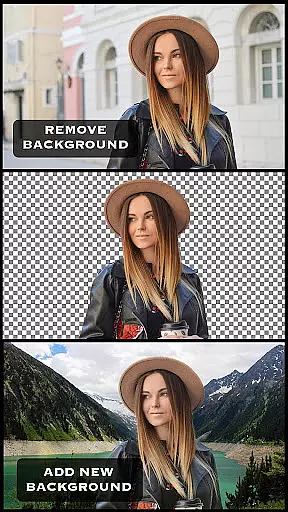
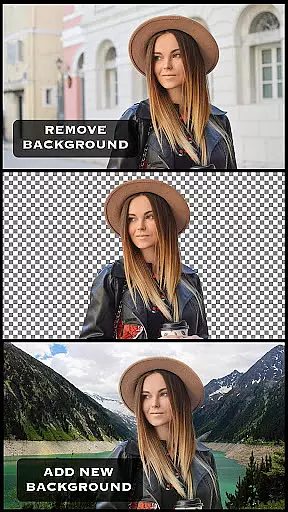
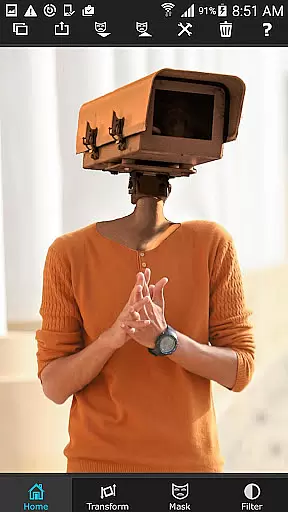
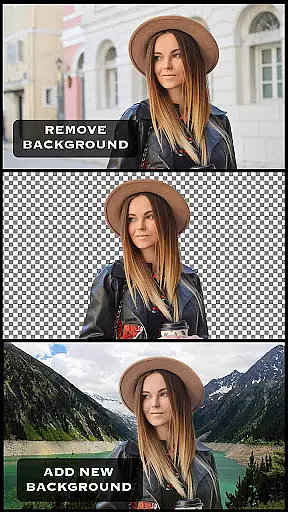
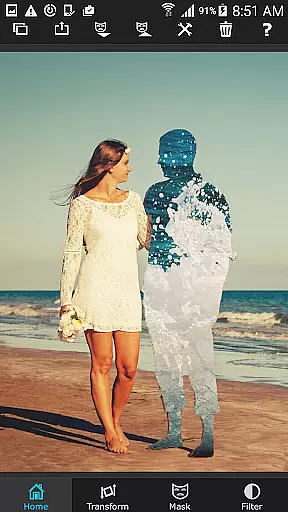
Superimpose is a powerful mobile application that allows users to create professional-grade superimposed or juxtaposed photos directly on their iPhone. With just a few taps, you can seamlessly blend images without the need for a computer or expensive software. The app offers a comprehensive suite of tools including masking, smoothening, and color adjustment features, making it easy to cut, copy, or paste one photo onto another.
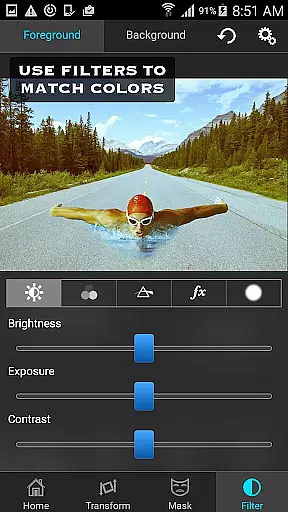
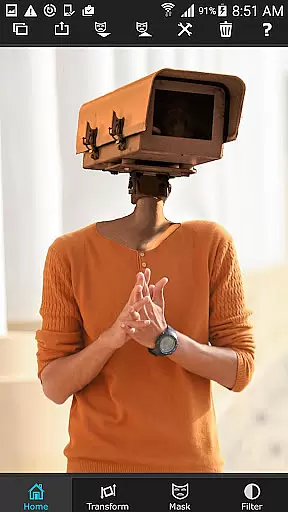
The intuitive interface guides you through loading background and foreground images, masking out unwanted portions, and adjusting colors to match both images. Whether you're looking to blend textures, overlay borders, or perform double exposure with adjustable transparency and 18 blending modes, Superimpose provides all the necessary tools to achieve stunning results.
Perfect for both casual users and professional photographers, Superimpose empowers creativity by enabling complex photo editing tasks on the go. Share your creations with friends and amaze them with your newfound photo editing skills.
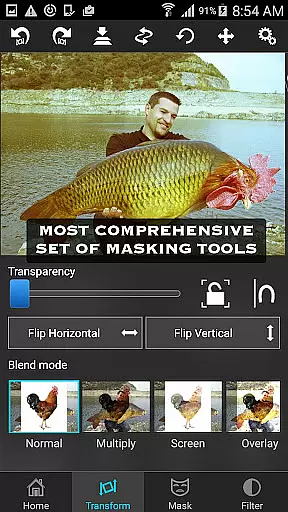
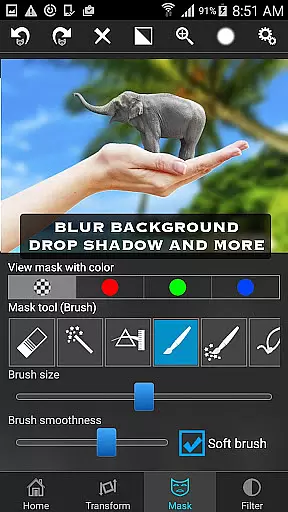
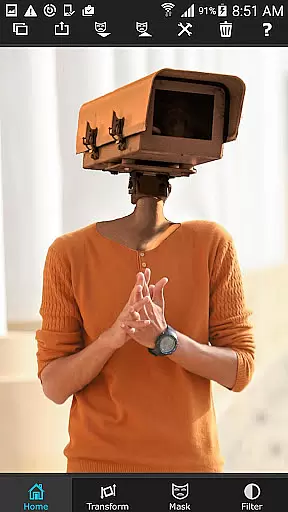
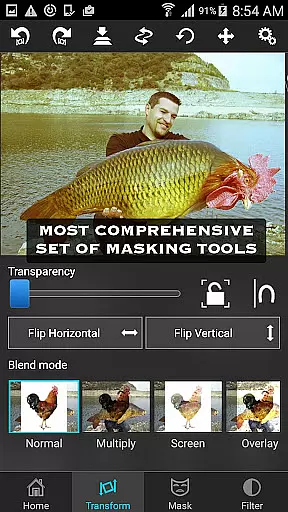
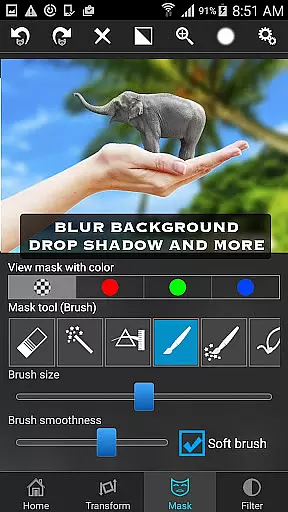
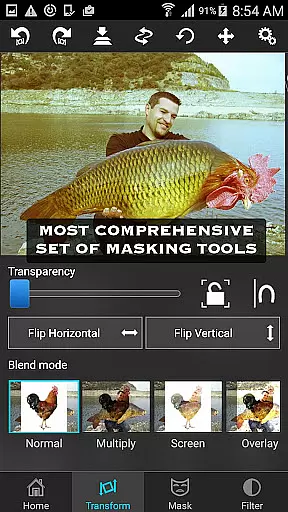
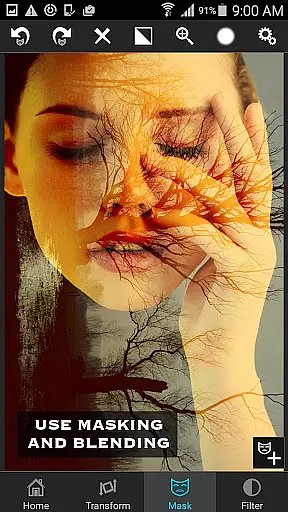
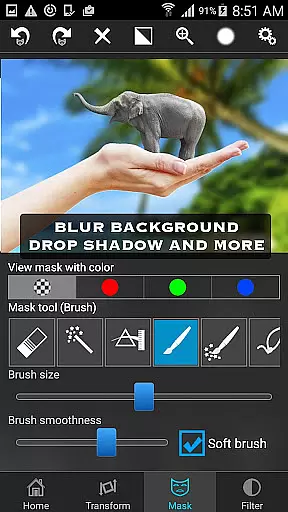
Superimpose stands out with its extensive range of advanced features tailored for photo enthusiasts. The app includes a variety of masking tools such as brush, lasso, global color similarity, rectangle, ellipse, linear, bi-linear, and radial gradient masking. These tools allow precise control over which parts of the image are masked out, providing unparalleled flexibility in photo composition.
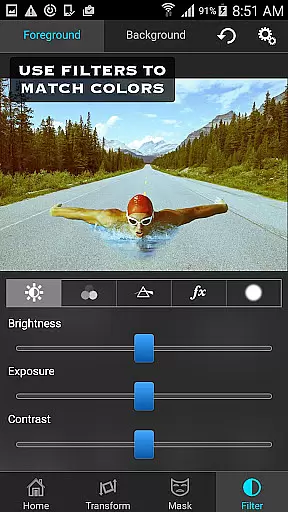
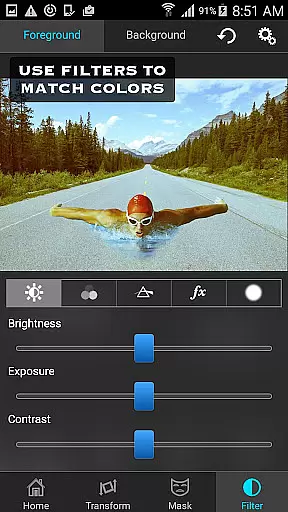
In addition to masking, Superimpose offers robust editing capabilities. Users can adjust colors, exposure, contrast, hue, and saturation to ensure both the foreground and background images blend seamlessly. The app also supports moving, scaling, resizing, rotating, and flipping the foreground image to place it accurately on the background.
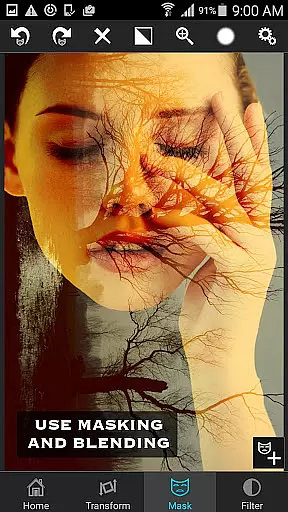
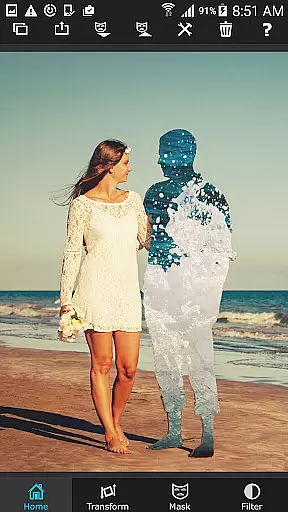
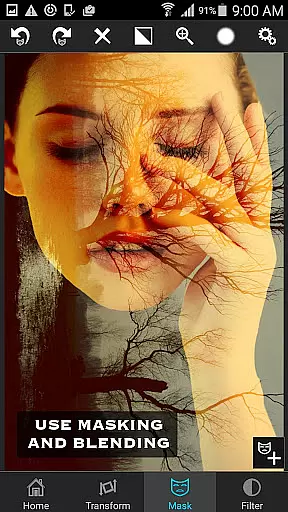
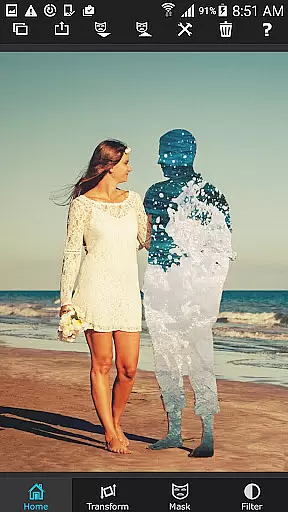
For those seeking more creative options, Superimpose includes features like blending textures, overlaying borders, and performing double exposure with adjustable transparency and 18 blending modes. This makes it an ideal tool for serious photo editing tasks, ensuring high-quality results every time.
Real-time capture and preview functionality is essential for photography apps as it allows users to see the results of their edits instantly. Superimpose offers this feature by enabling users to load a background and foreground image, then adjust them on the fly.
The app provides a variety of masking tools that let users remove unwanted portions of the foreground image in real time. This instant feedback empowers users to make precise adjustments without delay, enhancing the creative process.
Additionally, Superimpose includes tools for smoothing edges, moving, scaling, resizing, rotating, and flipping the foreground onto the background image. These features ensure that users can position elements accurately while seeing immediate visual feedback.
With real-time color, exposure, contrast, hue, and saturation adjustments, users can match the colors of both images seamlessly. This comprehensive set of real-time editing capabilities ensures professional-grade results with minimal effort.
AI beauty and enhancement features are increasingly important in photo editing applications. Superimpose leverages advanced algorithms to provide natural-looking enhancements without compromising the original image quality.
One notable feature is the masking tool which intelligently identifies and masks out areas of similar color with a single tap. This AI-driven approach simplifies complex editing tasks, allowing users to focus on creativity rather than technical details.
In addition to masking, the app offers various blending modes and adjustable transparency settings. These options enable users to blend textures, overlay borders, or create double exposures that look smooth and natural.
Superimpose's AI-powered tools extend to its smoothening capabilities, ensuring that edited portions of the image retain a realistic appearance. By combining powerful AI features with intuitive controls, Superimpose delivers an unparalleled photo editing experience.
User-friendly interface
Wide range of masking tools
Advanced color adjustment options
Supports double exposure techniques
High-quality blending modes
Limited to iOS devices
No Android version available
Some features may require learning
Occasional performance issues
Premium price point




Gallery show photo, video, slideshow, is perfect 3D effect private photo albums.
 4.80
4.80
All-in-One Editor & AI Photo Enhancer, Beautify & Retouch, Collage, Cartoonify
4.20
Create & Edit with AI: AI Remove, Enhance, Retouch, Filter
4.10
Gallery Slideshow is slideshow maker app for slideshow from your gallery photos.
3.90
See your baby AI baby face generator AI baby maker Face generator babymaker fun!
4.70
Luminar: Photo Editor - easy picture editing with AI
4.20
Professional quality photo edits with the new Snapseed.
4.00
Collage your moments in one tap: 1000+ layouts, filters, stickers, and texts.
4.90
Your personal guide to the sun and moon. Plan ahead, visualize and predict!
4.70
Amazing Photo Effects - The most fun you can have with your photos!
4.70
Discover & download millions of art for The Frame TV or Hisense CanvasTV
4.60
Safe & smart flight with Go Fly drone controller for 40+ drone camera, zone map
4.50
Cut and paste photo editor & eraser to customize photos easy and swap faces fun
4.50
Use AI Video Generator to turn your words to ai generated videos.
4.50
Search, tag and rate your way to an organized image gallery
4.40
AI portrait generator and polaroid AI selfie, fun AI generated AI photo creator!
4.30
How old age camera Gender Swap App Face Shape Hairstyle App Hair Styler App fun!
4.00
Remote control of the phone camera from your Wear OS smartwatch
3.70
Pet Camera
3.70


User Reviews