

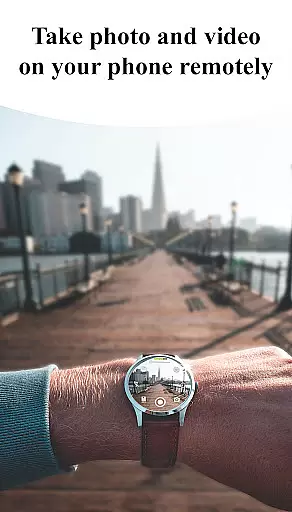
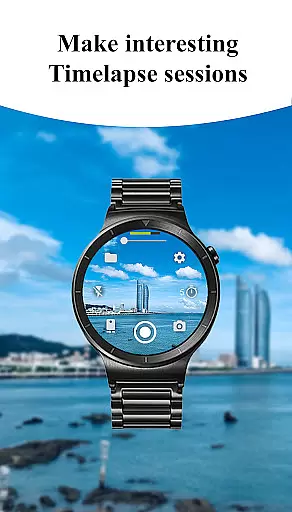
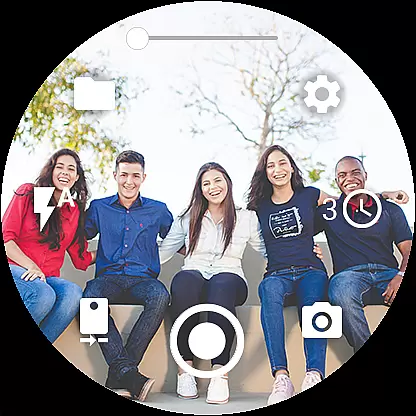
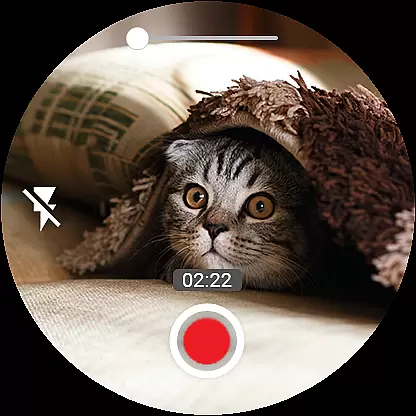
Camera Control for Wear OS is a powerful photography app that allows users to control their phone's camera directly from a Wear OS smartwatch. With this app, you can capture photos and videos effortlessly while enjoying advanced features like Bokeh, HDR, Night Mode, and more. The app supports multiple shooting modes including timelapse, video recording, and photo capture, making it versatile for various photography needs.
Designed for convenience, the app enables quick switching between front and rear cameras, flash control, zoom adjustments, and quality settings directly from your smartwatch. It also offers additional functionalities such as geotagging, wide-angle camera support, and 4K video recording on compatible devices. Whether you're an amateur photographer or a professional, Camera Control for Wear OS provides a seamless experience by integrating advanced camera controls into your wearable device.
Camera Control for Wear OS stands out with its comprehensive set of features tailored for photographers who value convenience and precision. The app includes three primary shooting modes - photo, video, and timelapse - each supported by advanced options like Bokeh, HDR, and Night Mode, ensuring high-quality results in any environment.
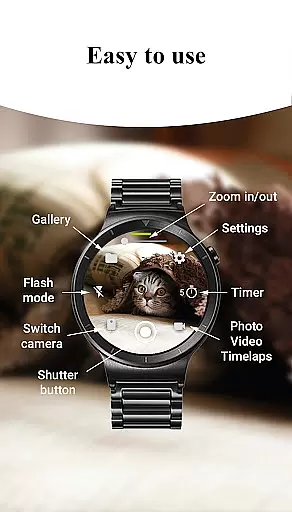
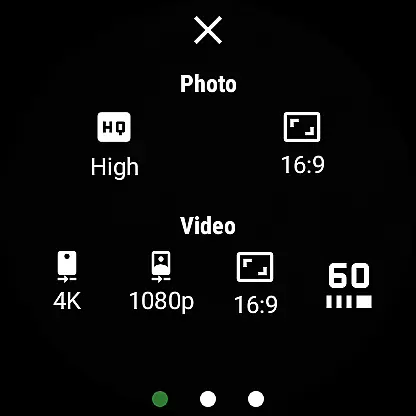
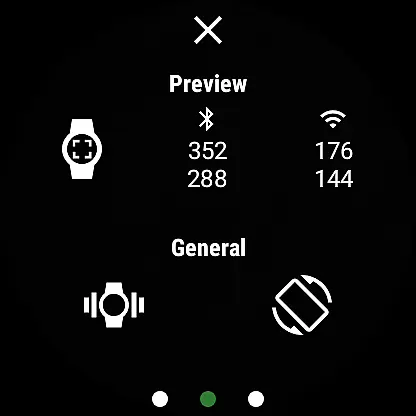
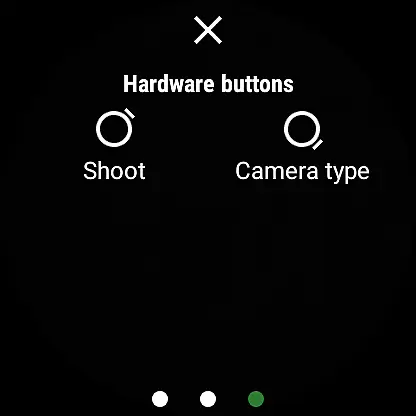
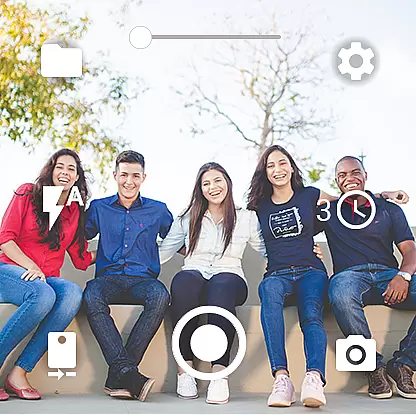
One of the key highlights is the ability to control camera settings directly from the smartwatch. Users can adjust flash modes, set timers, toggle between front and rear cameras, and even modify photo and video quality settings. The app also supports gesture and button controls, allowing for intuitive operation without needing to touch the phone. Additional features include wireless connectivity via Bluetooth and Wi-Fi, automatic image rotation, and a built-in photo gallery for easy access to captured images.
For those seeking professional-grade capabilities, the app offers high-framerate video recording, aspect ratio customization, and geotagging functionality. These features make Camera Control for Wear OS not just a convenient tool but also a powerful companion for capturing stunning visuals in diverse scenarios.
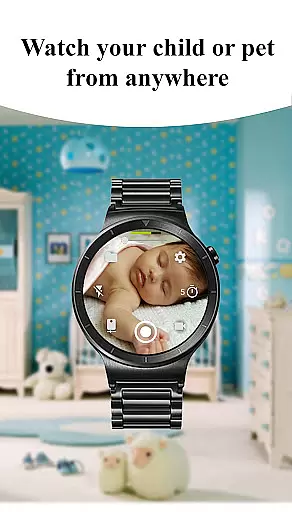
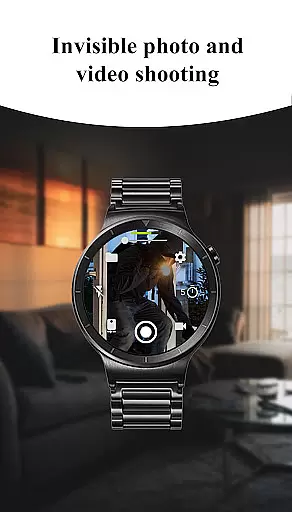
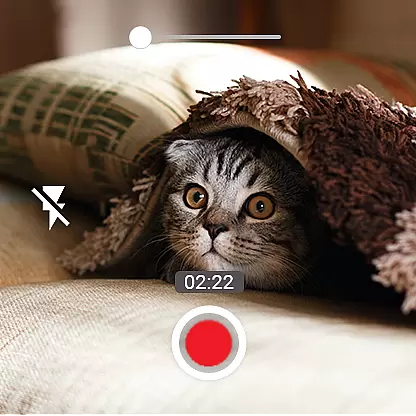
Real-time capture and preview functionality is essential for ensuring that users can take photos and record videos with precision directly from their Wear OS smartwatches. This app offers an intuitive interface that allows you to control your phone's camera in real time, providing a seamless experience as you switch between different modes such as photo, video, and timelapse.
The app supports advanced camera features including Bokeh, HDR, Night mode, and more, which are accessible right from the watch. With timer setup options available on the go, capturing moments at just the right time has never been easier. Flash settings can be adjusted instantly to illuminate any scene or activate the flashlight independently for better visibility.
One of the standout aspects of this application is its ability to offer quick camera switching between front and rear cameras without missing a beat. Users also have access to quality settings adjustments directly from their smartwatch, allowing them to optimize image clarity based on lighting conditions or personal preference. Zoom controls add another layer of versatility by enabling smooth zooming in and out while framing shots.
AI beauty and enhancement features have become increasingly popular among photography enthusiasts who seek natural-looking results without compromising authenticity. The Camera Control for Wear OS app incorporates AI-driven enhancements that subtly improve photo quality while maintaining realistic aesthetics. These enhancements include skin smoothing effects, blemish reduction, and dynamic range optimization tailored specifically for wearable devices.
Users will appreciate how these intelligent tools work behind the scenes to elevate ordinary snapshots into stunning visuals effortlessly. For instance, when using portrait mode with bokeh effect enabled, AI algorithms ensure subjects stand out naturally against beautifully blurred backgrounds. Similarly, night mode leverages AI processing power to brighten dark scenes without introducing unwanted noise or artifacts.
In addition to beautification filters, this app provides various creative possibilities through wide-angle support, high-framerate video recording options up to 60fps, aspect ratio selection (4:3 or 16:9), and even 4K resolution capabilities where supported by hardware. Such comprehensive feature integration empowers users not only to capture memories but also express themselves artistically via their smartwatches.
User-friendly interface
Advanced camera modes
Convenient wearable control
Wide feature selection
Professional-grade tools
Limited device compatibility
Dependent on phone hardware
Requires Wear OS
Complex for beginners
Battery consumption


Effortlessly organize, view and share your photos & videos with Gallery app!
 4.40
4.40
Find time and duration of different sunlight phases at any location
4.90
Photo prints, cards, & gifts at Walgreens. Easy ordering & fast local pickup !
4.80
Take videos and pictures with the popular TikTok TIME WARP SCAN filter.
4.60
Over 800 film simulation recipes for Fujifilm. Black Friday Offer!
4.0
Gallery Slideshow is slideshow maker app for slideshow from your gallery photos.
3.90
Future baby face generator: AI kids generator, kid face! What my baby look like?
4.40
Pro version: AR sun/moon tracker for any date. Tool for photographers & planners
4.90
A light meter for true photographers.
4.20
PhotoSync Bundle Add-On License. Enables all features and services in PhotoSync.
4.60
Create Business Headshots, Polaroid Filter, Retake Photos,Profile Pics,AI Photos
4.50
Fit multiple photos on one post. Create carousels & scroll layouts for Instagram
4.50
AI-powered video creator by MiniMax - Where ideas meet cinema
4.20
The #1 app for B&W film developing featuring an advanced darkroom timer.
4.10
Transform Photos: Edit, Beautify and Craft Memories & Make Collages!
4.10
Professional quality photo edits with the new Snapseed.
4.00
How would you look like with a differently shaped nose, chin or lips?
3.90
Hair color changer, AI haircut app, fun hair editor and buzz cut filter for all!
3.80
Remote control the phone camera shutter from your smartwatch and take a picture
1.60

User Reviews