

VLC for Android is a versatile, free, and open-source media player that brings the powerful capabilities of the desktop VLC to mobile devices. It supports an extensive range of video and audio formats, including network streams, DVD ISOs, and disk shares without the need for separate codec downloads.
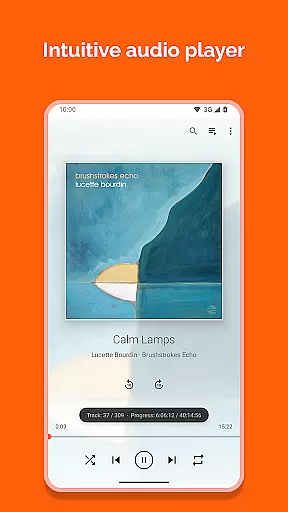
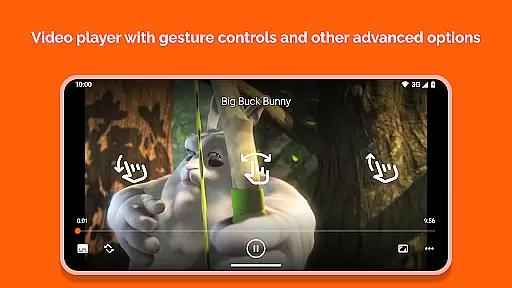
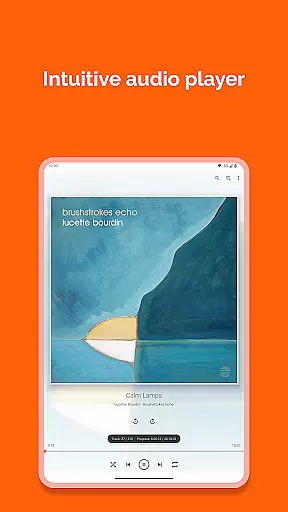
The app functions as a complete multimedia solution with advanced playback controls, multi-track audio, subtitles, and an intuitive media library. Its user-friendly interface allows seamless navigation while supporting features like auto-rotation, aspect-ratio adjustments, and gesture controls for volume and brightness.
Designed for both casual users and tech enthusiasts, VLC for Android offers a robust platform-independent tool for enjoying media anytime, anywhere. With no ads or in-app purchases, it provides an uninterrupted viewing experience.
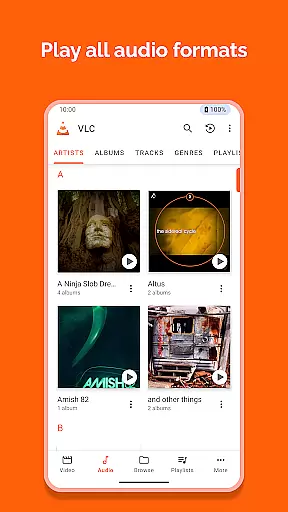
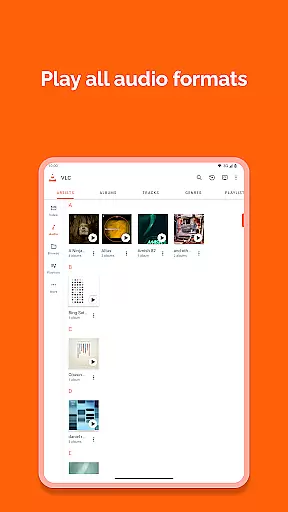
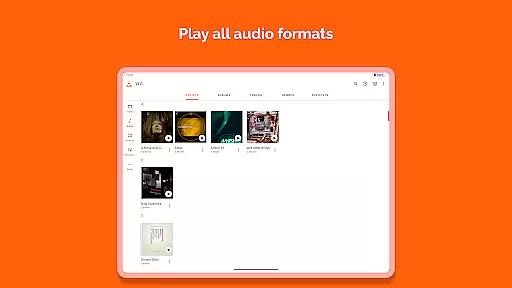
VLC for Android stands out with its comprehensive feature set tailored for diverse multimedia needs. The app supports virtually all popular file formats such as MKV, MP4, AVI, FLAC, and more, ensuring compatibility without requiring additional codec installations.
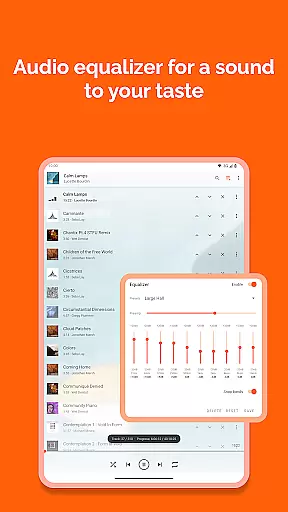
One of its key strengths lies in its ability to handle network streams, including adaptive streaming protocols, making it ideal for users who stream content over the internet. The inclusion of advanced playback options like multi-track audio, closed captions, and subtitle synchronization enhances accessibility and user experience.
Additionally, VLC for Android integrates practical tools such as a media library for organizing files, widgets for audio control, and support for external storage devices. These features collectively make it one of the most reliable and flexible media players available on the Android platform.
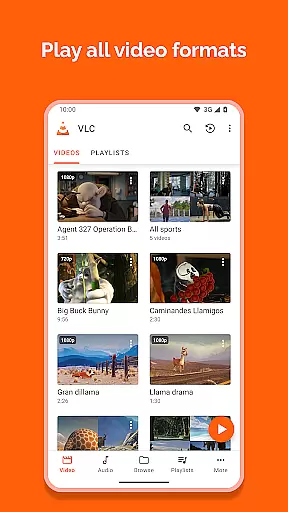
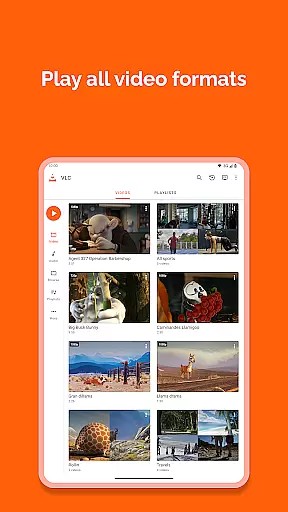
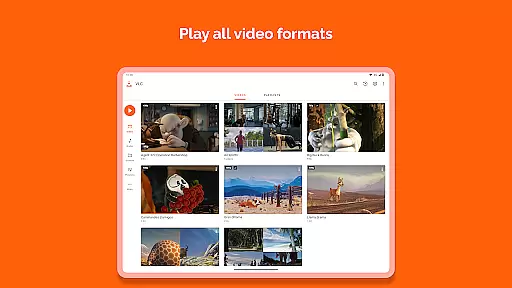
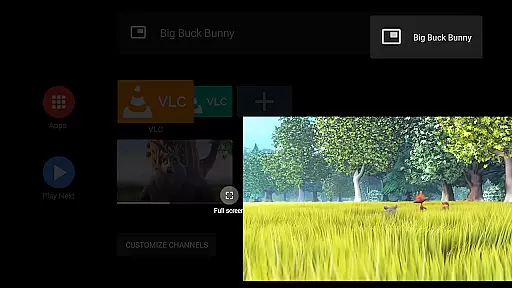
Video format compatibility is a crucial feature for any video player, ensuring that users can enjoy their media files without worrying about format restrictions. VLC for Android excels in this area by supporting all major video formats, including MKV, MP4, AVI, MOV, Ogg, FLAC, TS, M2TS, Wv, and AAC.
The application includes all necessary codecs within its package, eliminating the need for users to download additional components. This comprehensive support allows seamless playback of videos from various sources, whether they are local files, network streams, or disk shares.
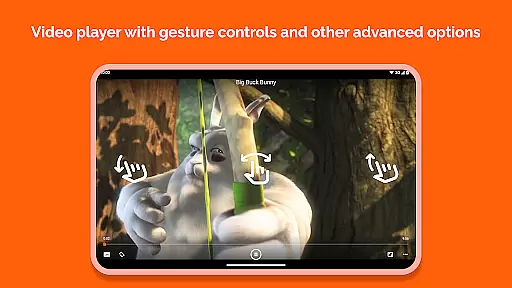
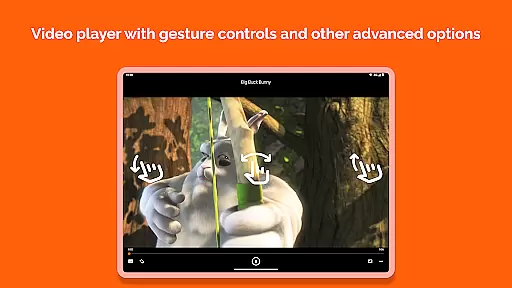
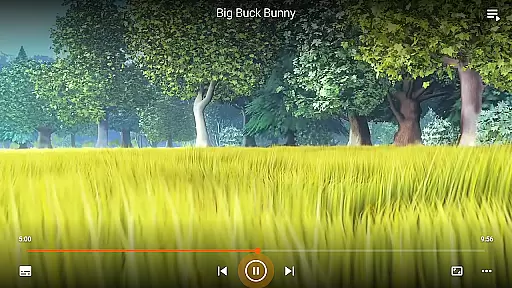
Moreover, VLC for Android supports advanced features like subtitles, Teletext, and Closed Captions, enhancing the viewing experience. Users can also adjust aspect ratios and use gestures to control volume, brightness, and seeking, making it an adaptable tool for different viewing preferences.
This extensive compatibility ensures that VLC for Android remains a versatile choice for users who require reliable playback across diverse file types and streaming protocols.
While VLC for Android is primarily known for its exceptional playback capabilities, it also offers some AI-powered editing features that enhance user interaction with media files. Although not as feature-rich as dedicated video editing software, VLC provides essential tools that allow users to manage and optimize their media library effectively.
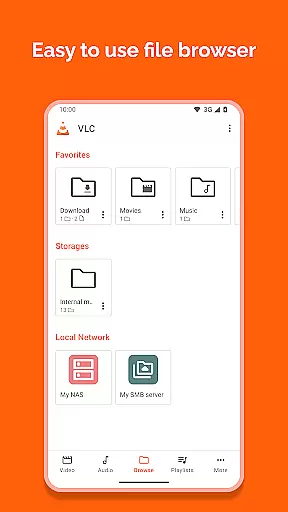
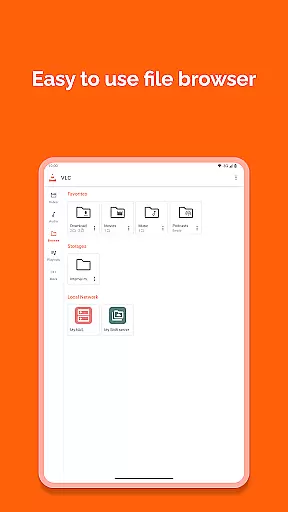
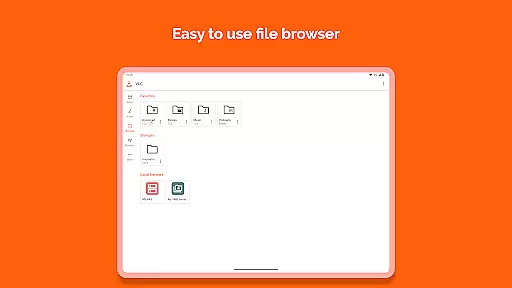
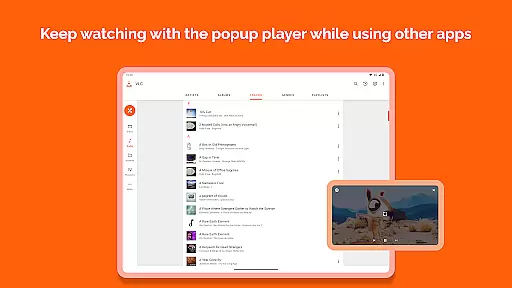
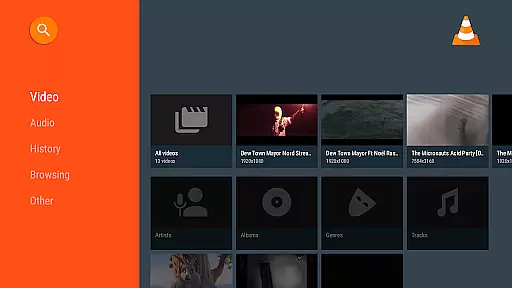
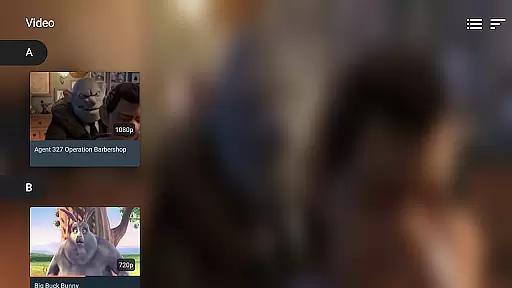
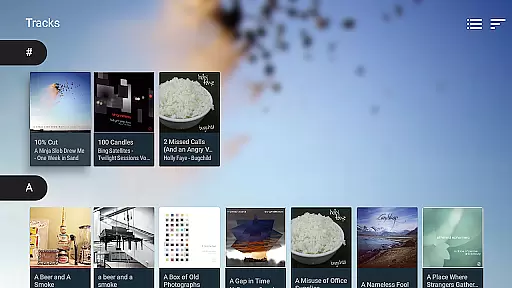
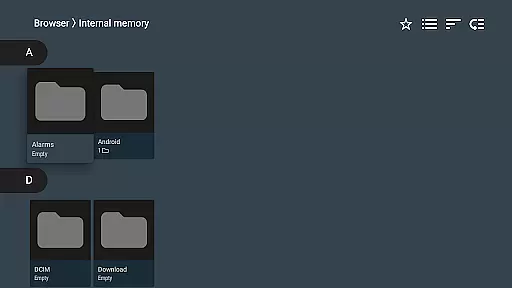
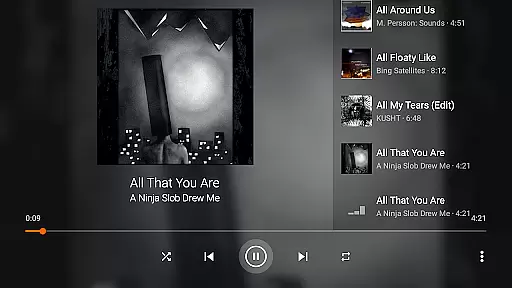
The app includes a complete audio and video media library, enabling users to browse folders directly and organize their files efficiently. It supports multi-track audio and subtitles, allowing for personalized adjustments to suit individual preferences.
VLC for Android incorporates gesture controls for volume, brightness, and seeking, which streamline the user experience. Additionally, the widget for audio control and support for audio headsets contribute to a more dynamic interaction with media content.
These AI-driven enhancements, combined with VLC's core competencies, make it a robust solution for both casual viewers and those requiring more advanced functionalities in their media player.
User-friendly interface
Wide format compatibility
No ads or in-app purchases
Advanced playback controls
Regular updates by developers
Occasional bugs in beta versions
Interface may feel dated
Limited customization options
Heavy on older devices
Permissions can be intrusive

You can play SWF format file!
 2.50
2.50
Tik & Story Saver-Download ALL social media videos, photos & reels no watermark.
4.80
Create & edit videos with AI
4.30
VLC Remote lets you control your VLC Media Player on Mac, PC or Linux.
4.60
High-Quality USB Camera Viewer & HDMI Display
4.70
Make your own Animations, Video and Photo Edits, Visual Effects, and more!
4.00
IPTV Loader, loads your own Playlist. DOES NOT CONTAIN ANY LIST OR CHANNELS
4.60
Browser for Samsung TV to stream webvideos, online movies and livestreams in HD
4.10
#1 Torrent App on Android ** No Ads Ever + Battery Saver **
4.80
Fast & easy HD video downloader for all formats, support 4K playback & download.
4.60
HD Video player all format, HD Videos, Cast & Subtitle. No annoying ads.
4.60
AirMirror Receiver - Screen mirroring/cast web videos to Android TV by AirPlay.
4.40
This app was created to edit the metadata of music files.
4.20
Stream Web Videos to Chromecast, Samsung, LG, Sony, Roku, Fire TV, DLNA + more
4.00
Fast private browser with secure, seamless access & supported video downloads!
4.00
Live TV, anywhere in your home
3.80
Save photos and videos from social apps in one tap.
3.60
Watch full episodes of your favorite Cartoon Network and Cartoonito shows!
3.50
Powerful HD video player with support for all formats & subtitles.
4.1


User Reviews