

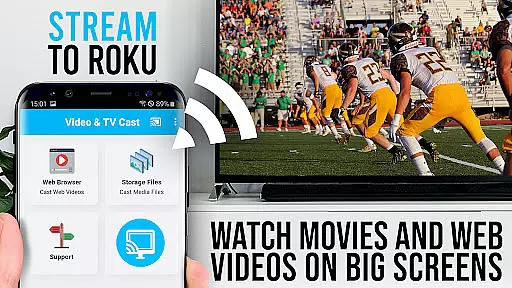
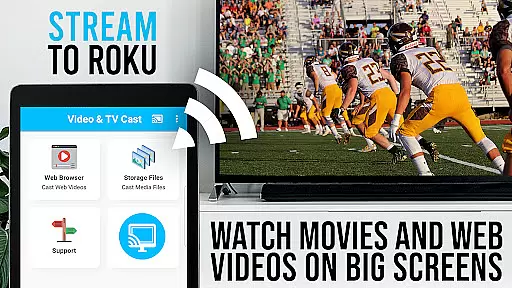
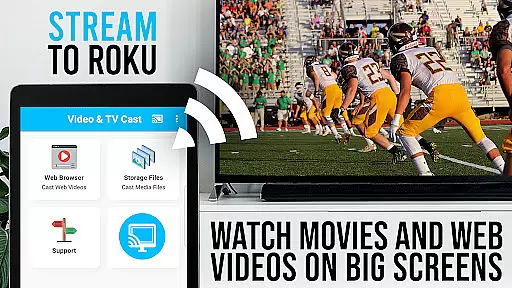
TV Cast Pro for Roku is the premier application designed to enhance your streaming experience by enabling you to cast web videos, online movies, livestreams, and live TV shows directly to your Roku device. Supporting formats like mp4, m3u8, hls livestreams, and Full HD video over https, this app transforms your Roku into a versatile media player. Integrated with a Roku Remote, it allows seamless control right from your phone.
This PRO edition unlocks all premium features including an Ad-Blocker, bookmarks, desktop mode, and more, ensuring an uninterrupted and customizable viewing experience. Whether you're looking to stream content from popular websites or obscure online sources, TV Cast Pro for Roku provides a comprehensive solution for enjoying media on the big screen.
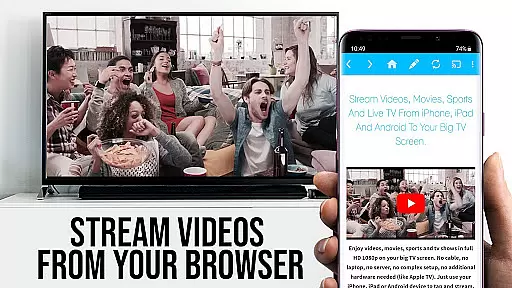
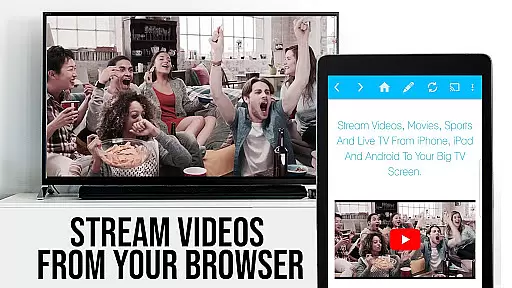
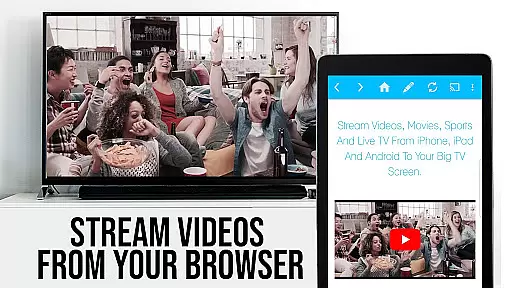
TV Cast Pro for Roku stands out with its ability to browse the web and cast any video with a single tap, making it incredibly user-friendly. The app supports a wide range of video formats and offers an integrated Roku Remote for controlling playback, including play, pause, forward, and rewind functions. Its Ad-Blocker feature enhances your viewing pleasure by blocking ads and popups on most websites.
Additional features include the Desktop Mode that allows loading desktop versions of websites, and a personalized homepage setting. With the capability to manage bookmarks efficiently, users can save and access their favorite sites effortlessly. These functionalities ensure that you have a smooth, flexible, and enriched streaming experience tailored to your preferences.
TV Cast Pro for Roku stands out with its robust video format compatibility, ensuring users can enjoy a wide range of content without limitations. The app supports popular formats such as Mp4, m3u8, and HLS livestreams, making it versatile for various streaming needs.
This compatibility is crucial for users who want to cast web videos, online movies, livestreams, and live-TV shows directly to their Roku devices. By supporting video over https and Full HD, the app guarantees high-quality playback that enhances the viewing experience on the largest screen in your home.
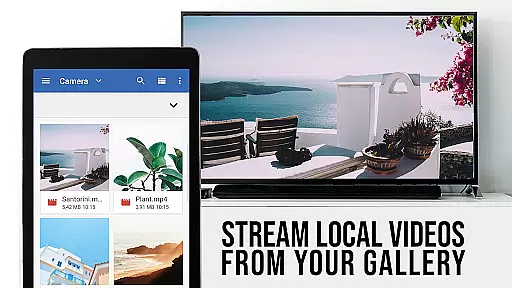
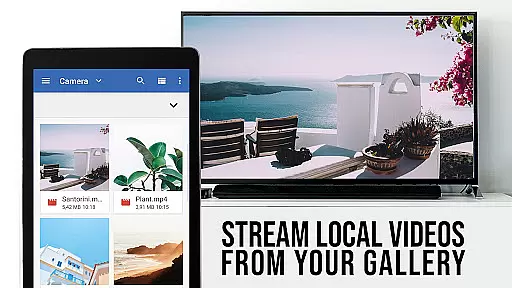
For optimal performance, users can enter or paste the full video URL into the browser address bar, streamlining the process of playing mp4, m3u8, or other video files directly on Roku. This ease of use ensures that even those with minimal technical expertise can enjoy their favorite content without hassle.
The app's ability to detect video links for casting after playing them on an Android device adds another layer of convenience. With these capabilities, TV Cast Pro for Roku delivers a seamless and flexible solution for all your video streaming requirements.
While TV Cast Pro for Roku focuses primarily on streaming and casting capabilities, it incorporates AI-powered features that enhance user interaction and streamline the process of managing and accessing content. Although not a traditional video editor, the app leverages intelligent algorithms to optimize the streaming experience.
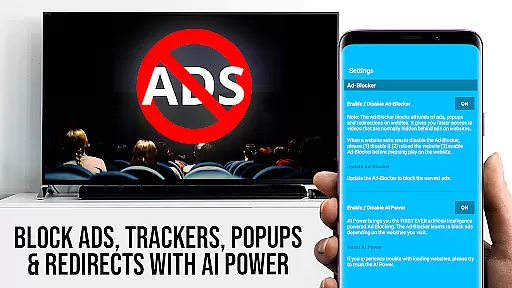
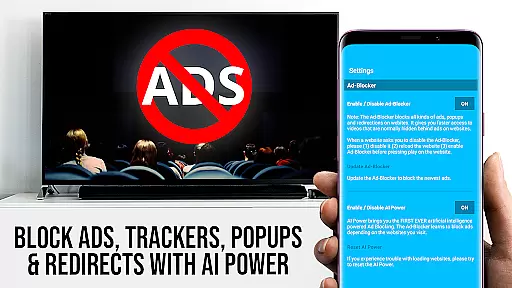
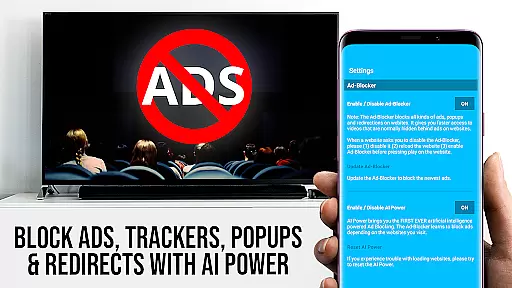
One notable feature is the integrated Ad-Blocker, which uses AI to block ads and popups on most websites visited within the app. Users can toggle this feature at any time in the settings, ensuring a cleaner and uninterrupted browsing session while searching for videos to cast.
The app also includes a Desktop Mode, allowing users to change the browser user-agent and access desktop versions of websites. This AI-driven adaptation helps load content that might otherwise be restricted on mobile sites, expanding the range of castable videos available to users.
Additionally, the inclusion of bookmarks management and the ability to set a personal homepage reflect thoughtful design aimed at improving accessibility and customization. These features collectively contribute to a more intuitive and personalized user experience, setting TV Cast Pro for Roku apart in the realm of video players and editors.
User-friendly interface
Wide format support
Integrated Roku remote
Effective Ad-Blocker
Customizable settings
No Flash video support
Incompatible with older Roku models
Limited DRM video casting
Device mirroring not supported
Connection issues possible

Your media, on your terms.
 4.10
4.10
Video Trimmer, Video to MP3 Converter. Extract music from video, Easy & Fast.
4.80
Powerful HD video player with support for all formats & subtitles.
4.1
Video player with powerful streaming playback and various convenient features.
2.10
KMPlayer Plus (Divx Codec) officially support Divx codec.
4.30
Download videos easily & play them all in one smart, powerful video manager.
3.40
IPTV Loader, loads your own Playlist. DOES NOT CONTAIN ANY LIST OR CHANNELS
4.60
AI Video Editor with Music, Filter, Slideshow, Effect, Merge & Trim Video.
4.80
Video player with 4K & 1080P support, popup play, background play and subtitle.
4.20
#1 Torrent App on Android ** No Ads Ever + Battery Saver **
4.80
A Simple app to download Video & Music from the Internet.
4.70
Cast Videos from Web Browser, IPTV to Roku, Chromecast, DLNA, Smart TV +more
4.60
Seamlessly connect and control your smart devices, anytime, anywhere with ease.
4.60
Auto video maker with music & exclusive filters. Video editing made simple.
4.50
KineMaster, Your Ultimate Video Editor!
4.40
Fast video downloader & private browser. Save HD clips to watch offline.
4.40
Download website videos fast&privacy
4.40
Browser for Fire TV to stream webvideos, online movies, livestreams in HD
4.40
Powerful, professional, versatile teleprompter. Developed by an active film crew
4.00


User Reviews