

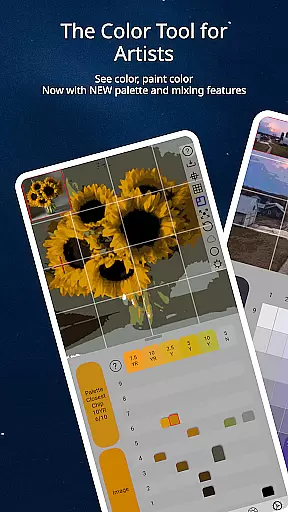
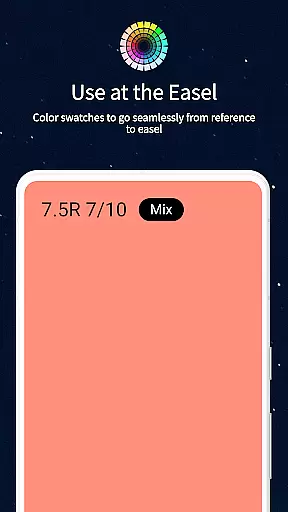
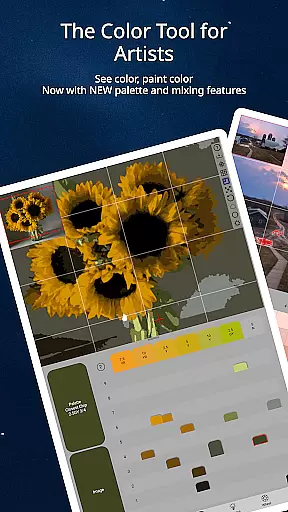
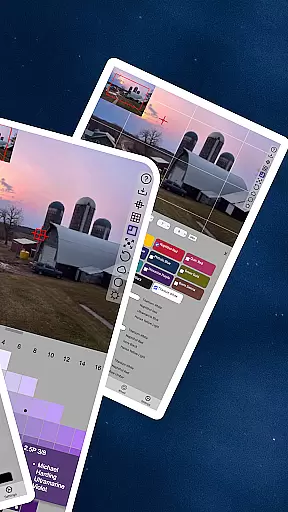
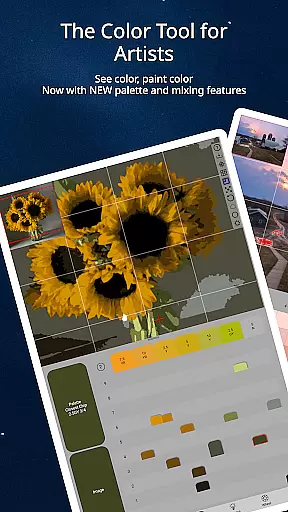
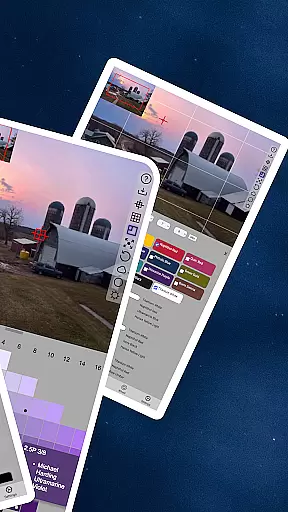
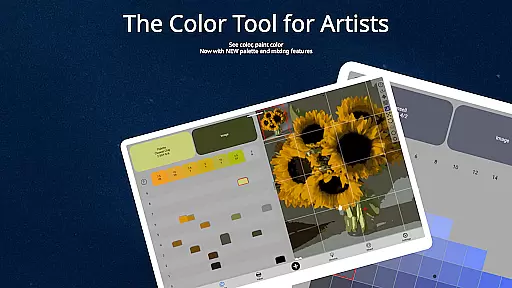
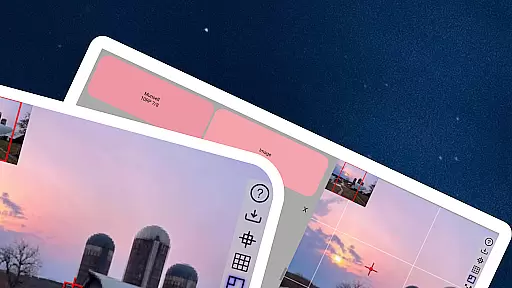
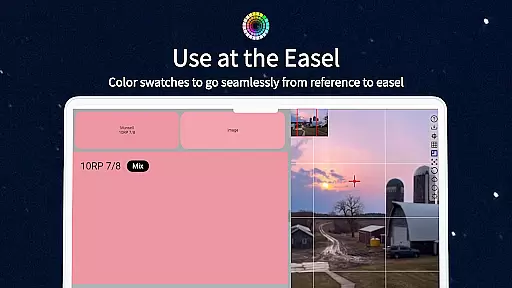
ChromaMagic is an innovative color analysis tool designed specifically for artists. This application allows users to load any photo or reference image and instantly identify the exact color properties using the Munsell color system. The app provides detailed breakdowns of hue, value, and chroma, enabling artists to understand and replicate colors accurately.
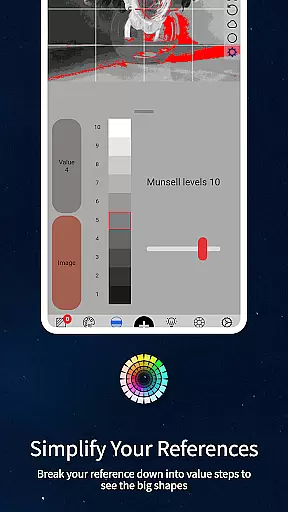
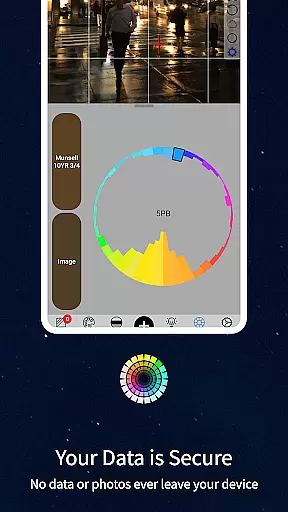
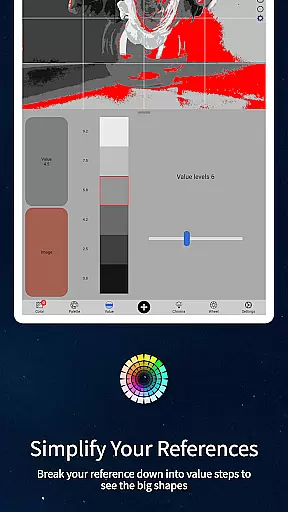
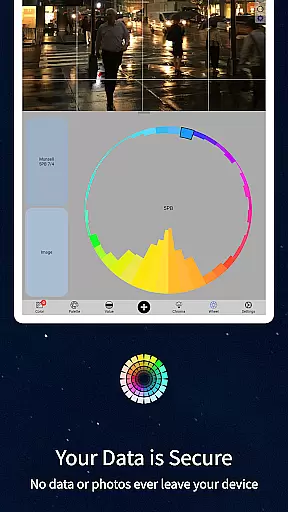
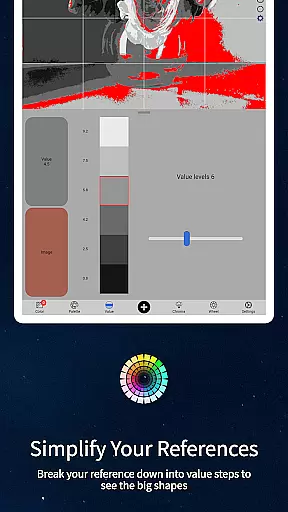
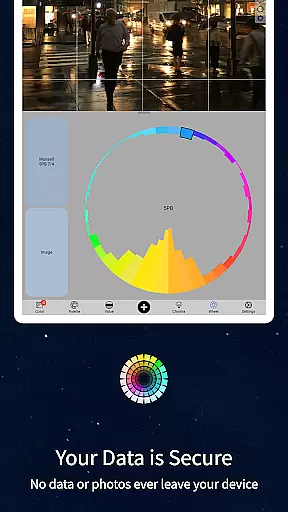
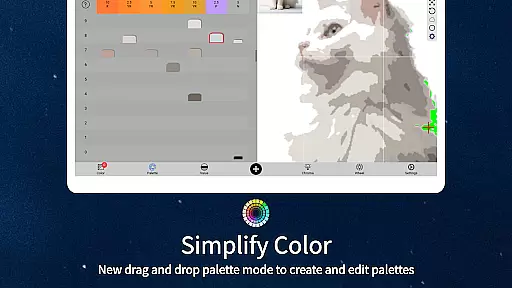
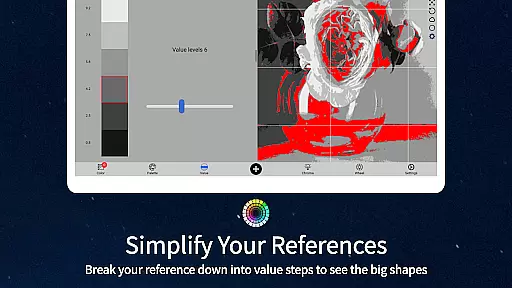
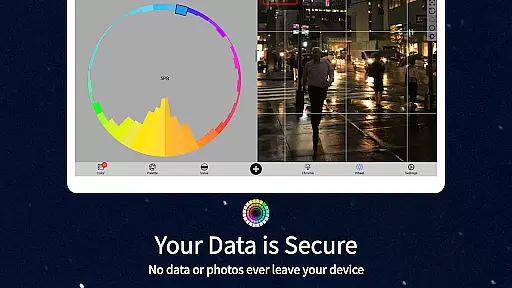
In addition to its core functionality, ChromaMagic offers multiple viewing modes that help artists analyze their references in different ways. Users can view images in grayscale, organize them into major value shapes, or examine color distribution around the wheel. These features make it an indispensable tool for both professional artists and beginners looking to improve their color perception skills.
The application's intuitive interface supports smooth zooming and panning, making it easy to work with detailed images. ChromaMagic works offline, allowing artists to use it anywhere, even without internet connection. Its versatility extends across devices, from desktop computers to Android tablets and phones, providing a consistent experience regardless of platform.
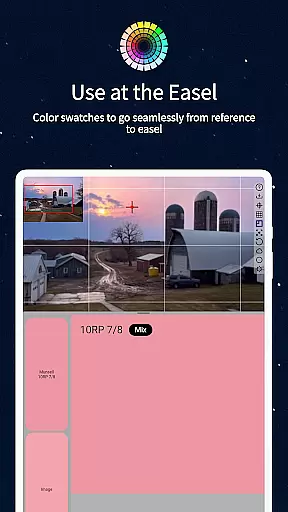
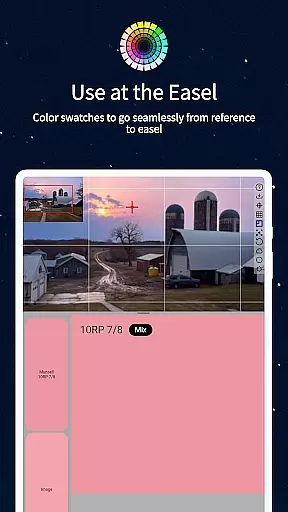
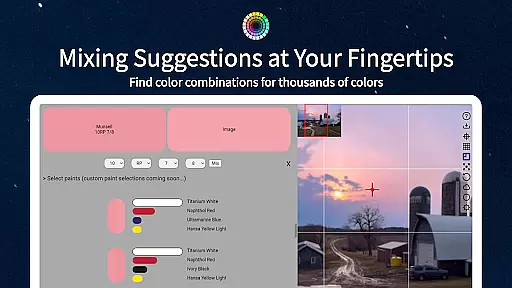
ChromaMagic stands out with its comprehensive set of features tailored for artistic color analysis. The application's primary feature is its ability to display colors using the Munsell system, which breaks down each color into its hue, value, and chroma components. This scientific approach helps artists understand color relationships and mix paints more accurately.
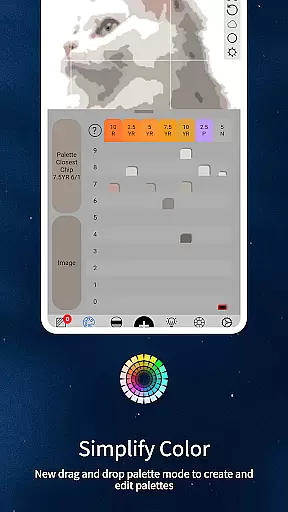
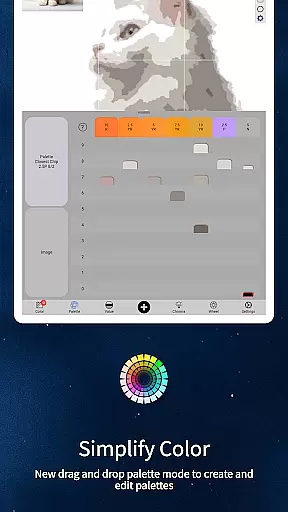
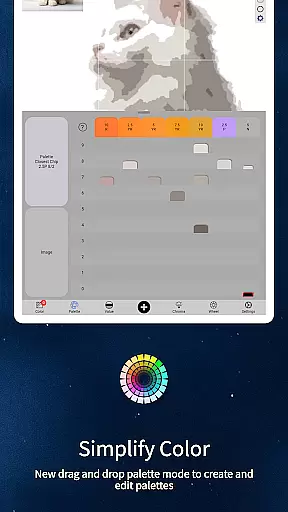
Beyond basic color identification, ChromaMagic offers five distinct viewing modes. Value mode simplifies images into major tonal shapes, while grayscale mode helps analyze fine value differences. The chroma visualization mode reveals color saturation levels, often surprising users with hidden nuances. Additionally, the color wheel distribution mode provides insights into overall color harmony and relationships.
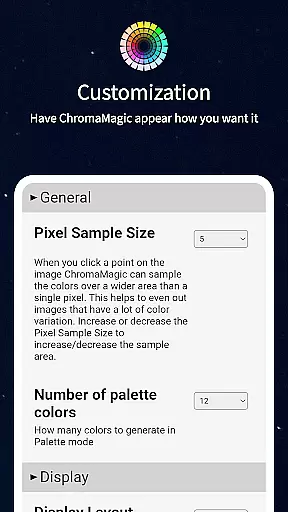
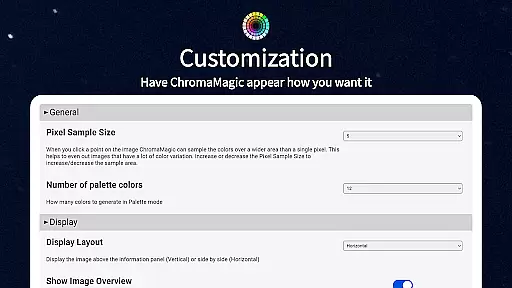
The application's technical features include buttery-smooth zoomable interfaces, drag-and-drop functionality for quick file loading, and offline capabilities for field work. Advanced features like multi-pixel averaging and paint brand matching make it particularly valuable for professional artists who need precise color information for their work.
In the realm of digital artistry, having access to comprehensive tools can significantly enhance an artist's workflow. ChromaMagic stands out by offering a suite of creative instruments tailored for artists who demand precision and depth in their work.
The application provides functionalities that extend beyond basic color picking. With specialized modes such as Munsell, Value, Grayscale, and Saturation, users are equipped with the means to dissect and understand colors on a granular level. This empowers artists to not only replicate but also manipulate colors with confidence.
Moreover, ChromaMagic integrates practical features like zoomable and pannable images, which streamline the process of working with intricate details. The ability to average colors over multiple pixels adds another layer of utility, particularly when dealing with complex references or textures.
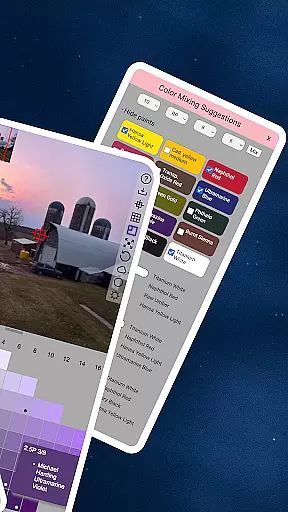
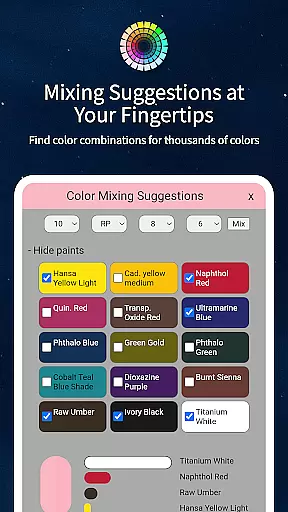
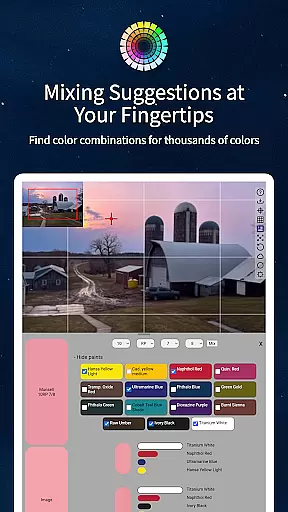
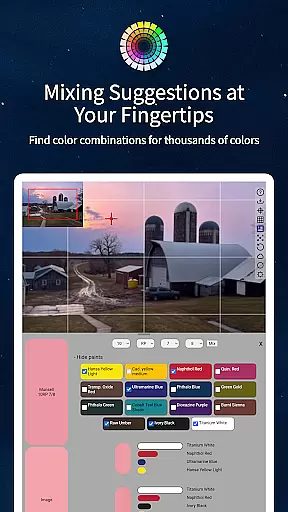
By including links to high-quality oil paints and offering calibration values for mixing, ChromaMagic bridges the gap between digital convenience and traditional techniques, ensuring that artists have all they need within a single, powerful platform.
Flexibility in canvas and format options is crucial for artists who wish to explore various mediums and scales without being constrained by their software. ChromaMagic addresses this need by providing adaptable solutions that cater to diverse artistic expressions.
Artists using ChromaMagic can seamlessly switch between different devices, from desktops to tablets, maintaining consistent performance and accessibility. This cross-device compatibility ensures that whether one is at home, commuting, or outdoors, the creative process remains uninterrupted.
The application supports drag-and-drop functionality, allowing for swift file handling and integration into existing workflows. This feature is especially beneficial when managing large projects or collaborating with others, as it reduces downtime and enhances productivity.
Additionally, ChromaMagicu2019s offline capabilities mean that artists aren't limited by internet connectivity. Whether painting en plein air on a mountain or sketching in a remote location, users retain full access to the appu2019s robust features, thus preserving creative momentum regardless of environment.
Accurate color analysis
Multiple viewing modes
Offline functionality
Cross-platform support
Intuitive user interface
Steep learning curve
Advanced features only
No iOS version
Requires calibration
Premium price point

The ultimate tool for creating animations
 4.60
4.60
Digital Drawing: Draw & Paint
4.10
Design unique, funny and adorable cat stickers that reflect your own style!
3.80
Draw Trace image sketch by, AR art projector app, Easy to trace any image.
4.50
Your AI soulmate — meaningful chats, and unique emotional moments
4.70
Create and Design Custom Logos in Seconds with AI-Powered Tools!
4.40
Kling AI is an image and video generation and editing studio powered by AI.
4.50
Just trace a projected picture on paper and color! Draw & Paint with AR drawing
4.40
AI-powered photo & video creation—fast, fun, and effortless with Quick Actions
4.60
Minecraft & Roblox Clothes
4.70
Novices can also easily complete diamond painting masters
4.70
Draw, fidget, and spin glow art! Relax and express your creativity with a finger
4.60
Image/ Text to Video Generator
4.40
Remove Background, Magic Eraser, Photo Enhancer, Story Templates, Collage Maker
4.30
Sketch, plan, take notes and illustrate on an infinite canvas.
4.20
Text to Image, Image to Video & AI Chat
4.20
OneUI 8.5 icons ✨ Smooth, modern & based on the latest Play Store design ??
4.10
Get creative and make art with your Sesame Friends!
4.00
Sketch, trace and master AR drawing with awesome anime art!
3.30


User Reviews