

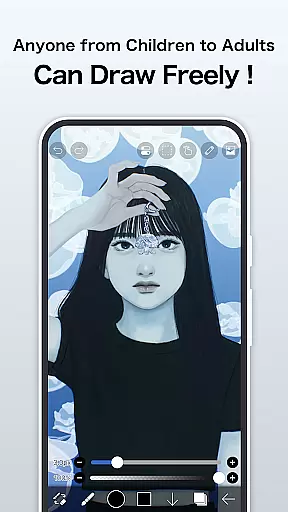
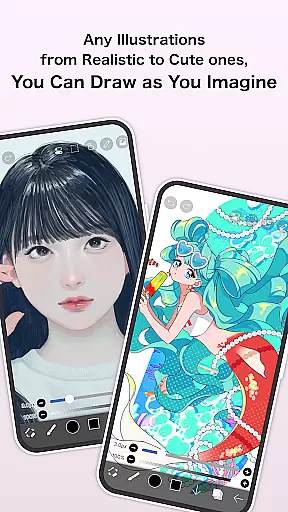
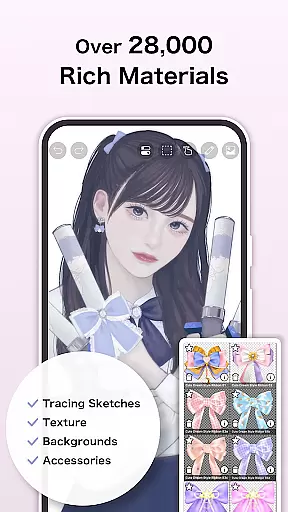
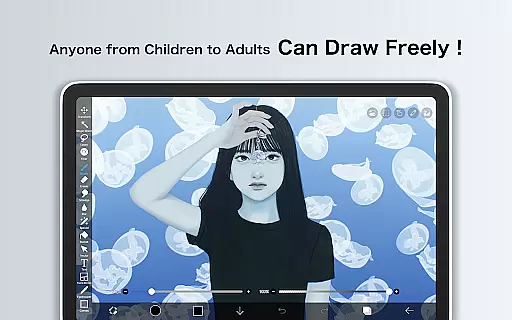
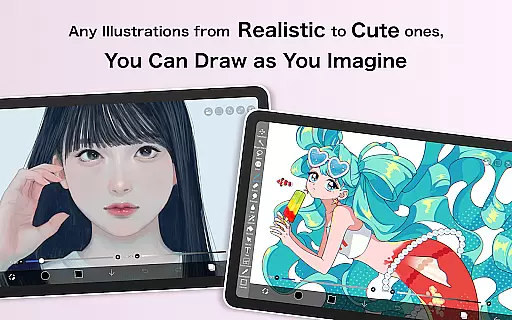
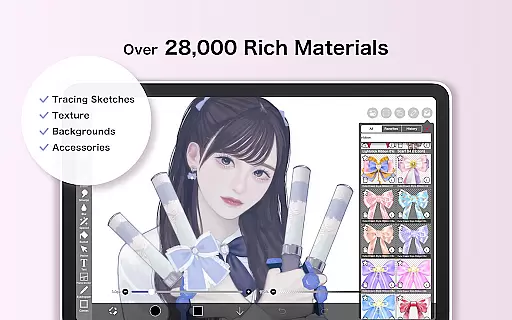
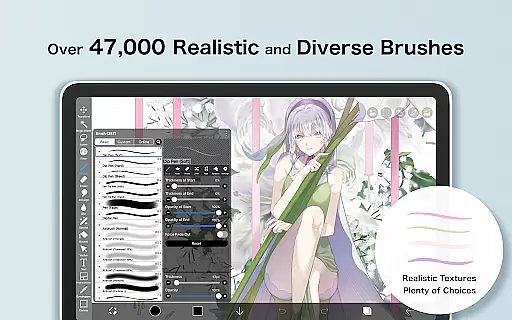
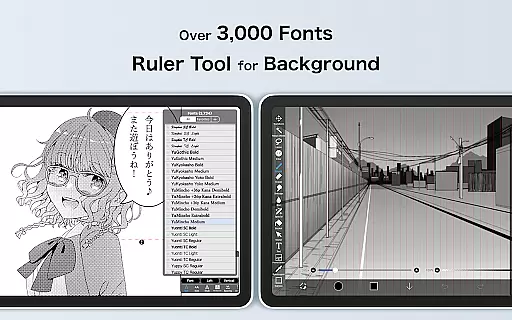
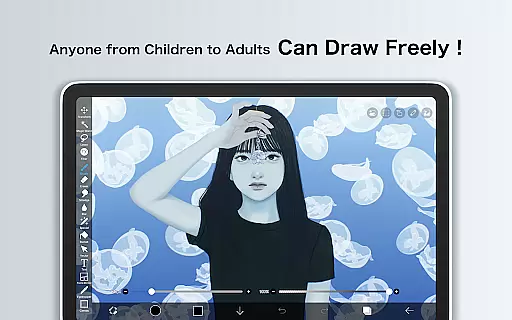
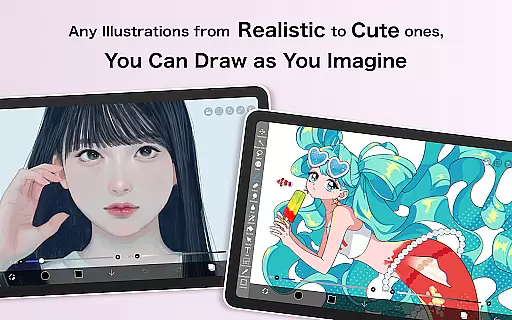
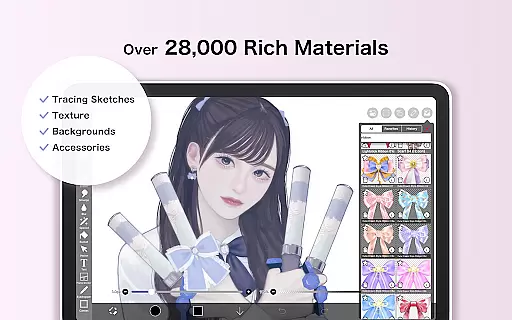
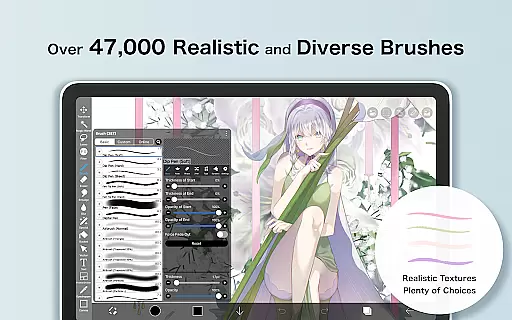
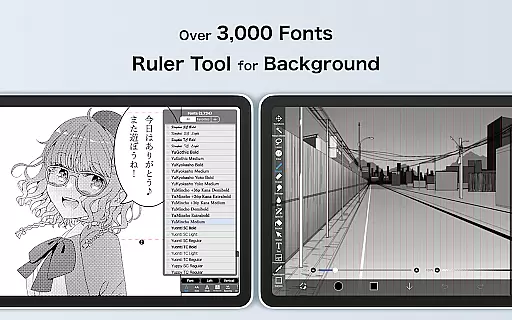
ibis Paint X is a premier drawing application that has been downloaded over 460 million times, offering users an extensive suite of artistic tools. With more than 47000 brushes, 27000 materials, and 2100 fonts, it caters to both amateur doodlers and professional artists. The app provides a versatile platform for creating art on mobile devices, featuring advanced options like stroke stabilization, animation support, and AI assistance.
This comprehensive app allows users to record their creative processes, share them with a built-in social network feature, and learn from others through tutorial videos available on its YouTube channel. Whether you're sketching, painting, or crafting manga, ibis Paint X delivers a smooth experience powered by OpenGL technology, ensuring every stroke is as natural as it would be on paper.
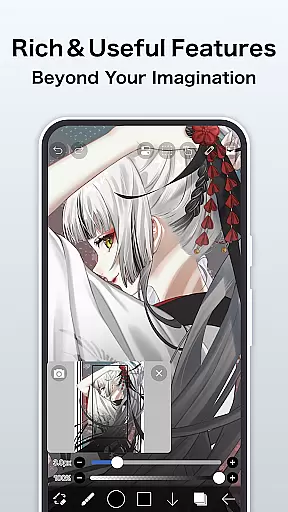
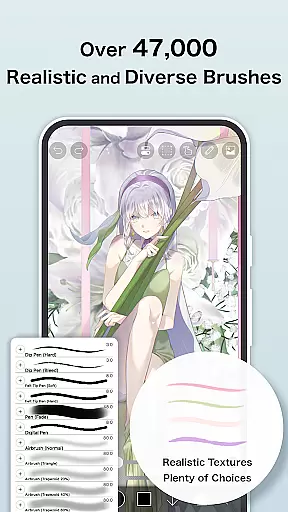
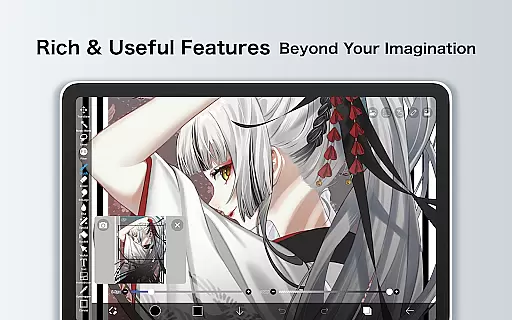
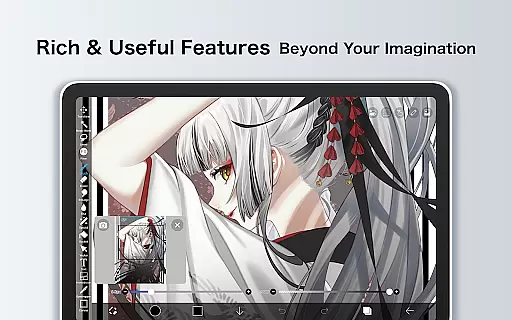
Among the standout features of ibis Paint X are its vast array of brush types, including dip pens, airbrushes, and oil brushes, which allow for a highly customizable drawing experience at up to 60 fps. The layer functionality supports unlimited layers and offers individual parameter settings such as opacity and blending modes, along with practical commands like duplication and inversion.
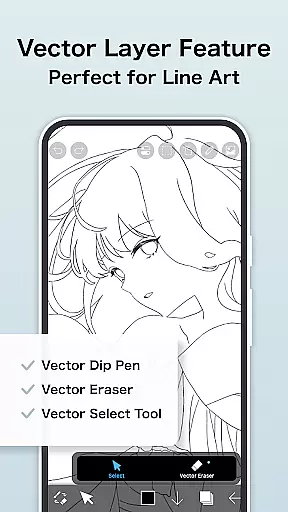
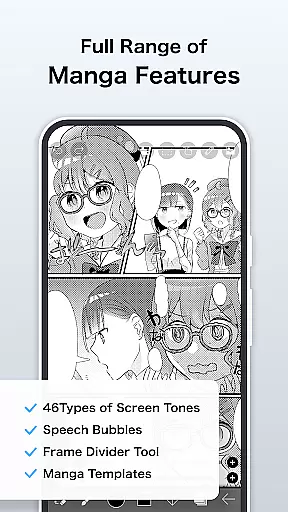
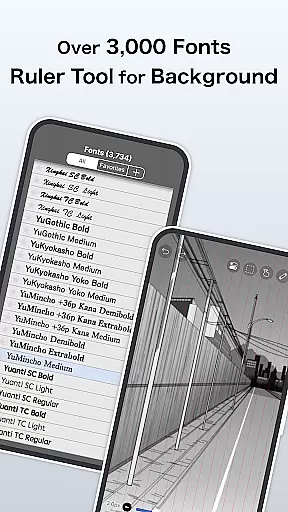
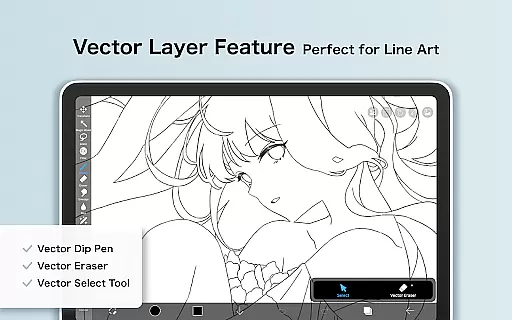
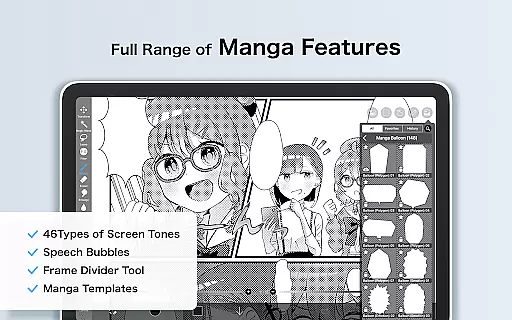
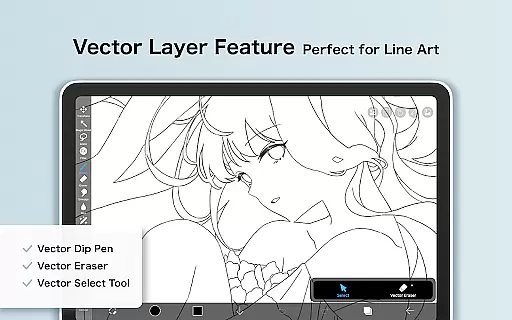
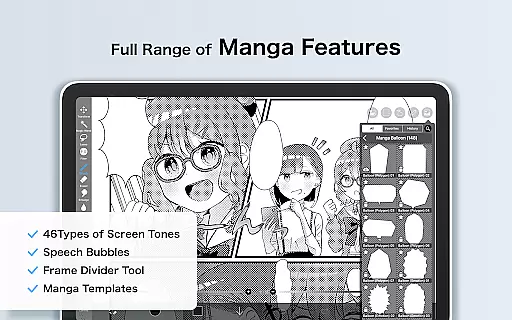
For manga creation, ibis Paint X includes an advanced text tool with vertical and horizontal writing options, font selection, and multi-text functions. Prime Membership unlocks exclusive features like 20GB cloud storage, vector tools, and specialized filters, enhancing productivity and creative potential. Additionally, the app facilitates learning and sharing through its unique social features and educational content.
In the realm of digital art, having a comprehensive suite of creative tools is paramount. ibis Paint X stands out by offering over 47000 brushes, which include a variety of types such as dip pens, felt tip pens, and even oil brushes. This vast selection allows artists to emulate traditional media or explore new styles digitally.
Layer functionality in ibis Paint X is robust, providing users with unlimited layers and individual layer parameter settings like opacity and blending modes. The inclusion of advanced text tools further enhances its utility for manga creation and graphic design work, making it an all-encompassing platform for various artistic endeavors.
For those seeking more specialized features, the Prime Membership unlocks vector tools, tone curve filters, and gradient map filters among others. These professional-grade options ensure that whether you're sketching casually or working on complex compositions, ibis Paint X has the necessary instruments to support your creative process effectively.
The flexibility of canvas and format options is crucial for artists who need to adapt their work across different mediums and sizes. ibis Paint X addresses this by allowing users to create custom-sized canvases without limitations, ensuring that every piece can be tailored precisely to the artist's vision.
With support for importing images from the photo library and applying transformations such as rotation, inversion, and scaling, artists have complete control over how they integrate external elements into their projects. This level of manipulation empowers creators to experiment freely within their compositions.
Prime Members gain access to exclusive canvas papers and fonts, adding another layer of customization potential. By removing watermarks from videos and enabling high-capacity cloud storage, ibis Paint X ensures that finished artworks are presented professionally and stored securely, ready for sharing or further development at any time.
User-friendly interface
Vast library of brushes
Advanced layer options
Professional manga tools
Active community support
Prime Membership cost
Complex for beginners
Ads in free version
Occasional bugs
High device requirements

Premium version of Shimeji-ee app with no ads & no limit active shimeji
 4.1
4.1
Create trending AI photos & videos with powerful effects and 3D styles.
3.20
Logo Generator powered by AI: Create stunning logos effortlessly!
4.70
Photo blender app to create overlay photos & double exposure.
4.40
Digital, Abstract, Classic - all types of color wheels in one app!
4.60
Get creative and make art with your Sesame Friends!
4.00
Your homescreen as an elegant glass with customized blur, lighting, and visuals.
3.70
Retouch photos. Create or edit images. Endless capabilities.
2.70
Draw, fidget, and spin glow art! Relax and express your creativity with a finger
4.60
Create stunning art with AI.
4.80
Turn your drawings into flipbook-style animations with simple creative tools
4.60
Get an overview over all your embroidery threads, projects and more.
4.60
Create neon drawing with magic doodle and fun doodle art effects!
4.50
Everything you need to create hand drawn animation, anywhere you go!
4.40
OneUI 8.5 icons ✨ Smooth, modern & based on the latest Play Store design ??
4.10
Powerful home decoration & house design that allows you to design dream home.
3.80
Sketch, trace and master AR drawing with awesome anime art!
3.30
Art of Combination Wear OS Watch Faces
3.30
Art of Combination Wear OS Watch faces (for Wear OS 5+ devices)
3.00

User Reviews