

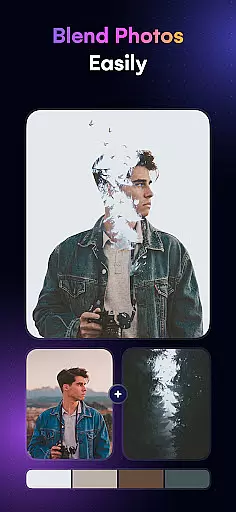
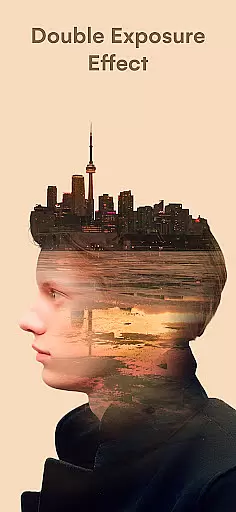
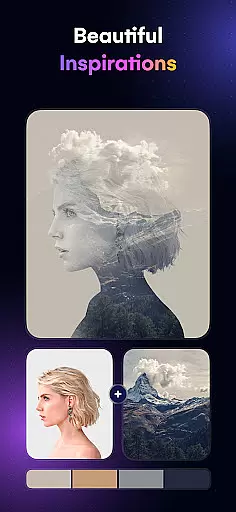
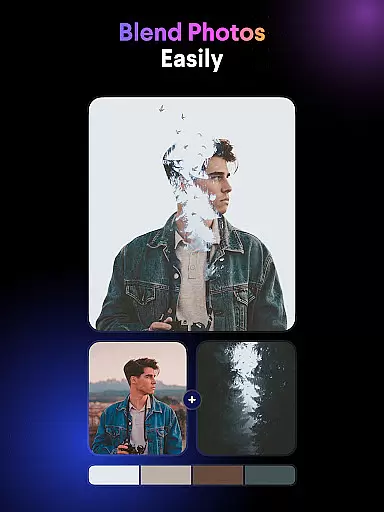
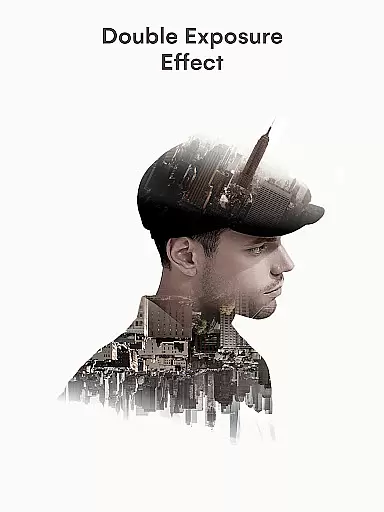
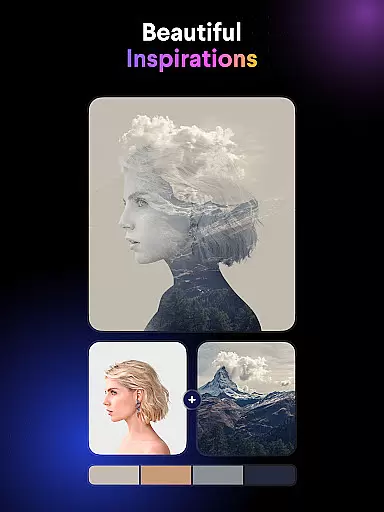
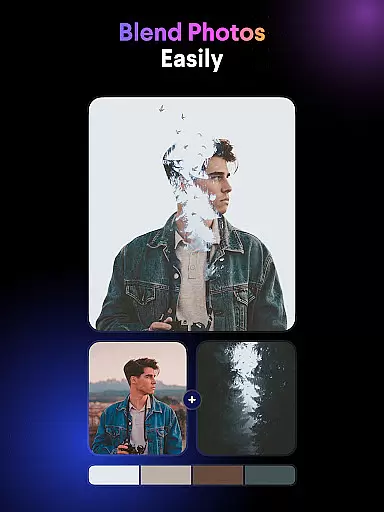
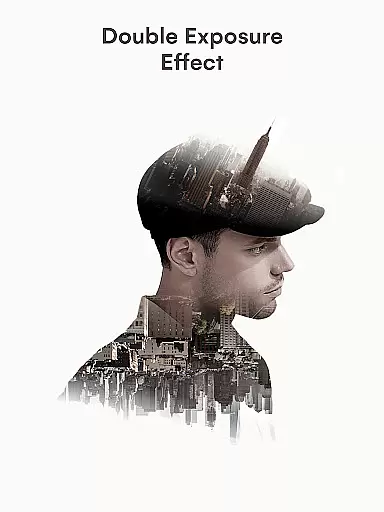
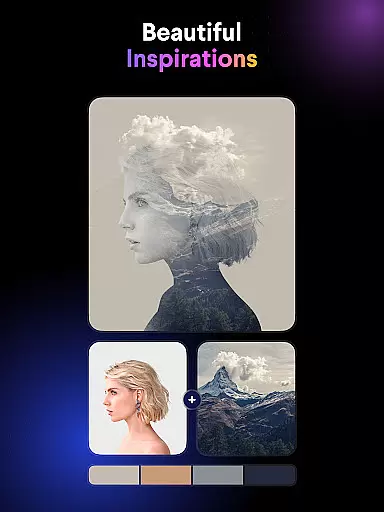
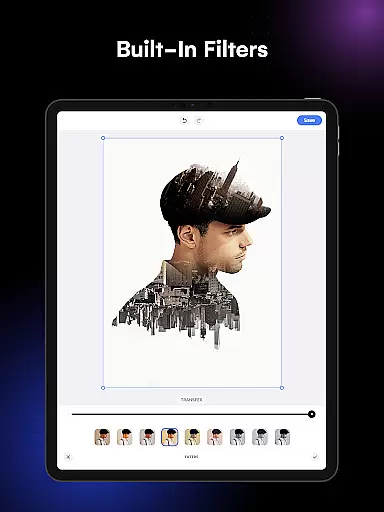
Blend Photos is an advanced photo editing application designed for both amateur and professional artists seeking to create stunning visual effects. This app specializes in double exposure and photo blending, allowing users to seamlessly merge multiple images into a single artistic composition. With its intuitive interface and powerful AI technology, Blend Photos makes it easy to produce professional-quality results without requiring extensive technical knowledge.
The app offers a comprehensive suite of features including automatic background removal, shape masking, gradient blending, and precise cropping tools. These capabilities enable users to create highly customized compositions while maintaining full creative control over their projects. Whether you're looking to enhance your social media presence or develop unique artistic content, Blend Photos provides the necessary tools to elevate your digital artwork.
One notable advantage of Blend Photos is its ability to save and share creations in HD resolution, ensuring that your blended images maintain exceptional quality across all platforms. The app's streamlined workflow and clutter-free design make it an ideal choice for creatives who value efficiency and precision in their photo editing process.
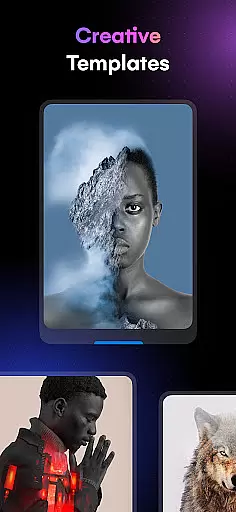
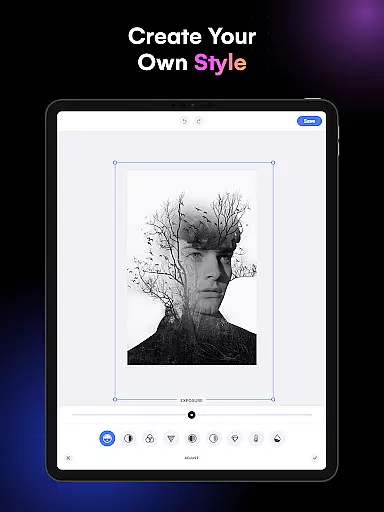
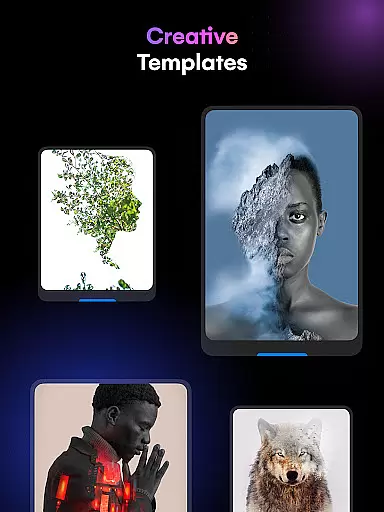
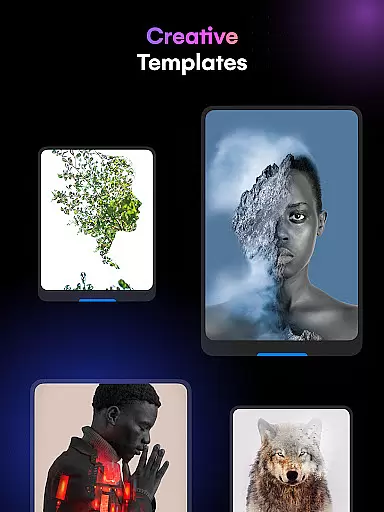
Blend Photos distinguishes itself through its sophisticated feature set tailored specifically for creative professionals. The application provides various photo blender templates that serve as excellent starting points for beginners while offering advanced users the flexibility to customize every aspect of their compositions. Its automatic background removal tool utilizes smart AI technology to precisely isolate subjects from their backgrounds, streamlining the editing process significantly.
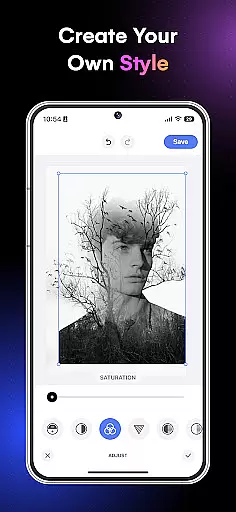
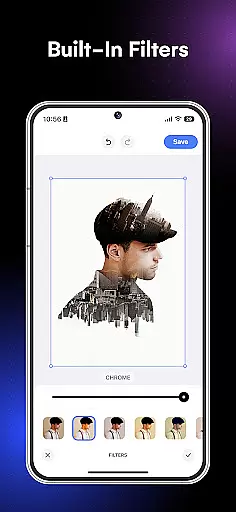
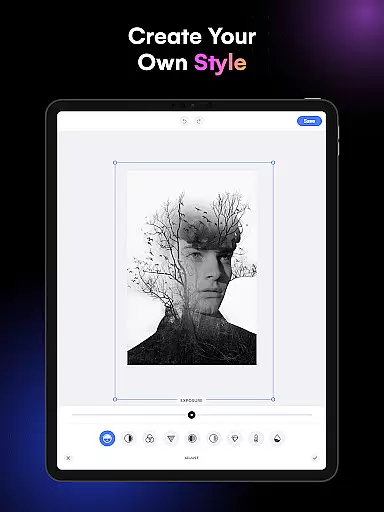
Among its most impressive capabilities are the advanced adjustment options for blending photos, which include precise controls for opacity, layering, and color balance. Users can experiment with different shape masks and gradient effects to create unique picture overlays that suit their artistic vision. The app also supports essential editing functions such as crop and rotation tools, ensuring that all basic image adjustments can be handled within a single platform.
What sets Blend Photos apart from other editing applications is its seamless integration of professional-grade features with user-friendly functionality. The app's ability to save and share high-resolution images directly to social media platforms demonstrates its commitment to providing a complete creative solution for digital artists and photographers alike.
Blend Photos offers a comprehensive suite of creative tools that cater to both novice and professional users. The app provides various photo blender templates, enabling users to create double exposure images effortlessly. With features like automatic background removal and advanced adjustment options, the app ensures that users have everything they need for their photo editing projects.
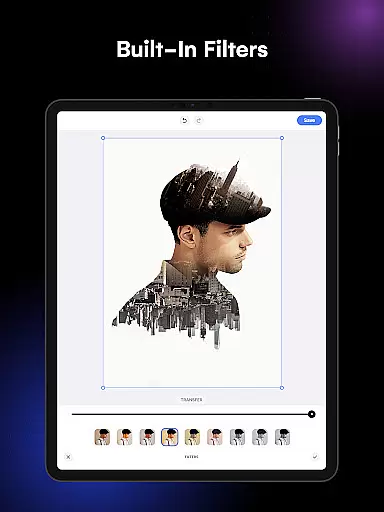
The inclusion of shape masks and gradient blend effects adds another layer of creativity, allowing users to craft visually stunning images. These tools are highly customizable, ensuring that each photo blender project can be tailored to individual preferences. Whether you're looking to crop, rotate, or add complex overlays, Blend Photos has the necessary tools to make your vision a reality.
Furthermore, the app supports HD resolution saving and sharing, making it easy to distribute your work on social media platforms directly from the app. This feature set not only enhances the quality of the final product but also streamlines the sharing process, ensuring that your creations look professional and polished.
Flexibility in canvas and format options is crucial for any art and design application, and Blend Photos excels in this area. Users can easily manipulate their canvas size and format to suit different project requirements. Whether you're working on a small-scale image or a large poster, the app's versatile canvas settings allow for precise adjustments.
In addition to canvas flexibility, Blend Photos offers a range of file format compatibilities. This ensures that users can import and export files in various formats without losing quality. The ability to save and share in HD resolution further underscores the app's commitment to providing high-quality output options.
Moreover, the app's clutter-free interface enhances the user experience by making these flexible options accessible and easy to navigate. By integrating smart AI technology, Blend Photos simplifies complex tasks like creating double exposure images and picture overlays, thus offering a seamless blend of flexibility and functionality. This combination empowers users to explore their artistic potential without being constrained by technical limitations.
User-friendly interface
Advanced AI technology
HD image quality
Comprehensive feature set
Direct social sharing
Limited free features
Subscription required
Occasional bugs
High system requirements
Learning curve

Sketch, plan, take notes and illustrate on an infinite canvas.
 4.20
4.20
Apply cartoon, caricature, and portrait effects to make your photos stand out!
3.60
Remove Background, Magic Eraser, Photo Enhancer, Story Templates, Collage Maker
4.30
Art of Combination Wear OS Watch Faces
3.30
Get an overview over all your embroidery threads, projects and more.
4.60
Inky runs Inkscape on Android devices and Chromebooks
2.90
Retouch photos. Create or edit images. Endless capabilities.
2.70
Create amazing pictures and unleash your creative genius with AR Drawing Sketch
4.40
Explore future self face age filter & remove background image for a unique look.
3.50
Minecraft & Roblox Clothes
4.70
Draw beautiful mandala's very easily
4.60
AI Tattoo Generator: Create Tattoo Designs & Get Ideas! Ink & Stencil Maker
4.50
800+ Drawing, Painting Lessons App to Practice, Sketch & Paint Art.
4.30
Text to Image, Image to Video & AI Chat
4.20
Create Logos, Tattoos, AI Art & more with our AI Photo Generator & Design Editor
4.20
Vidu is an AI video generator made for creators and aspiring makers.
3.30
Premium version of Shimeji-ee app with no ads & no limit active shimeji
4.3
Transform photos into amazing monochrome dither art with professional algorithms
4.4
Android 14 style widgets and wallpapers app.
4.3


User Reviews