

AR Drawing - Sketchar App is a revolutionary tool that combines augmented reality with artistic expression, allowing users to transform their surroundings into a creative canvas. The app utilizes advanced AR technology to enable drawing through the device's camera, making it possible to sketch everything from sample photos to entire scenes in real-time.
The application caters to artists of all skill levels, offering features such as simplified outlines for tracing, diverse lessons, and adjustable difficulty levels. With an extensive library of samples and the ability to import personal photos, users can explore unlimited creativity while enhancing their skills. Whether you're interested in anime, cartoons, animals, or landscapes, AR Drawing provides the tools needed to create stunning artwork.
This app is particularly useful for those who want to learn how to draw but aren't sure where to start. By merging reality with virtual elements, AR Drawing makes art accessible and enjoyable, empowering users to produce unique pieces and share them with a global community of 50 million artists.
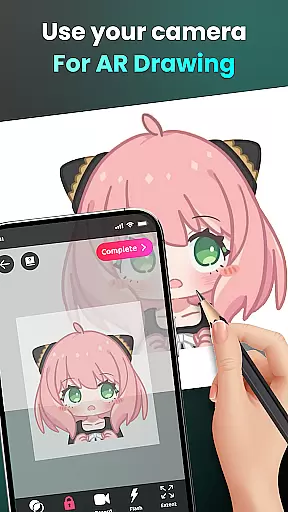
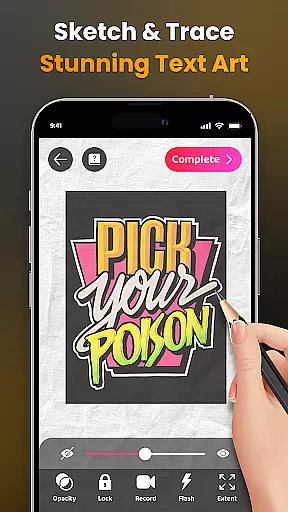
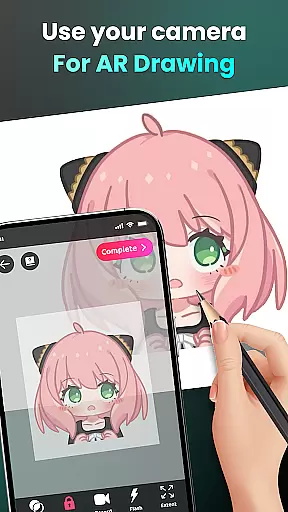
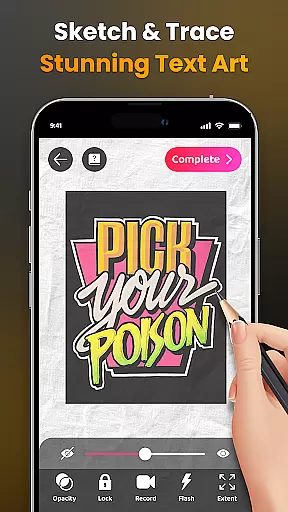
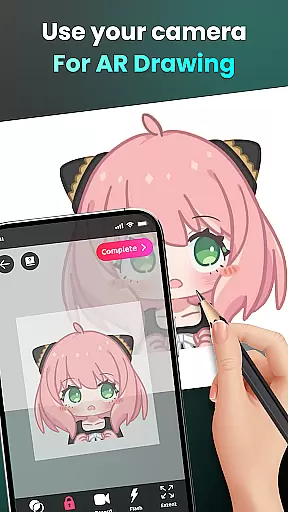
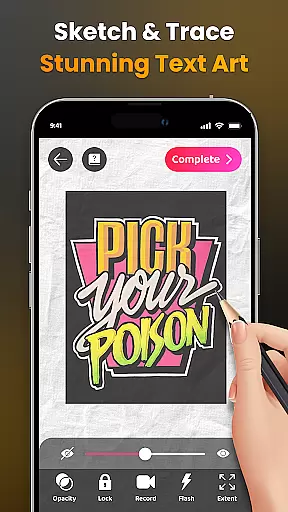
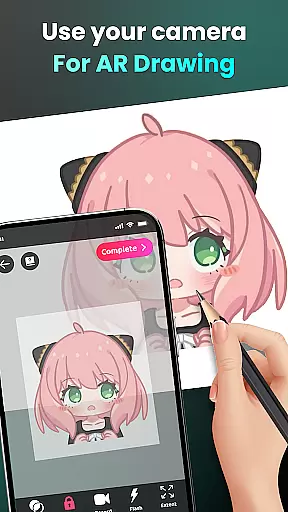
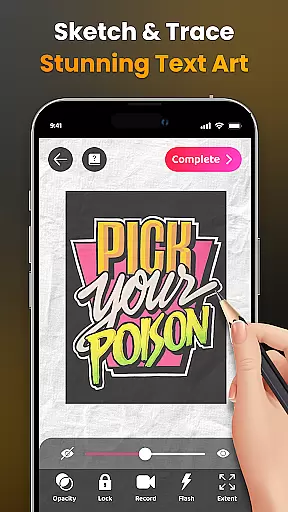
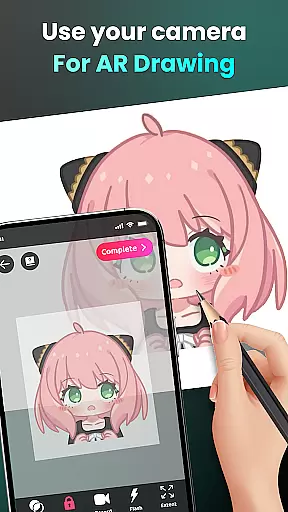
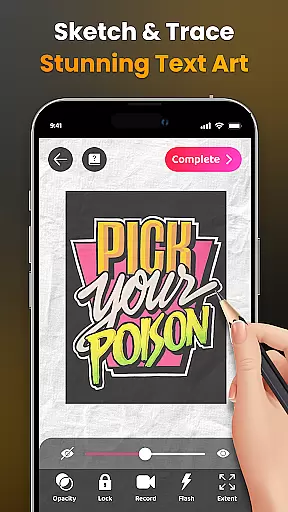
AR Drawing - Sketchar App stands out due to its innovative use of augmented reality technology. One of its key features is the ability to draw through the camera, which allows users to sketch live scenes or objects by simply positioning their phone on a stand and following the outlines displayed on the screen. This feature supports drawing beloved characters like Hello Kitty or Pikachu, as well as exploring various themes such as Anime, Cartoon, Animals, and more.
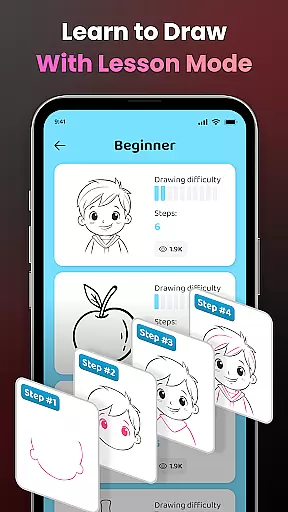
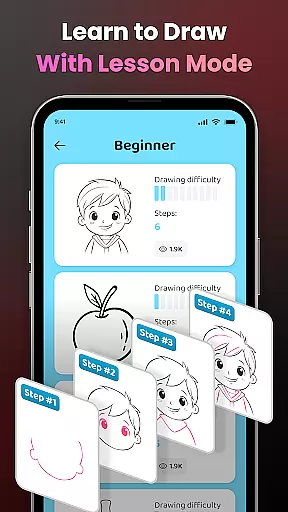
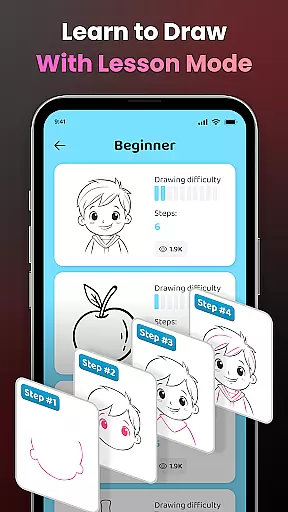
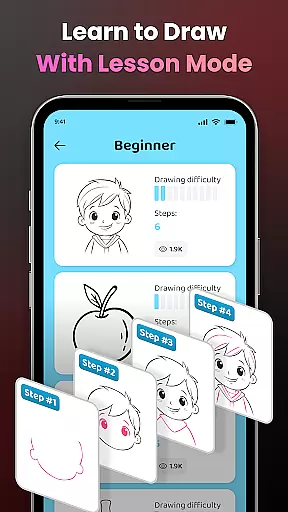
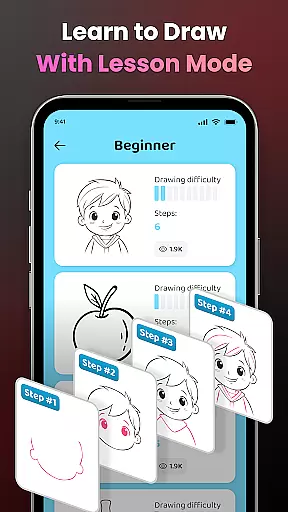
Another significant aspect is the app's educational component. It offers easy-to-follow lessons that cater to different skill levels, helping users improve their drawing abilities progressively. These lessons include transforming complex photos into simple outlines for tracing, providing a practical way to practice and refine techniques. Additionally, users can personalize their experience by adjusting opacity, recording videos of their drawing process, zooming in and out, toggling the flash, and extending images.
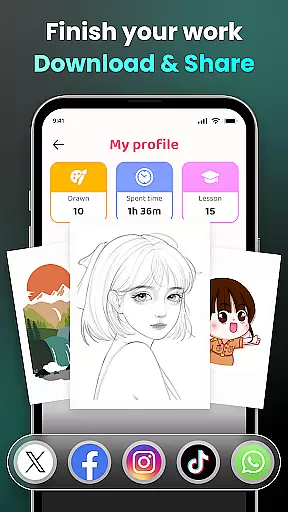
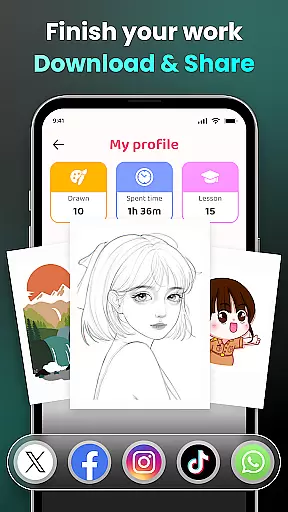
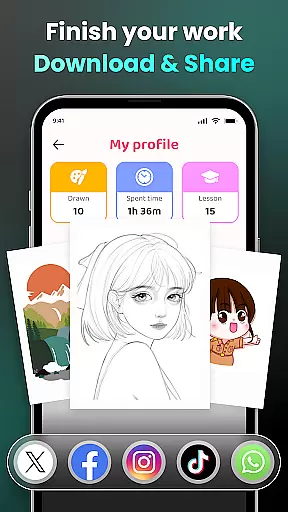
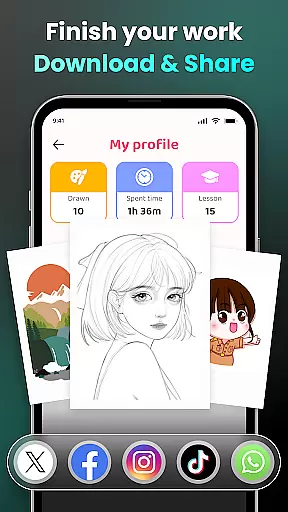
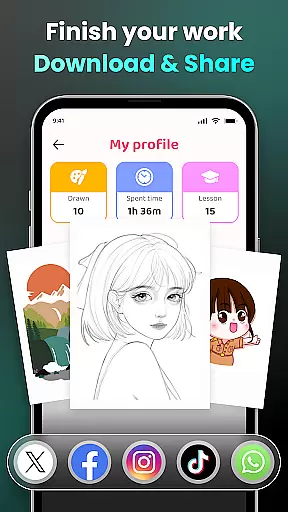
Sharing capabilities further enhance the app's appeal. Users can effortlessly share their finished artwork with friends and the larger community, download videos of their drawing processes, and track their improvement over time via personalized profiles. Detailed video tutorials are also available, ensuring beginners have the guidance they need to master specific drawings.
AR Drawing - Sketchar App offers a comprehensive suite of creative tools that cater to both novice and experienced artists. The app's augmented reality (AR) technology allows users to transform any real-world surface into a canvas, providing an innovative platform for artistic expression.
With features such as the ability to draw through the camera, users can sketch everything from sample photos to entire scenes with ease. The inclusion of adjustable opacity, flash control, zoom functionality, and video recording options empowers creators to capture their drawing process in detail and share it with others.
The app also provides a diverse range of lessons suitable for all skill levels, ensuring that learning to draw is accessible to everyone. These structured exercises help users improve their skills progressively while offering the freedom to explore various subjects like anime, cartoons, animals, and more.
By delivering these robust functionalities, AR Drawing - Sketchar App not only enhances the drawing experience but also encourages continuous learning and sharing within its community of 50 million users worldwide.
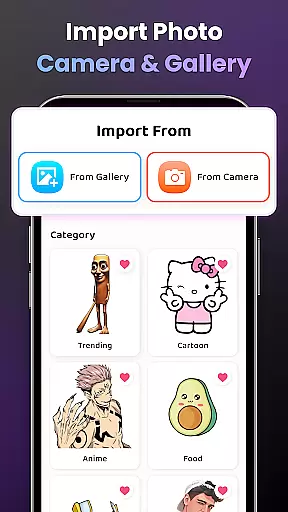
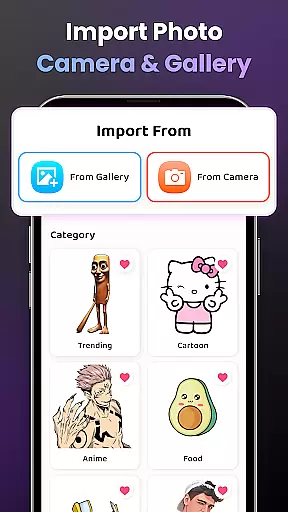
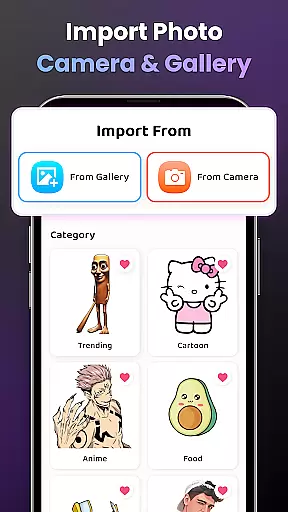
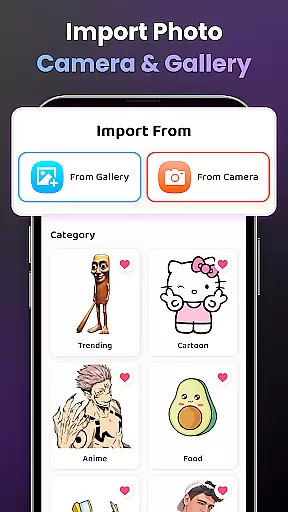
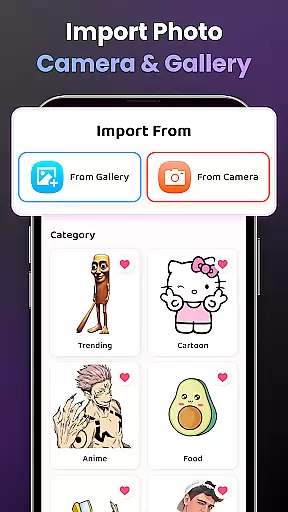
One of the standout features of AR Drawing - Sketchar App is its exceptional canvas and format flexibility, which enables artists to express their creativity without limitations. Users have the freedom to select from a vast library of samples or import images from their personal galleries, thus tailoring each project to their specific needs.
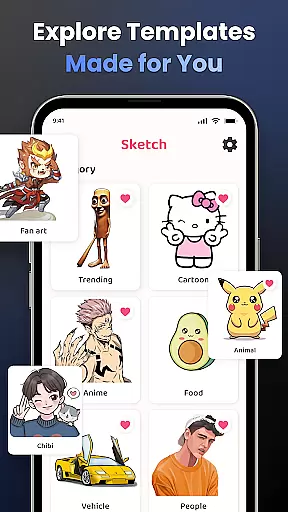
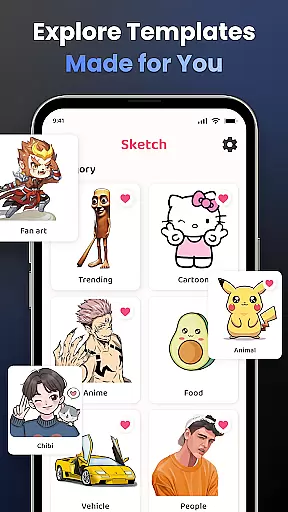
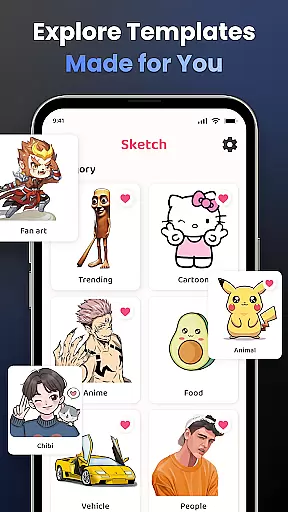
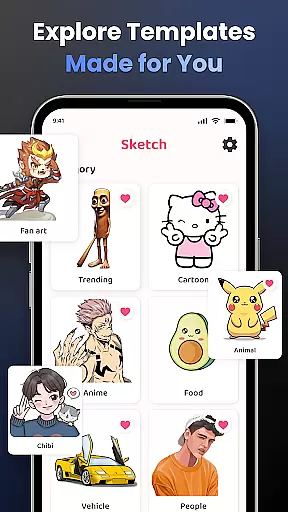
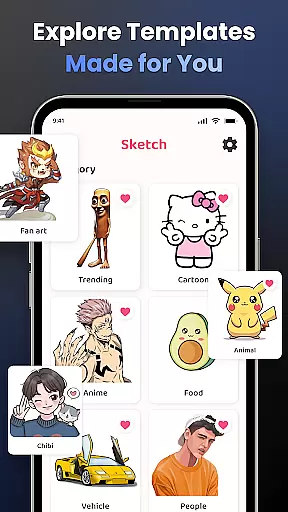
The app supports a wide array of popular drawing categories including Anime, Cartoon, Animal, Cute, Food, Chibi, People, Fanart, Vehicle, Flowers, Eyes, Christmas, Nature, and many others. This diversity ensures that artists can find inspiration and content that resonates with their interests.
Additionally, detailed video tutorials are available for beginners who wish to learn how to draw specific pictures. These resources guide users through complex techniques by breaking them down into manageable steps, making advanced drawing techniques more approachable.
Overall, AR Drawing - Sketchar Appu2019s flexible canvas options and extensive format support make it an invaluable tool for anyone looking to expand their artistic repertoire and create unique artworks effortlessly.
User-friendly interface
Versatile drawing options
Comprehensive learning resources
Active community support
Augmented reality integration
Requires stable internet
Premium content costs
Device compatibility issues
Limited offline functionality
Steep learning curve

AI generated images & photos, turn your words into drawing, painting & pictures.
 4.30
4.30
Art of Combination Wear OS Watch faces (for Wear OS 5+ devices)
3.00
Apply cartoon, caricature, and portrait effects to make your photos stand out!
3.60
Art of Combination Wear OS Watch faces
4.1
Resize photos and print photos in exact size with our powerful photo printer!
3.80
Art of Combination Wear OS Watch faces (for Wear OS 5+ devices)
3.90
Unleash the artist in you with our AR drawing and tracing tool for photo drawing
4.10
Explore future self face age filter & remove background image for a unique look.
3.50
Multiplayer Drawing game, Coloring, Painting・Sketch, Handwriting・Paint, draw
4.30
The ultimate tool for creating animations
4.60
Create color palette from Image, RGB & RYB Color wheel harmonies, Color Scheme
4.50
Painting, drawing, & sketching
4.50
Kling AI is an image and video generation and editing studio powered by AI.
4.50
Beauty Camera - Selfie Camera is the ultimate beauty camera and selfie app
4.30
AR Anime Drawing: How to draw anime with AR drawing & sketching apps!
4.00
Design unique, funny and adorable cat stickers that reflect your own style!
3.80
Your homescreen as an elegant glass with customized blur, lighting, and visuals.
3.70
Art of Combination Wear OS Watch faces
4.0
Your Essential Color Theory Guide: Red, Yellow, Blue (RYB)
4.3


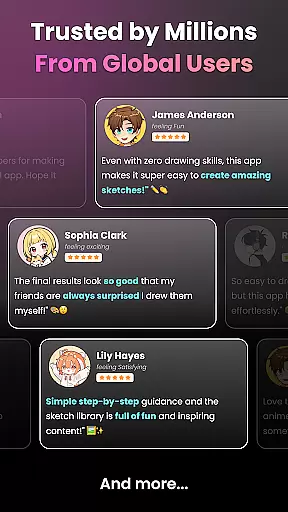
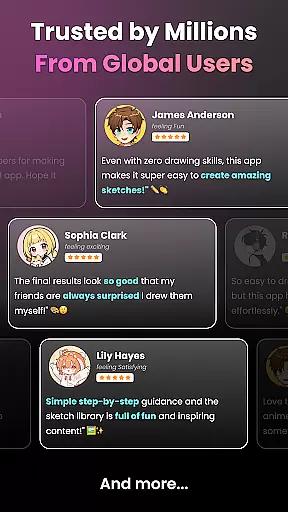
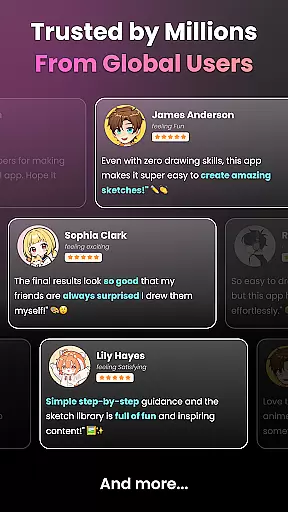
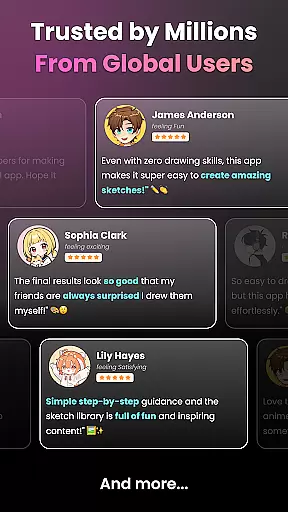
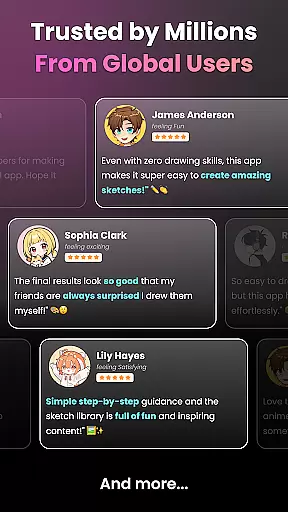
User Reviews