

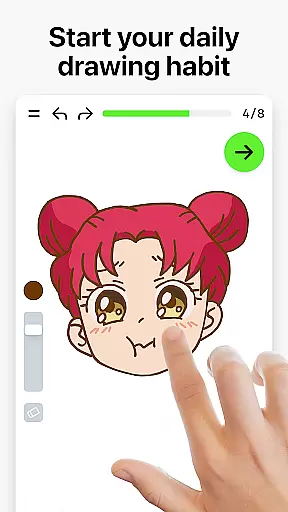
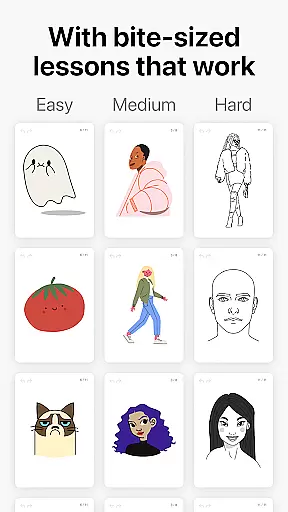
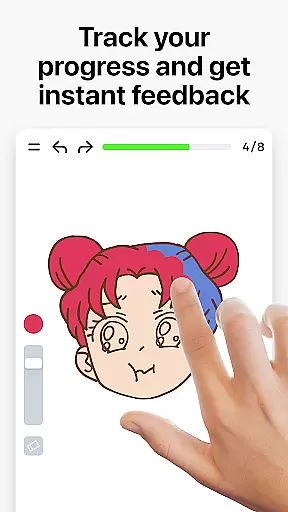
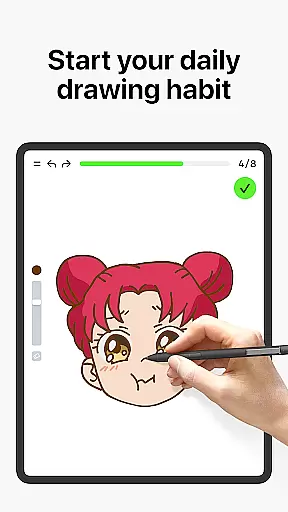
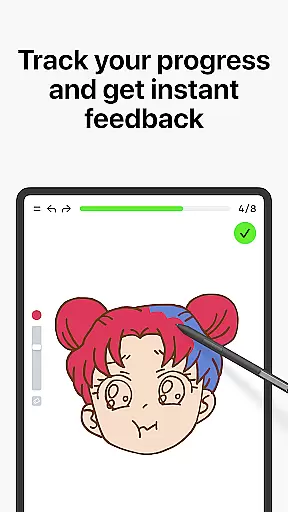
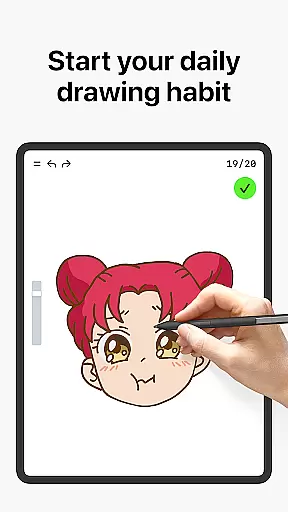
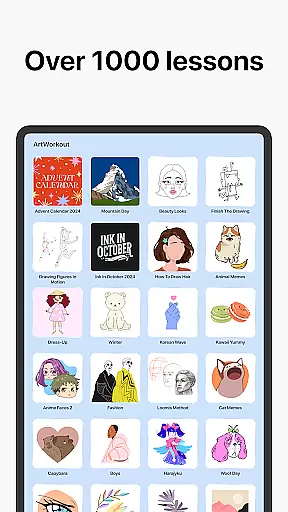
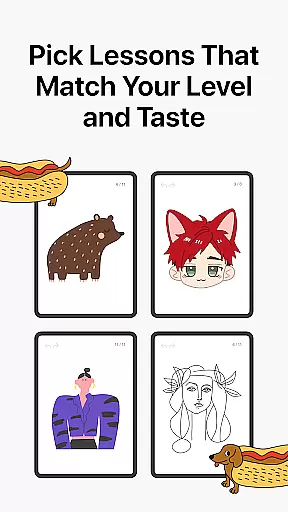
Learn how to draw is an innovative art education app designed for users of all ages and skill levels. The app combines structured drawing tutorials with interactive features, making it a comprehensive tool for both beginners and experienced artists. With over 1000 step-by-step lessons, Learn how to draw offers dynamic tutorials that break down complex techniques into manageable steps. Users can explore various art forms including sketching, painting, and doodling while receiving real-time feedback on their progress.
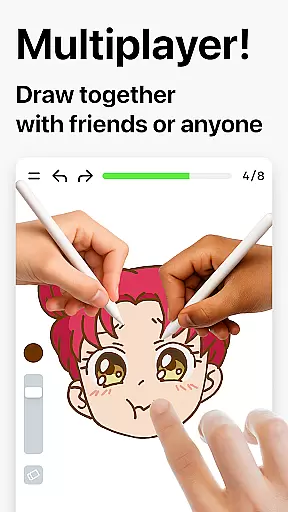
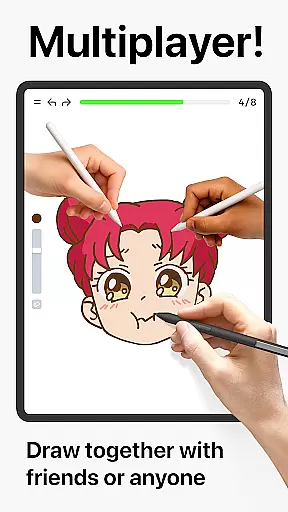
A standout feature of the app is its multiplayer mode, which allows users to draw and trace together in real time. This collaborative environment fosters creativity and friendly competition, making learning more engaging. Additionally, the app incorporates a unique scoring system that evaluates both accuracy and stroke quality, providing users with clear evidence of improvement. Whether you're looking to master basic techniques or refine advanced skills, Learn how to draw creates a supportive and enjoyable artistic journey.
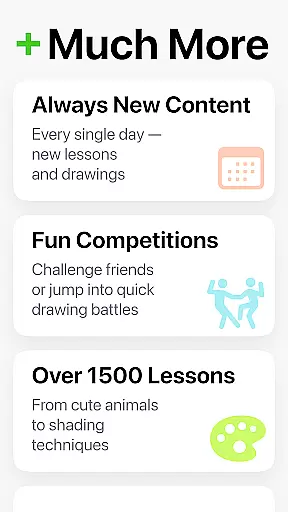
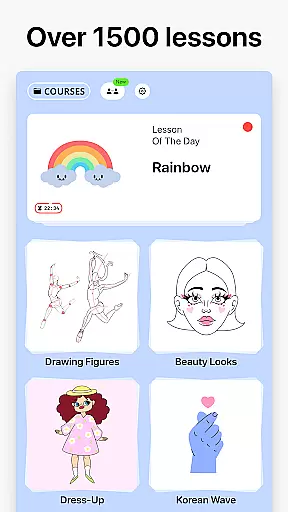
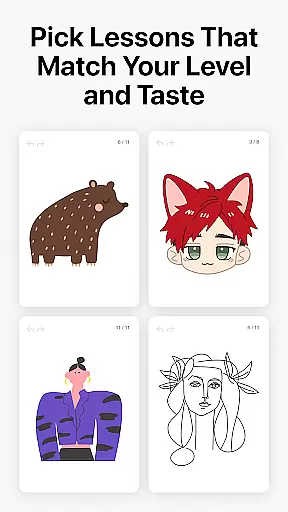
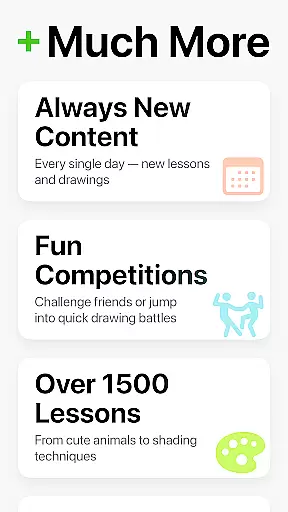
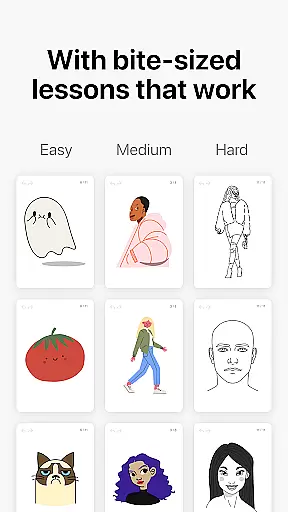
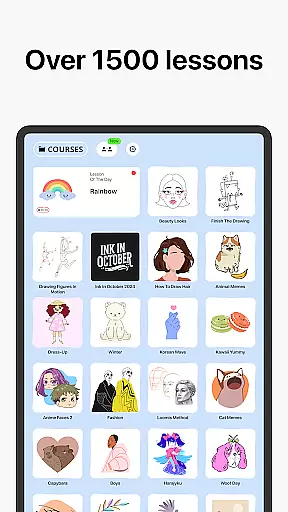
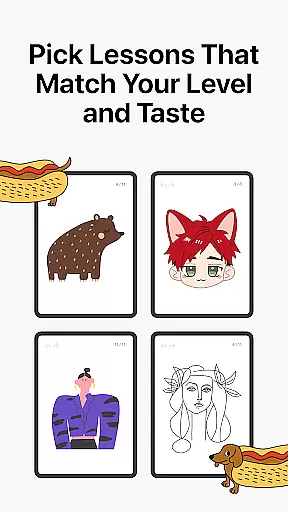
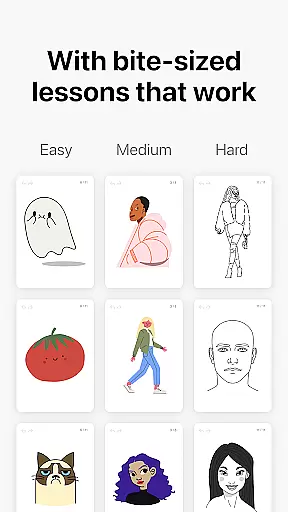
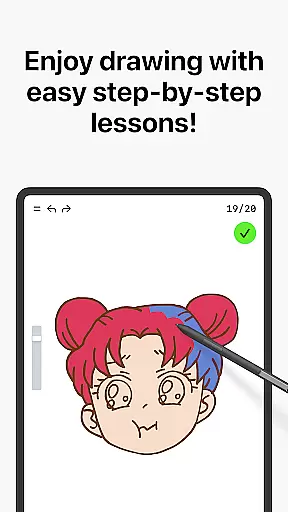
Learn how to draw stands out with its diverse range of features tailored to enhance the user's artistic development. One of the core components is the extensive library of over 1000 dynamic tutorials, each broken into 10-30 simple steps. These tutorials cover a wide array of topics, from basic sketching to intricate painting techniques, ensuring there's something for everyone. The app also includes themed courses based on holidays, cultures, and specific art styles, offering users endless creative possibilities.
The multiplayer mode is another key feature, enabling real-time collaboration with friends or other users worldwide. This social aspect transforms learning into a shared experience where users can compare progress and participate in challenges. Furthermore, the app provides immediate feedback through its scoring system, which measures both accuracy and stroke quality. This analytical approach helps users identify areas for improvement while encouraging steady progress. By blending education, relaxation, and fun, Learn how to draw ensures a fulfilling and stress-free artistic experience.
In the realm of digital art, having access to comprehensive creative tools is essential for both beginners and professional artists. ArtWorkout offers an extensive suite of over 1000 step-by-step tutorials that cover a wide array of techniques including sketching, painting, and drawing. These dynamic tutorials are broken down into manageable 10-30 step processes, allowing users to follow along easily and master various artistic methods at their own pace.
What sets ArtWorkout apart is its unique multiplayer mode, which fosters a collaborative environment where users can draw and trace together in real time. This feature not only enhances the learning experience but also adds a social element that encourages friendly competition and co-learning. By providing interactive courses in doodling, sketching, drawing, painting, and even handwriting, ArtWorkout ensures that all aspects of art creation are covered, making it a versatile tool for honing one's craft.
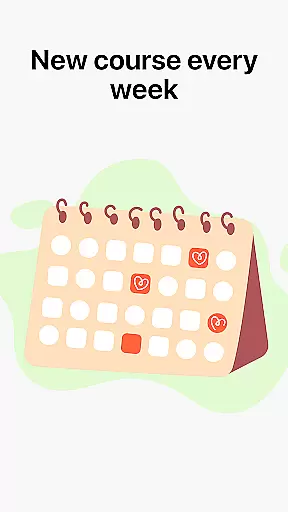
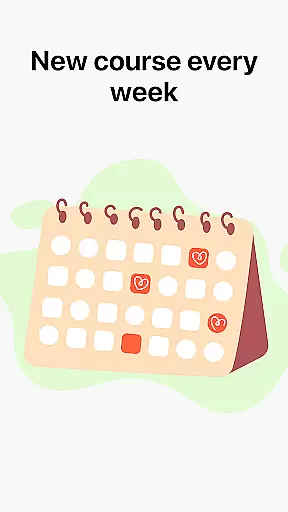
The app further enriches the useru2019s journey with weekly new courses inspired by global cultures and time-limited holiday events. With this continuous update of content, users will never run out of things to learn or inspirations to explore. The inclusion of themed courses allows artists to delve into specific topics they are passionate about, ensuring that every session on ArtWorkout is as engaging as it is educational.
User-friendly interface
Extensive tutorial library
Real-time multiplayer mode
Innovative scoring system
Suitable for all skill levels
Limited advanced tools
Occasional subscription fees
Internet connection required
Ads in free version
Steep learning curve for some


Download now for a stylish and functional timepiece
 4.5
4.5
Image/ Text to Video Generator
4.40
Remove Background, Magic Eraser, Photo Enhancer, Story Templates, Collage Maker
4.30
Art of Combination Wear OS Watch Faces
4.1
Create color palette from Image, RGB & RYB Color wheel harmonies, Color Scheme
4.50
Convert image to JPG PNG HEIC PDF, support almost all kinds of image formats
4.70
Turn your drawings into flipbook-style animations with simple creative tools
4.60
2D animation studio for Android tablets - unlimited layers, infinite timeline
4.70
Your homescreen as an elegant glass with customized blur, lighting, and visuals.
3.70
Your AI soulmate — meaningful chats, and unique emotional moments
4.70
Draw on screen: FP sDraw is a simple and lightweight drawing app
4.70
AI generated images & photos, turn your words into drawing, painting & pictures.
4.30
Trace, draw, and create art with AR - from memes to masterpieces!
4.30
Bring One UI 8.5 Icons to life -elegant dark icons with a modern, premium touch.
4.30
Text to Image, Image to Video & AI Chat
4.20
Create Logos, Tattoos, AI Art & more with our AI Photo Generator & Design Editor
4.20
Floor Plan Creator lets you create, edit and share floor plans.
4.00
Experience next-gen icons with a modern liquid glass look.
3.60
Create sweet, cool and unique couple avatars easily, in just a few steps!
3.40

User Reviews