

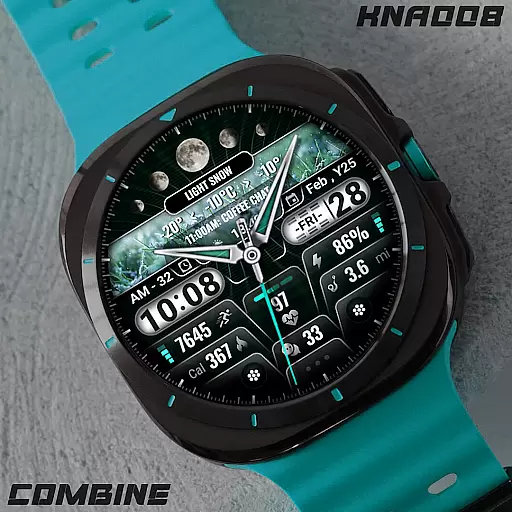
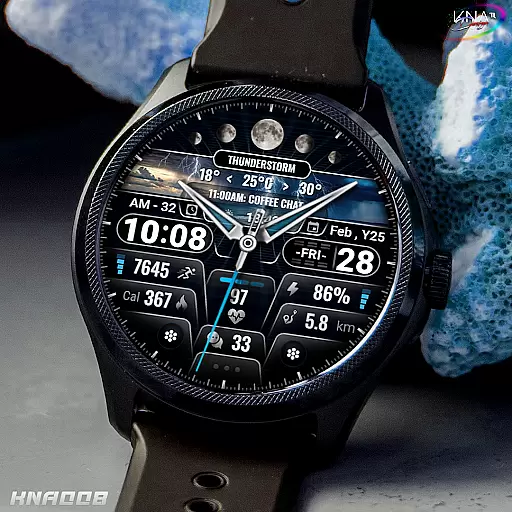
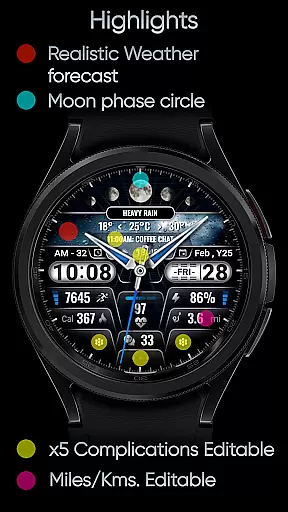
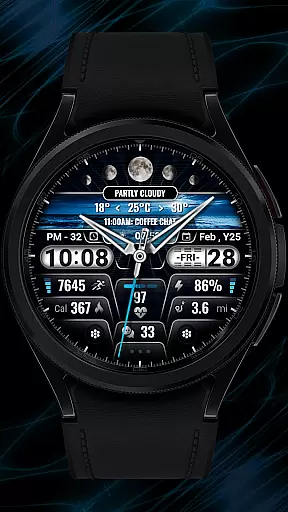
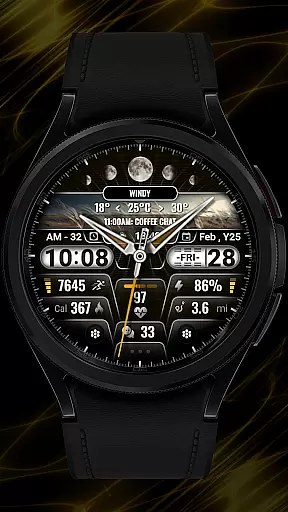
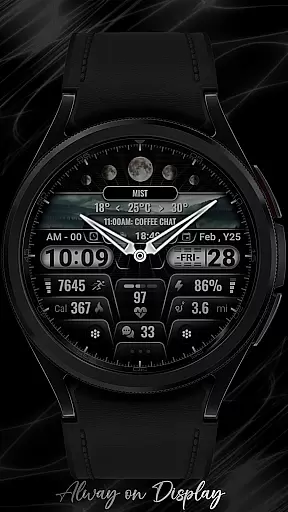
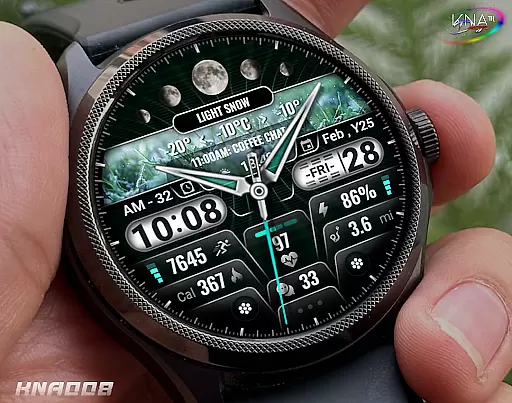
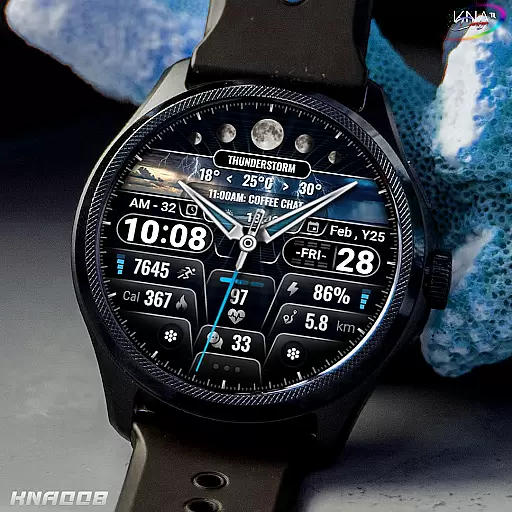
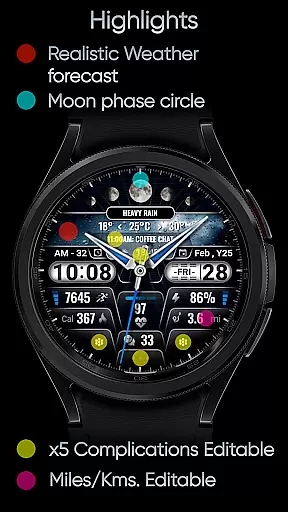
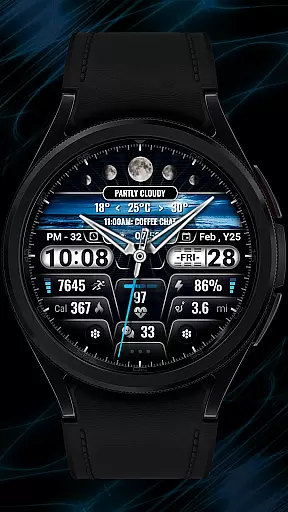
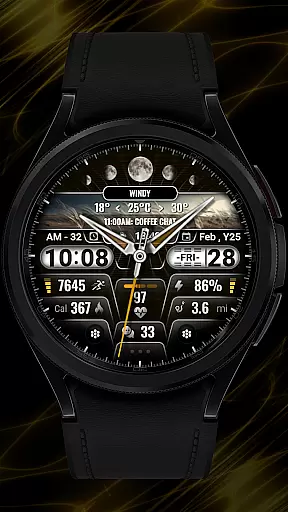
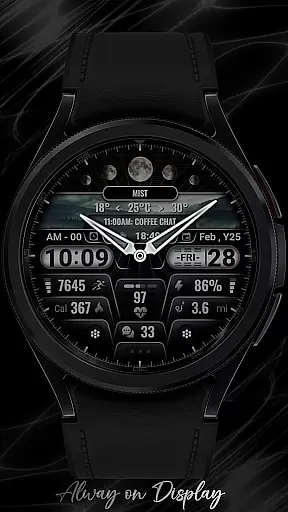
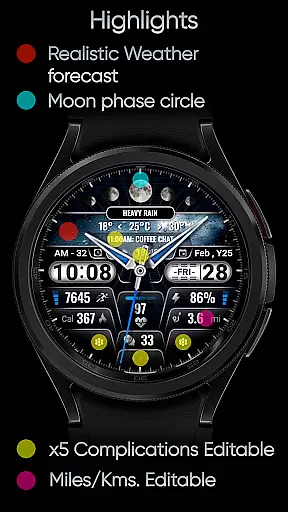
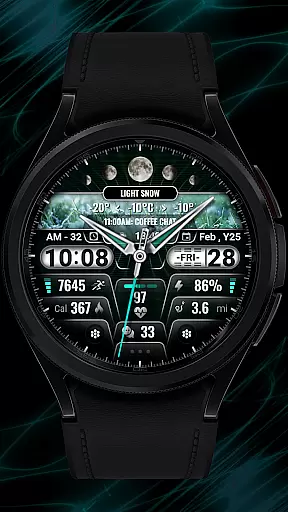
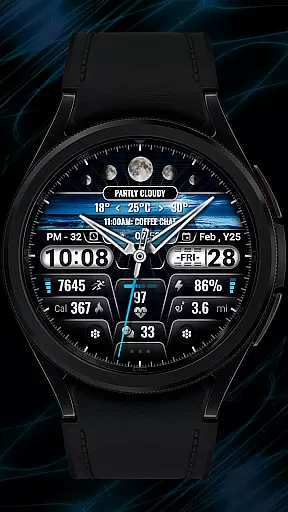
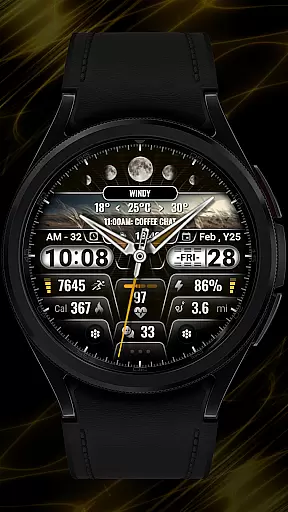
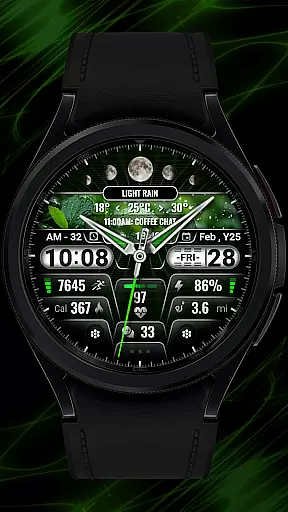
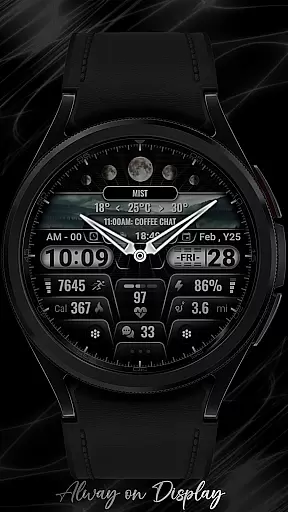
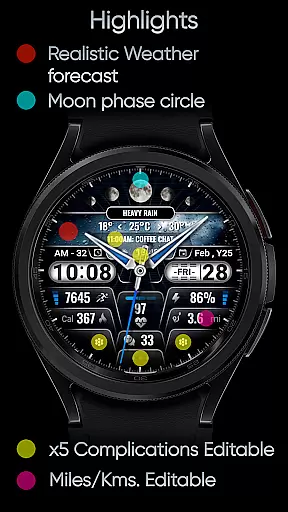
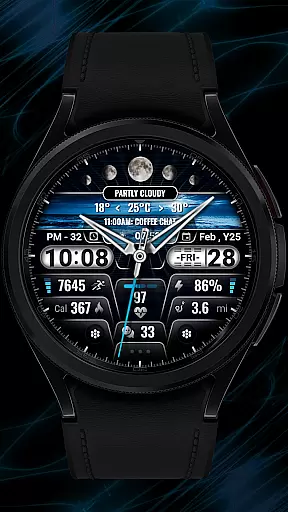
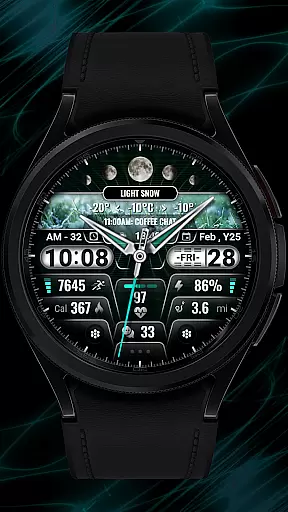
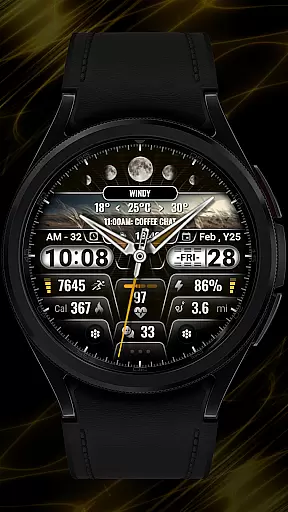
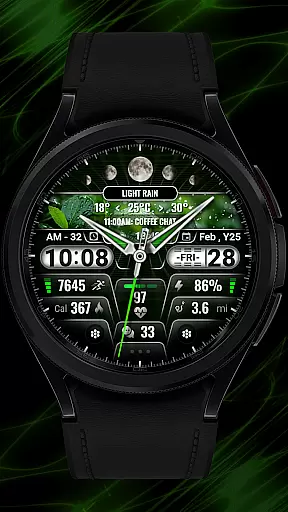
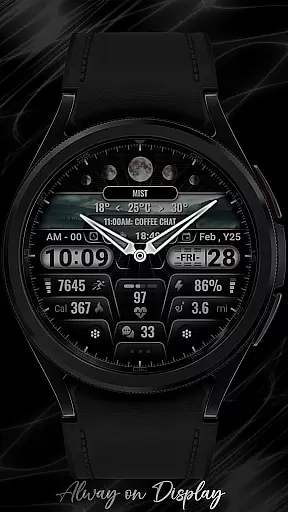
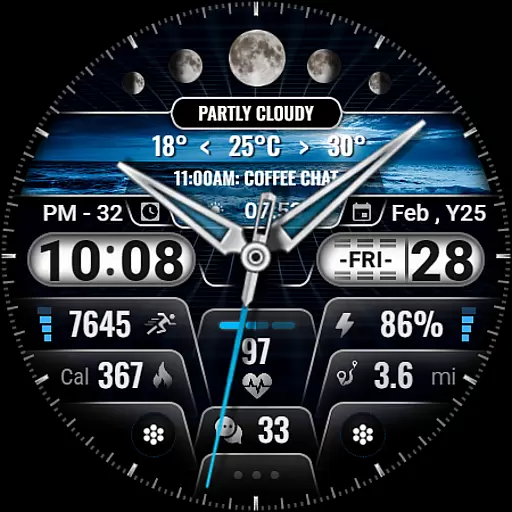
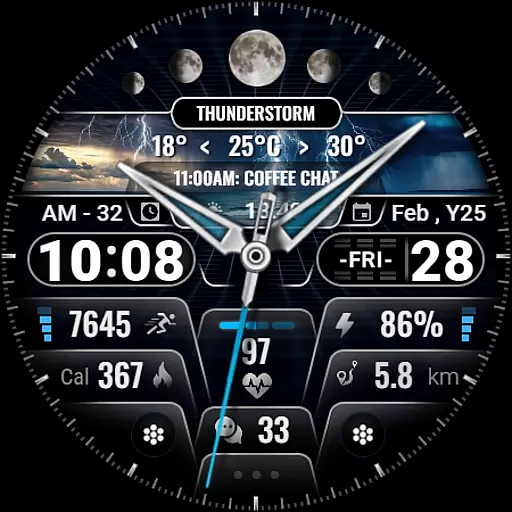
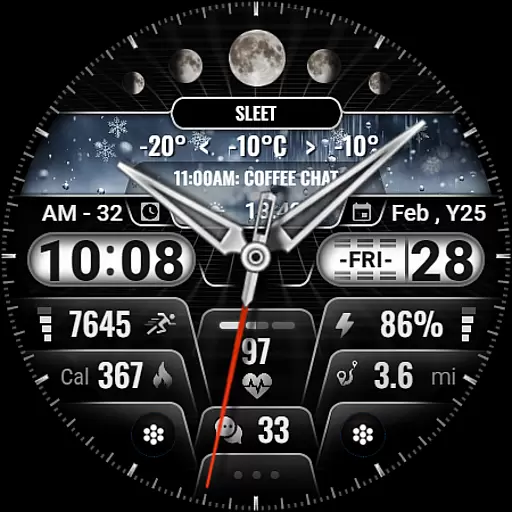
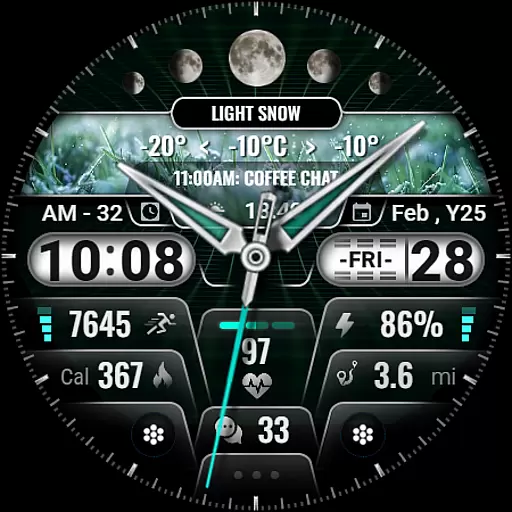
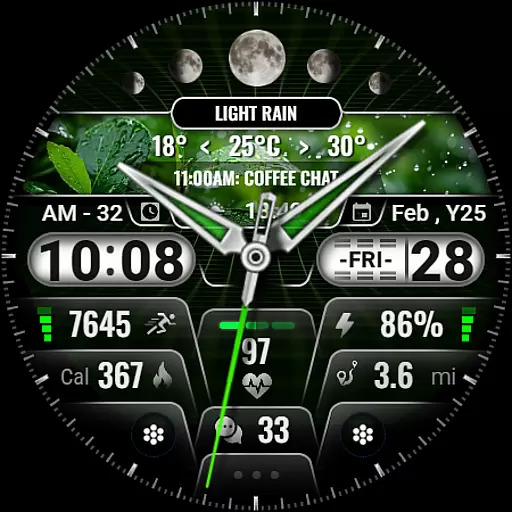
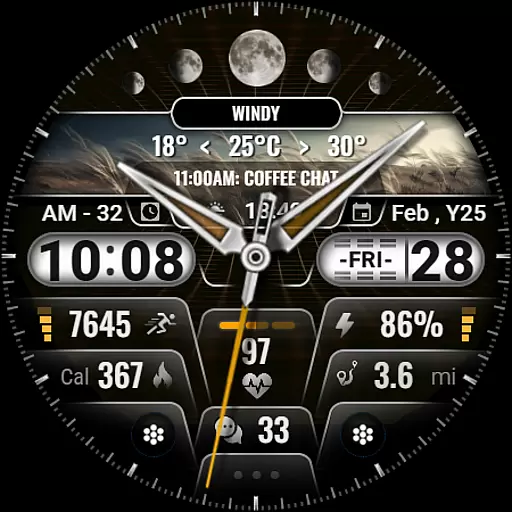
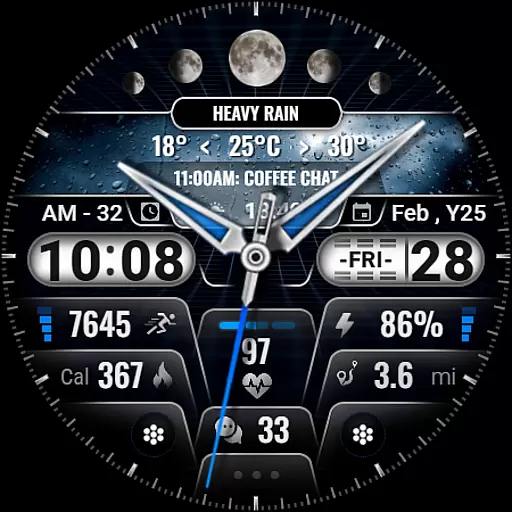
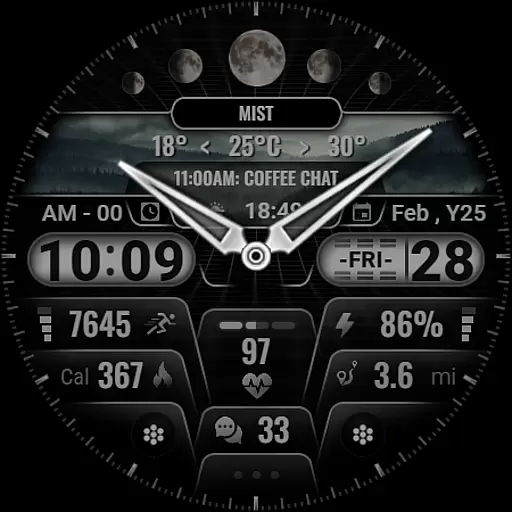
[KNA008] COMBINE is a feature-rich watch face designed specifically for Wear OS devices, offering users an enhanced and customizable experience. This application supports advanced functionalities such as hybrid time formats, realistic weather forecasts, and multiple complications that can be tailored to individual preferences.
With its sleek design and versatile features, this watch face is ideal for users who want both style and utility on their smartwatches. The app provides essential information at a glance, including date, day of the week, moon phase, and health metrics like heart rate and step count. Its compatibility with various Wear OS devices ensures broad usability across different models.
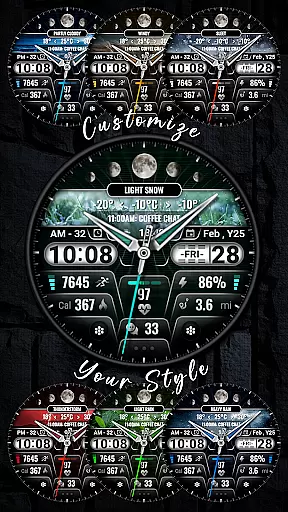
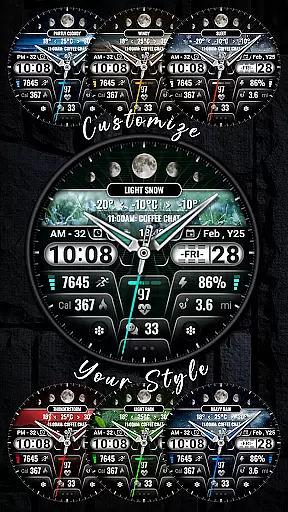
The true value of [KNA008] COMBINE lies in its ability to transform a simple watch face into a personalized dashboard. Users can customize colors, styles, and data points displayed, making it a perfect companion for those who seek both aesthetics and functionality in their wearable technology.
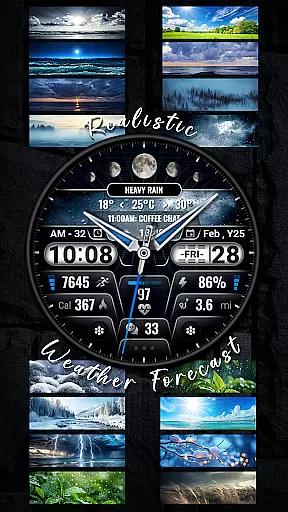
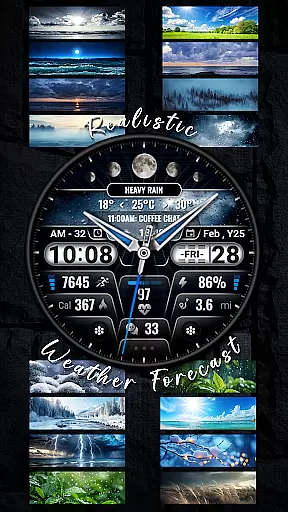
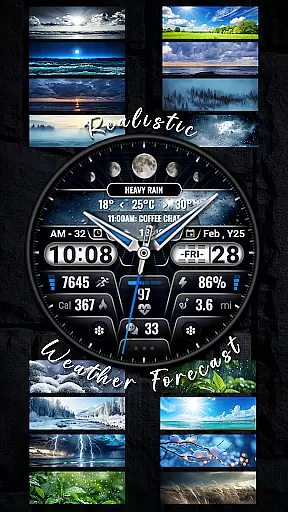
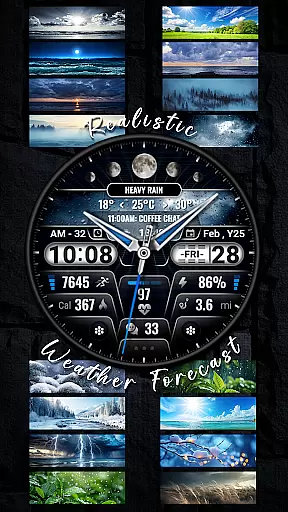
This application stands out due to its extensive customization options and robust feature set. It offers hybrid styles with 12/24 hour time formats, realistic weather forecasts, and detailed health tracking metrics such as steps count, heart rate, and calories burned.
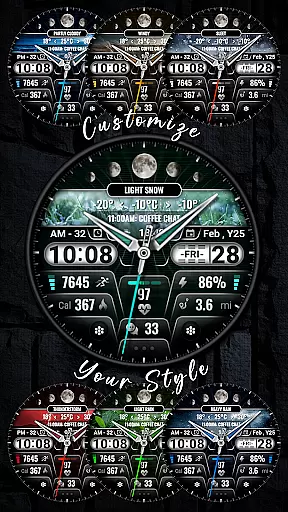
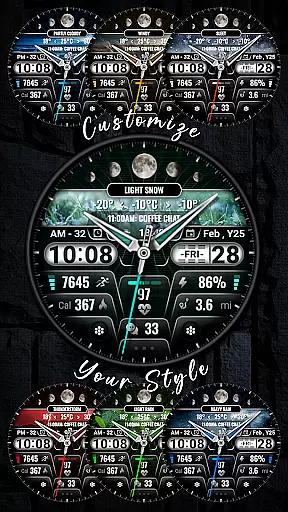
One of the key highlights is the ability to edit up to five complications, allowing users to display the most relevant information for their needs. These include battery level, next event, unread messages, sunrise & sunset times, and distance calculations. With nine color choices and ten unique styles, personalization reaches new heights.
Moreover, the intuitive customization process makes it easy for users to adjust settings directly from their watch. By simply touching and holding the display, users can tap into a variety of options to tailor the watch face to their liking. This seamless integration of form and function ensures that [KNA008] COMBINE remains a top choice for Wear OS users.
When it comes to designing watch faces for Wear OS devices, having a comprehensive set of creative tools is essential. The [KNA008] COMBINE watch face offers an impressive suite of features that cater to both aesthetic customization and functional utility. With options like Hybrid Styles supporting 12/24 hour time formats, Realistic Weather forecast, and Moon phase circle, users can create a personalized and visually appealing timepiece.
The application provides up to 5 customizable complications, allowing users to tailor their watch face with the data most important to them. Whether it's Steps Count, Heart Rate, Battery Level, or even Sunrise & Sunset times, the ability to display relevant information on your wrist enhances both convenience and style. Additionally, the inclusion of 9 Colors and 10 Styles ensures that there's a design option for every taste and occasion.
For those who appreciate detailed personalization, this app supports advanced metrics such as Calories Calculation and Distance tracking in either miles or kilometers. These features not only make the watch face more engaging but also turn the wearable into a practical tool for health and fitness enthusiasts. By offering such a wide array of creative tools, [KNA008] COMBINE empowers users to craft a unique and functional Wear OS experience tailored specifically to their lifestyle.
A key aspect of any design tool is its canvas and format flexibility, which allows creators to bring their visions to life without constraints. The [KNA008] COMBINE watch face excels in this area by providing extensive customization options that adapt to various Wear OS devices. Before installation, users are advised to check their watchu2019s compatibility with WEAR OS, ensuring optimal performance across different models.
One notable feature is the ability to customize through simple touch interactions directly on the watch display. Users can access these settings by touching and holding the display, then tapping on the Customize Option. This intuitive interface makes it easy to adjust elements such as complications, which can be set to show weather updates, world clocks, or other useful data points.
Furthermore, while some features might not be available on all watches due to hardware limitations, the overall flexibility offered by [KNA008] COMBINE ensures that most users will find value in its diverse design capabilities. For additional support or inquiries, users can reach out via email, reinforcing the developer's commitment to customer satisfaction. This blend of adaptable design options and responsive support underscores the app's dedication to delivering a versatile and user-friendly canvas for Wear OS watch faces.
Highly customizable
Realistic weather updates
Comprehensive health metrics
Versatile complication options
Sleek and modern design
Limited device compatibility
Some features not available on all watches
Requires latest Android version
No automatic application after installation
Complicated setup process

Discover Cartoon Dream : Unleash Your Creativity with CuttingEdge AI
 4.50
4.50
Download now for a stylish and functional timepiece
4.4
Learn how to draw with step-by-step tutorials, fun lessons & multiplayer drawing
4.70
Design your dream room with AI. Get decor ideas & plan home interiors
3.90
Create stylish invitation cards using templates for weddings, birthdays & RSVP.
4.20
AI Face Swap, Video Effects Editor, Realtime Morph, Funny Video FX,AI Filters
3.70
800+ Drawing, Painting Lessons App to Practice, Sketch & Paint Art.
4.30
Get an overview over all your embroidery threads, projects and more.
4.60
AI Tattoo Generator: Create Tattoo Designs & Get Ideas! Ink & Stencil Maker
4.50
Passport size photo maker, create ID photo and visa photo in seconds
4.80
Image resizer to resize, crop, rotate, flip, change dpi photo or picture in bulk
4.60
Stylish letters, Stylish Keyboard, Symbols, Emojis, Cool nickname
4.40
Everything you need to create hand drawn animation, anywhere you go!
4.40
Easy 3D drawing design maker & creator. Model designing, Sculpting. Create&paint
4.00
Sketch, trace and master AR drawing with awesome anime art!
3.30
Pose and morph realistic male and female models! 3D poser app
3.00
Art of Combination Wear OS Watch faces
4.2
Art of Combination Wear OS Watch Faces
4.4
A luxurious gold watch face for an elegant and refined look.
4.0

User Reviews