

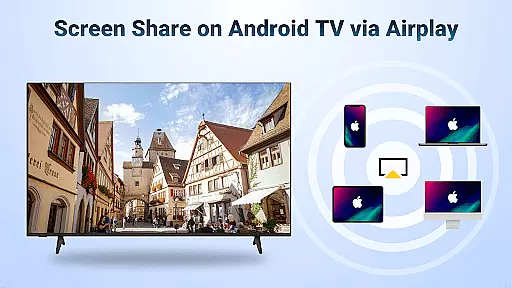
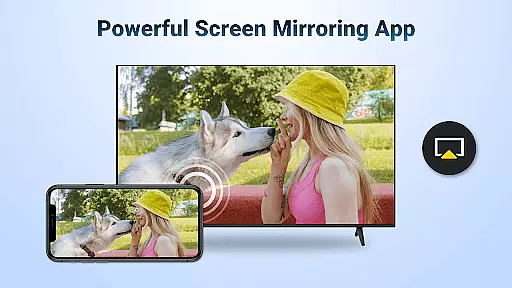
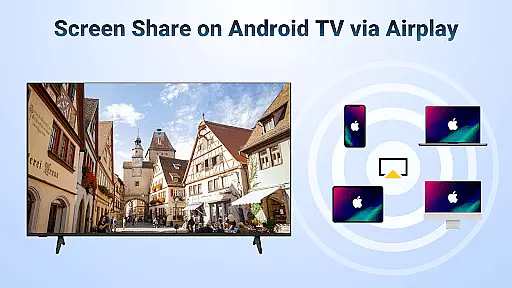
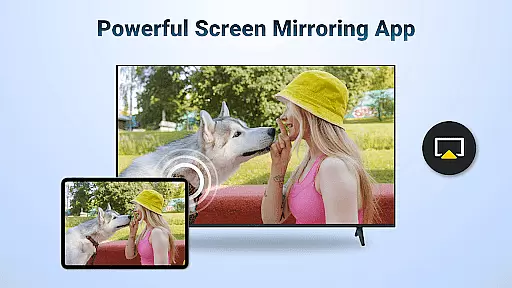
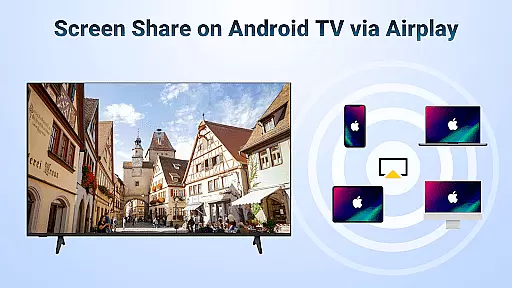
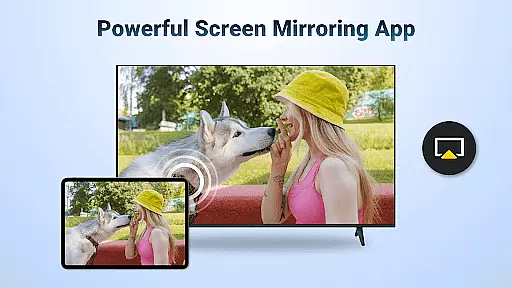
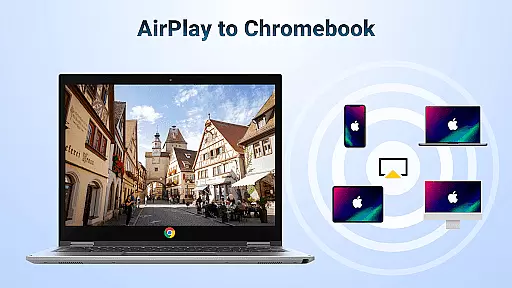
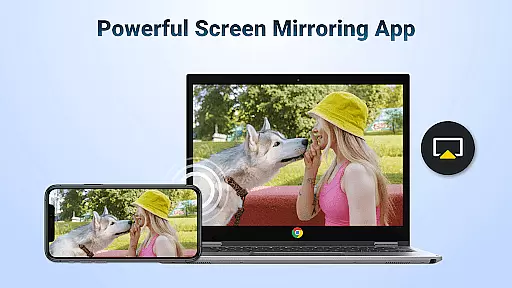
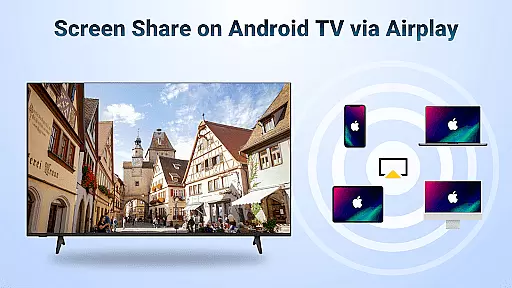
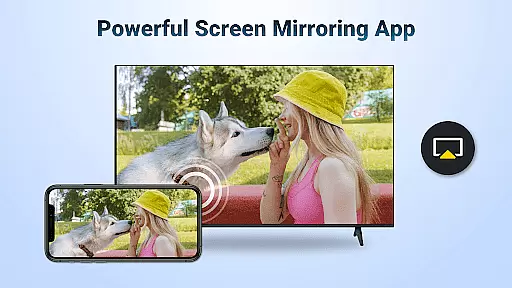
AirMirror is a powerful wireless streaming receiver application designed specifically for Android TV. It enables seamless screen mirroring and content casting from Apple devices like iPhone, iPad, and Mac to Android TV over WiFi connection. The app eliminates the need for switching between different ecosystems or purchasing additional converters, making cross-platform sharing more convenient than ever.
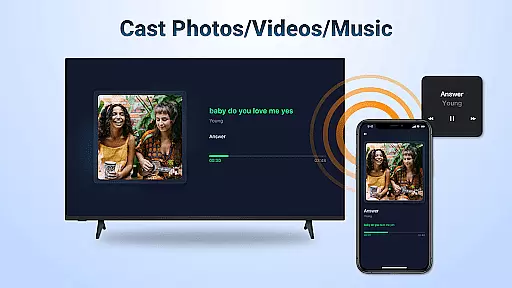
With AirMirror, users can effortlessly share various types of content including photos, web videos, audio files, presentations, and even gameplay screens. Whether it's for educational purposes, business meetings, family entertainment, or personal fitness sessions, this mirroring receiver provides a versatile solution that enhances user experience across multiple scenarios.
The true value of AirMirror lies in its ability to bridge the gap between iOS and Android ecosystems. By supporting AirPlay protocol, it allows direct streaming of compatible content while maintaining excellent sound and video quality. This makes it an essential tool for anyone looking to expand their digital ecosystem without limitations imposed by device manufacturers.
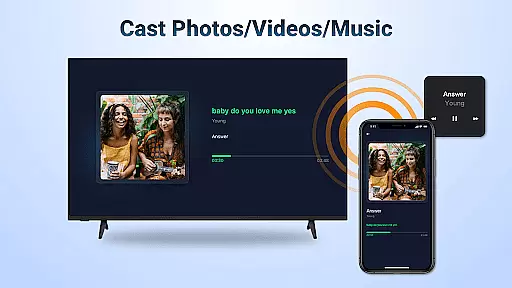
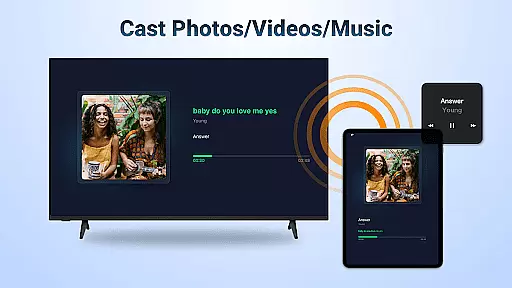
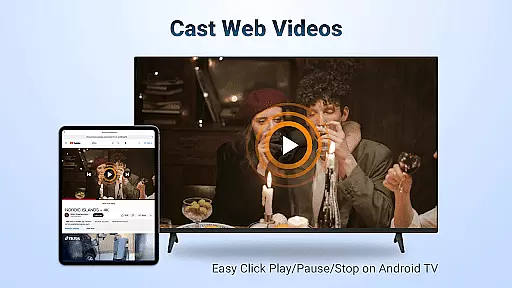
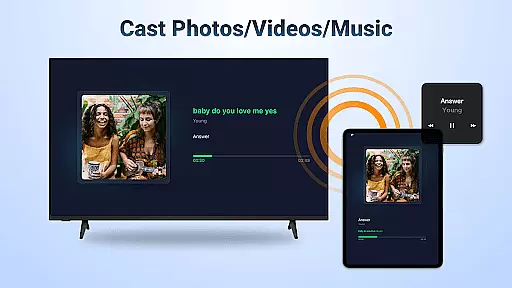
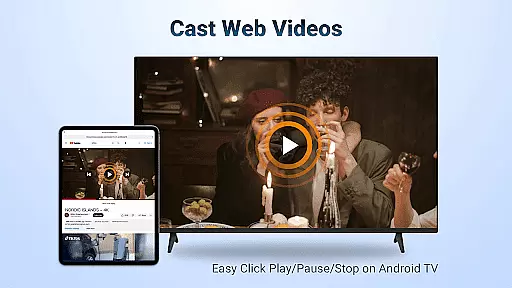
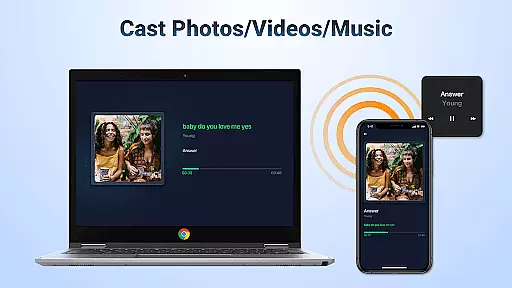
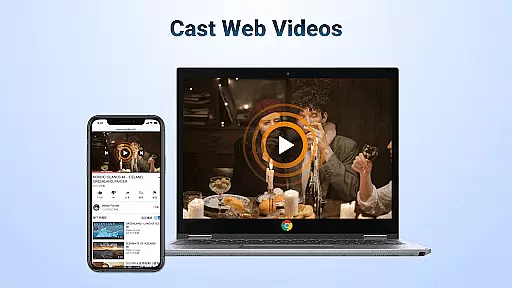
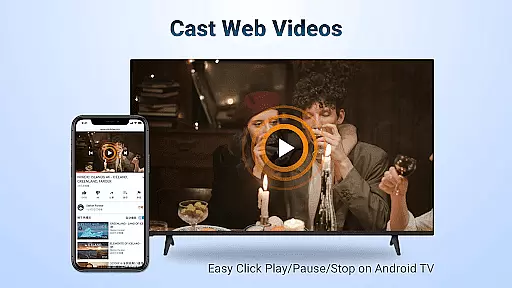
AirMirror offers an impressive array of features that cater to diverse user needs. Its core functionality revolves around wireless content streaming using AirPlay protocol. The app supports streaming of audio, video, and photo content from AirPlay-enabled devices including iTunes and iOS devices. Users can cast web videos with remarkable speed and smoothness, enhancing their viewing experience.
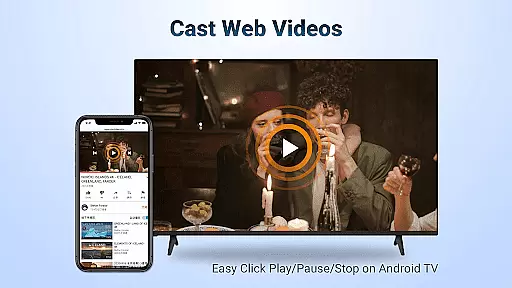
One of the standout features is the ability to control playback directly on the receiving end. Users can conveniently play, pause, or stop content without needing to interact with the source device. The app also maintains flexibility in screen orientation, allowing users to switch between landscape and portrait modes according to their preference.
The application ensures simple connectivity and stable performance during mirroring sessions. Its robust architecture minimizes connection issues while providing consistent streaming quality. Additionally, AirMirror supports streaming of DRM-free content from various media sources, expanding its compatibility with different types of digital media. These comprehensive features make AirMirror a reliable solution for wireless content sharing.
Video format compatibility is a crucial feature for any video player or editor, ensuring that users can enjoy content in various formats without technical hindrances. AirMirror: TV Cast via AirPlay supports streaming of audio, video, and photos from devices enabled with Airplay, including iTunes and iOS devices. This flexibility allows users to cast web videos smoothly and at great speed, enhancing the overall user experience.
The application facilitates screen casting of video and music from streaming media where DRM allows, making it versatile for different types of content. Users can directly control playback functions such as Play, Pause, and Stop on the receiving end enabled with Airplay. This seamless integration ensures that users are not limited by format restrictions and can enjoy their content without interruptions.
Moreover, AirMirror provides simple connectivity and stable mirroring and screen casting. The ability to switch between landscape and portrait modes adds to the convenience, allowing users to customize their viewing experience according to their preferences. By supporting a wide range of video formats, AirMirror ensures that users can stream content from Apple devices with this media cast app effortlessly.
AI-powered editing features represent the cutting-edge advancement in video players and editors, providing users with tools that enhance and simplify the editing process. Although AirMirror: TV Cast via AirPlay focuses primarily on screen mirroring and casting, its intelligent connectivity and user-friendly interface offer a streamlined experience akin to AI-driven functionalities. These features allow users to mirror screens from iOS devices to Android TV over WiFi without additional converters.
This mirroring receiver app enables users to share teaching content, presentations, and even multiplayer game screens on a larger display. Such capabilities mimic AI-powered editing by facilitating real-time sharing and collaboration, which is essential for dynamic presentations and interactive sessions. The app's ability to stream iPhone/iPad music to Android TV with superior sound quality further exemplifies its smart, intuitive design.
Additionally, AirMirror supports smooth and super-fast casting of web videos, ensuring high-quality streaming experiences. While it may not include traditional AI editing tools like automated cuts or effects, its sophisticated mirroring technology effectively bridges different ecosystems. This makes AirMirror an invaluable tool for both personal enjoyment and professional settings, offering innovative ways to interact with multimedia content.
Seamless cross-platform support
Excellent streaming quality
User-friendly interface
Wide content compatibility
Stable wireless connection
No DRM content support
WiFi dependency required
Limited to AirPlay devices
Occasional connectivity issues
Basic feature set

Your media, on your terms.
 4.10
4.10
HD video maker with no watermark, no ads & vlog maker with music, PIP, text
4.50
1)AirPlay/DLNA Mirroring/Streaming, up to 4 connections; 2)Samba/NAS/DMS Player.
4.00
Movie maker & video editing app with AI effects and green screen
4.30
Mix with Virtual DJ directly from your phone or tablet !
3.10
The essential companion to your Blue Iris PC software
2.50
LumaFusion: The Ultimate Storytelling Experience for Video Editing
4.10
#1 Torrent App on Android ** No Ads Ever + Battery Saver **
4.80
Screen recorder with audio to take live videos & Screenshot in high quality!
4.70
AI Video Editor with Music, Filter, Slideshow, Effect, Merge & Trim Video.
4.80
Flud is a simple and beautiful BitTorrent client for Android.
4.80
GENRAL PRO - General Pro is the best video player that fully supports all formats.
4.70
Create photo video with music & template. AI video maker for stunning slideshow.
4.60
Video Downloader, Multiple Resolution Options, Video Player
4.50
Fast private browser with secure, seamless access & supported video downloads!
4.00
Capture images & record videos for USB Camera, Webcam, Microscopes, Endoscopes
3.80
Manage your IPTV live channels and VOD playlists (no playlist included)
3.80
Download videos easily & play them all in one smart, powerful video manager.
3.40
Video player with powerful streaming playback and various convenient features.
2.10

User Reviews