

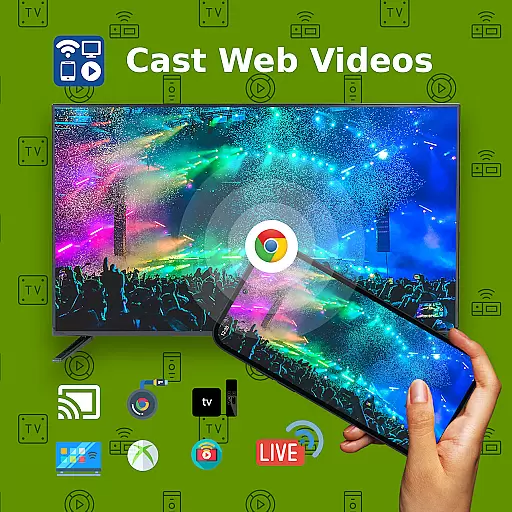
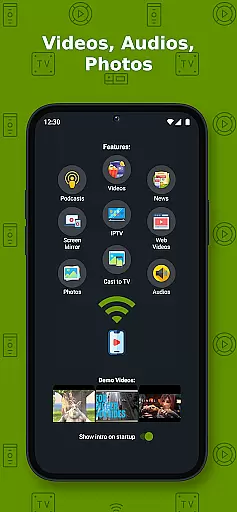
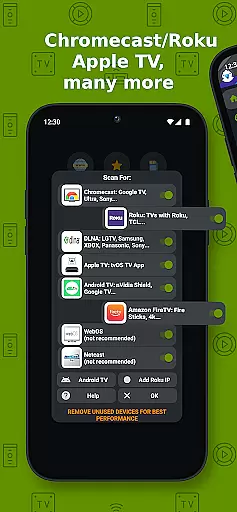
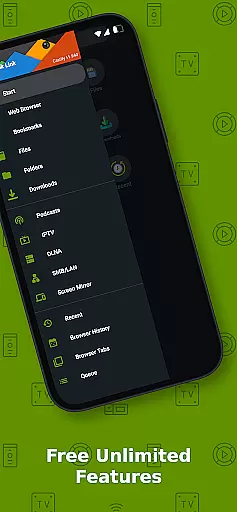
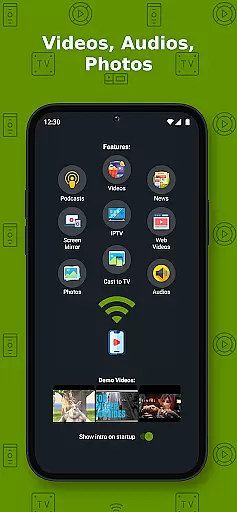
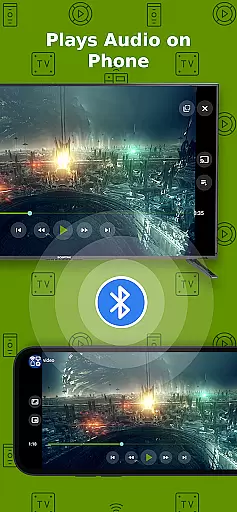
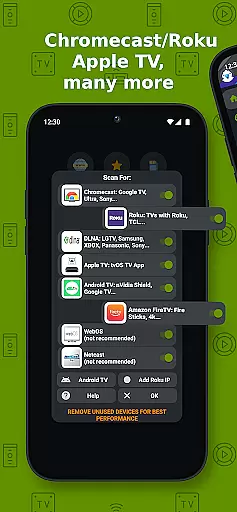
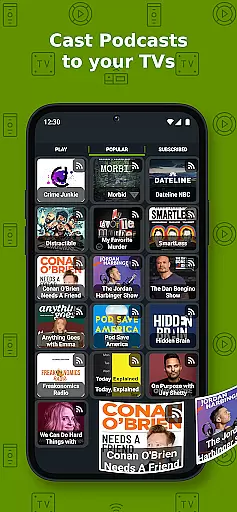
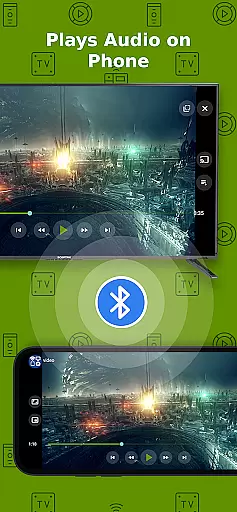
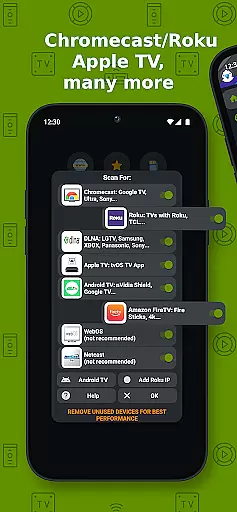
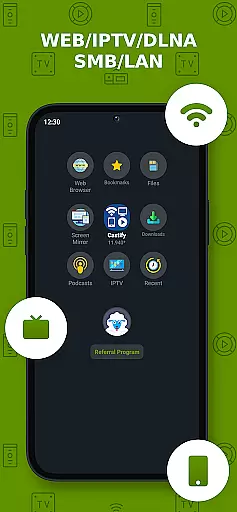
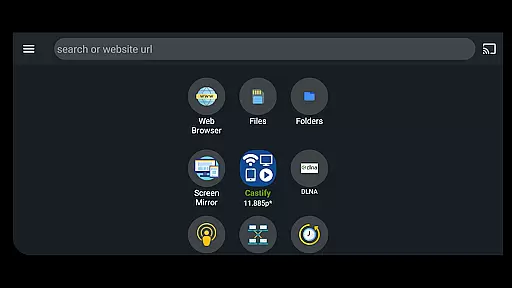
Cast to TV+ Chromecast Roku TV is a versatile streaming application that allows users to cast videos, music, photos, and other media content from their mobile devices to various streaming devices. The app supports a wide range of streaming devices including Chromecast, Roku, Fire TV, Xbox, DLNA receivers, and many smart TVs.
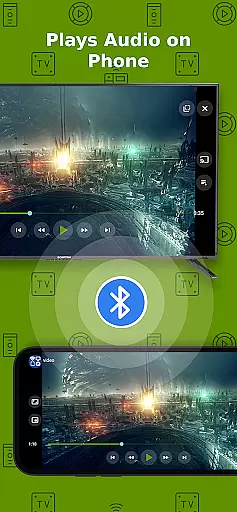
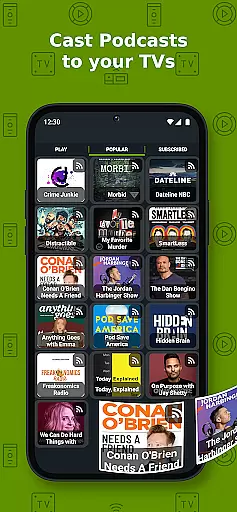
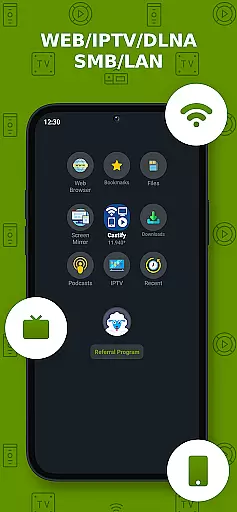
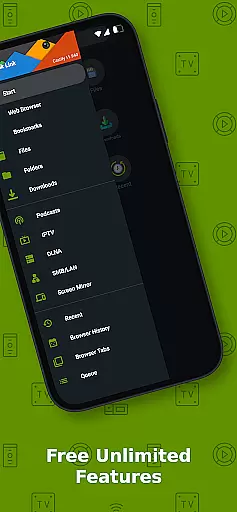
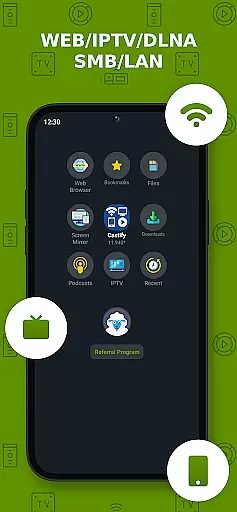
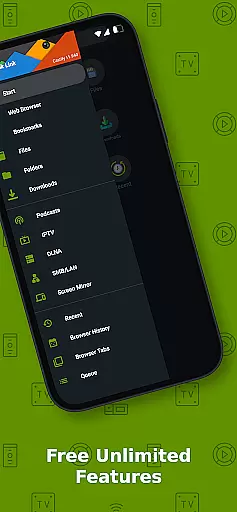
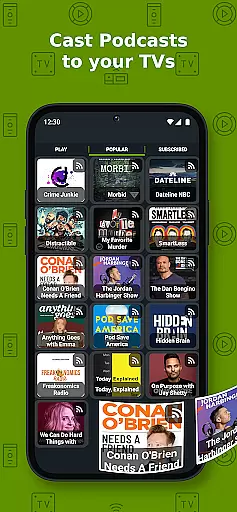
With its comprehensive compatibility, this app enables users to stream content not only from their phone's local files but also from websites, IPTV services, podcasts, and DLNA servers. Its standout features include AI Subtitle Generation and Translation, Universal Remote Controls for multiple TV brands, Screen Mirroring, and Picture in Picture (PiP) functionality.
This app is particularly useful for users who want to enjoy web videos on a larger screen or share multimedia content during social gatherings. It bridges the gap between mobile content and big-screen entertainment, offering seamless integration with popular streaming technologies.
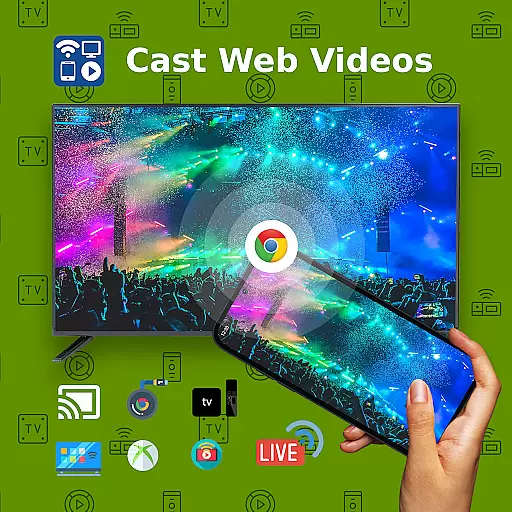
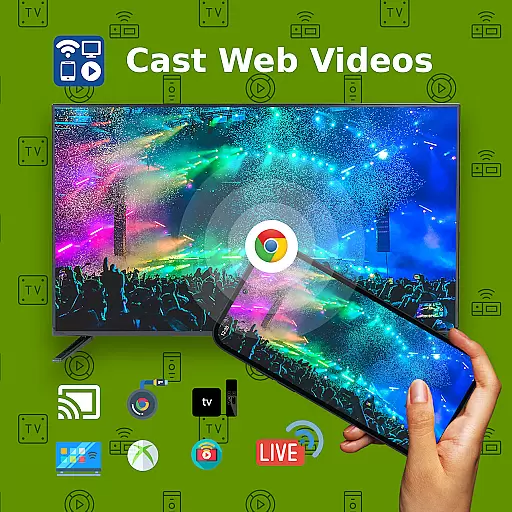
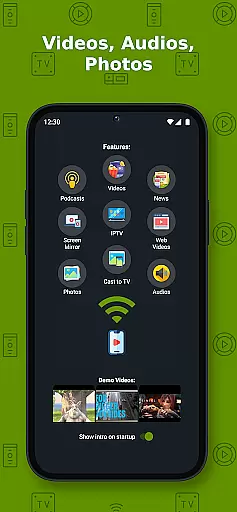
The Cast to TV+ Chromecast Roku TV app boasts an impressive array of features designed to enhance the streaming experience. One of its core functionalities is the ability to cast web videos found online from various websites directly to compatible streaming devices. This feature supports multiple formats including MP4, MKV, MP3, JPG, PNG, HTML5 video, HLS Live Streaming, and IPTV m3u files.
What sets this app apart are its advanced features like AI Subtitle Generation and Translation, which automatically creates and translates subtitles for any given video. The app also includes Universal Remote Controls for major TV brands, allowing users to control their Roku, Android TV, Samsung, or LGTV directly from their mobile device.
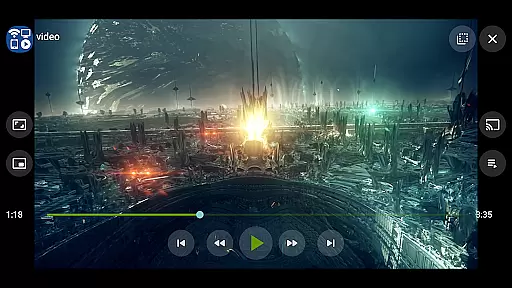
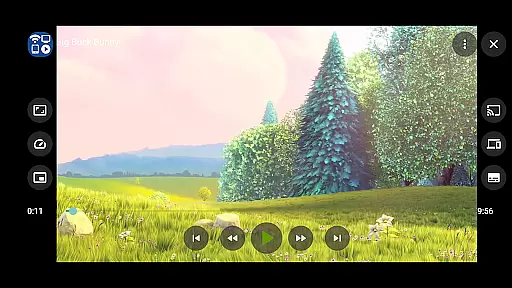
Additional notable features include Screen Mirroring capabilities for newer Android devices, Popup Blocker functionality, and support for Picture in Picture (PiP) viewing. These features collectively provide users with a comprehensive and flexible streaming solution that caters to various media consumption needs.
Video format compatibility is a crucial feature for any video player and editor, ensuring that users can enjoy content in various formats without technical hindrances. Cast to TV+ Chromecast Roku TV supports an extensive range of formats including MP4, MKV, MP3, JPG, PNG, HTML5 video, HLS Live Streaming, and IPTV m3u files or URLs. This wide compatibility ensures that whether you're streaming movies, music, or photos, the app facilitates seamless playback on your device.
The application's ability to handle 4K and HD videos where available elevates the viewing experience, catering to users who demand high-quality visuals. By supporting both local files and online streams, it offers flexibility in how content is consumed. Whether casting from websites or local storage, users can expect their videos to play smoothly on a variety of streaming devices like Chromecast, Roku, Xbox, DLNA receivers, and more.
However, it's important to note that while Cast to TV+ embraces a broad spectrum of formats, there are limitations with certain streaming receivers. For instance, some video formats may not be supported on Fire TV or Apple TV due to inherent restrictions. Despite these constraints, the app strives to deliver a consistent experience across different platforms, making it a versatile choice for those looking to cast and stream multimedia content effortlessly.
AI-powered editing features represent a significant advancement in video player and editor applications, providing users with tools that enhance and simplify the editing process. Cast to TV+ Chromecast Roku TV incorporates innovative AI functionalities such as AI Subtitle Generate and AI Subtitle Translation. These features allow users to create subtitles for any given video automatically and translate SRT subtitles into different languages, thus broadening accessibility and appeal for global audiences.
This level of automation not only saves time but also opens up possibilities for content creators who wish to reach wider demographics without manual intervention. The convenience of generating accurate subtitles quickly cannot be overstated, especially when dealing with large volumes of content or tight deadlines. Moreover, the ability to translate subtitles efficiently breaks language barriers, enabling stories to transcend borders and cultures.
While enjoying these advanced capabilities, it's essential to recognize that the effectiveness of AI-powered features depends on the quality of the original source material. As Cast to TV+ does not modify video sources and relies on the integrity of the content provided by websites, optimal results are achieved when working with clear audio tracks and well-structured video data. Nonetheless, these intelligent tools significantly augment the user's ability to produce polished, professional-grade edits with minimal effort.
User-friendly interface
Wide device compatibility
Advanced AI features
Comprehensive format support
Universal remote functionality
Limited AirPlay support
Some format restrictions
Network dependency
Device-specific limitations
Premium version required for ad-free experience

Kodi media center, a free and open source cross-platform entertainment hub
 3.60
3.60
Fast video downloader & private browser. Save HD clips to watch offline.
4.40
Stream high quality video from your camera over NDI protocol
4.5
Capture images & record videos for USB Camera, Webcam, Microscopes, Endoscopes
3.80
KMPlayer Plus (Divx Codec) officially support Divx codec.
4.30
GENRAL PRO - General Pro is the best video player that fully supports all formats.
4.70
Viddo: Generate Action Figure, AI Anime, AI kiss, AI hug Video from image & text
4.40
Video player with 4K & 1080P support, popup play, background play and subtitle.
4.20
Create, Publish & Maximize
4.70
#1 Torrent App on Android ** No Ads Ever + Battery Saver **
4.80
Video Trimmer, Video to MP3 Converter. Extract music from video, Easy & Fast.
4.80
Download Hub, easy and private way to download and enjoy your videos offline
4.80
A Quick and Pro Video Editor
4.70
Video Player - Unlimited features, 30 days money back guarantee.
4.60
Seamlessly connect and control your smart devices, anytime, anywhere with ease.
4.60
AirMirror Receiver - Screen mirroring/cast web videos to Android TV by AirPlay.
4.40
Video player, file manager for all formats, 4K/HD media player supports subtitle
4.30
Explore the largest library of free GIFs, Stickers & Memes - or create your own!
3.90
Save photos and videos from social apps in one tap.
3.60


User Reviews