

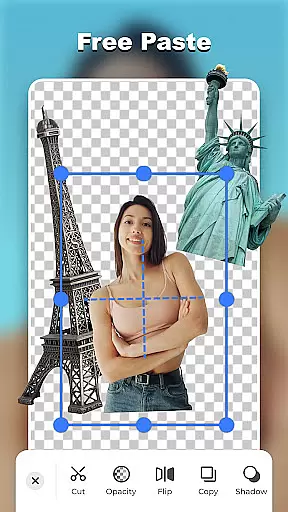
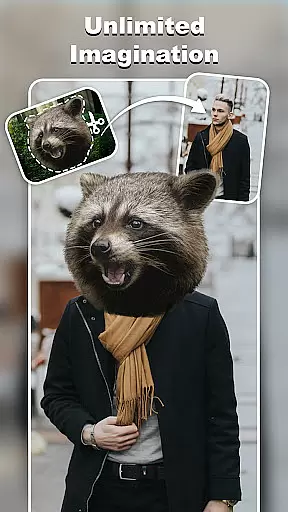
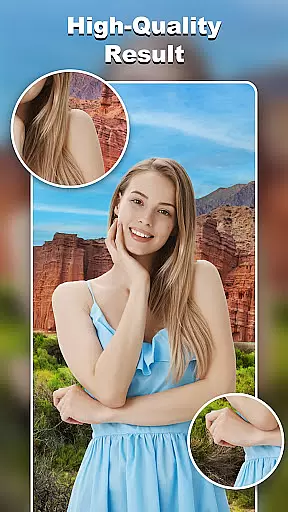
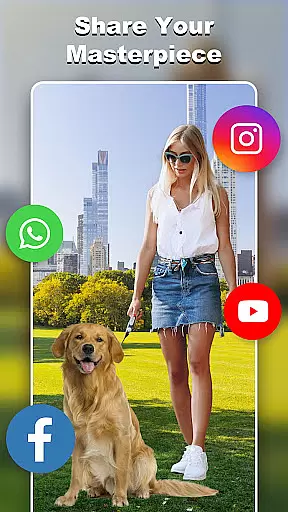
Cut and Paste Photo Editor is an innovative photography app that allows users to effortlessly cut, paste, and edit images with precision. Powered by AI technology, this app simplifies complex photo editing tasks such as background removal, face swapping, and object cutting.
Users can create stunning collages, swap faces into various art styles, and even generate professional-looking product photos for e-commerce platforms. The app provides multiple cutting tools, a vast background library, and ready-made templates for different occasions.
This versatile editor is perfect for both casual users looking to create fun social media content and professionals needing high-quality image editing capabilities on the go.
The app offers an impressive array of features designed to enhance photo editing experience. Its AI-powered tools enable pixel-perfect cuts, smooth pasting, and seamless merging of multiple elements.
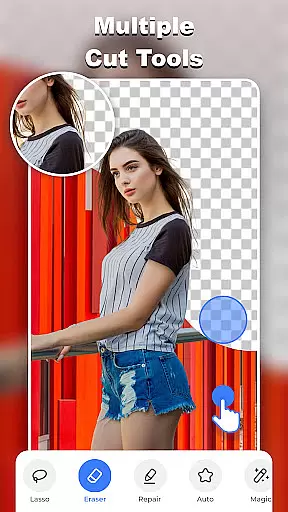
Unique capabilities include magic cutting with various tools like lasso, smooth, and repair functions, plus an online background library with unlimited ready-to-use options. Users can access ready-made templates for different themes and occasions.
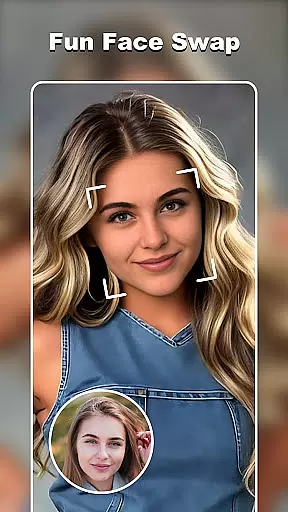
Additional features include face swap functionality, e-commerce optimization tools, text magic with 20+ fonts, and colorful decorations with stylish stickers. The powerful editor supports creative freedom while maintaining high-quality results.
Real-time capture and preview functionality is essential for any photography app as it allows users to see exactly what they are capturing before taking the shot. This feature ensures that users can make necessary adjustments on the fly, resulting in higher quality images.
Cut and Paste Photo Editor offers an intuitive real-time capture experience with its advanced AI technology. The app provides a live viewfinder that processes scenes instantly, giving users a precise representation of their composition. With features like AI-powered object recognition, users can effortlessly select and isolate elements within the frame.
The benefit of this real-time functionality is immense for users who require accuracy in their work, such as e-commerce professionals editing product photos. They can immediately see the outcome of background removal or face swaps, ensuring the final image aligns with their expectations without needing post-processing.
This seamless integration of real-time editing capabilities not only enhances user satisfaction but also streamlines the photo editing process, making it faster and more efficient.
AI beauty and enhancement features have become a staple in modern photo editing applications, allowing users to refine and perfect their images with natural-looking results. The challenge lies in maintaining authenticity while enhancing visual appeal.
Cut and Paste Photo Editor excels in delivering AI beauty enhancements that preserve the original essence of the photo. By leveraging sophisticated algorithms, the app intelligently applies touch-ups that enhance facial features without creating an over-processed look. Users can enjoy subtle improvements such as skin smoothing, teeth whitening, and eye enhancement, all calibrated to maintain realism.
For those utilizing the app for social media content or professional portfolios, these enhancements provide a polished yet genuine appearance. The app's attention to detail ensures that every modification looks intentional and true to life, which is crucial for influencers and marketers aiming for relatable aesthetics.
Ultimately, Cut and Paste Photo Editor's commitment to natural enhancement empowers users to present their best selves while retaining the authenticity that resonates with audiences today.
AI-powered precision tools
Versatile editing options
User-friendly interface
Comprehensive feature set
E-commerce optimized
May require learning curve
Premium features locked
Ads in free version
Occasional glitches
Storage intensive



Easily stitch panoramas from multiple photos or video.
 4.40
4.40
Viewfinder, Light meter, Reciprocity failure time, DOF & Bellows Extension
4.60
AI photo editor with hair editor, retouch tools, hair color changer & filters!
4.50
Raw Image Viewer. Gallery with support of raw images (.cr3, .cr2, .nef, .raf).
2.00
Future baby face generator: AI kids generator, kid face! What my baby look like?
4.40
GCamera allows all GCam features on all phone models! Better photos with GCamera
3.30
Easily create custom gifts, cards, photo books & more on the Shutterfly app!
4.60
Hair color changer, AI haircut app, fun hair editor and buzz cut filter for all!
3.80
Discover How to Plan any Sun, Moon and Milky Way Photo You Imagine in Seconds
4.70
Automatically backup your photos and videos to computer, NAS and Cloud services
4.60
Photo Exif Editor allows to view, add and modify EXIF data of multiple photos
4.50
Transform photos into videos! Create realistic or anime-style images easily!
4.50
Fit multiple photos on one post. Create carousels & scroll layouts for Instagram
4.50
Effortlessly organize, view and share your photos & videos with Gallery app!
4.40
Trendy TikTok time warp scan funny filter app brings you unique photos & videos.
4.40
Virtual makeup, hair filters & body tuner—edit from face to full body!
4.20
The #1 app for B&W film developing featuring an advanced darkroom timer.
4.10
Catch sunlight, sunrise sunset times and sun phases with the AR sun tracker.
4.10
Over 800 film simulation recipes for Fujifilm. Black Friday Offer!
4.2
User Reviews