

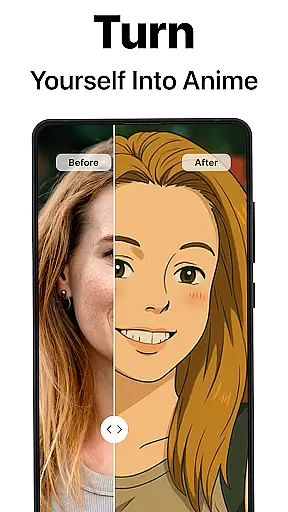
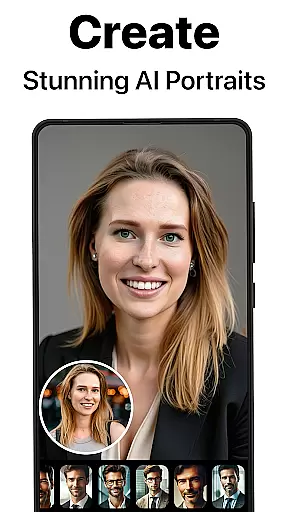
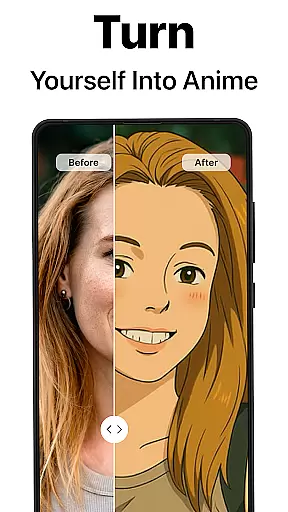
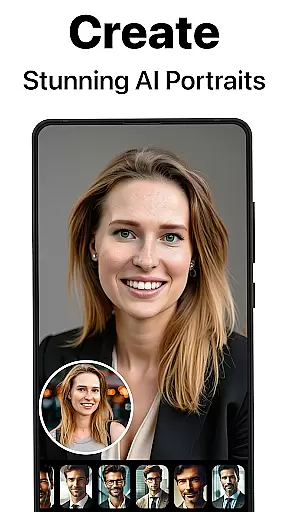
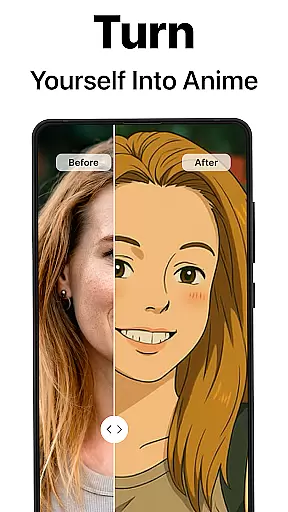
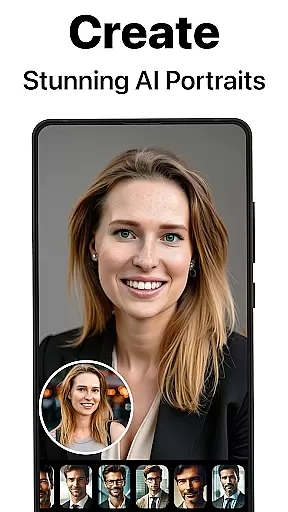
PhotoBoost is a revolutionary photography app that uses advanced AI technology to enhance, restore, and transform your photos. Whether you're looking to sharpen blurry images, revive pixelated memories, or create stunning AI-generated avatars, PhotoBoost delivers professional-quality results in seconds. The app's standout feature is its AI Avatars functionality, which offers the largest selection of styles and themes on the market, allowing users to turn ordinary selfies into extraordinary works of art.
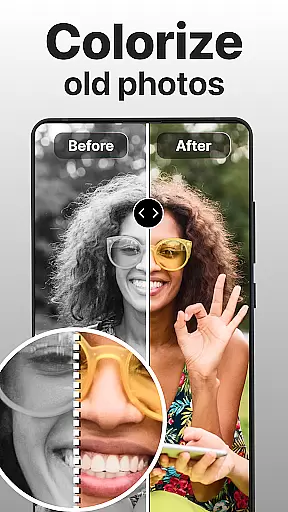
Beyond avatars, PhotoBoost provides tools for photo restoration, colorization, and upscaling, making it an all-in-one solution for preserving cherished memories. Its versatility extends to social media optimization, professional headshots, and creative experimentation with art-inspired filters. With its cutting-edge AI algorithms, intuitive interface, and rapid processing speed, PhotoBoost is designed for anyone seeking to elevate their photography experience while saving time and effort.
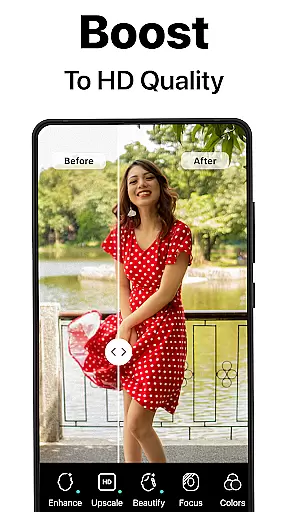
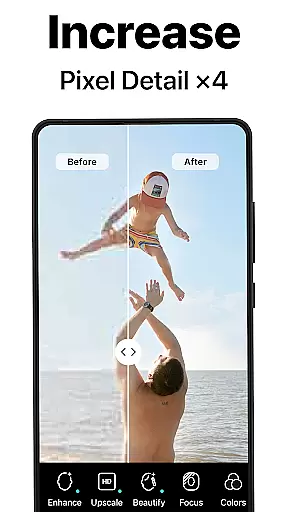
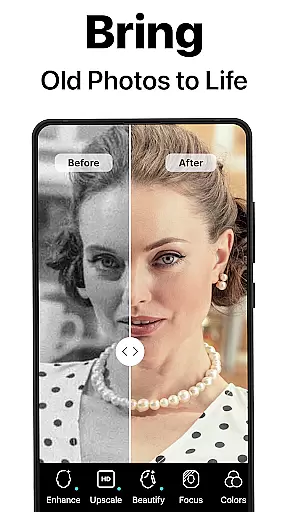
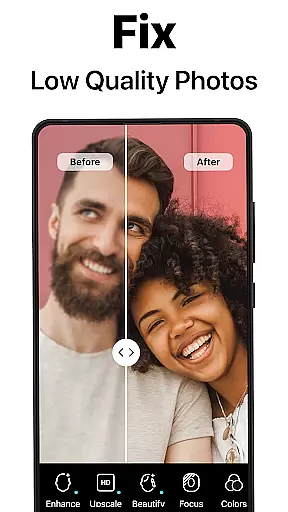
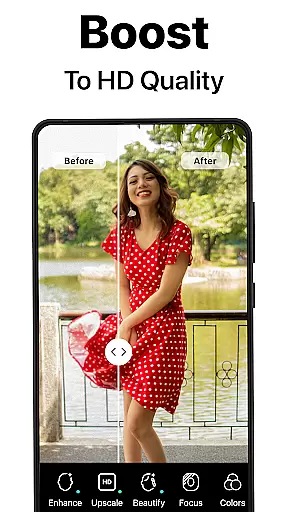
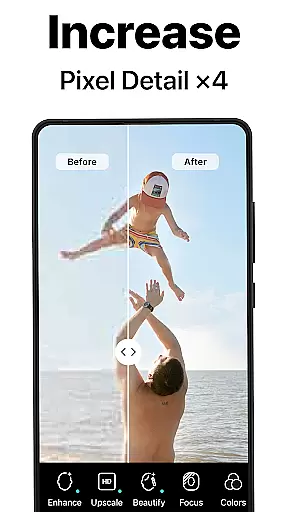
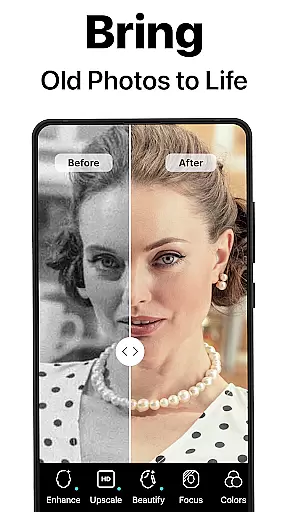
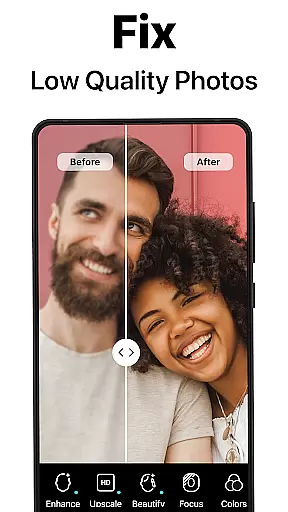
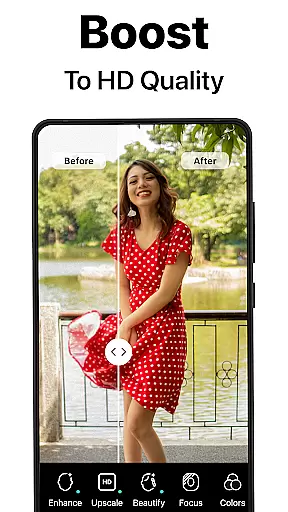
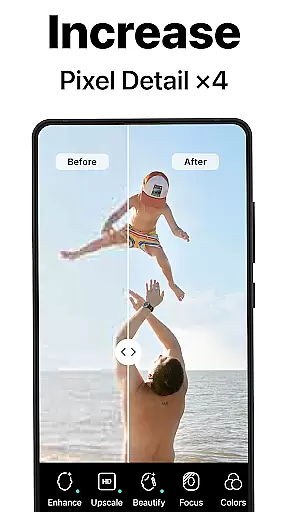
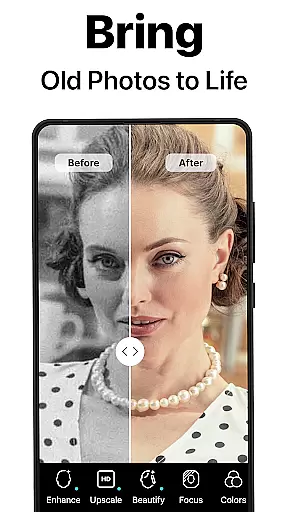
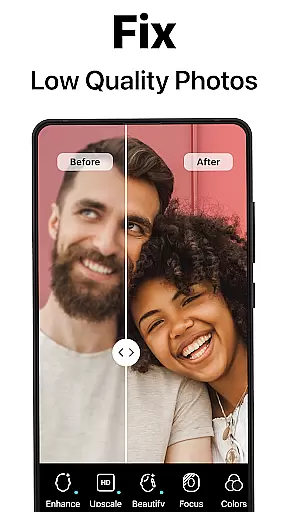
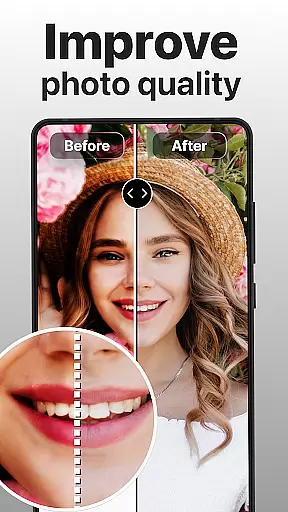
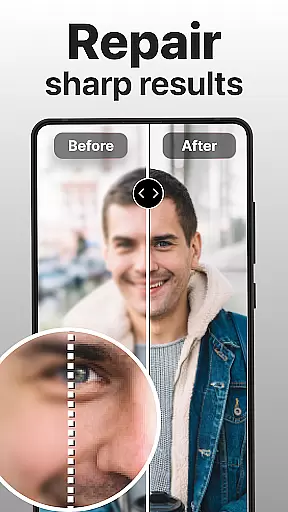
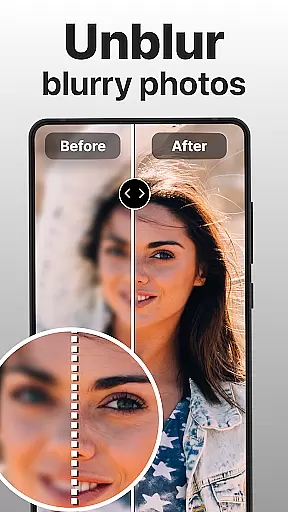
PhotoBoost stands out with its comprehensive suite of features tailored to meet diverse photography needs. At its core, the app employs state-of-the-art AI technology to deliver unparalleled image enhancement capabilities. Users can instantly sharpen low-resolution photos, restore old or damaged images, and add vibrant colors to black-and-white pictures. These tools are particularly valuable for digitizing vintage family albums and preparing high-quality visuals for both personal and professional use.
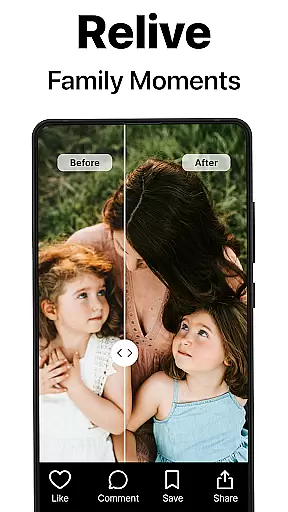
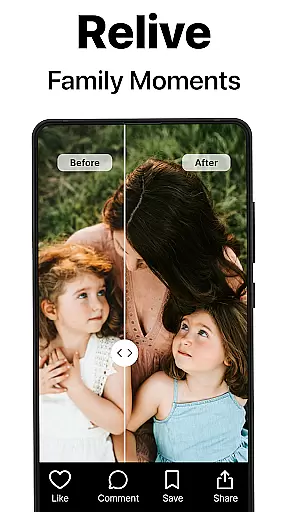
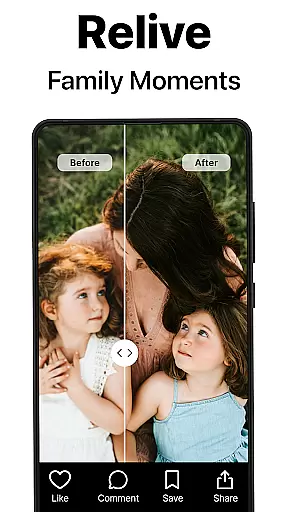
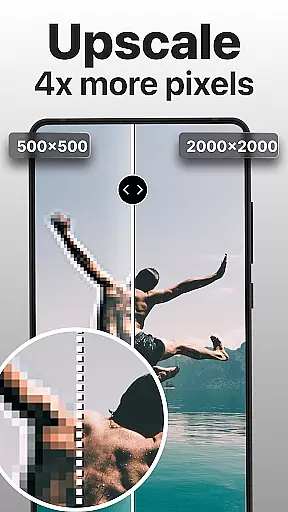
One of the most innovative aspects of PhotoBoost is its AI Avatars feature, which allows users to transform their selfies into unique creations across various themes and styles. From festive holiday looks to fantasy-inspired designs, the app supports endless customization options. Additionally, PhotoBoost includes advanced upscaling functionality, enabling users to enlarge images without losing clarity. The ability to generate side-by-side comparisons further enhances the user experience by showcasing the dramatic improvements achieved through the app's enhancements.
Real-time capture and preview functionality is essential for ensuring that every photo taken meets the user's expectations. PhotoBoost excels in this area by providing instantaneous feedback on images as they are captured, allowing users to make necessary adjustments before finalizing their shots.
The app leverages advanced AI technology to enhance the clarity and quality of photos during the capture process. This ensures that even if the original shot is suboptimal, the enhanced preview will highlight the potential improvements, thus guiding users toward achieving the best possible outcome.
Users benefit from this feature through improved photo quality and reduced post-processing time. By having a clear understanding of how the final image will look, users can focus on creativity rather than corrections, making their photography experience more enjoyable and efficient.
This real-time enhancement capability sets PhotoBoost apart from other photography apps, offering a seamless blend of technology and user-centric design that empowers photographers of all skill levels to produce stunning results effortlessly.
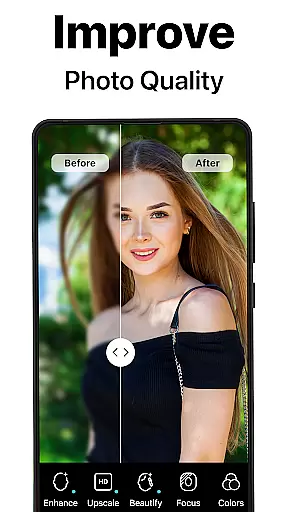
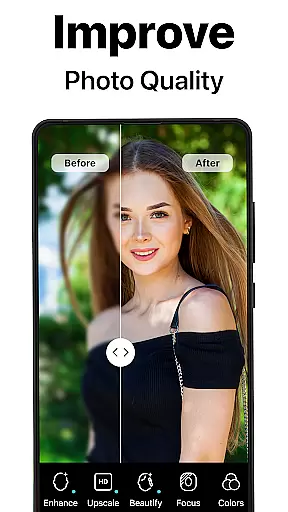
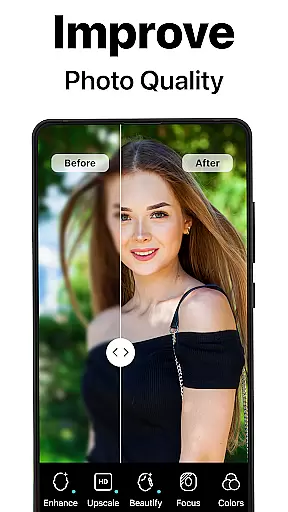
AI beauty and enhancement naturalness refers to the ability of an application to improve the aesthetic appeal of photos while maintaining a realistic appearance. PhotoBoost achieves this delicate balance by employing sophisticated algorithms that intelligently enhance facial features without over-processing.
The app offers tools that refine skin texture, brighten eyes, and whiten teeth, among other enhancements, all while preserving the natural essence of the subject. These modifications are applied subtly, ensuring that the final image looks polished yet authentic.
For users, this means they can achieve professional-grade edits with minimal effort. Whether it's for social media posts or personal keepsakes, the enhanced photos retain their genuineness, which is crucial for creating relatable and engaging content.
By focusing on natural enhancement, PhotoBoost not only elevates the visual appeal of photos but also respects the integrity of the original image, setting a new standard for digital photo editing applications.
User-friendly interface
Wide range of styles
Fast processing speed
High-quality results
Frequent updates
Premium subscription required
Limited free trial
Internet connection needed
Some features complex
Occasional bugs

Create funny photos and videos with the popular Time Warp Scan filter.
 4.90
4.90
Professional video recording application with manual controls for filmmakers!
2.80
Create collages easily! Nice pic collage maker & background eraser for Instagram
4.50
Take videos and pictures with the popular TikTok TIME WARP SCAN filter.
4.60
The #1 app for B&W film developing featuring an advanced darkroom timer.
4.10
Raw Image Viewer. Gallery with support of raw images (.cr3, .cr2, .nef, .raf).
2.00
See your baby AI baby face generator AI baby maker Face generator babymaker fun!
4.70
AI Photo Editor with 100+ Filters, Effects! Remove BG, Retouch & Photo Enhancer.
4.80
Easily create custom gifts, cards, photo books & more on the Shutterfly app!
4.60
Add Watermark - Sign your pictures with a text or logo. Effective, quick, easy!
4.50
Cut and paste photo editor & eraser to customize photos easy and swap faces fun
4.50
AI photo enhancer with Sora 2! Enhance, descratch, and colorize your old photos.
4.50
Create AI Photos, Improve and restore quality of blurry, old or damaged pics.
4.20
What celebrity do you look like? Celebs will find your celebrity match!
4.10
Transform Photos: Edit, Beautify and Craft Memories & Make Collages!
4.10
Astrophotography with your smartphone, photo live stacking and much more!
3.90
Be your best in every shot! Fix, edit and retouch your face in selfies & photos.
3.70
Superimpose one photo on top of another using the original Superimpose app!
3.20
Application for remote controlling DSLR
3.00

User Reviews