

Simple Gallery Pro is a comprehensive photography app designed to enhance the way you manage and edit your media files on Android. This app combines an intuitive interface with powerful features, allowing users to browse, organize, and edit photos and videos efficiently. With support for a wide range of file formats including JPEG, PNG, MP4, and RAW, it ensures compatibility and flexibility for various user needs.
One of the standout features of Simple Gallery Pro is its advanced photo editing capabilities. Users can effortlessly crop, rotate, flip, and resize images, or apply filters to enhance their visual appeal. Additionally, the app offers options to recover accidentally deleted files and create hidden galleries for sensitive content, ensuring that your precious memories are always secure and accessible.
The app's customization options extend beyond basic functionality, empowering users to tailor the interface and tools to their preferences. Whether it's adjusting UI elements or customizing the bottom toolbar, Simple Gallery Pro provides a personalized experience that adapts to individual workflows. Its commitment to privacy and security is evident through features like fingerprint authentication and offline access, making it an ideal choice for photographers and everyday users alike.
Simple Gallery Pro stands out in the Photography category due to its extensive feature set tailored for both amateur and professional users. The app supports a vast array of file types such as JPEG, PNG, MP4, MKV, and even SVG and RAW formats, providing unparalleled flexibility in managing diverse media collections. This versatility ensures that users can work with their preferred formats without compatibility issues.
A key highlight is the app's advanced photo editing tools. These include essential functions like cropping, rotating, flipping, and resizing images, alongside creative options such as applying filters to achieve desired effects. The editing process is streamlined with intuitive gestures, making it accessible even for beginners. Furthermore, the ability to recover deleted photos and videos adds a layer of reliability, safeguarding important memories against accidental loss.
Customization is at the heart of Simple Gallery Pro's design philosophy. Users can personalize nearly every aspect of the app, from UI themes to functional toolbars, ensuring a seamless integration into their unique workflows. Security features are equally robust, offering PIN, pattern, and fingerprint protection for sensitive content. By prioritizing privacy with offline functionality and open-source transparency, Simple Gallery Pro delivers a secure and adaptable solution for all your photography needs.
Real-time capture and preview functionality is essential for any photography app as it allows users to see exactly what they are capturing before taking the shot. Simple Gallery Pro excels in this area by providing a seamless experience that ensures every photo or video is captured with precision.
The app supports a wide array of file types including JPEG, PNG, MP4, and RAW, which means you can view and edit your media without worrying about format compatibility. This flexibility empowers photographers to experiment with different formats while being confident in the accuracy of their previews.
Additionally, Simple Gallery Pro offers advanced photo editing features that work in tandem with its real-time capture capabilities. Users can crop, flip, rotate, and resize images directly within the app, ensuring that each shot meets their exact specifications before it's even taken.
With intuitive gestures and an easy-to-use interface, Simple Gallery Pro makes photo editing child's play. The ability to apply filters and make instant adjustments enhances the overall photography experience, giving users more control over their creative process.
AI beauty and enhancement features have become increasingly popular in photography apps, offering users the ability to enhance their photos with natural-looking effects. Simple Gallery Pro takes this a step further by ensuring that all enhancements maintain the authenticity of the original image.
The app includes a powerful AI-driven editor that can automatically adjust lighting, color balance, and other aspects of an image to bring out its best qualities. These adjustments are made with such precision that they appear completely natural, preserving the integrity of the photograph.
Simple Gallery Pro also provides users with extensive customization options, allowing them to fine-tune the level of enhancement applied to their photos. Whether itu2019s smoothing skin tones or enhancing eye clarity, these tools are designed to produce results that look genuine rather than overly processed.
Furthermore, the appu2019s commitment to privacy and security ensures that all edits remain confidential. With no internet access required, users can trust that their personal moments stay private while still benefiting from cutting-edge AI technology.
User-friendly interface
Extensive file format support
Advanced editing tools
Secure recovery options
Highly customizable design
Limited cloud integration
No built-in social sharing
Premium price point
Occasional performance lags
Complex settings for beginners
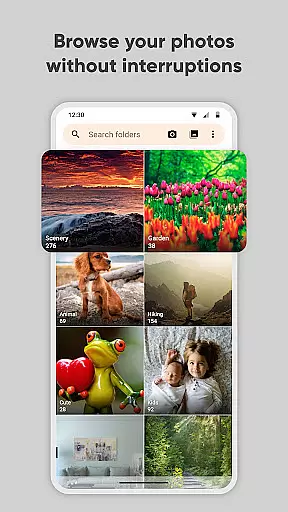
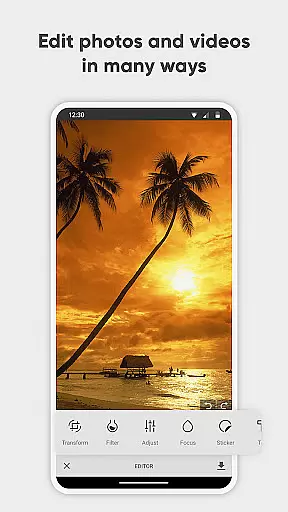
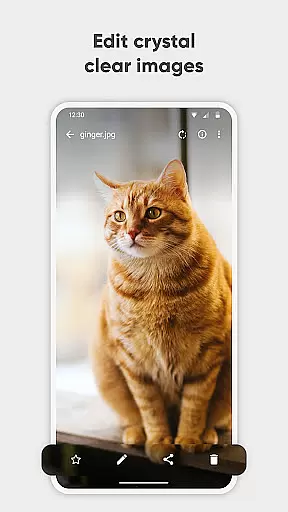
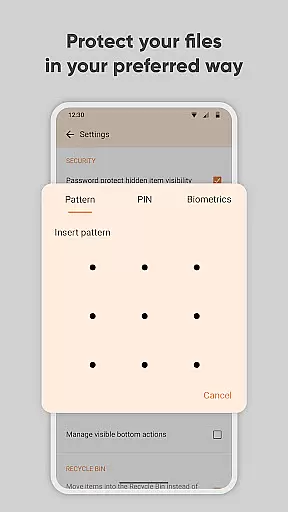
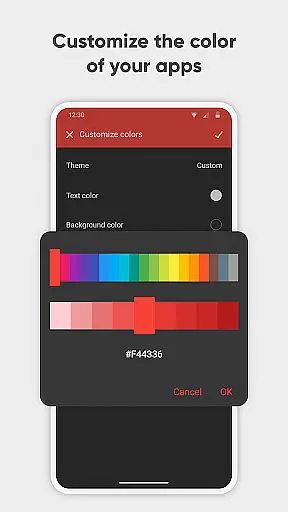
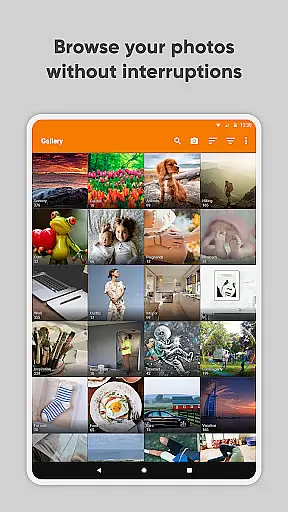
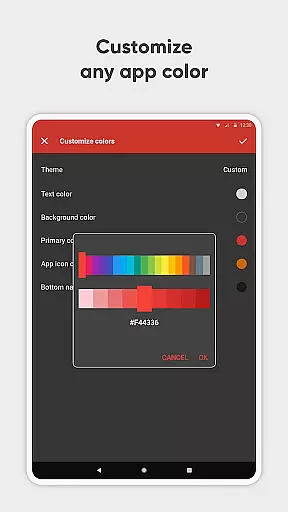
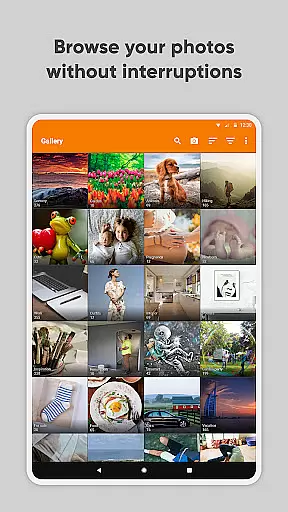
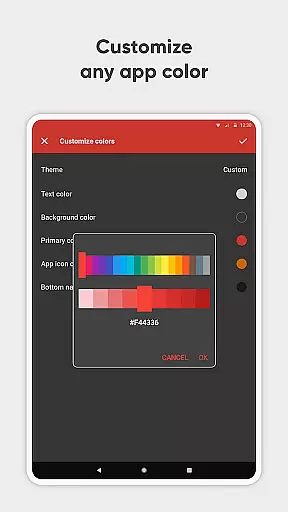

Photo Album Watch Face shows your favorite pictures as a Watchface.
 1.90
1.90
Photobooth mini FULL app will allow you to add more fun to your parties
4.00
What celebrity do you look like? Celebs will find your celebrity match!
4.10
Photo editor: AI filters, photo enhancer, pic collage maker, AI art generator.
4.80
USB Storage Access for Photos, Videos, Music and Documents
3.80
Use AI Video Generator to turn your words to ai generated videos.
4.50
Professional camera app that brings DSLR manual photography controls to Android.
4.20
Effortlessly make high-quality GIFs from images & videos without any watermarks.
4.70
Edit photos with the picture generator: PS2 & AI Clay filters, cartoon effects.
4.50
Photo Exif Editor allows to view, add and modify EXIF data of multiple photos
4.50
AI portrait generator and polaroid AI selfie, fun AI generated AI photo creator!
4.30
[3DSteroid Pro] is a stereoscopic application for Android.
4.30
Turn your phone into a professional camera - full DSLR manual photography
4.30
AI-powered video creator by MiniMax - Where ideas meet cinema
4.20
How would you look like with a differently shaped nose, chin or lips?
3.90
Turn photos into cartoons & avatars! - Photo Editor, Cartoon Face!
3.90
Remote control of the phone camera from your Wear OS smartwatch
3.70
Application for remote controlling DSLR
3.00
HD Photo gallery and photo manager to edit, hide private photos, videos & albums
4.5

User Reviews