

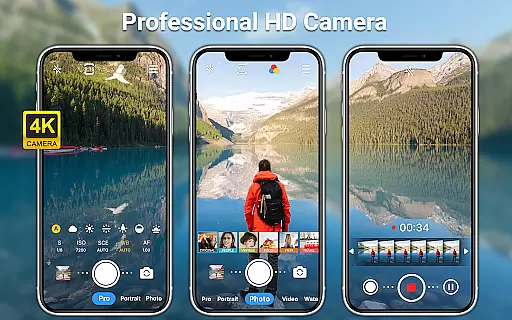
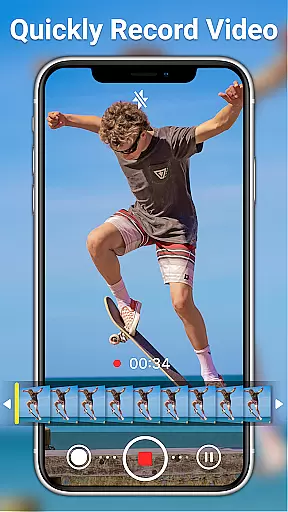
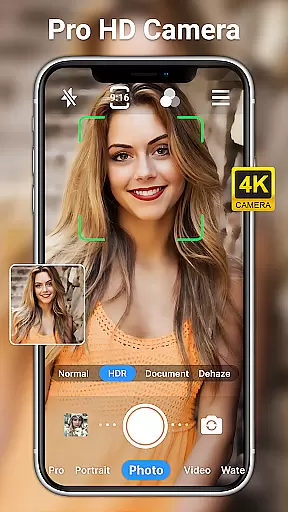
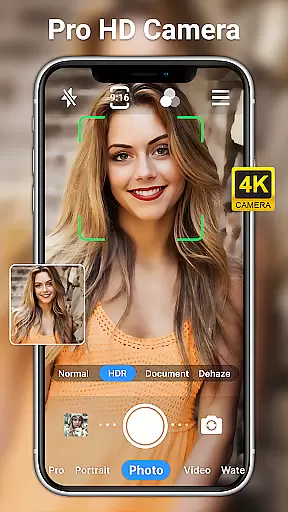
HD Camera for Android is a professional-grade photography application that empowers users to capture high-definition photos and videos with advanced features. The app supports full HD 1080p resolution, real-time filters, and both front and rear camera usage, making it versatile for various shooting scenarios.
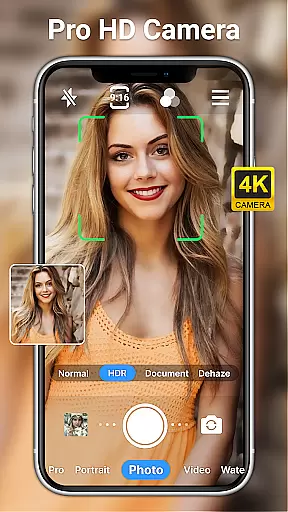
Designed for both amateur and professional photographers, this app offers specialized modes such as night mode, HDR, and scene-specific settings like sports and sunset modes. With additional functionalities like optical/digital zoom, timer, grid, and time-lapse, the app ensures precision and creativity in every shot. Its intuitive interface and robust editing tools further enhance user experience.
Whether capturing moments during the day or night, this app provides consistent quality and performance. It's an ideal tool for anyone looking to maximize their smartphone's camera capabilities while maintaining ease of use and professional output.
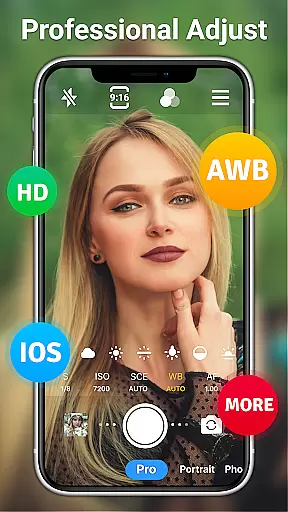
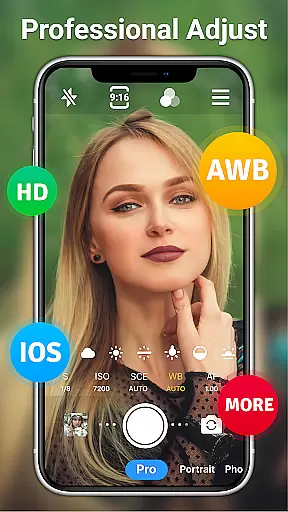
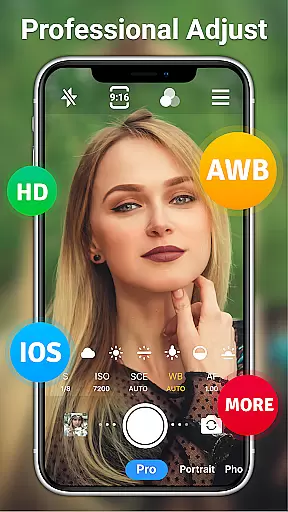
One of the standout features of HD Camera for Android is its comprehensive set of professional tools. Users can access advanced settings such as ISO, shutter speed, white balance, and focus adjustments, allowing for complete control over photo and video quality. The app also includes scene modes tailored for specific environments like sports, night, and sunset, ensuring optimal results in any condition.
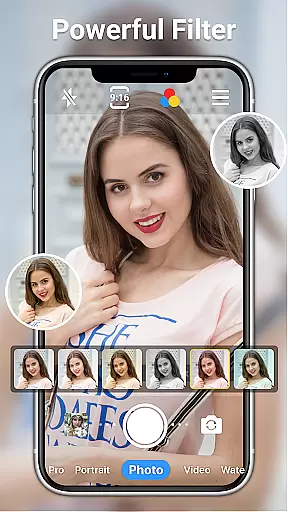
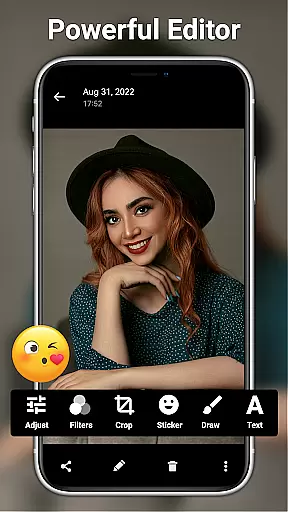
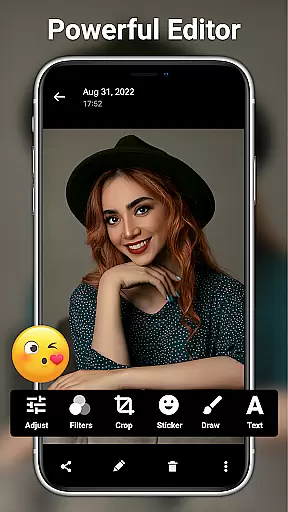
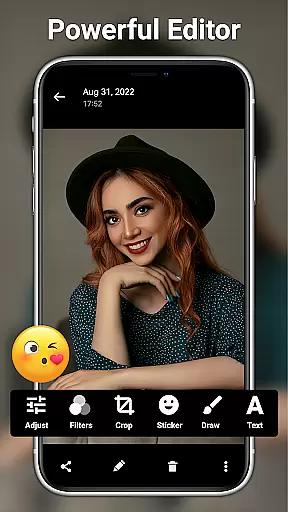
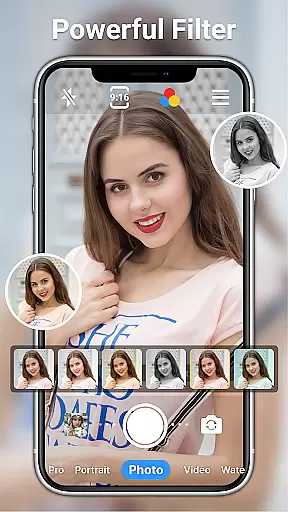
In addition to its powerful shooting capabilities, the app offers extensive editing features. Users can adjust brightness, contrast, saturation, and exposure, or apply one of the 20+ available filters to enhance their images. AI-powered restoration and facial retouching tools provide effortless enhancement, while creative options like text, stickers, and mosaics allow for personalized touches.
The app's user-friendly design ensures accessibility without compromising on functionality. Features like steady shooting, pinch-to-zoom, and countdown beeps simplify the process, while professional modes cater to experienced photographers seeking granular control. This combination of versatility and depth makes HD Camera for Android a top choice for mobile photography enthusiasts.
Real-time capture and preview functionality is essential for ensuring that every photo or video taken meets the user's expectations immediately. HD Camera for Android excels in this area by providing a seamless experience where users can see exactly what the camera captures before taking a shot.
This app offers 1080p full HD mode, allowing users to capture images with stunning clarity and detail. The real-time preview ensures that colors, lighting, and composition are perfect before capturing the moment. This feature is particularly useful in different shooting environments, whether indoors or outdoors.
With professional shooting modes and steady shooting capabilities, users can take high-definition photos or videos regardless of the time of day. The pinch-to-zoom feature and optical/digital zoom options provide flexibility in framing shots without losing quality. These functionalities ensure that users have all the tools needed to produce professional-grade content.
The ability to toggle between front and rear cameras, along with features like timer, grid, and level, enhances the overall photography experience. Users can also apply various filters and effects in real-time, giving them creative control over their work. This comprehensive set of features makes HD Camera for Android an indispensable tool for capturing life's moments with precision and ease.
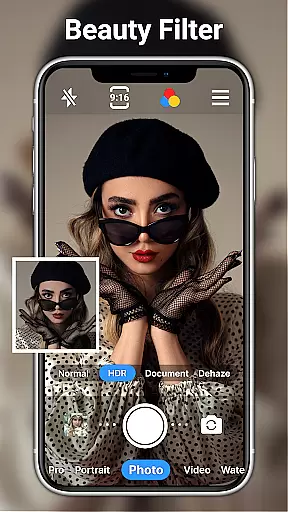
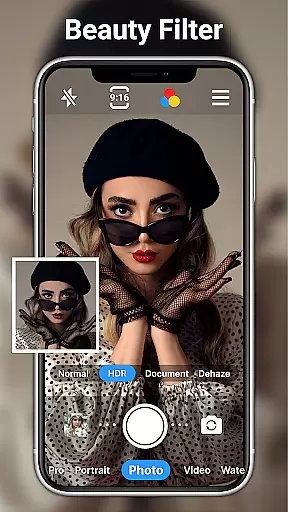
AI beauty and enhancement features have become increasingly popular in photography apps, offering users the ability to enhance their photos naturally. HD Camera for Android incorporates advanced AI technology to provide users with powerful yet easy-to-use editing tools that maintain the authenticity of the original image.
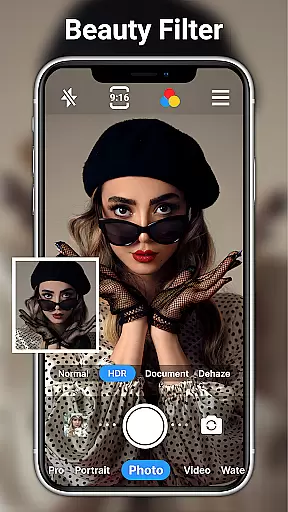
One of the standout features is one-click facial retouching, which allows users to smooth skin tones, remove blemishes, and enhance facial features effortlessly. This AI-driven enhancement ensures that edits look natural and do not distort the subject's appearance, preserving the integrity of the photograph.
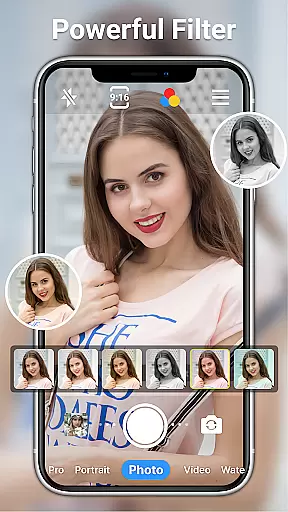
In addition to facial retouching, the app offers a range of photo filters designed to suit various styles and preferences. Users can adjust brightness, contrast, saturation, exposure, and highlights with precision, ensuring that each photo reflects their unique vision. The AI restore and AI palettes further enhance these capabilities, providing sophisticated tools for color correction and image enhancement.
HD Camera for Android also includes features such as adding text, stickers, markup, and mosaic effects, allowing users to personalize their photos creatively. These enhancements, combined with the app's professional-grade editing tools, make it an excellent choice for anyone looking to elevate their photography while maintaining a natural look. With HD Camera for Android, users can achieve stunning results that are both beautiful and true to life.
High-quality 1080p output
Intuitive user interface
Advanced camera controls
Wide range of filters
Free to use
Occasional ads
Heavy on storage
Drains battery
Complex for beginners
Limited cloud integration

Perfect photos with body shaping, BG changer and object remover.
 3.70
3.70
Application for remote controlling DSLR
3.00
Create & Edit with AI: AI Remove, Enhance, Retouch, Filter
4.10
Raw Image Viewer. Gallery with support of raw images (.cr3, .cr2, .nef, .raf).
2.00
Future baby face generator: AI kids generator, kid face! What my baby look like?
4.40
Professional quality photo edits with the new Snapseed.
4.00
Enhance, retouch & create your story - Share the moment with Photoshop Express.
4.60
Pro version: AR sun/moon tracker for any date. Tool for photographers & planners
4.90
Photo & Video Gallery app to manage albums and save WA Status easily.
4.70
Perfect body tune & face app - photo retouch, makeup, slim body & beautify face.
4.80
A collection of tools and reference tables for DPs, ACs, DITs and Operators.
4.70
Easily view, share, delete photos with Gallery.
4.70
Easily create custom gifts, cards, photo books & more on the Shutterfly app!
4.60
Add Watermark - Sign your pictures with a text or logo. Effective, quick, easy!
4.50
Trendy TikTok time warp scan funny filter app brings you unique photos & videos.
4.40
All-in-One Editor & AI Photo Enhancer, Collage, Cartoonify, Funny Stickers & BGS
4.10
Gallery Slideshow is slideshow maker app for slideshow from your gallery photos.
3.90
Turn photos into cartoons & avatars! - Photo Editor, Cartoon Face!
3.90
Add a dreamy vibe to your selfies and videos with soft style filters
4.4

User Reviews