

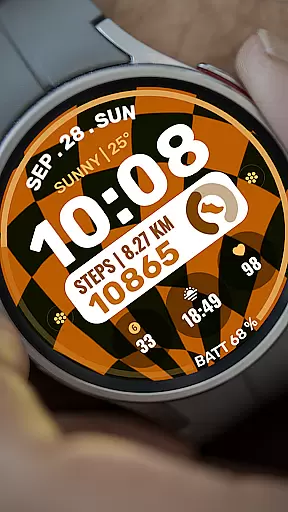
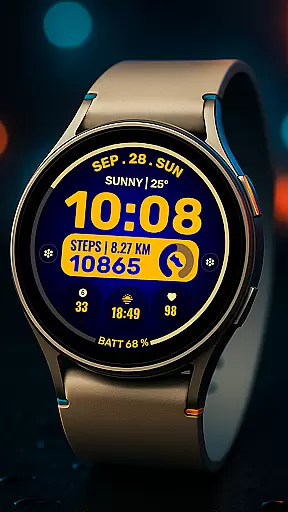
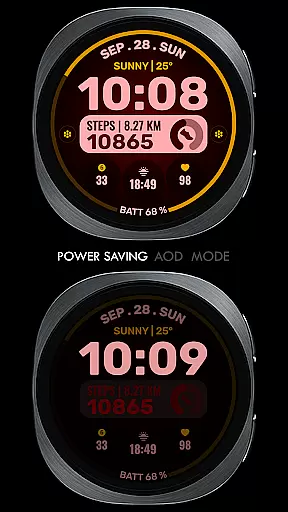
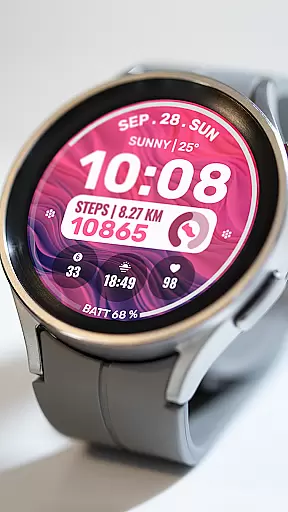
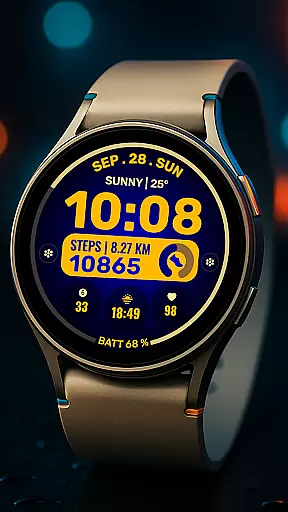
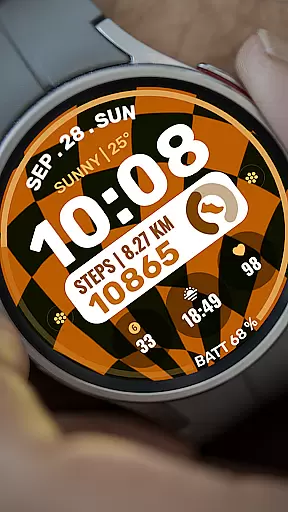
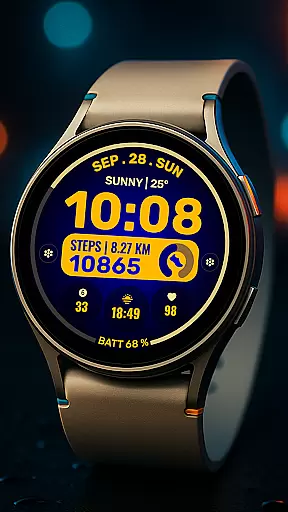
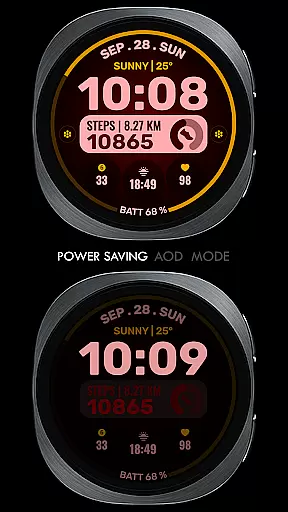
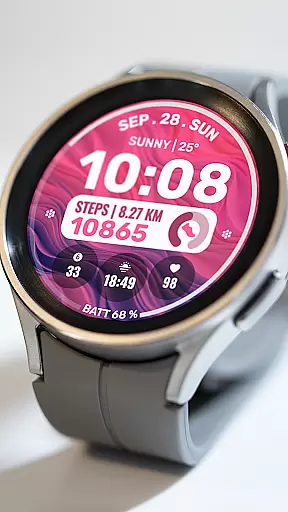
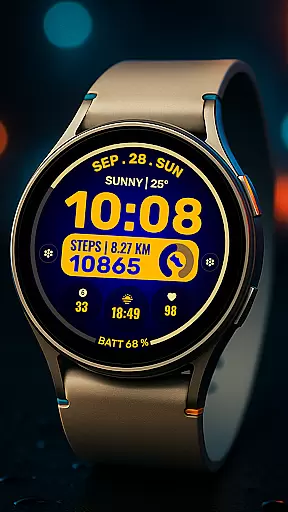
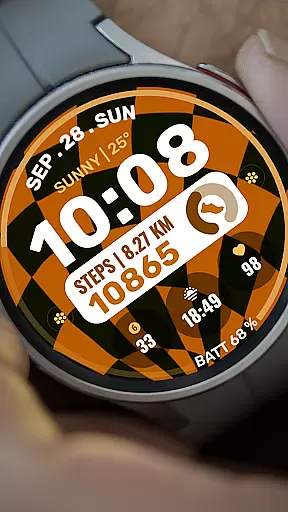
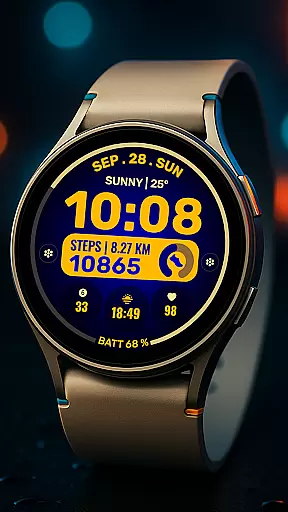
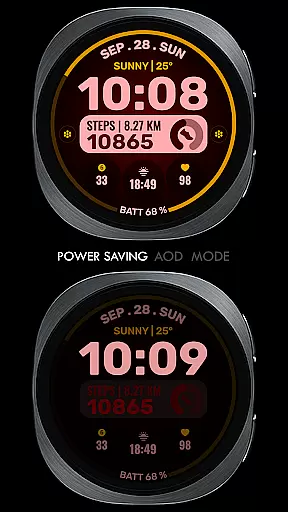
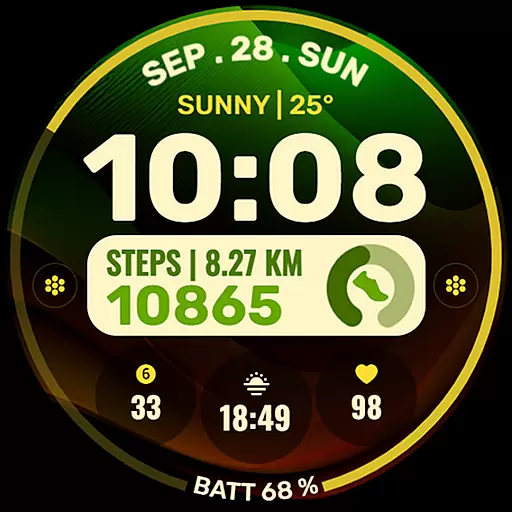
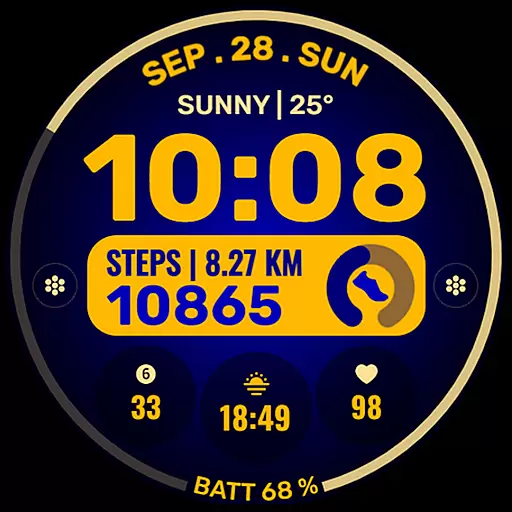
Data Dash is a feature-rich watch face designed for Wear OS devices, offering users an artistic digital clock display alongside customizable app shortcuts and complications. The watch face supports all Wear OS devices with API Level 34+ and later versions, ensuring compatibility with the latest technology.
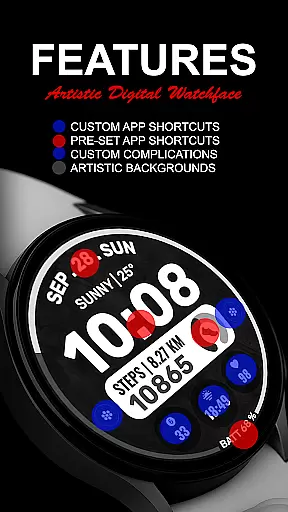
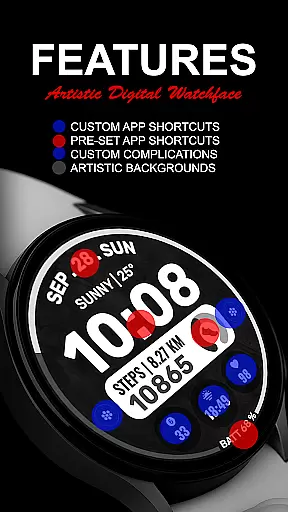
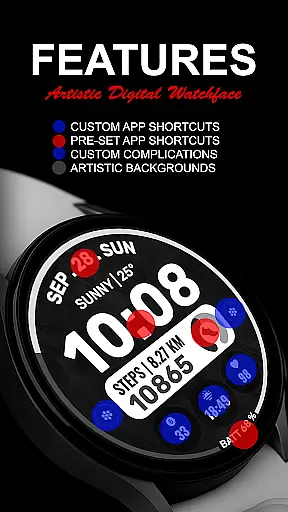
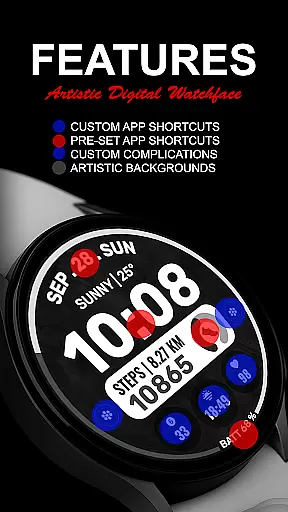
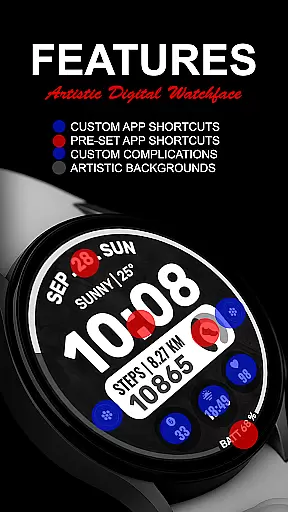
With pre-set app shortcuts for essential functions like Alarm, Calendar, Battery, and Steps, as well as two custom app shortcuts, users can tailor their experience to suit their needs. Additionally, three customizable complications allow for personalization with various data types such as Date, Weather, Steps, World Clock, and more. This flexibility ensures that Data Dash is not just a timepiece but a versatile tool on your wrist.
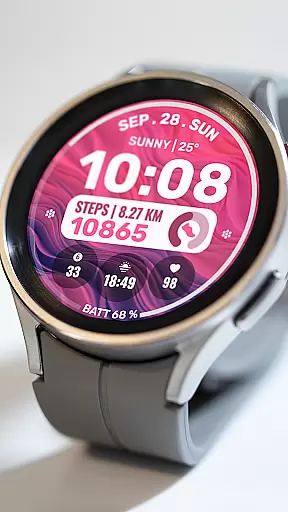
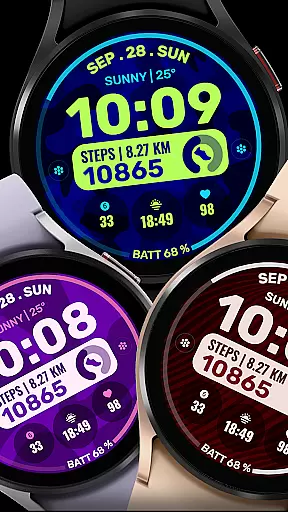
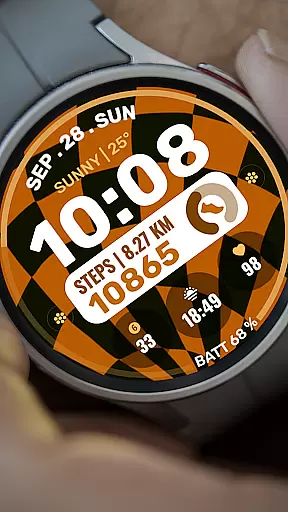
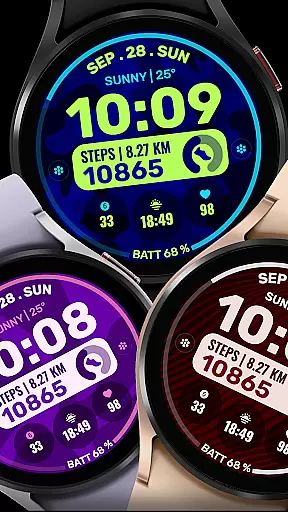
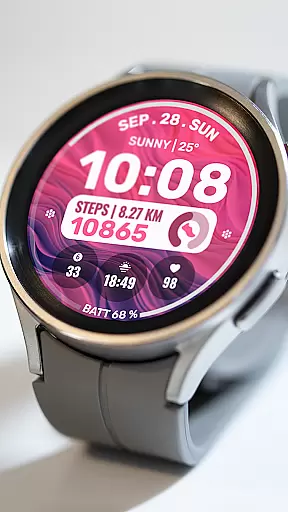
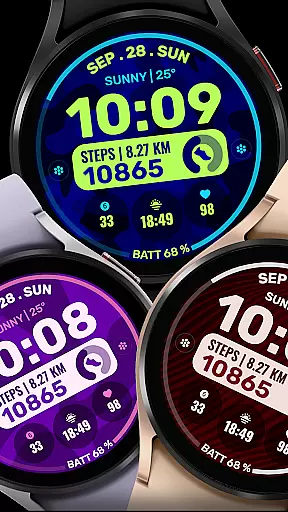
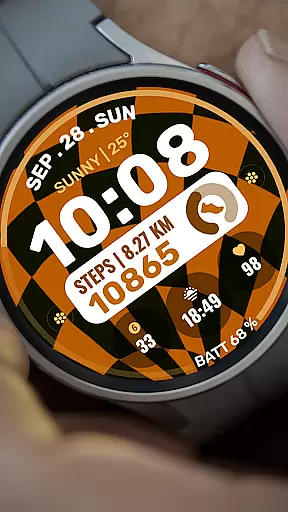
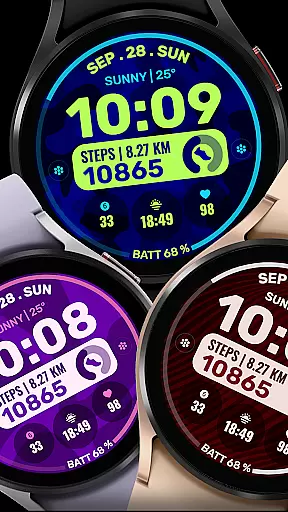
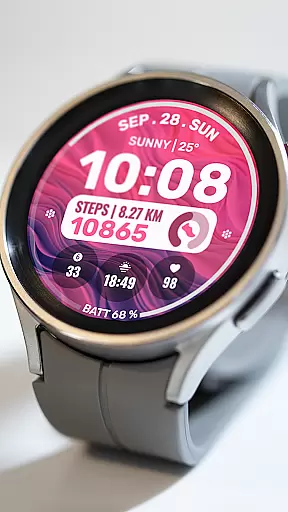
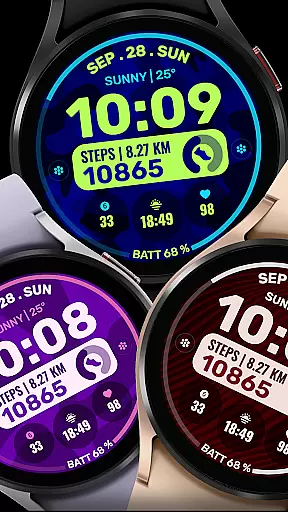
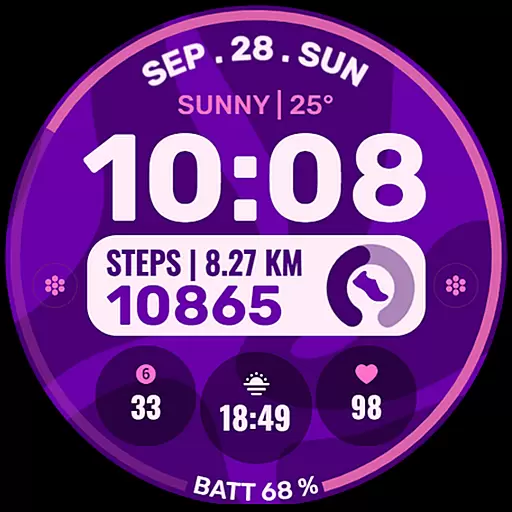
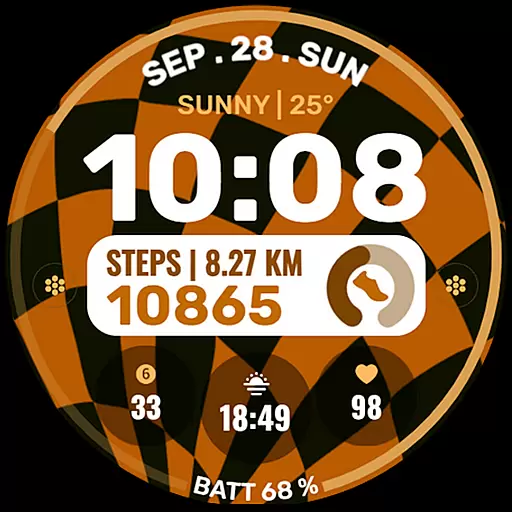
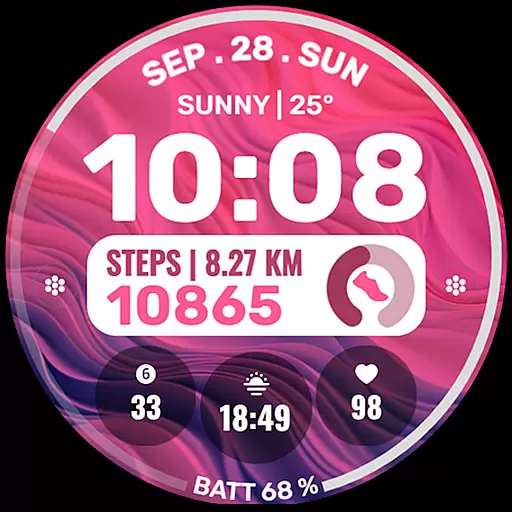
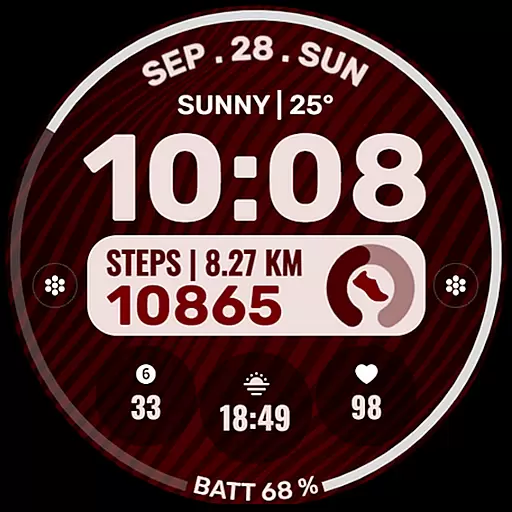
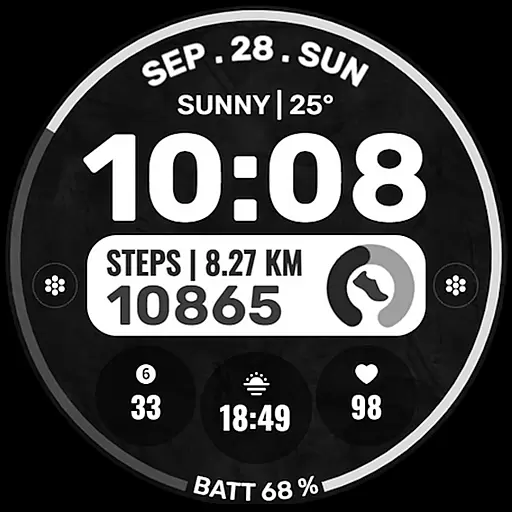
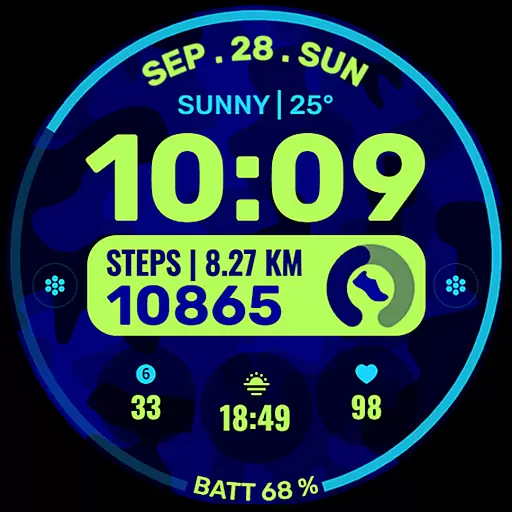
The ability to customize backgrounds and color themes adds another layer of personalization, making it suitable for users who value both aesthetics and functionality in their wearable tech. Whether you're tracking daily activities or staying informed at a glance, Data Dash provides a seamless blend of style and utility.
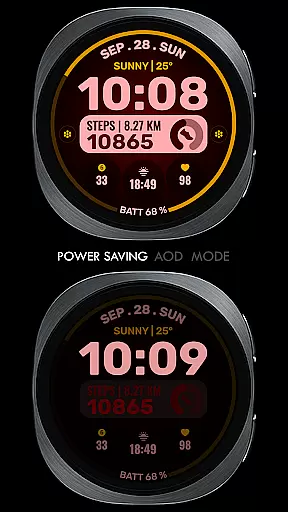
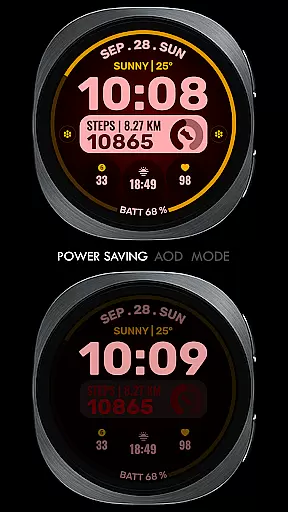
Data Dash stands out with its array of features tailored for customization and convenience. The artistic digital clock serves as the centerpiece, providing clear and stylish timekeeping. Users have access to pre-set app shortcuts for frequently used functions such as Alarm, Calendar, Battery status, and Step tracking, streamlining daily interactions with their smartwatch.
For those seeking further personalization, Data Dash offers two custom app shortcuts and three complication slots. These can be configured with a wide range of data sources including Date, Weather forecasts, Step counts, World Clocks, Sunrise/Sunset times, Next Appointments, Distance Walked, and more. Some advanced complications may require additional third-party installations, expanding the watch's capabilities beyond what comes built-in.
Custom background options and color themes enable users to match their watch face with personal style preferences or specific occasions. By allowing direct customization on the device, especially beneficial for Galaxy Watch users facing sync issues, Data Dash ensures that everyone can enjoy a personalized experience without relying solely on companion apps for adjustments.
For a smartwatch application like Data Dash, seamless companion app integration is crucial for optimal user experience. This feature ensures that the watch face can be customized and managed directly from a paired smartphone.
The Samsung Wearable app allows users to personalize their watch faces, although some Galaxy Watch users may experience syncing issues with complex designs. To work around this, customization can be done directly on the watch until Samsung resolves the syncing problem.
This integration enables features such as pre-set app shortcuts for alarm, calendar, battery, and step tracking. Additionally, users can install third-party complications to display data like weather, date, and world clock.
By maintaining proper email synchronization between the phone and watch, users ensure smooth installation and updates of their preferred watch faces, enhancing both functionality and personal style.
Data Dash is designed to support all Wear OS devices running API Level 34 or higher, which includes Wear OS 4 and later versions. This broad compatibility ensures that most smartwatch users can enjoy the application's features.
While the watch face offers extensive customization options, it's important to note that some features might not be available on certain devices due to hardware or software limitations.
To install, users simply need to download the watch face, and it will automatically transfer to their synced Wear OS device. If issues arise, searching for Data Dash directly in the Play Store on the watch can help complete installation.
This compatibility range provides users with flexibility in choosing their preferred Wear OS devices while maintaining access to essential features like custom complications, color themes, and app shortcuts.
Highly Customizable
Versatile Complications
Stylish Design
Wide Compatibility
User-Friendly Interface
Complex Setup Process
Limited Initial Features
Potential Sync Issues
Third-Party Dependence
Refund Time Limit

A customizable Christmas watch face for Wear OS with a countdown.
 4.20
4.20
Wear Os Watch Face - Animated Snow Effect & Christmas Lights
4.4
Deck out your Wear OS Watch face with a beautifully decorated pine wreath!
4.50
Period, ovulation & pregnancy tracker. Fertility insights & menstrual calendar.
4.90
Real-time results, stats, schedules and player profiles for all leagues
4.60
Funny animated watch face for Thanksgiving
4.2
Fitbit is dedicated to helping people lead healthier, more active lives.
4.10
Toyota app currently supports 2010 or newer vehicles (2018 or newer for Hawaii).
4.50
Download full tracks, listen to music offline, make unlimited playlists.
4.80
Hybrid watch face for Wear OS with customizable complications by Matteo Dini MD
4.70
Beautiful artistic animated digital watch face, with a customizable layout!
4.40
Digital watch face. For Wear OS devices.
4.40
Bold weather Digital watchface with forecast & optional animated background
4.40
The ultimate destination for kids ages 3-8 to explore the Marvel Universe!
4.30
"PER27 Galaxy Digital" is a digital Wear OS watch face designed by PERSONA
4.10
Structured watch face with seven complications and modular UI elements
3.90
Your local weather forecast, storm tracker, radar maps & live weather news
3.40
Analog watch face with 8 complications and expedition styling
4.2
Minimalistic design modern digital watch face.
4.5

User Reviews