

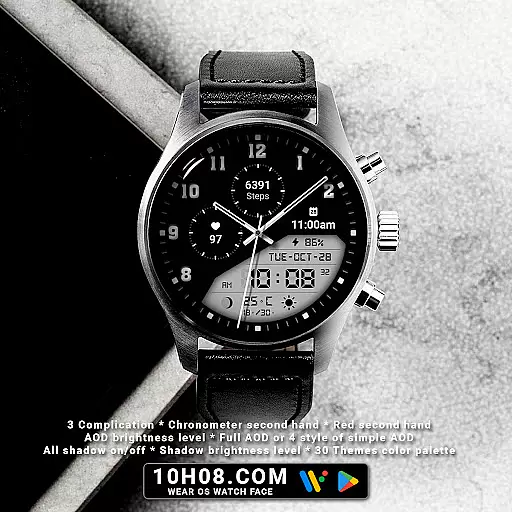
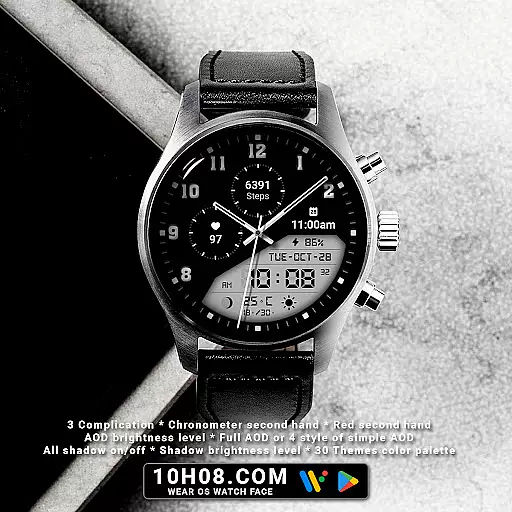
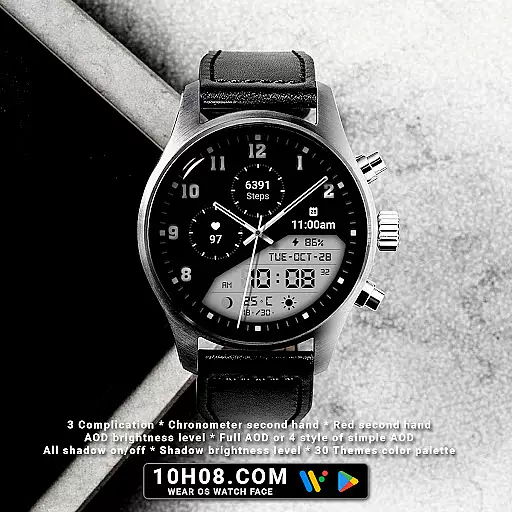
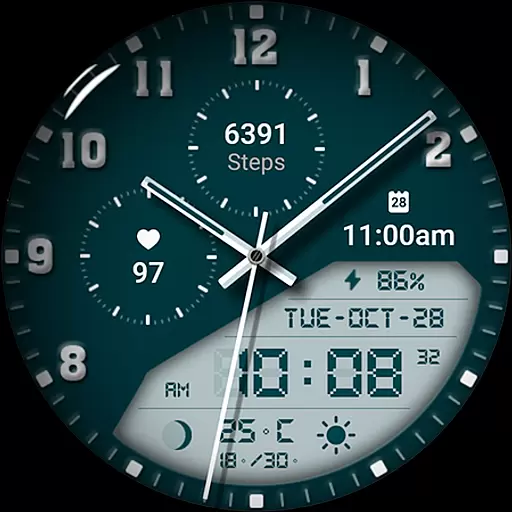
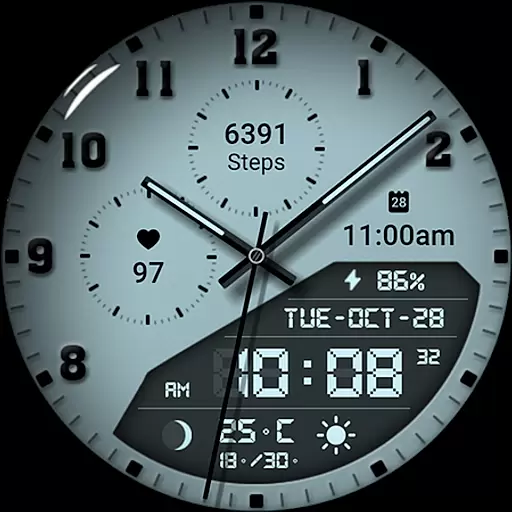
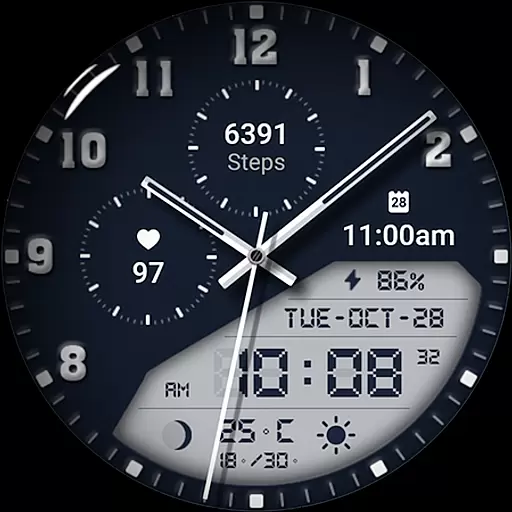
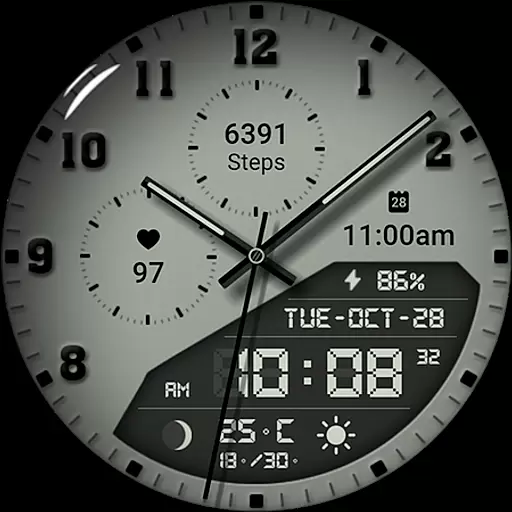
Watch face 10h08.com #85 is a feature-rich customization option for Wear OS smartwatches. This digital watch face combines classic design with modern functionality, offering users an elegant timepiece that's both practical and visually appealing.
The watch face includes essential features like analog/digital time display, weather updates, fitness tracking (steps and heart rate), calendar events, and moon phases. It also provides technical details such as battery level and supports up to three complications. The adaptive brightness settings and Always-On Display options ensure optimal visibility and power efficiency.
This versatile watch face is compatible with Wear OS 5+ devices, including popular models like Galaxy Watch series, Ticwatch Pro, and Pixel Watch. Its customizable interface allows users to personalize their smartwatch experience through various themes and display options.
Watch face 10h08.com #85 stands out with its comprehensive feature set designed for both aesthetics and functionality. The high-resolution display maintains sharp image quality while offering multiple customization options including 30 color themes and adjustable shadow effects.
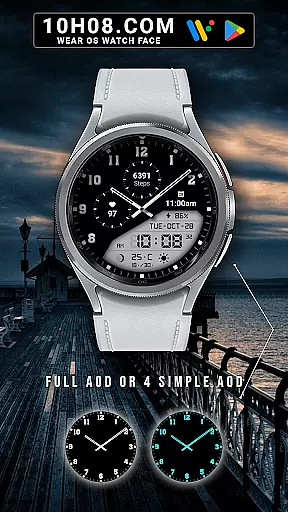
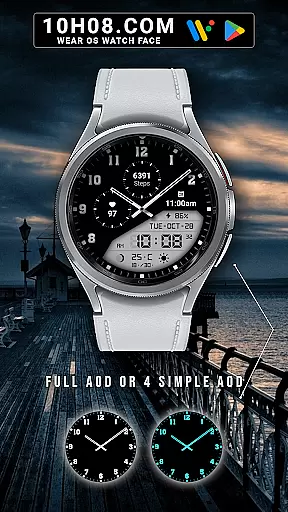
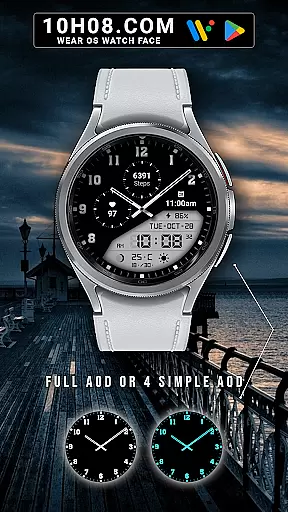
Unique features include the red chronometer second hand with customizable shadow brightness, four different Always-On Display modes, and full compatibility with Wear OS health tracking capabilities. Users can monitor their daily activities through step count and heart rate displays while staying informed about upcoming events and weather conditions.
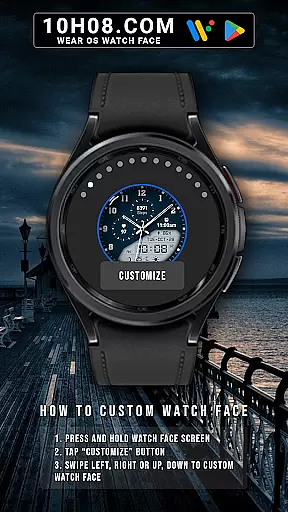
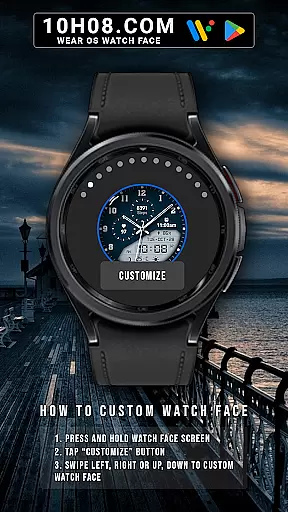
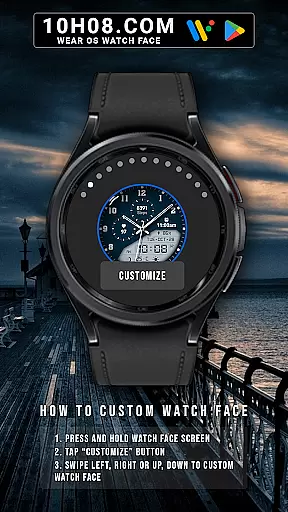
The watch face's customization process is intuitive - users can modify settings directly from their watch screen through simple swipe gestures. This interactive approach to personalization, combined with its compatibility across multiple Wear OS devices, makes it a versatile choice for smartwatch enthusiasts looking for both style and substance in their device's interface.
For smartwatch users, seamless companion app integration is essential for a unified experience. Watch face 10h08.com #85 offers exceptional connectivity with its companion app, ensuring that all features are easily accessible and customizable directly from your smartphone. This includes the ability to adjust settings such as weather updates, next event notifications, and health metrics like steps count and heart rate.
The level of integration provided by this watch face allows users to personalize their watch face with just a few taps on their phone screen. By pressing and holding the watch face screen, users can tap the 'Customize' button and swipe in any direction to modify various elements including complications, themes, and even shadow brightness levels. Such comprehensive control ensures that each user's watch face is tailored to their preferences.
Furthermore, the synchronization between the smartphone app and the watch face guarantees real-time updates and changes. Whether it's adjusting the AOD brightness level or switching between full AOD and simple AOD styles, these modifications take effect immediately on the wearable device. This instant update feature enhances user convenience and satisfaction, making daily interactions with the smartwatch more engaging and efficient.
Compatibility is key when selecting a watch face for your smartwatch. Watch face 10h08.com #85 is designed to be compatible with smartwatches running Wear OS 5+ SDK 34+, which covers a wide range of popular devices. Models such as Galaxy Watch 6, Galaxy Watch 7 Ultra, Ticwatch Pro 5, Pixcel Watch 2, and Watch 2 Pro are all supported, ensuring that most Wear OS users can enjoy this stylish and functional watch face without compatibility concerns.
This broad device compatibility is complemented by the watch face's high resolution and sharp image quality, which look stunning on any supported device. The classic design, combined with modern features like analog/digital time display, day-date indicators, and weather updates, provides a versatile and visually appealing experience across different smartwatch models.
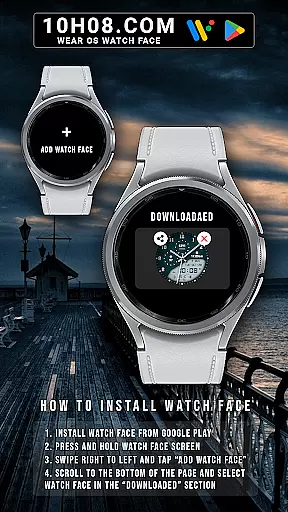
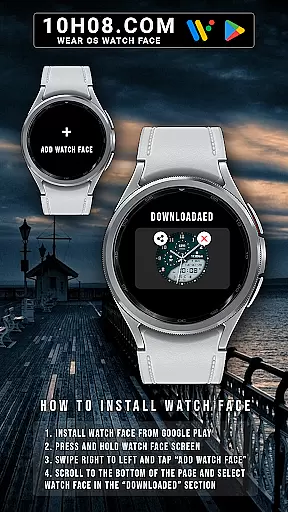
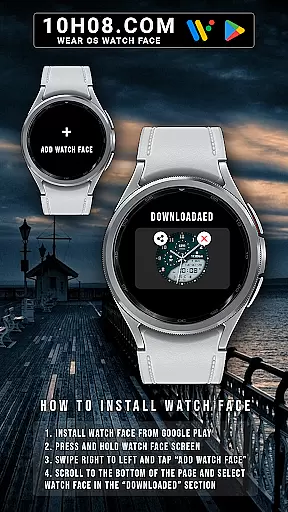
Installing the watch face is straightforward. After downloading it from the Google Play Store, users simply need to press and hold the watch face screen, swipe right to left, tap 'Add watch face', and select the downloaded option. This ease of installation, coupled with the extensive compatibility list, makes Watch face 10h08.com #85 an excellent choice for anyone looking to enhance their Wear OS smartwatch with a sophisticated and feature-rich watch face.
High-resolution display
Extensive customization options
Comprehensive health tracking
Multiple AOD modes
Cross-device compatibility
Requires Wear OS 5+
Consumes more battery
Complex for beginners
Limited to smartwatches
Premium features only
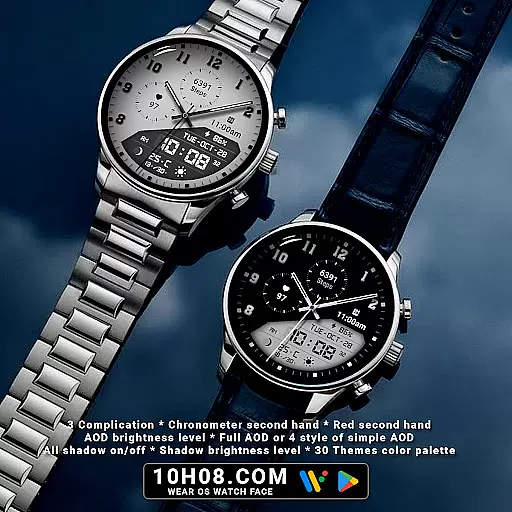
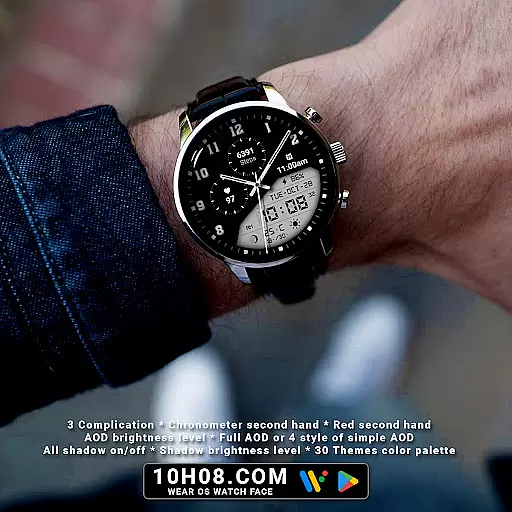
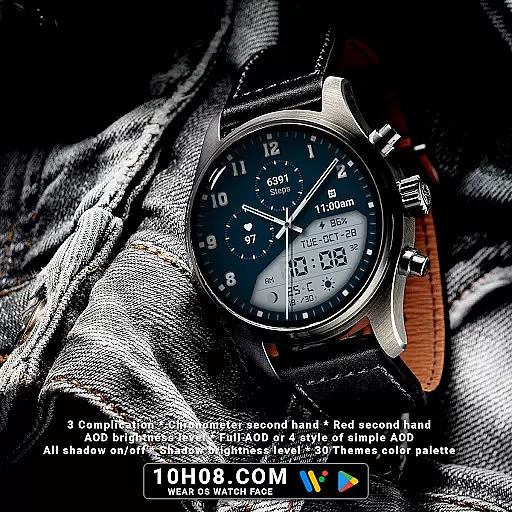
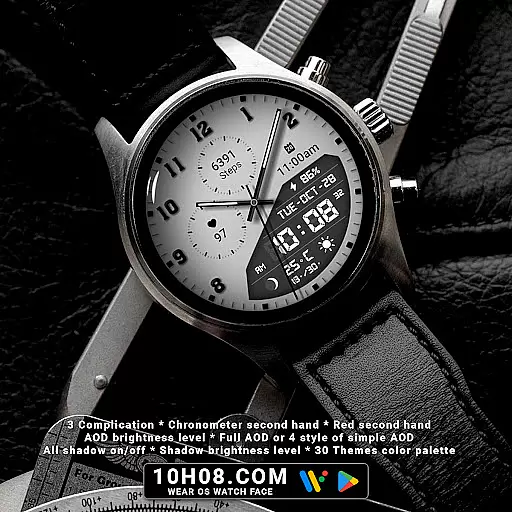
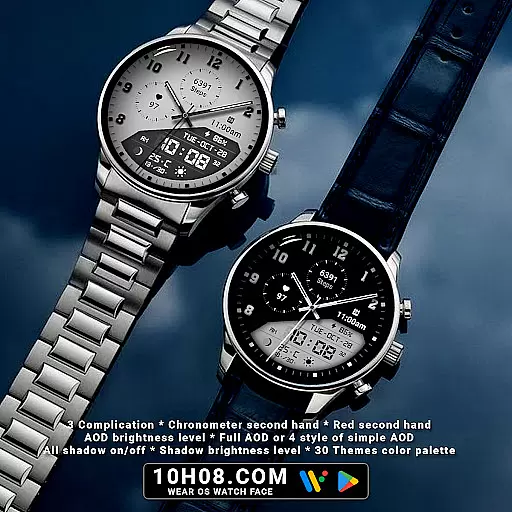
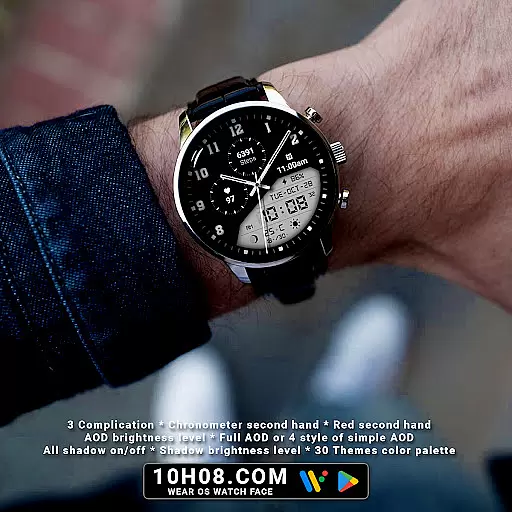
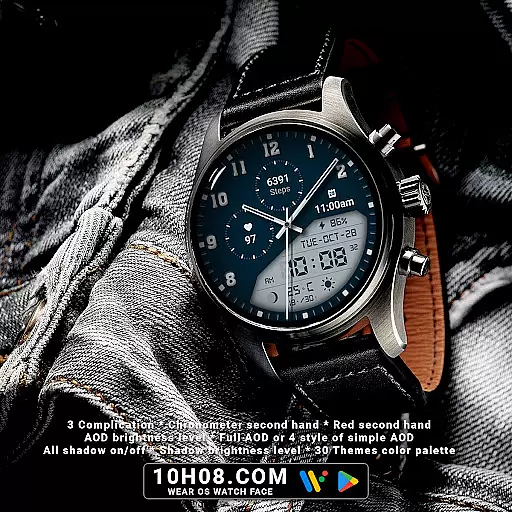
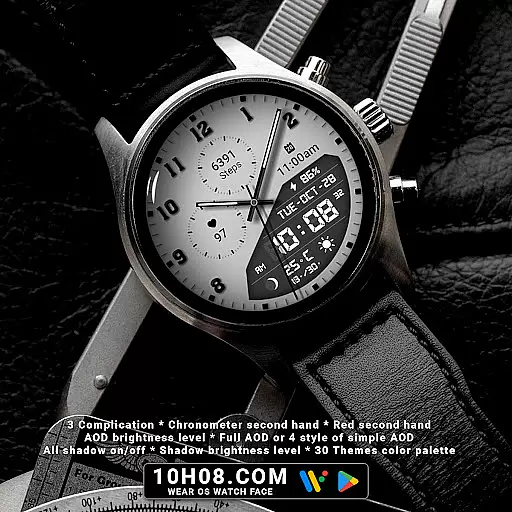
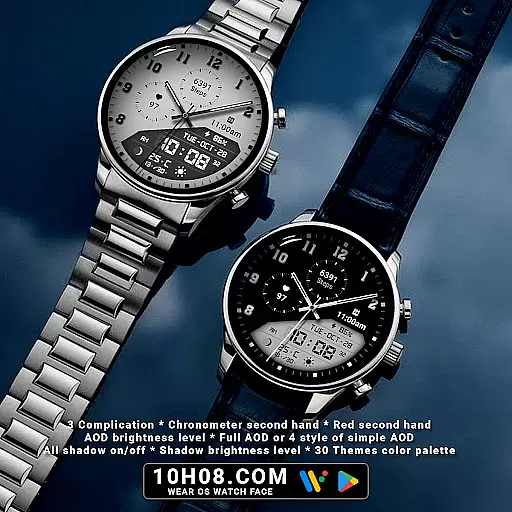
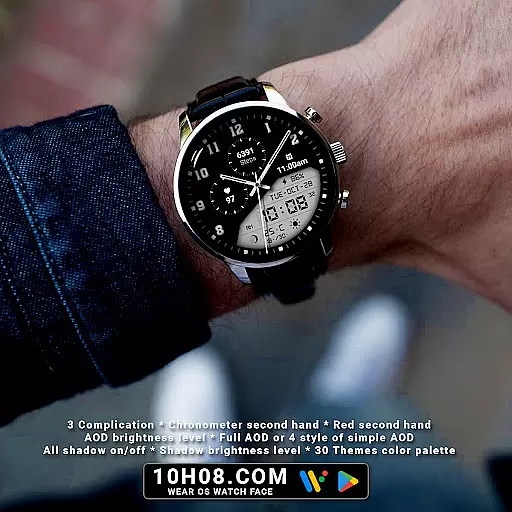
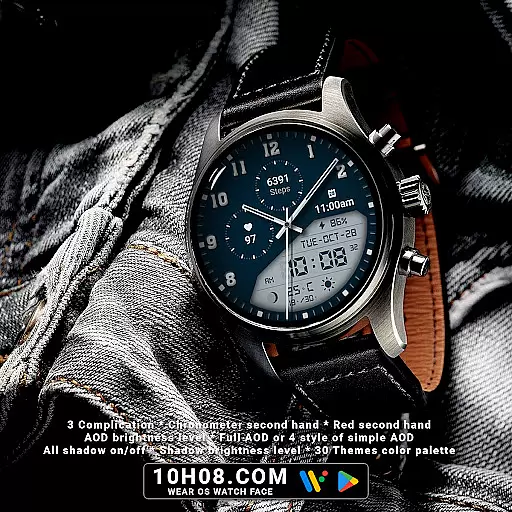
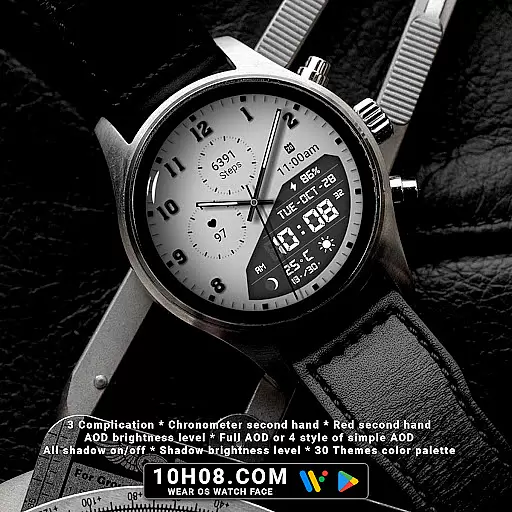
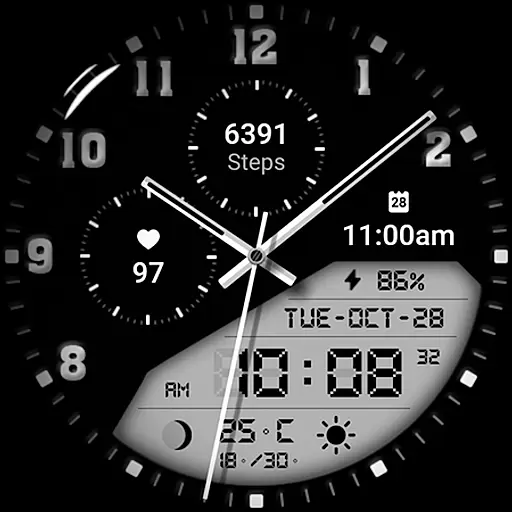
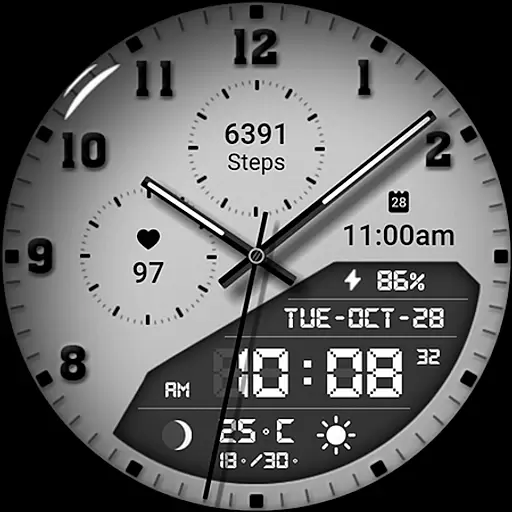
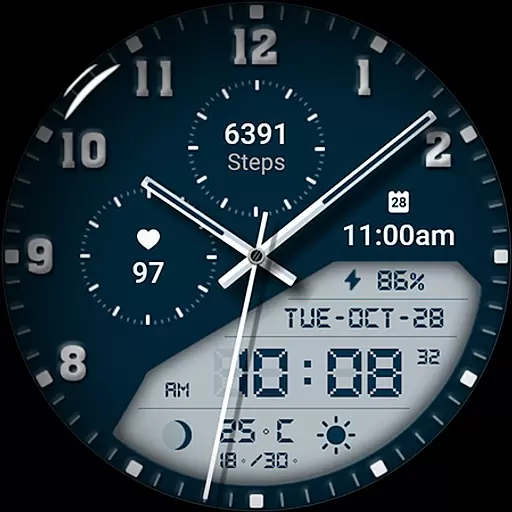
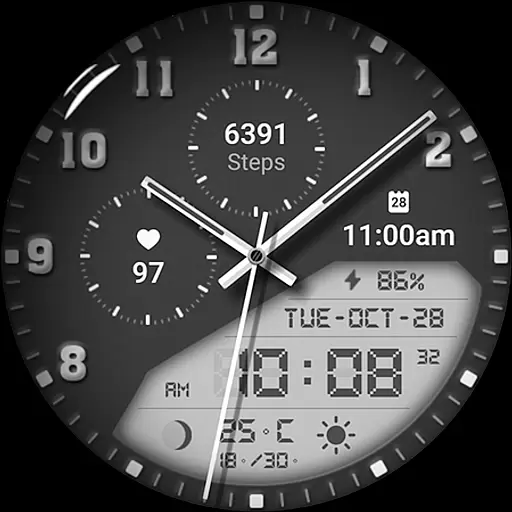

Watch the sharpness of the sky on your wrist..
 3.70
3.70
Wear Os Watch Face - Animated Snow - Sesonal for Christmas & Winter
4.2
Elegant animated Christmas tree with multiple customization options
4.20
Digital, flexibly customizable watch face. For Wear OS 5.0, API 34+ and later.
5.00
Digital watch face with big numbers and many customization for Wear OS devices
4.40
Fitness interactive virtual pet super fighter boy watch face
4.1
Get helpful reminders, take progress photos and find answers to your questions.
3.90
Retro digital watch face with customizable colors and a unique lighting effect
4.60
Start and succeed with PAP
4.10
Gym & home workout plans with strength training, exercise tracking, HIIT & more.
4.60
Digital watch face. For Wear OS devices.
4.40
Christmas watch face. For Wear OS devices.
4.30
Locate your family members by GPS phone location tracker everywhere and anytime
4.30
Calming & relaxing sounds for sleeping and stress relief. Stay focused all day!
4.20
Wear Os Watch Face - Animated Snow Effect & Magic Spark - 6 Scenes
4.10
The #1 source of faces for your smartwatch!
4.00
an Analog Watch Face for winter season with freeze winter background for Wear OS
4.4
Christmas is near, let's count together the days left until Santa comes
4.3
Artistic Digital Watchface
4.4

User Reviews