

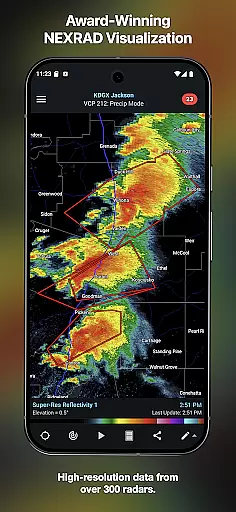
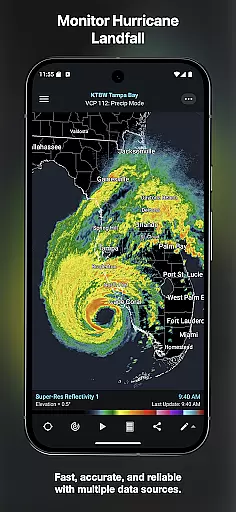
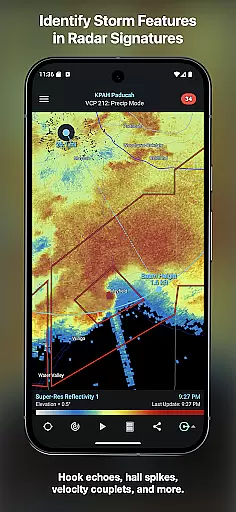
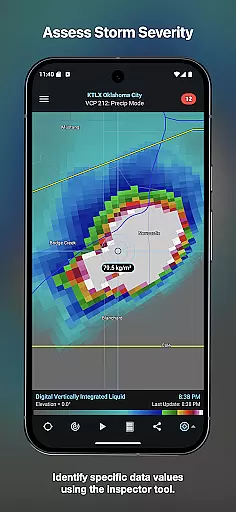
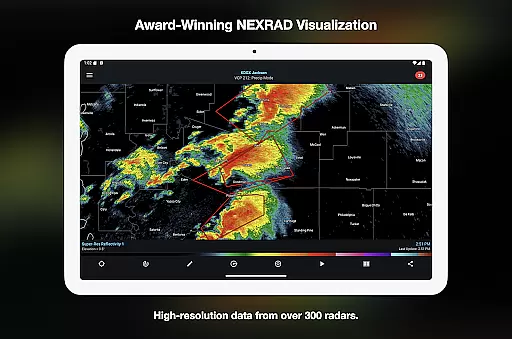
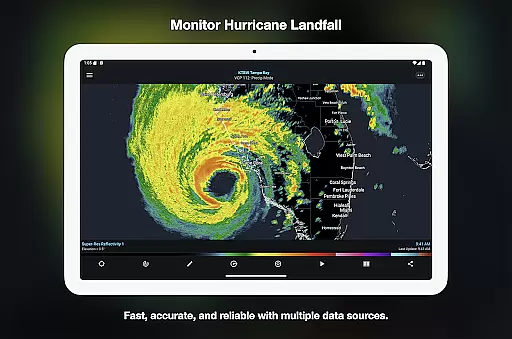
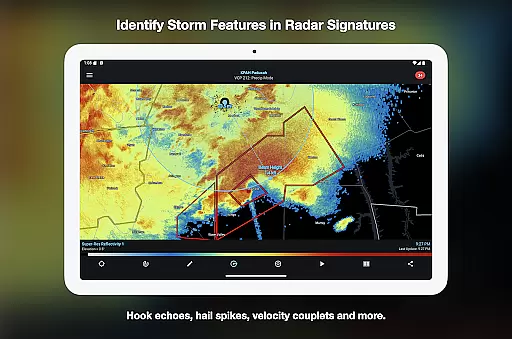
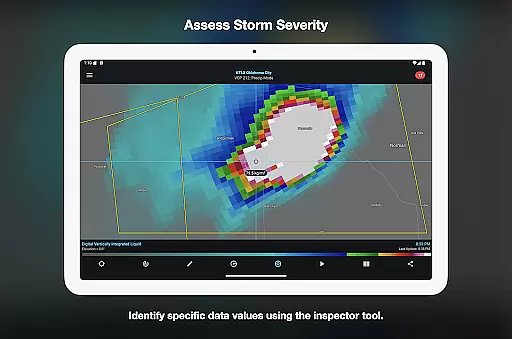
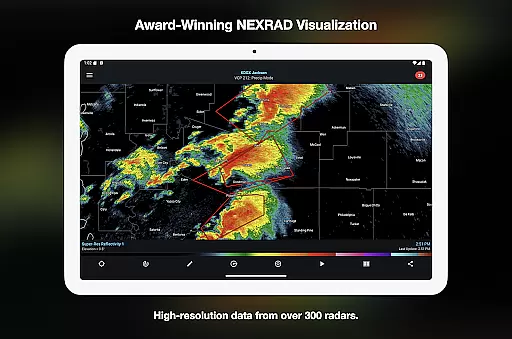
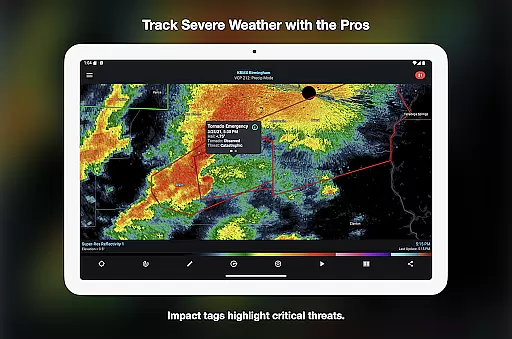
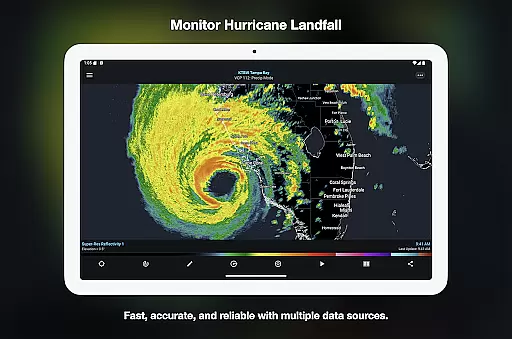
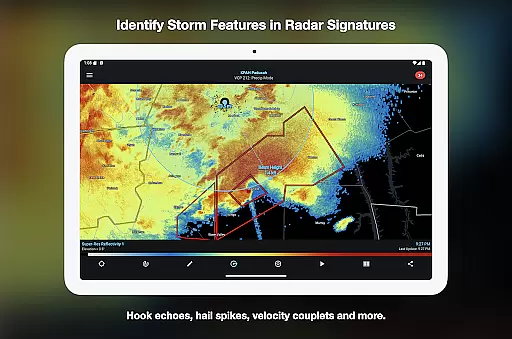
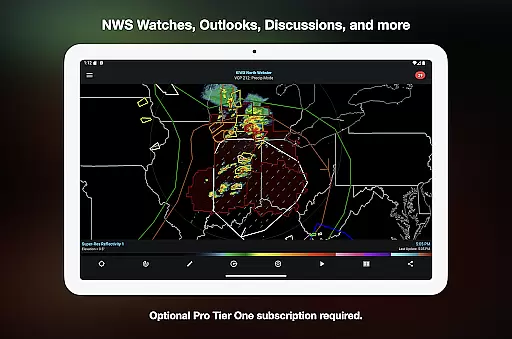
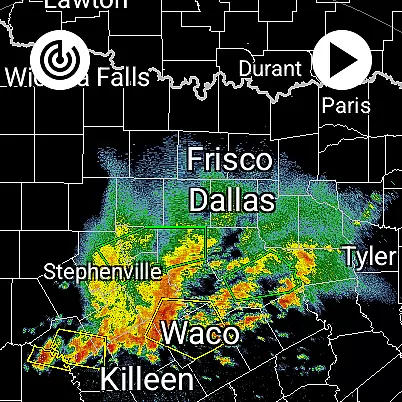
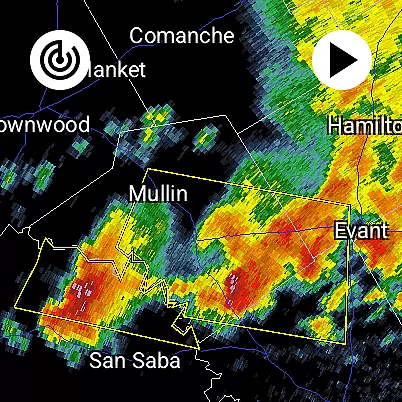
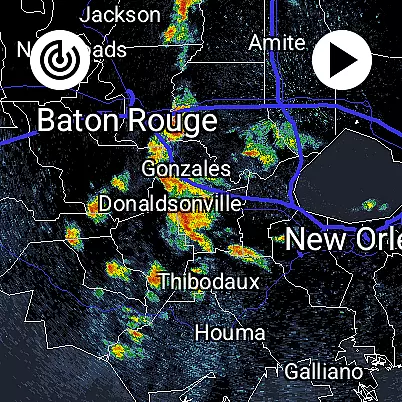
RadarScope is a professional weather visualization tool designed for meteorologists and weather enthusiasts. It provides real-time access to a comprehensive suite of single-site radar data and severe weather products across multiple countries. The app displays native radar data in its original radial format, offering users precise and timely weather information with updates every two to ten minutes.
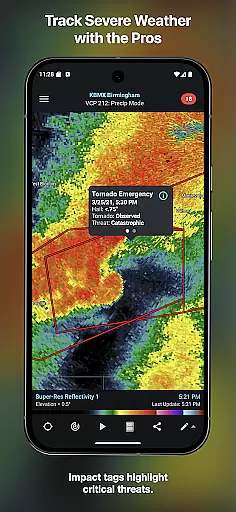
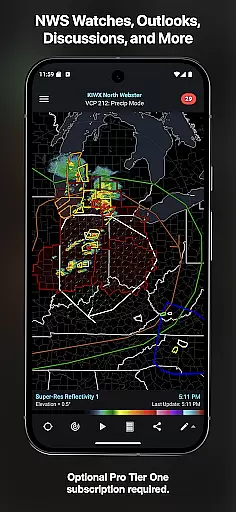
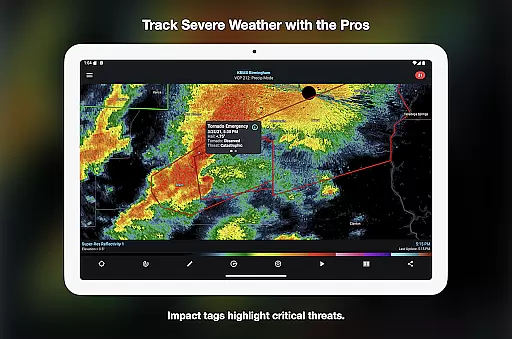
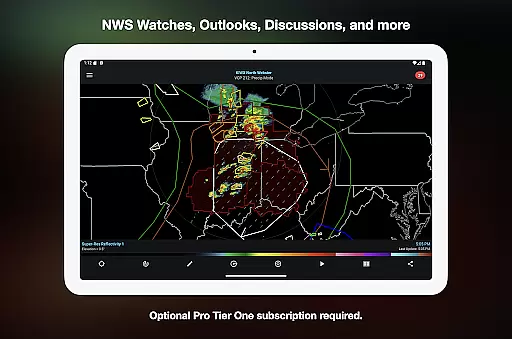
The app includes advanced features such as tornado and thunderstorm warnings, storm tracks, and integration with third-party services like AllisonHouse and Spotter Network. Available on both Android and Wear OS, RadarScope ensures seamless functionality across devices while maintaining a clutter-free experience through its native design and optional Pro subscription tiers that unlock additional capabilities.
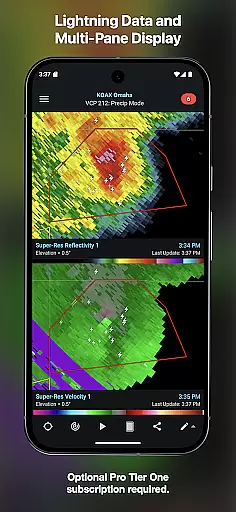
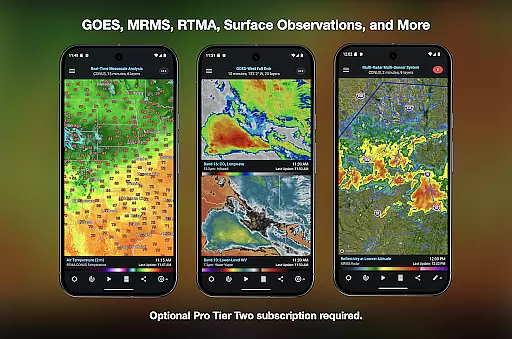
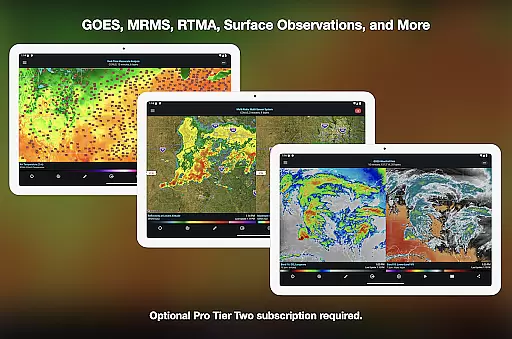
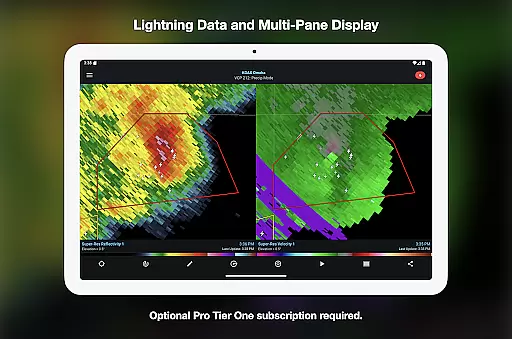
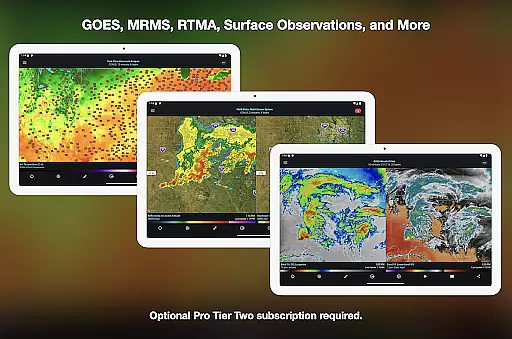
RadarScope stands out with its robust feature set tailored for weather analysis. The app offers detailed radar loops ranging from 6 frames in the basic version to 50 frames in the Pro Tier Two subscription. Users can track cloud-to-ground lightning strikes, access NEXRAD Level II data with a historical archive, and view GOES satellite products.
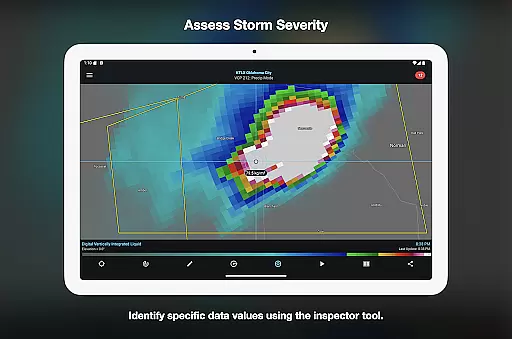
Additional functionalities include multi-pane display support, custom color palettes for different weather products, and server-sent events for instant updates. With cross-platform subscription sharing on up to five devices and specialized tools like the Inspector and distance measurement, RadarScope delivers a complete package for serious weather monitoring and research.
Companion app integration is essential for users who want a seamless experience between their mobile devices and wearable technology. RadarScope offers a robust companion app feature that ensures data synchronization and functionality across Android and Wear OS devices.
The app's architecture allows real-time sharing of radar data and severe weather alerts between your phone and wearable device. This means you can receive timely updates on your smartwatch, ensuring you stay informed even when your phone isn't immediately accessible.
With support for widgets and bundled maps optimized for low-bandwidth use, the companion app provides quick access to critical weather information. Users benefit from having an integrated system that enhances accessibility and convenience without compromising on data accuracy or speed.
This integration highlights RadarScope's commitment to providing comprehensive weather visualization tools that cater to both professional meteorologists and weather enthusiasts, ensuring they have access to vital data wherever they are.
Device compatibility is crucial for apps targeting the Android Wear platform, and RadarScope excels in this area by offering a universal app solution that works seamlessly across various devices. The app supports both Android and Wear OS, making it versatile for users with different device ecosystems.
RadarScope's design ensures that its advanced weather visualization features are fully functional on smaller screens without losing detail or usability. This includes interactive radar loops, warning notifications, and map overlays that remain clear and actionable on smartwatches.
Additionally, the app supports cross-platform subscription sharing on up to five devices, allowing users to manage their subscriptions flexibly while enjoying consistent performance. This feature underscores the importance of maintaining high standards in device compatibility to deliver an optimal user experience.
By focusing on these aspects, RadarScope not only meets but exceeds user expectations for Wear OS/device compatibility, positioning itself as a top choice for those seeking reliable weather tracking solutions on their wearable devices.
Real-time radar updates
Comprehensive weather data
Advanced Pro features
Cross-platform support
User-friendly interface
Subscription costs
Complex for beginners
Limited free features
Highly technical
Resource intensive


"PER27 Galaxy Digital" is a digital Wear OS watch face designed by PERSONA
 4.10
4.10
Christmas and New Year - Themed Watchface
4.0
Rose gold watch face with festive lights & customizable features.
4.60
Embrace the festive spirit with our Christmas Countdown watchface for Wear OS
4.10
Watch face designed for Thanksgiving Day. 7 Background Styles included.
3.20
Watch face for Wear OS.
4.20
Funny animated watch face for Thanksgiving
4.2
Hyper-Realistic Airplane Dashboard Watch Face With 10 Skins and Custom AOD
4.00
Toyota app currently supports 2010 or newer vehicles (2018 or newer for Hawaii).
4.50
Gym Log & Workout Tracker | Fitness Journal, Training & Weight Lifting Planner
4.90
Hybrid watch face for Wear OS with customizable complications by Matteo Dini MD
4.70
MyNISSAN® lets you remotely control your car from your phone.*
4.50
Deck out your Wear OS Watch face with a beautifully decorated pine wreath!
4.50
A white realistic classic analog watch face with many customization options.
4.40
Bold, Modern Hybrid Watch Face for Wear OS. 10 Colors, Rich Info Display.
4.30
Your music, your playlists, and more—offline and unlimited.
4.20
Stay in touch with your friends and family using LINE!
3.40
Minimalistic design modern digital watch face.
4.3
Hybrid Vibrant Health Watch Face for Wear OS
4.5


User Reviews