

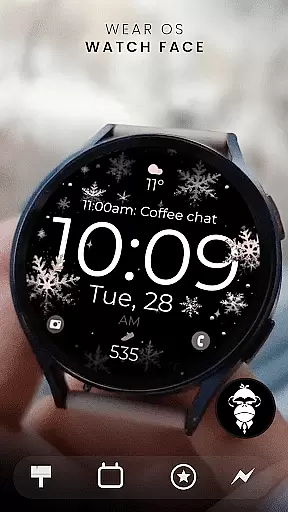
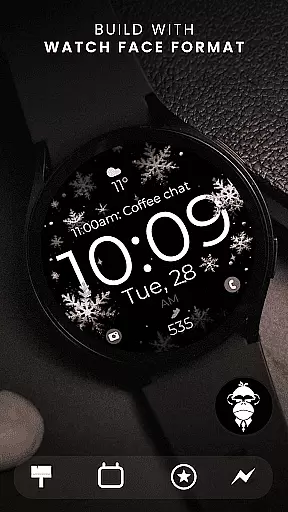
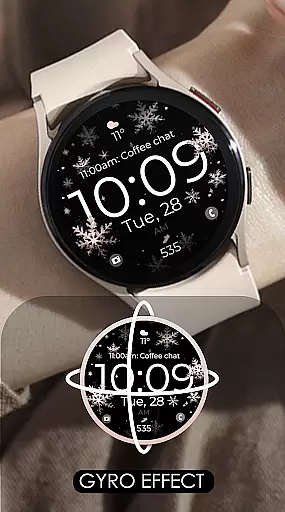
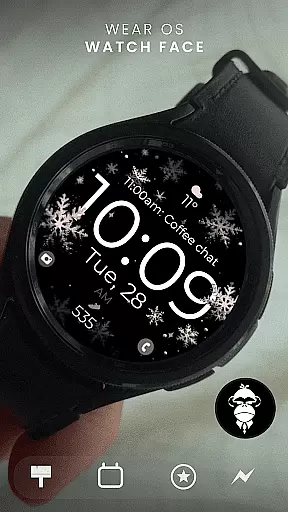
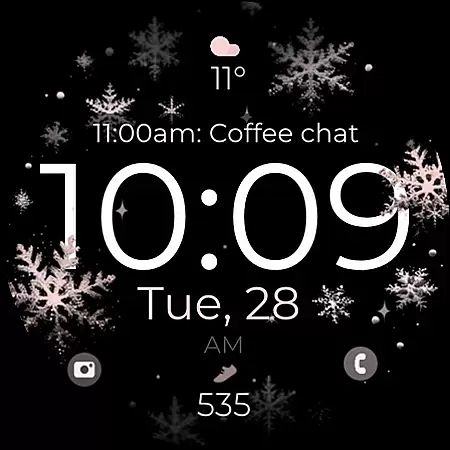
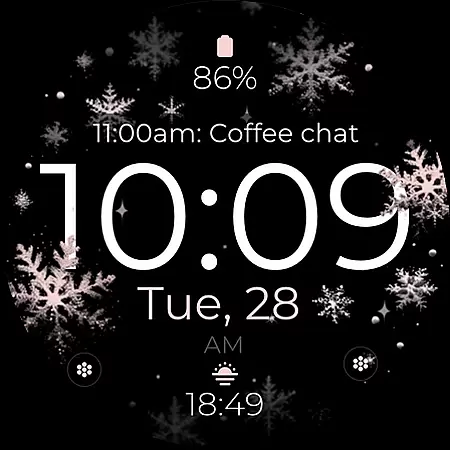
Snowflake Rose Gold is a modern and sleek Wear OS watch face featuring a mesmerizing GYRO effect. The snowflakes, which come in silver and rose gold, move as you turn your wrist, creating an eye-catching display on compatible smartwatches. This digital watch face offers customization options to match your personal style while providing essential timekeeping features.
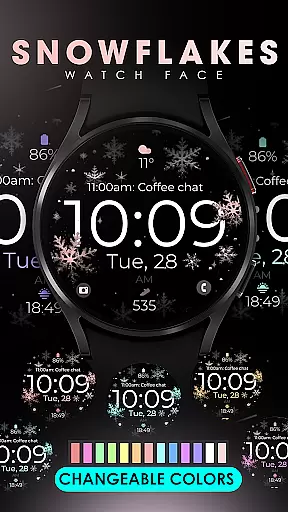
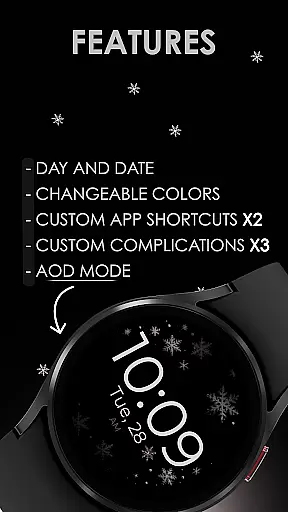
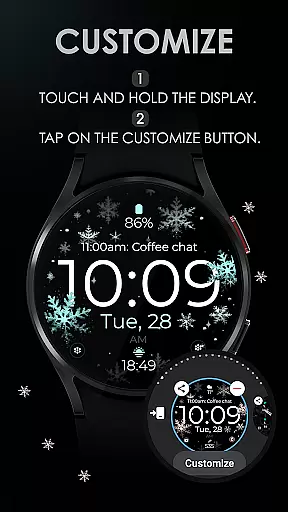
Designed for Wear OS devices running API 33 and above, this watch face supports Google Pixel Watch, Samsung Galaxy Watches, and more. With day and date indicators, app shortcuts, complications, and Always-On Display (AOD), it combines functionality with aesthetics. Users can easily customize the colors through simple touch controls.
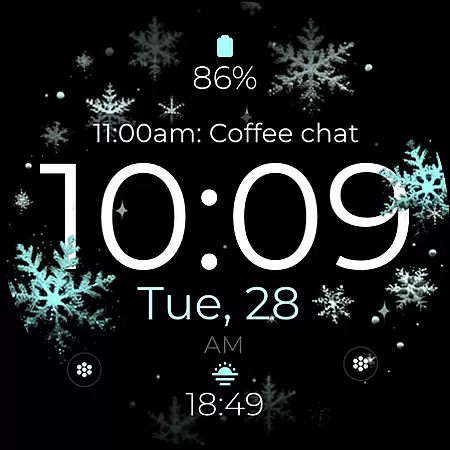
The Snowflake Rose Gold watch face stands out with its unique GYRO effect that animates snowflakes when you move your wrist. This feature creates a dynamic visual experience not found in traditional watch faces. Additionally, users can choose between silver or rose gold snowflakes, adding a touch of elegance to their smartwatch display.
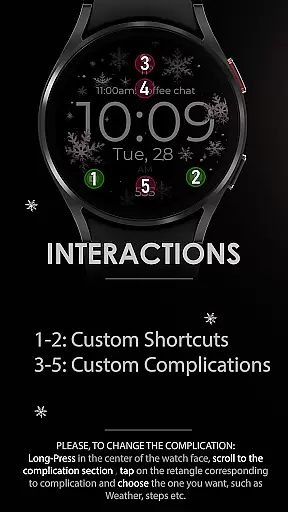
Customization is key with this app. It includes two custom app shortcuts, three customizable complications, and adjustable color settings. These features allow users to tailor the watch face according to their preferences. Moreover, compatibility with all Wear OS devices ensures broad usability across various smartwatch models.
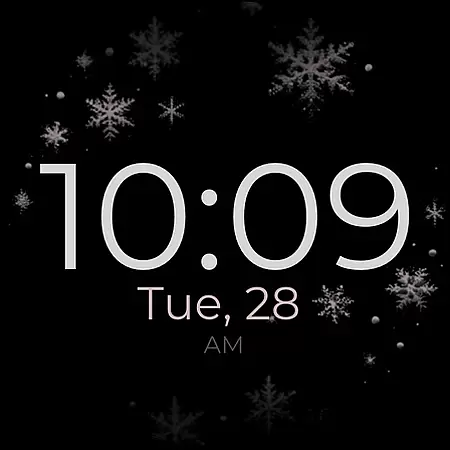
Beyond aesthetics, practicality is prioritized with day and date indicators, ensuring users stay informed at a glance. The Always-On Display (AOD) function keeps essential information visible even when the screen is idle. For support, users can reach out via email, and additional content is available through newsletters and social media channels.
Companion app integration is essential for a seamless wearable experience. Snowflake Rose Gold watch face offers deep integration with its companion app, ensuring that users can easily access and modify settings directly from their smartphone.
The app provides an intuitive interface where users can customize various aspects of the watch face. From changing the color of snowflakes to setting up custom complications, everything is just a tap away. This level of integration ensures that personalization is not only possible but also easy and enjoyable.
Furthermore, the companion app ensures that updates and new features are seamlessly delivered to the user. This keeps the watch face experience fresh and engaging over time, adapting to new Wear OS features and user preferences without missing a beat.
Ensuring broad device compatibility is crucial for any Wear OS application. Snowflake Rose Gold is designed to work flawlessly with all Wear OS devices running API 33 and above, including popular models like Google Pixel Watch and Samsung Galaxy Watch series.
This wide compatibility means that whether you own a Samsung Galaxy Watch7 or a Google Pixel Watch, you can enjoy the mesmerizing GYRO effect and sleek design of this digital watch face. The meticulous attention to detail in compatibility testing guarantees a smooth user experience across different hardware configurations.
However, it's important to note that this watch face is not suitable for rectangular watches, focusing instead on round and square designs. This deliberate choice ensures optimal visual appeal and functionality on compatible devices, maintaining the high standards set by Monkeys Dream.
Unique GYRO effect
Highly customizable
Compatible with many devices
Elegant design
Easy to use
Not suitable for rectangular watches
Limited color options
Requires API 33+
No advanced health tracking
Premium feel may not appeal to all

Wear Os Watch Face - Animated Snow - Sesonal for Christmas & Winter
 4.2
4.2
Current temperature, weather hourly, weather radar by the weather forecast app
4.40
A full-featured Amazon Alexa voice assistant that can show you things.
3.70
MyNISSAN® lets you remotely control your car from your phone.*
4.50
Analog watch face with 8 complications and expedition styling
4.4
Deck out your Wear OS Watch face with a beautifully decorated pine wreath!
4.50
Your second brain for organizing your life: to-do, calendar, reminder.
4.70
Premium hybrid watch face with many customizations for Wear OS devices.
4.40
Download full tracks, listen to music offline, make unlimited playlists.
4.80
Digital, flexibly customizable watch face. For Wear OS 5.0, API 34+ and later.
5.00
Real-time weather radar with temperatures, warnings, hurricanes, and widgets
4.80
The most customizable hybrid watch face. For Wear OS 5.0, API 34+ and later
4.70
Highly customizable hybrid watch face for Wear OS, perfect for everyday use.
4.60
Gym & home workout plans with strength training, exercise tracking, HIIT & more.
4.60
Bold weather Digital watchface with forecast & optional animated background
4.40
Let's celebrate Thanksgiving - Wear Os watch face
4.20
Christmas is near, let's count together the days left until Santa comes
4.4
A heartwarming Christmas scene featuring a cute image of Santa and Rudolf
4.2
Sleek, highly customizable watch face inspired by Galaxy Watch Circle Dashboard.
4.0

User Reviews