

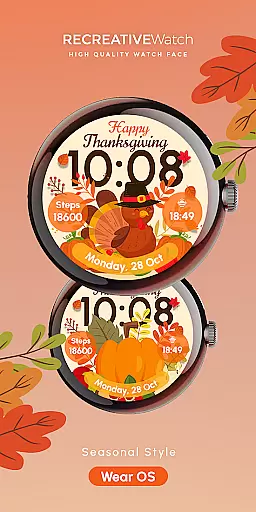
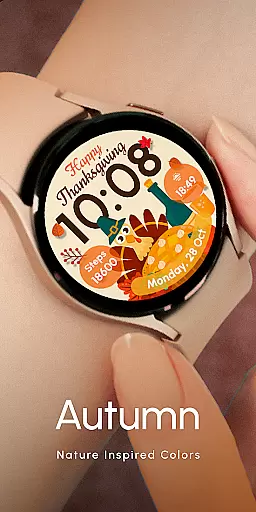
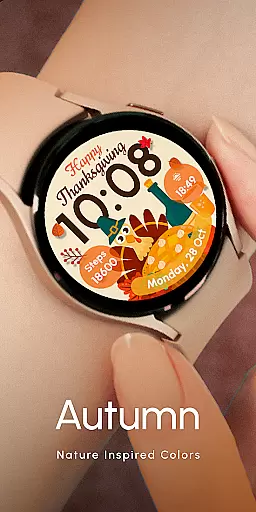
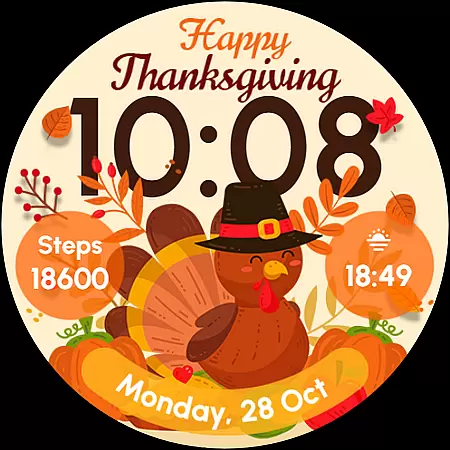
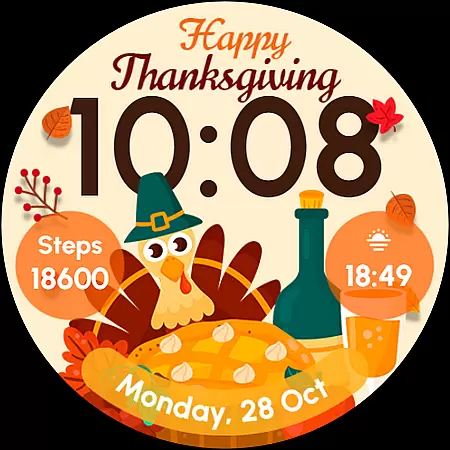
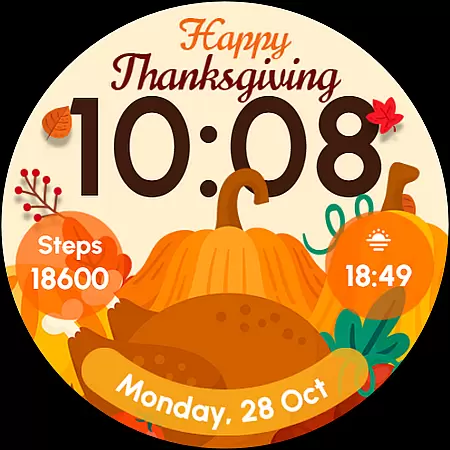
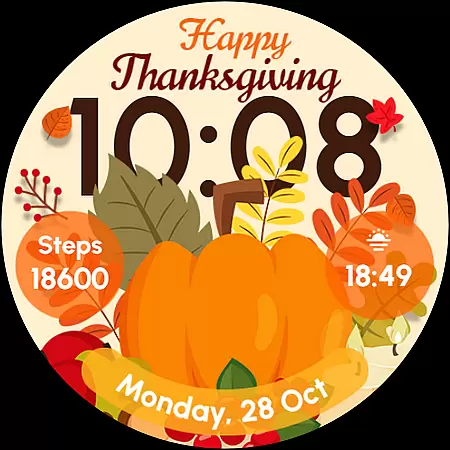
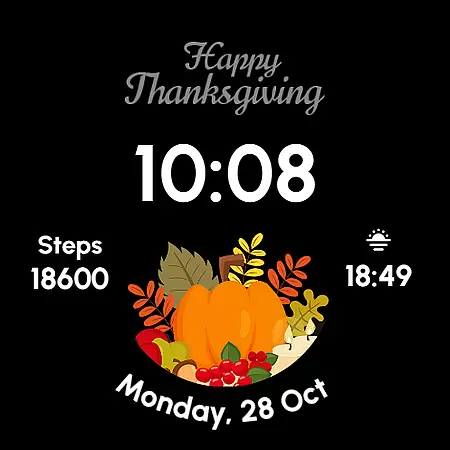
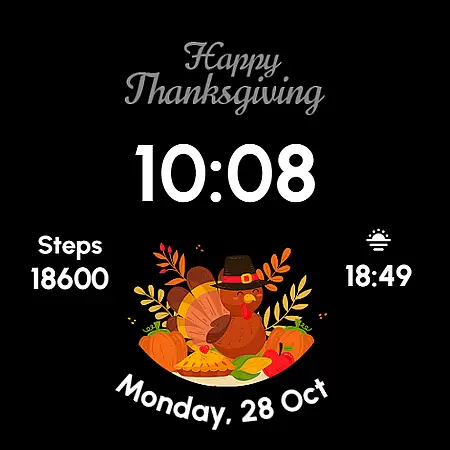
ReS54 is a festive Wear OS watch face designed to bring Thanksgiving spirit to your smartwatch. Featuring a cute turkey, vibrant pumpkins, and a festive feast design, it offers users a cozy autumn vibe on their wrist. The watch face displays 12/24hr digital time, date, battery status, and step count while supporting two customizable complications and five style variations.
This watch face is compatible with API level 33+ devices including Google Pixel, Galaxy Watch 4, 5, 6, and other Wear OS models. With its Always On Display feature, users can enjoy both functionality and festivity. For optimal battery performance, disabling the Always On Display mode is recommended.
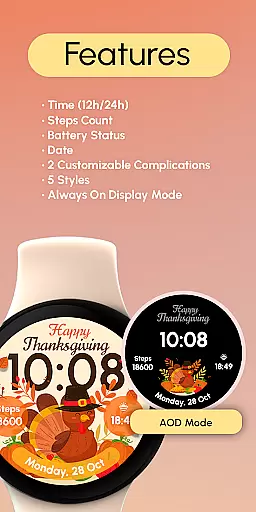
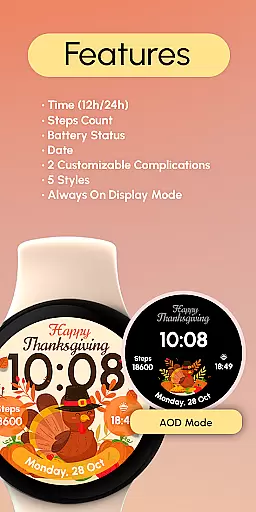
ReS54 offers a rich set of features that make it both functional and festive. The watch face displays essential information such as 12/24hr digital time, date, battery level, and step count. It also supports two customizable complications, allowing users to personalize their data fields according to their preferences.
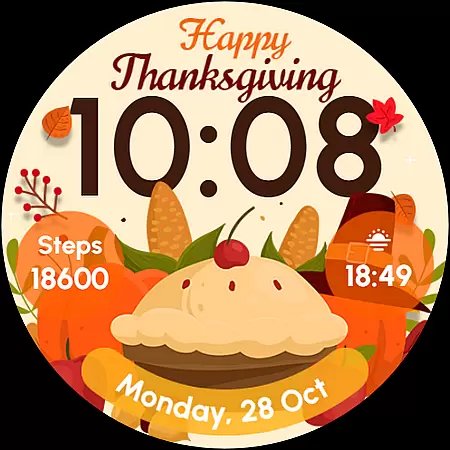
With five unique styles to choose from, users can switch up their look while maintaining the Thanksgiving theme. The Always On Display feature ensures that the time and other important details are always visible. Users can easily customize the watch face by touching and holding the display, then tapping on the Customize option to adjust settings and select preferred complications.
Companion app integration is essential for Wear OS applications as it ensures seamless synchronization between the watch face and a paired smartphone. This functionality allows users to access additional features, receive notifications, and manage settings directly from their mobile device.
ReS54 offers robust companion app integration, enabling users to customize their watch face with ease. Through the companion app, users can adjust styles, set complications, and configure display preferences, ensuring a personalized experience tailored to individual tastes.
The benefit of this integration is significant; users can enjoy a cohesive ecosystem where their wearable and mobile devices work in harmony. By facilitating effortless customization and control, ReS54 enhances user engagement and satisfaction.
This feature underscores the value of ReS54 by providing a streamlined way to manage the watch face's functionalities, thus enriching the overall user experience on compatible Wear OS devices.
Device compatibility is crucial for Wear OS applications, ensuring that the watch face functions correctly across various devices and operating system versions. Compatibility guarantees that users can enjoy a consistent experience regardless of their specific device model.
ReS54 boasts extensive compatibility with API level 33+ Google Pixel, Galaxy Watch 4, 5, 6, and other Wear OS models. This broad support means that a wide range of users can take advantage of its festive design and advanced features without worrying about technical limitations.
By supporting multiple devices, ReS54 maximizes its reach and utility, offering users the flexibility to choose their preferred hardware while maintaining access to the same high-quality experience. This inclusivity enhances the product's appeal and market presence.
Ultimately, ReS54's commitment to compatibility demonstrates its dedication to delivering a versatile and accessible solution for bringing autumn vibes to your wrist, no matter which Wear OS device you own.
Perfect for Thanksgiving
Festive and functional design
Customizable complications
Compatible with Wear OS
Always On Display feature
Battery may drain faster
Limited to Wear OS devices
No automatic application
Requires customization steps
Seasonal appeal only



Highly customizable hybrid watch face for Wear OS, perfect for everyday use.
 4.60
4.60
Bold, Modern Hybrid Watch Face for Wear OS. 10 Colors, Rich Info Display.
4.30
Digital watch face with big numbers and many customization for Wear OS devices
4.40
The ultimate destination for kids ages 3-8 to explore the Marvel Universe!
4.30
The #1 source of faces for your smartwatch!
4.00
Period, ovulation & pregnancy tracker. Fertility insights & menstrual calendar.
4.90
Real-time results, stats, schedules and player profiles for all leagues
4.60
Hybrid Vibrant Health Watch Face for Wear OS
4.5
Back up your contacts & access them anywhere
4.30
Be an elegant and classy secret agent, with this carefully detailed watch face
4.70
MyNISSAN® lets you remotely control your car from your phone.*
4.50
Digital watch face. For Wear OS devices.
4.40
Premium hybrid watch face with many customizations for Wear OS devices.
4.40
Professional weather radar and more
3.90
Watch face designed for Thanksgiving Day. 7 Background Styles included.
3.20
Christmas and New Year - Themed Watchface
4.0
Analog watch face with 8 complications and expedition styling
4.3
Contemporary digital watch face with five complications
4.2
Funny animated watch face for Thanksgiving
4.0

User Reviews